
How to Build a Quiet, Low-Power Jellyfin Server


Build a quiet, low-power Jellyfin server by reducing unnecessary work first, then choosing compute, storage, and cooling that stay calm under real playback.
Silence and efficiency are system constraints, not processor labels. A compact server may idle quietly yet become audible during subtitle burn-in, library scans, HDD seeks, or backups. Set a room-level noise target, measure the workloads Jellyfin actually performs, keep app data on solid-state storage, control drive vibration, preserve airflow, and validate wall power and sound during both playback and scheduled maintenance.
Set a Noise and Power Budget for the Room, Not the Spec Sheet
Decide where the server will live and when noise matters most. A machine in a utility closet can tolerate a different fan curve from one beside a television or bed. Record the listening distance, background room noise, ventilation limits, and whether mechanical-drive seek sounds are acceptable during quiet scenes.
Measure electricity at the wall after the operating system, storage, and services are installed. Processor TDP is not the same as whole-system idle or load power because memory, NICs, storage, power-supply efficiency, and firmware settings all contribute.
Independent testing illustrates why platform-level measurement matters: this measured system power and noise reports different wall-power and noise behavior across low-power N100 and N305 configurations. Use such measurements as examples, then verify your own assembled system rather than importing a wattage target from one CPU label.
Choose the Lowest Compute Tier That Clears the Playback Path
Start with the clients and files you use most. If the main televisions Direct Play the library, normal serving requires far less compute than a design built around repeated video conversion. The server needs enough CPU for Jellyfin, its database, scans, and container overhead, while the media engine should cover the conversion cases you cannot eliminate.
Avoid adding a discrete GPU solely as insurance when an integrated media engine already handles the required codecs and tone-mapping path. An extra card can increase idle draw, heat, fan activity, and driver complexity even when it spends most of the day unused.
Keep CPU headroom for non-video stages and background work. Hardware acceleration can make video conversion efficient, but plugin tasks, subtitle processing, metadata work, decompression, and other services may still wake general-purpose cores. The quiet design is the smallest platform that clears those combined peaks without running near its thermal limit.
Put Active App Data on Solid-State Storage and Isolate Drive Noise
Keep the operating system and Jellyfin application state on SSD or NVMe storage so routine browsing, metadata reads, database work, and small writes do not require an HDD to seek constantly. Use mechanical disks primarily for bulk media when their capacity advantage matters.
Treat drive acoustics as a chassis problem as well as a drive problem. Spindle hum and seek vibration can travel into a hollow shelf or lightweight cabinet. Mount multi-drive storage securely, use a stable surface, avoid rigid contact that amplifies vibration, and keep cable routing from pulling the enclosure against furniture.
Do not solve noise by wrapping the server or blocking vents. A quieter fan profile that raises SSD, HBA, VRM, or HDD temperatures is not a successful design. If the storage enclosure is the dominant sound source, move it farther away or separate compute from storage rather than overheating both in the same cabinet.

Use Cooling Capacity to Lower Fan Speed, Not Eliminate Airflow
A larger, slower fan or a chassis with an unobstructed airflow path can be quieter than a tiny fanless enclosure that heat-soaks under sustained work. Passive cooling is attractive only when the real workload stays comfortably inside the chassis thermal envelope.
A current analysis of fanless versus active cooling argues for the same workload-first decision: fanless systems make sense when silence is non-negotiable and sustained load is low, while well-designed active cooling can remain unobtrusive and preserve sustained performance.
Apply the same logic to storage and expansion cards. The ZimaSpace guide on cooling headroom for an always-on server emphasizes that cooling headroom must include drives, controllers, NVMe devices, and power-delivery components, not just the CPU temperature reported by one sensor.
Move Noisy Maintenance Away From Quiet Hours
Library scans, thumbnail generation, backup jobs, parity or scrub work, large imports, and file conversions can create more heat and drive activity than normal playback. Schedule flexible jobs for periods when nobody is listening closely or when the system has thermal margin.
Use disk sleep carefully. Spinning down an HDD can reduce idle noise and power, but repeated wake-sleep cycles during frequent library access may be more annoying than steady operation. Measure actual access frequency before building the design around aggressive standby timers.
Prevent unrelated apps from creating invisible noise too. A downloader unpacking archives or a photo app rebuilding thumbnails can make the Jellyfin server sound busy even when no one is watching. Give those jobs their own schedules and storage paths so the source of activity remains understandable.
Validate Silence at Idle, Playback, and Sustained Maintenance
Test three states in the final room: settled idle, the most demanding normal Jellyfin playback, and a sustained maintenance workload. Measure wall power, temperatures, fan behavior, and whether drive noise is noticeable from the actual seating or sleeping position.
If playback remains smooth and the system stays below your noise target with comfortable thermal headroom, stop optimizing. Chasing another watt or removing the last slow fan can reduce reliability without changing the room experience.
Change topology when a constraint cannot be reconciled: move bulk HDD storage out of the room if drive vibration dominates, use a more efficient compute node if sustained transcodes keep the fans high, or separate a heavy background service if it repeatedly turns quiet hours into load hours. The goal is an unobtrusive system, not a fanless badge.

Recommended products

NAS & Server Setup
More to Read
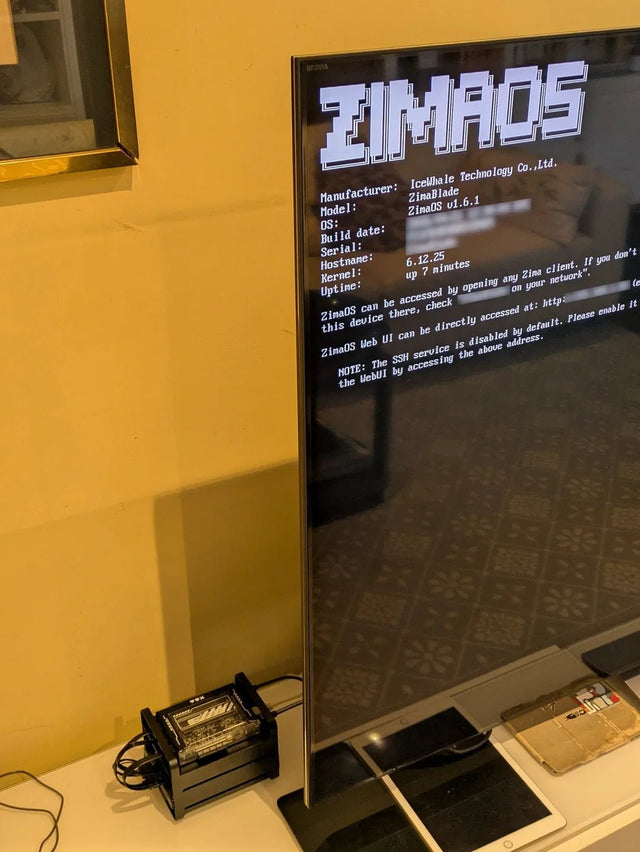
How to Reduce Heat and Drive Activity in an Always-On Jellyfin Setup
Lower Jellyfin heat and disk churn by reducing background work, using efficient acceleration, separating active app data, and testing standby.
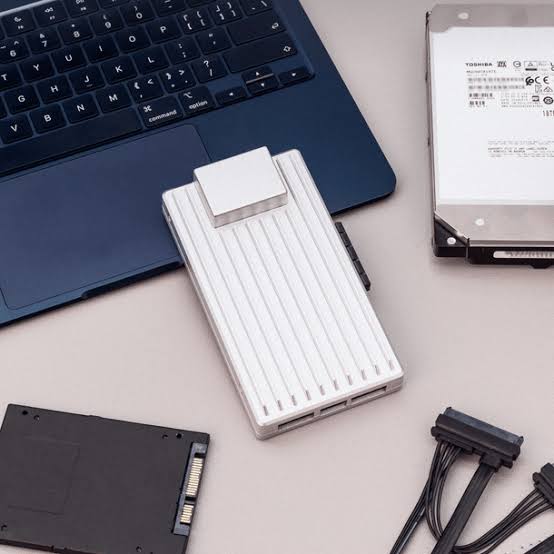
How to Isolate Jellyfin on a Server Shared With Resource-Heavy Services
Keep Jellyfin stable on a shared host by isolating the resource that actually conflicts—CPU, memory, GPU, storage I/O, or task timing—not every service.
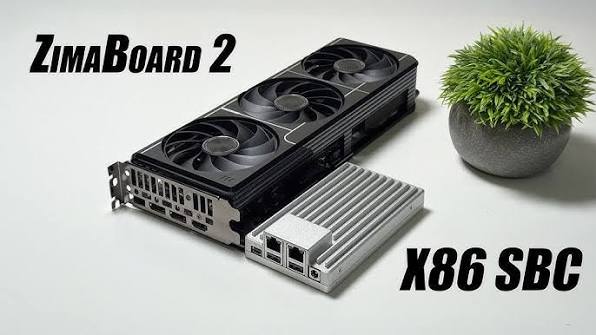
A Jellyfin Workflow Blueprint for Multi-User Home Streaming
Build multi-user Jellyfin around real concurrent playback paths, user permissions, client capability, bandwidth, and a recovery-tested server workflow.


