
The source VM was not missing an Ubuntu sound card. Ubuntu detected a virtual ICH9 audio device, showed system and Firefox audio activity, and exposed an internal audio output. The real problem was below the guest OS: the VM's QEMU audio backend was configured as none, so the guest had a virtual sound device but nowhere to send the audio.
The community workaround was to enable a SPICE audio backend in the VM XML while keeping VNC for the normal ZVM browser display. That produced audio through a separate SPICE client such as remote-viewer on the Debian host. The original poster confirmed sound worked that way, although it was choppy. As of the last August 2026 reply, the thread still did not show working audio directly inside the ZVM browser console.
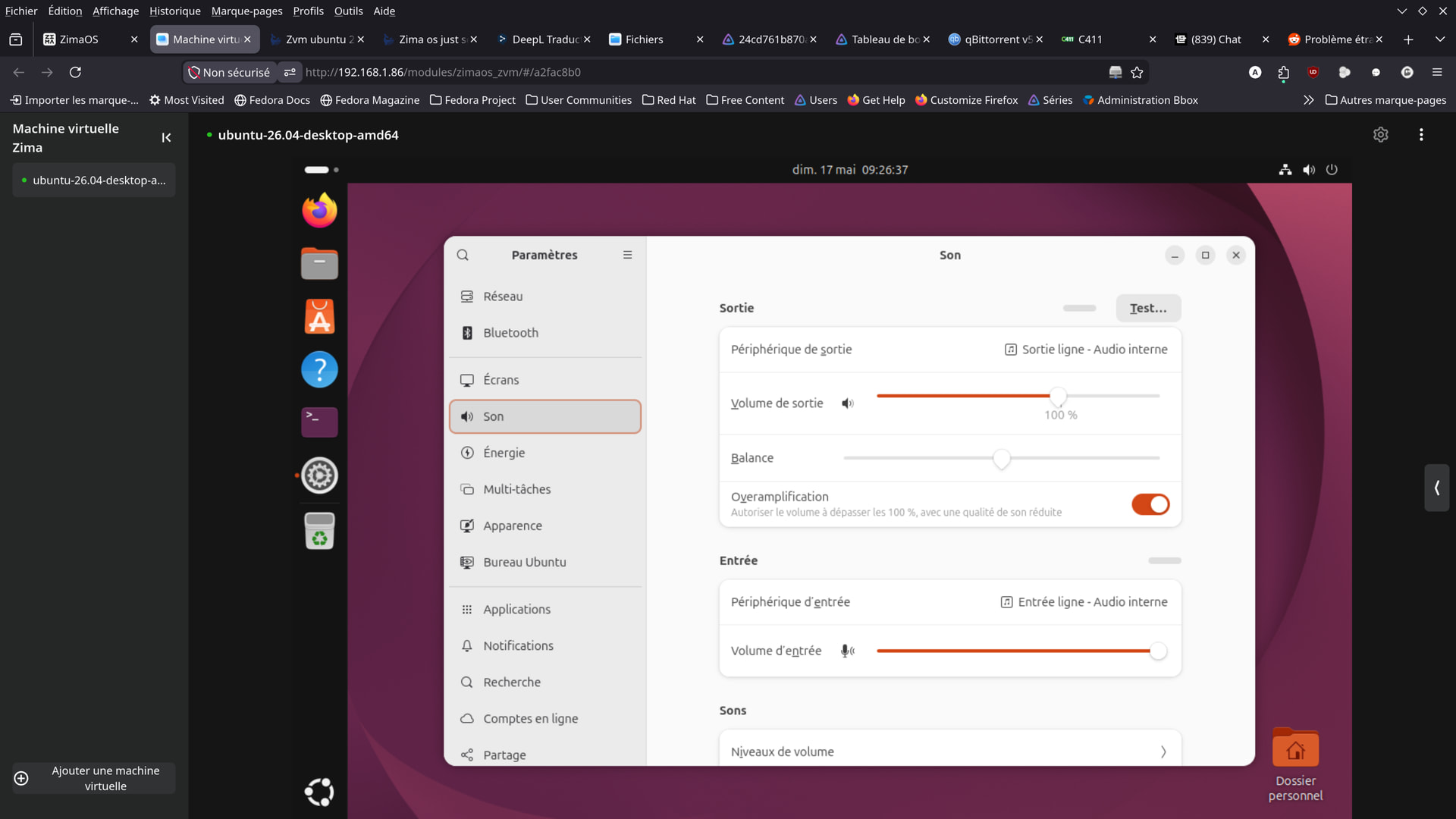
Ubuntu Already Detected the Virtual Sound Card
The initial screenshots showed Ubuntu's Sound panel with an internal output device and Firefox listed in the volume mixer. That made a completely missing ALSA/PipeWire device less likely.
The community suggested confirming the guest side with read-only commands such as:
aplay -l
pactl list short sinks
If those commands show a virtual audio device, continue troubleshooting the virtualization/audio transport layer rather than reinstalling Ubuntu audio packages blindly.
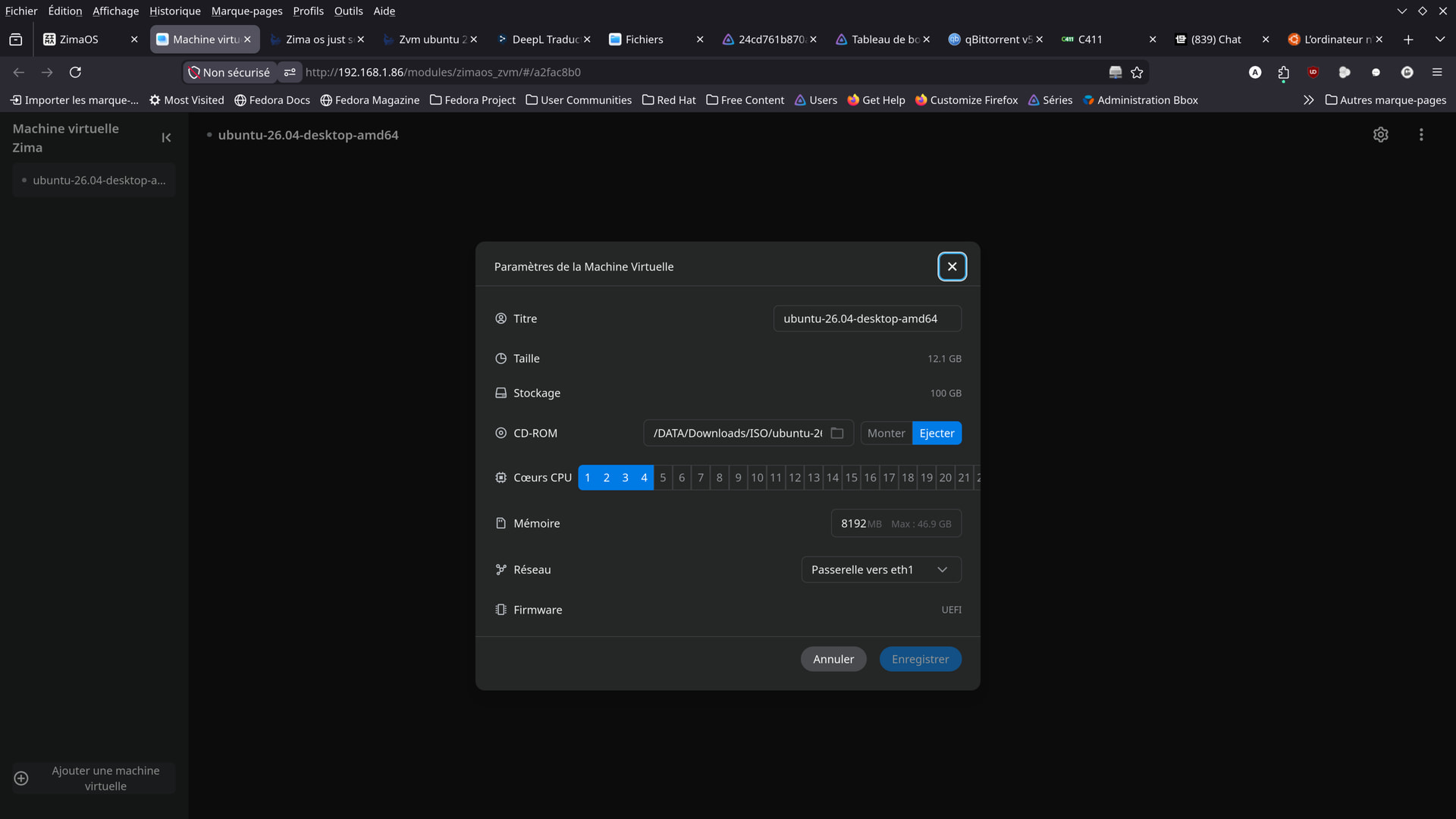
The Normal ZVM UI Did Not Expose a Host Audio Output Choice
The user checked the available ZVM settings and could configure CPU, memory, storage, network and firmware, but there was no obvious browser-console audio-output selector.
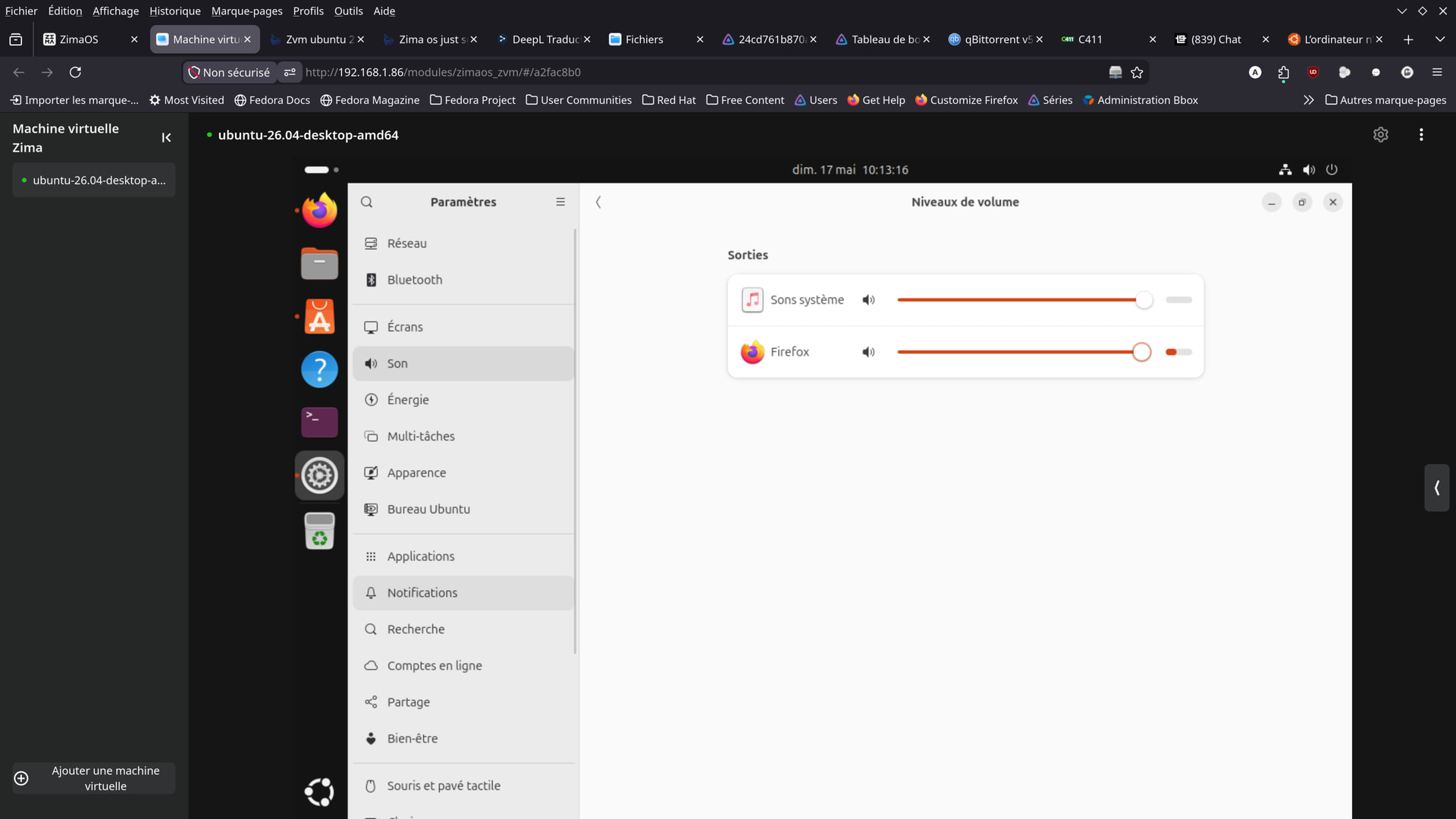
The Source Found QEMU Audio Backend Set to none
On June 5, the OP summarized the diagnosis: the VM had an ICH9 virtual audio card, but the audio backend was type='none'. In other words, virtual hardware existed but the hypervisor was not forwarding its audio anywhere.
The user also reported that the available ZVM/QEMU audio backends in their setup were none, spice, and wav, with no direct PulseAudio/PipeWire backend exposed through ZVM.
SPICE Restored Audio Through remote-viewer
The user edited the VM XML to enable SPICE audio and added a SPICE graphics/channel path while retaining VNC for ZVM's normal display. They then connected from Debian with a SPICE client such as:
remote-viewer spice://ZIMAOS_IP:SPICE_PORTThe source reports that audio then worked. This is a community advanced-VM modification, not a current IceWhale GUI procedure, so back up the VM definition before changing XML.
Browser VNC Audio Still Did Not Work
The source conclusion was explicit: ZVM's Firefox/browser console continued to use VNC for display and did not provide a SPICE client for direct sound. Therefore the successful SPICE workaround required an external client rather than the normal browser tab.
An August 15 follow-up asked whether the browser sound problem had been fixed and concluded that apparently it had not. Do not describe direct browser audio as source-confirmed working.
The SPICE Audio Was Still Choppy
The user described the working audio as very choppy and suspected the SPICE audio codec/transport. That means the workaround proved the VM could produce sound, but it did not produce a polished desktop-audio experience.
Retest on Current ZimaOS Before Editing XML
The source spans May-August 2026 and predates some later ZimaOS updates. First test a current ZVM guest and current browser. If the VM still exposes no working browser audio, then consider the SPICE workaround as an advanced fallback rather than the default setup.
For broader current VM planning, use the current ZimaOS VM planning guide.
ZVM Ubuntu Audio FAQ
Did Ubuntu itself see an audio device?
Yes. The source showed an internal virtual audio device and active Firefox/system audio streams.
What restored sound in the source?
Enabling SPICE audio in the VM definition and connecting with an external SPICE client such as remote-viewer.
Did sound work directly in the ZVM browser console?
No source reply confirmed that. The browser/VNC path remained silent in the thread.


