
The strongest test in this thread is the router swap. The same ZimaOS server and mobile client that could not discover each other through the TP-Link Deco mesh worked immediately when the server was tested behind the ISP-provided ZTE router. That makes the source case a local-discovery/multicast problem, not evidence that the ZimaOS server itself was offline.
The thread then tried community Avahi changes, including enabling the mDNS reflector, but the original poster confirmed those changes did not solve the Deco case. Current ZimaOS offers better fallbacks: the current Get Started documentation says users can open the device directly by IP address in a browser when local discovery fails, and Remote ID/Network ID provides another device-identity path.
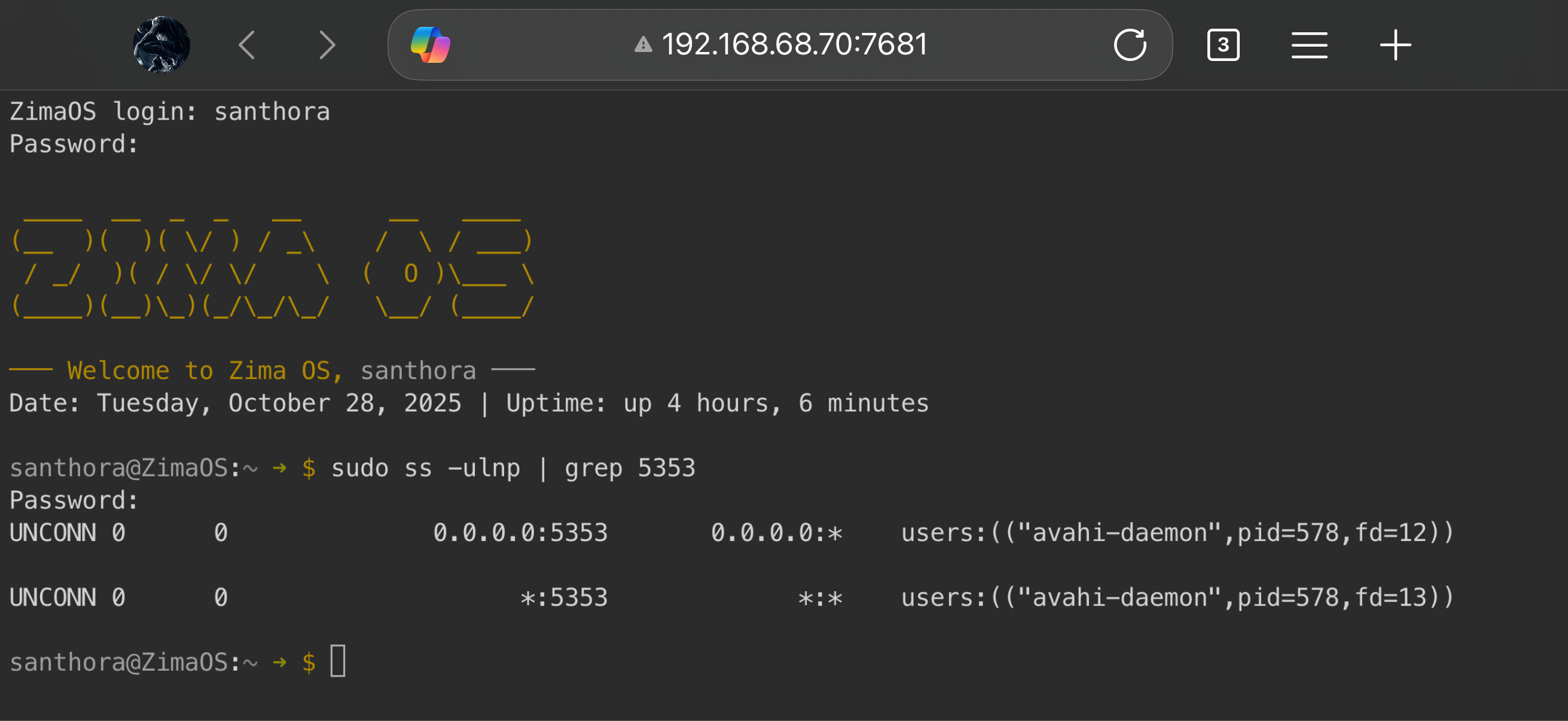
This Was Not Really an iOS-Only Problem
On page 2, santhora emphasized that Android also failed to discover the server. That ruled out a narrow iOS permission or Apple-specific client problem.
The topology was simple: Deco main unit → 2.5GbE → Beelink ZimaOS server, while phones connected over Wi-Fi to the Deco system.
The ISP Router Test Was the Best Isolation Test
Client Isolation Was Already Disabled
The source checked Deco's client/isolation control and said it was off. The phones and ZimaOS device were also tested against the same Deco unit without restoring discovery.
That matters because “turn off AP isolation” is a good first check, but it was not the final fix here.
The Avahi Reflector Edit Did Not Work
A community reply suggested editing /etc/avahi/avahi-daemon.conf and enabling the reflector. The user tried it and reported no change.
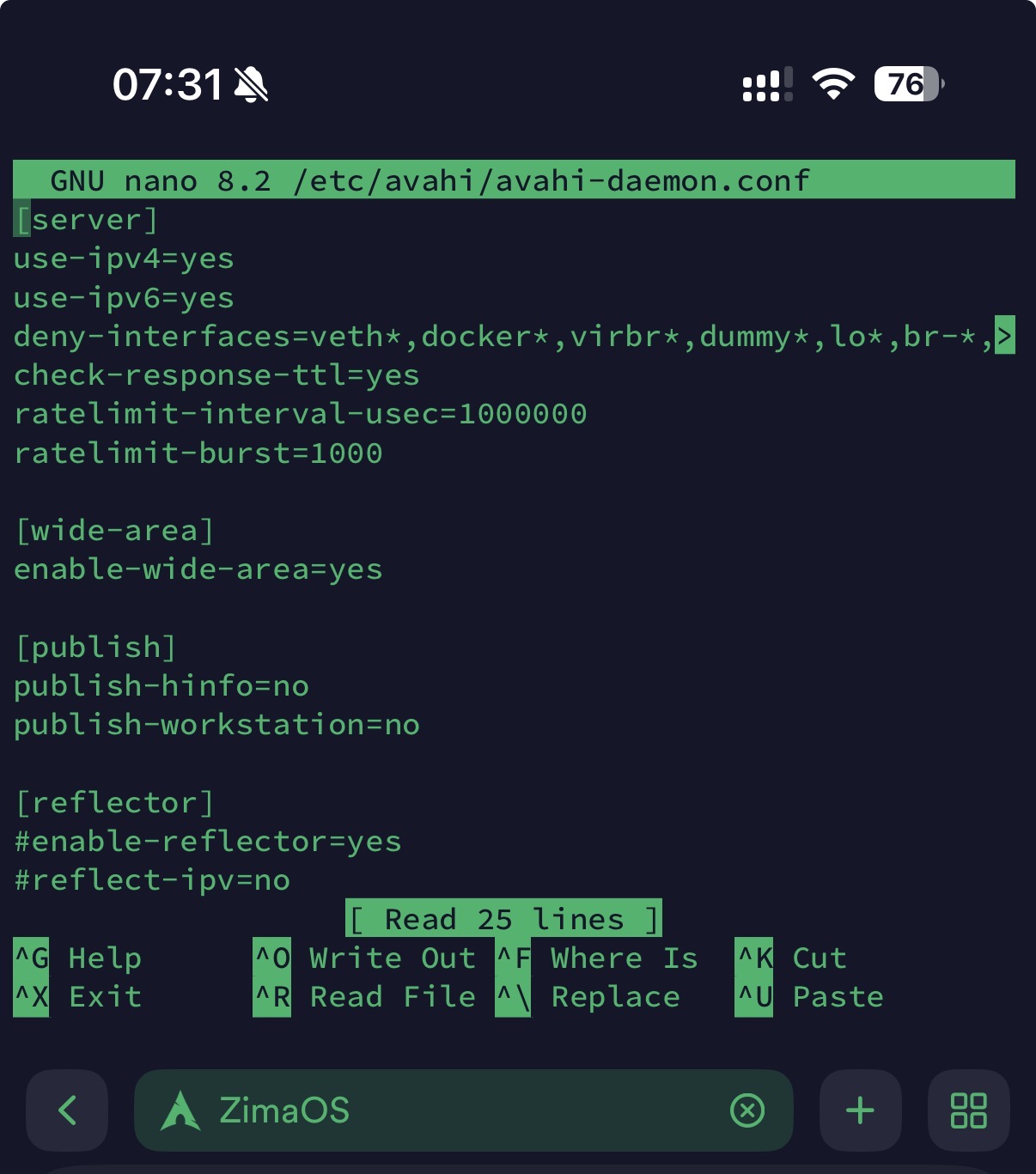
Because the workaround failed, the thread advised reverting the change. Do not leave old discovery tweaks behind simply because they were suggested in a forum.
Current ZimaOS Explicitly Supports Direct IP Browser Access
Current IceWhale Get Started documentation now says that if ZimaClient cannot find the device, look up the server IP in the router's DHCP client list and enter that IP in a browser. The setup/dashboard screen is the same.
Use the current direct-IP fallback before modifying Avahi.
Remote ID Provides Another Supported Identity Path
Current ZimaOS documentation exposes a Remote ID/NetworkID under Settings → Network. Treat it like a credential because it can identify/share access to the device.
See the current Remote ID access model.
What to Check on the Deco or Other Mesh System
- client/AP isolation;
- guest-network separation;
- multicast/mDNS forwarding between wired and wireless segments;
- VLAN separation;
- mesh-node behavior when clients roam;
- firmware updates and vendor-specific multicast options.
Normal Internet access and successful ping do not prove multicast service discovery is being forwarded.
ZimaClient Discovery FAQ
Did disabling IPv6 fix the source case?
No. The user explicitly reported that disabling IPv6 did not help.
Did enabling the Avahi reflector fix the Deco mesh?
No. The original poster tried it and reported no change.
What is the safest current fallback when local discovery fails?
Use the device's LAN IP in a browser, or use the supported Remote ID/remote-access path instead of making unverified host-service edits.


