
The title says NTFS, but the source diagnosis found something different. lsblk -f showed the USB partition was actually HFS+. The user successfully mounted it under /DATA/usb-test, yet it still did not appear in ZimaOS Files. The kernel then logged that journaled HFS+ write access was not supported and the filesystem was mounted read-only.
So the source contains two separate issues: a manually mounted path that ZimaOS Files did not treat as managed storage, and an HFS+ journaled filesystem that Linux exposed read-only. It was not a USB hardware-detection failure.
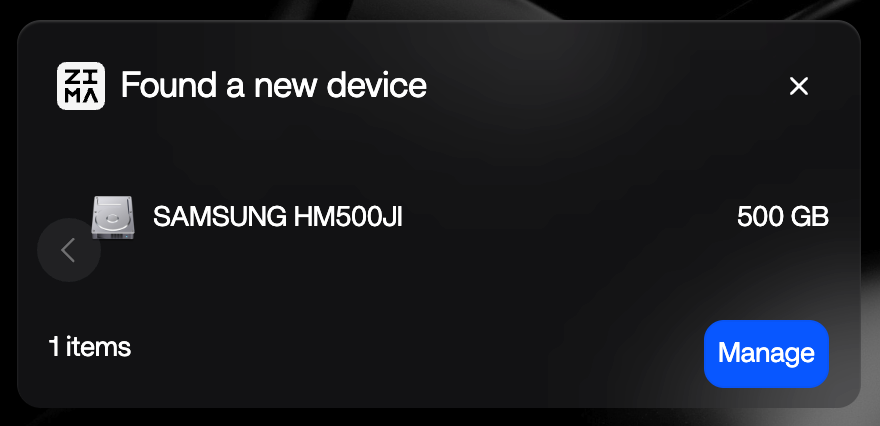
Check the Filesystem Before Assuming the Label Is Correct
The user thought the disk was NTFS. The command:
lsblk -fshowed sdc1 as hfsplus. Always trust the actual filesystem metadata over memory or the enclosure label.
The Disk Was Already Mounted
The source output showed sdc1 mounted under paths including:
/DATA/usb-test
/var/lib/casaos_data/usb-test
That means “not visible in Files” was no longer the same as “not mounted.”
A Manual Mount Is Not Necessarily a Managed ZimaOS Storage Entry
The community reply reasoned that Files normally surfaces ZimaOS-managed storage locations rather than arbitrary directories created by a manual shell mount. That explanation was not confirmed by IceWhale staff, so treat it as a likely UI/storage-manager boundary rather than an official guarantee.
The Kernel Explicitly Reported Journaled HFS+ as Read-Only
The key log line said write access to a journaled HFS+ filesystem was unsupported and that forcing write mode would be risky.
Do not use a force-write mount against valuable HFS+ data just to make a migration easier.
Current ZimaOS Lists HFS/HFS+ as Supported Read/Write
Current IceWhale format documentation lists HFS/HFS+ as read/write supported on USB and internal disks. That is broader than the specific April 2026 manual-mount case, where the kernel treated the journaled volume as read-only.
Use the current supported disk-format matrix, then test the exact drive non-destructively.
For a One-Time Migration, Read-Only Can Be Enough
If the goal is copying old Mac files from HFS+ into ZimaOS RAID storage, read-only access is often safer than forcing write support. Copy the data to the NAS, verify it, then reformat the external drive only if you want to reuse it with a different filesystem.
Reformat Only After the Data Is Safely Copied
exFAT is convenient for cross-platform exchange; ext4 or Btrfs is a better fit for Linux-native ownership/features. Formatting destroys the existing filesystem, so keep verified copies before changing it.
USB Drive Visibility FAQ
Was the source drive actually NTFS?
No. lsblk -f identified it as HFS+.
Was the USB disk detected by ZimaOS?
Yes. The drive and partition were detected and the partition was manually mounted.
Why was it read-only?
The source kernel log said journaled HFS+ write access was unsupported and mounted it read-only.


