
The most important correction in this source is that the array did not remain a confirmed “one disk failed” RAID. After the user booted with each drive separately, both were individually workable. Reconnecting both drives produced [UU] in /proc/mdstat, which means both RAID 1 members were present and synchronized at that moment.
The thread then expanded into SATA/link/power instability, USB/monitor failures, emergency-mode boots, NFS errors, and ZimaOS falling back to the other system slot. The data was recovered, but the source never proves one final cause. Do not turn it into a simple “replace disk X” tutorial.
Do Not Click Break or Format When Recovery Is Still Possible
The first community advice was correct on this safety point: if data matters and the array's true state is unknown, destructive UI actions can make recovery harder. Back up readable data first.
Each Disk Worked When Tested Alone
The original poster disconnected the drives one at a time and said each produced a workable system/data path. That immediately weakened the assumption that one disk had physically died.
Reconnecting Both Produced a Healthy [UU] md Array
The posted status showed md0 : active raid1 ... [2/2] [UU]. At that point the Linux md layer considered both members present.
This is why the later discussion shifted toward cable, SATA-port, controller, adapter/backplane, and power stability instead of RAID metadata alone.
SATA/Power Instability Can Masquerade as RAID Failure
The source later reported broader failures affecting SATA, USB, and display behavior. Community suggestions included replacing SATA cables, testing different ports, avoiding marginal splitters/adapters, and stress-testing while watching for I/O resets.
Those were community diagnostics, not an IceWhale-confirmed hardware defect.
Later Emergency-Mode/NFS Problems Were a Separate Layer
After cable changes and reboots, the system entered emergency mode and showed NFS/RPC-related failures. Community attempts to clear NFS state or disable NFS did not produce a confirmed repair.
Do not infer that NFS caused the original RAID inaccessibility; it appeared later in a system already experiencing broader instability.
The System Also Fell Back to the Other ZimaOS Slot
The user reported booting from Block/Slot B rather than A. Current ZimaOS uses dual system slots for recovery, so fallback can indicate that one system slot failed health/boot checks rather than that user data on the RAID is gone.
See the current ZimaOS dual-slot recovery model.
Current ZimaOS Has an Official RAID 1 Repair Workflow
ZimaOS 1.4.4 added RAID1 repair for degraded/damaged arrays and fixed previously used disks being unavailable during recovery.
Use the official RAID1 repair feature before applying old manual mdadm mutation commands.
RAID Metadata Is More Resilient in Newer ZimaOS Releases
ZimaOS 1.6.0 added a RAID metadata saving mechanism designed to automatically re-identify and mount the original array after OS reinstall or device replacement. That improves the recovery path compared with the 1.5.x source era.
Safer Current Recovery Order
- Do not format or break the array.
- Identify disk models/serials and current RAID health with read-only diagnostics.
- Back up accessible data immediately.
- Check cables, ports, power, SMART and kernel I/O/reset logs.
- Use the current RAID repair UI when the array is genuinely degraded.
- Treat OS-slot recovery separately from RAID data recovery.
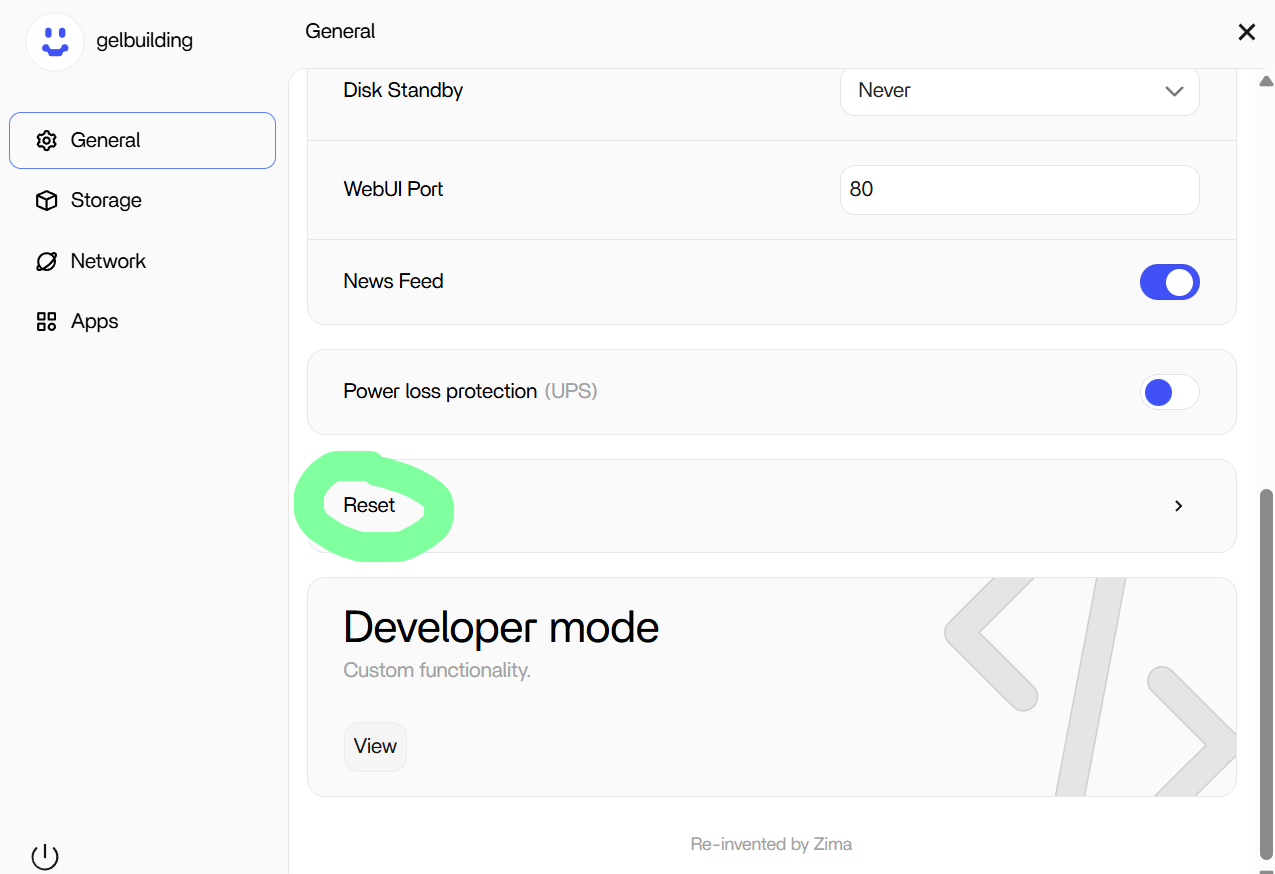
The Recovery Thread Eventually Reached ZimaOS Reset/Recovery Options
A [UU] md Status Means Both RAID 1 Members Were Present at That Moment
After reconnecting both disks, the source showed the array active with two members and [UU]. That was strong evidence that the mirror itself had reassembled successfully at that point.
It does not explain why the array had previously appeared inaccessible or why later SATA/USB/monitor instability continued.
Read-Only Diagnostics Are Safer Than Manual mdadm Repair Commands
The community asked for array/status information before suggesting changes. That is the right order: identify which devices belong to the array, whether it is active/degraded, and what the kernel reports before adding/removing members or recreating metadata.
Do not copy an mdadm --create, forced assembly, or superblock-clearing command from another Linux case into a RAID that contains the only copy of your data.
Copy Important Data Once the Array Becomes Readable
The source user recovered access. At that point, the priority should be to copy irreplaceable data to independent storage before continuing experiments with cables, controllers, system slots, NFS, or reinstall.
RAID 1 gives redundancy, but an unstable host/controller can make both members unavailable at the same time.
When SATA, USB, and Display Problems Appear Together, Widen the Diagnosis
The later symptoms were no longer a clean one-disk failure story. Intermittent SATA detection, USB behavior, and monitor/boot issues can point toward cabling, power, controller, motherboard firmware, or other platform instability.
Test known-good power and cables and simplify the hardware configuration before repeatedly rebuilding the RAID.
System Slot Recovery and RAID Recovery Are Separate
ZimaOS can boot from alternate system slots for OS recovery. Falling back to Slot B can repair or bypass an OS-slot problem, but it does not itself repair a degraded array.
Use the current ZimaOS system recovery model when the operating-system slot is also unhealthy.
Disconnect Data Disks When Reinstalling the OS If the Recovery Plan Calls for It
The source community recommended isolating the RAID disks during a clean OS reinstall to reduce the chance of selecting or modifying the wrong drive. If current IceWhale support gives a reinstall plan, label every disk and preserve storage metadata/backups first.
RAID 1 Recovery FAQ
Was one disk definitively dead in the source?
No. Both disks later worked independently and the array showed [UU] when reconnected.
Did the source identify one final root cause?
No. RAID, SATA/power instability, NFS startup, and OS-slot issues overlapped.
Does current ZimaOS have RAID1 repair?
Yes. IceWhale added an official RAID1 repair workflow in 1.4.4.


