
If ZimaOS+ disappears after an update, first check whether the device identity changed before buying another license or repeatedly redeeming the same key. The 1.6 beta cycle had a verified Device ID bug that IceWhale fixed in a later beta, while changing the system disk is a separate case that can legitimately require license rebinding through support.
Current ZimaOS pricing states that official Zima hardware receives automatic lifetime Plus and should auto-activate after a reinstall. A purchased Plus license for third-party hardware is bound to one device. That makes the recovery path different for official Zima hardware versus DIY/third-party systems.
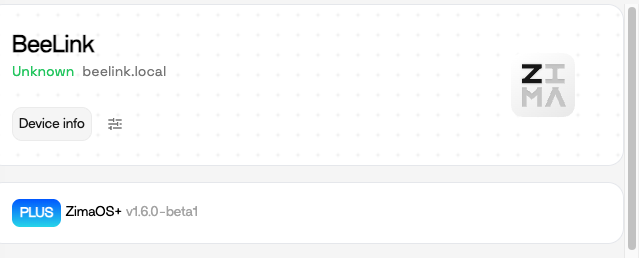
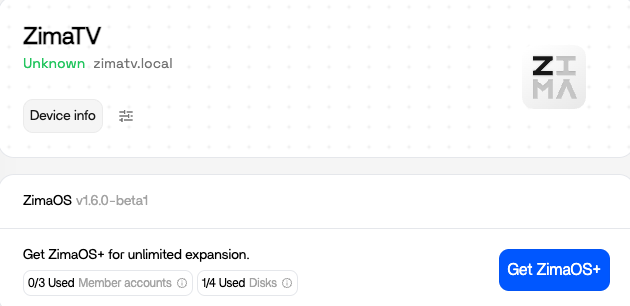
Step 1: Confirm Whether Plus Is Really Missing
Open Settings or the Plus area and check whether the system shows active Plus, a purchase prompt, or a key-redeem error. Do not infer license loss only from a temporarily missing badge.
Step 2: Check the Current Device ID
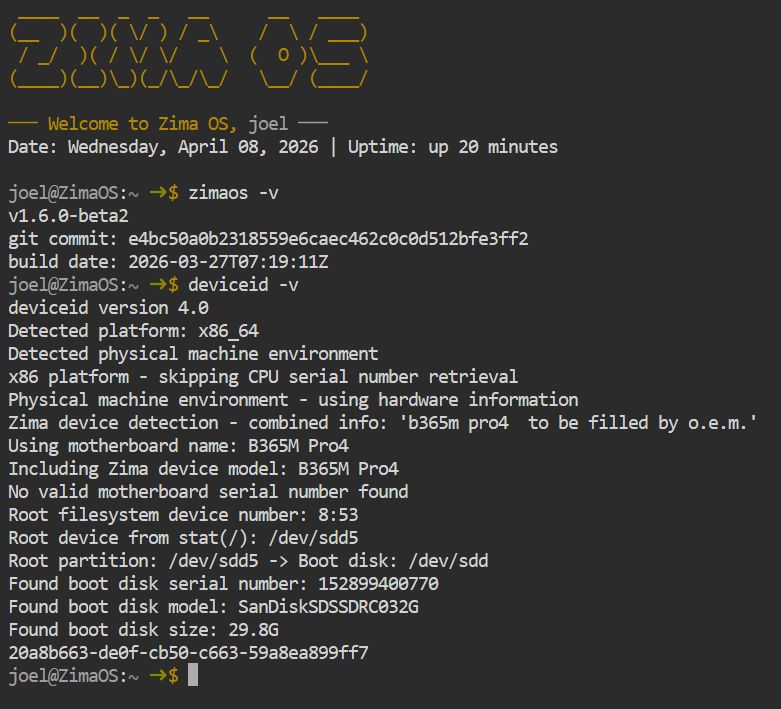
IceWhale asked affected 1.6 beta users to run:
deviceid -v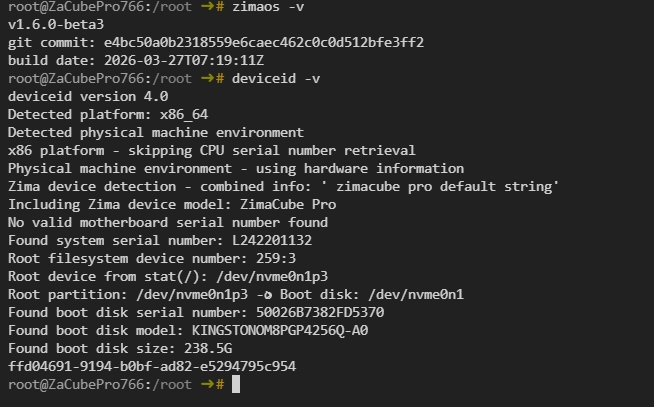
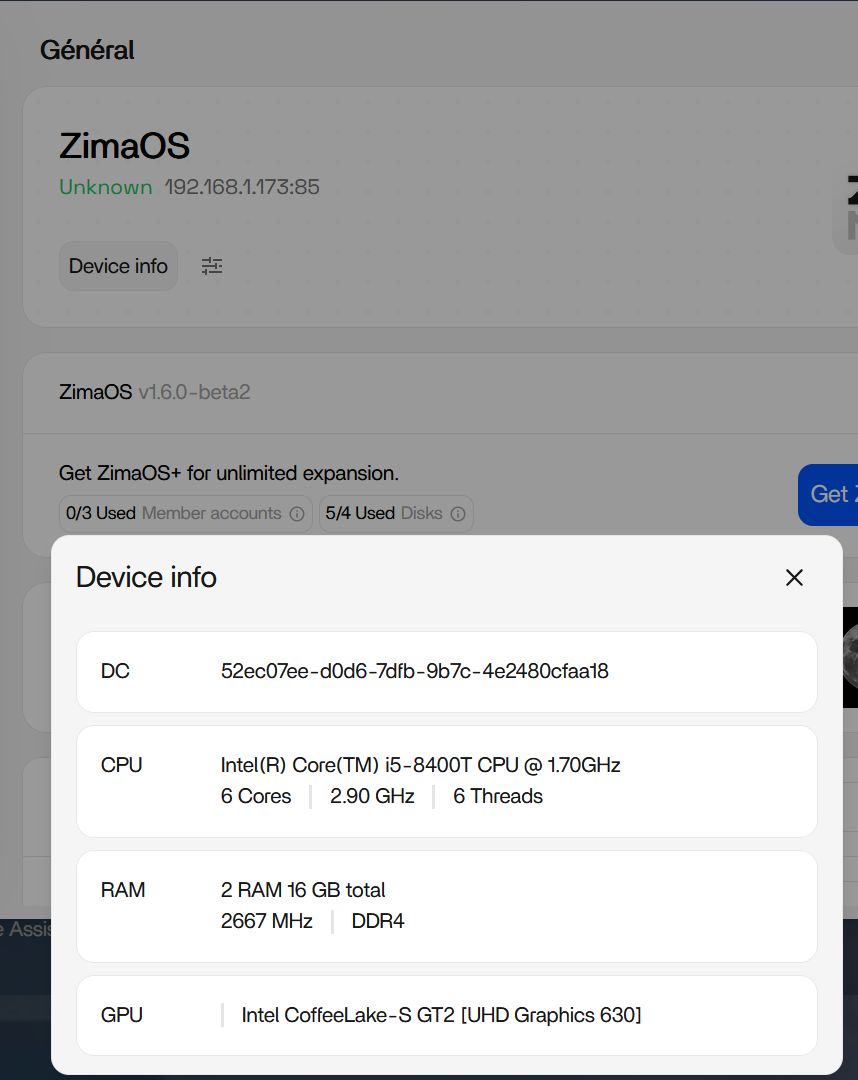
Save that output before changing disks or reinstalling again. If you have an older screenshot or support record, compare the identifier.
What Happened in the 1.6 Beta Bug
Several users reported that the Device ID changed after updating or removing storage devices. IceWhale produced an internal beta5 that corrected the issue for at least one user, who then successfully redeemed Plus again.
That beta package is historical. Do not install the old beta5 RAUC bundle in 2026. Update to the current stable ZimaOS instead.
Changing the System Disk Is a Different Case
In the same thread, IceWhale explicitly said a user who replaced the system disk could not recover Plus merely by installing beta5 because the Plus information was linked to system-disk information. Support requested proof of purchase and a short problem description for rebinding.
Official Zima Hardware Should Auto-Activate
The current ZimaOS Plus pricing page states that ZimaBoard, ZimaBoard 2, ZimaCube models, and ZimaBlade include Plus and should auto-activate even after a system reinstall.
If official hardware does not reactivate on the current stable release, collect Device ID, model, version, and proof of device identity before contacting support.
Third-Party Hardware Uses Single-Device Binding
The same current pricing page says purchased Plus licenses are bound to a single device and cannot be active on multiple devices at once. A hardware identity change can therefore require support intervention.
Do Not Keep Redeeming the Key Repeatedly
If the UI says the key is already in use, stop trying random reinstalls. Repeated environment changes make the device-identity trail harder to understand.
Contact the support address provided in the original thread with purchase evidence, current Device ID, ZimaOS version, motherboard/system model, and a concise explanation of what changed.
How to Reduce the Risk Before an OS-Disk Upgrade
- record
deviceid -v; - save your Plus purchase receipt/order;
- back up app data;
- note the current system-disk model and serial where appropriate;
- update to stable ZimaOS before hardware migration.
The system migration checklist is useful before a planned system-drive replacement.
FAQ
Did ZimaOS 1.6 permanently delete Plus licenses?
No. The thread documents a beta-era Device ID bug and separate disk-binding cases, not permanent cancellation of the license.
Will Plus survive a reinstall on official Zima hardware?
Current official pricing says Plus on official Zima hardware is automatic and lifetime, including after a system reinstall.
What if I changed the boot SSD?
That can change the identity used for a third-party-hardware license. IceWhale told affected users to contact support for assistance/rebinding.
Should I install the old 1.6 beta5 fix?
No. It was a historical test build. Use the current stable ZimaOS and contact support if Plus still does not activate.


