
This source thread shows real driver progress, but not a blanket promise that every MediaTek Wi-Fi adapter works on every current ZimaOS build. The original MT7921 user found that firmware alone was not enough because the mt7921e kernel module itself was missing. Zima-Jerry said IceWhale would add it in the next release.
Later, IceWhale also committed to MT7925-related drivers, and one MT7925 PCIe user explicitly reported that the card started working on ZimaOS 1.5.4. A USB MT7925 user then reported that the adapter worked only for a few days before disappearing until reboot, so “detected” and “stable long-term” were not equivalent.
The Original MT7921 Failure Was a Missing Kernel Module
The user ran modprobe mt7921e and ZimaOS 1.5.3 reported that the module did not exist under the running kernel. Zima-Jerry replied that he would add it.
IceWhale Also Agreed to Add MT7925 Driver Support
Another user requested MT7925 PCIe support, and a later user requested the USB variants used by Wi-Fi 7 adapters. Zima-Jerry said those drivers should be added in the new version.
An MT7925 User Confirmed Success on ZimaOS 1.5.4
On February 4, 2026, esahin returned and said their MediaTek MT7925 card started working on ZimaOS 1.5.4. That is source-confirmed user verification for that hardware path.
A USB MT7925 Adapter Later Showed Stability Problems
A Netgear MT7925 USB-adapter user said the device was detected after the driver addition but stopped working after several days and needed a reboot plus nmtui reconfiguration. No final fix is posted in the thread.
MT7922 Was a Different Case
Zima-Jerry said the MT7922 driver was already included. A user on 1.5.3 still reported no Wi-Fi entries and a missing module, showing that exact chipset, bus type, device ID and kernel module must be checked.
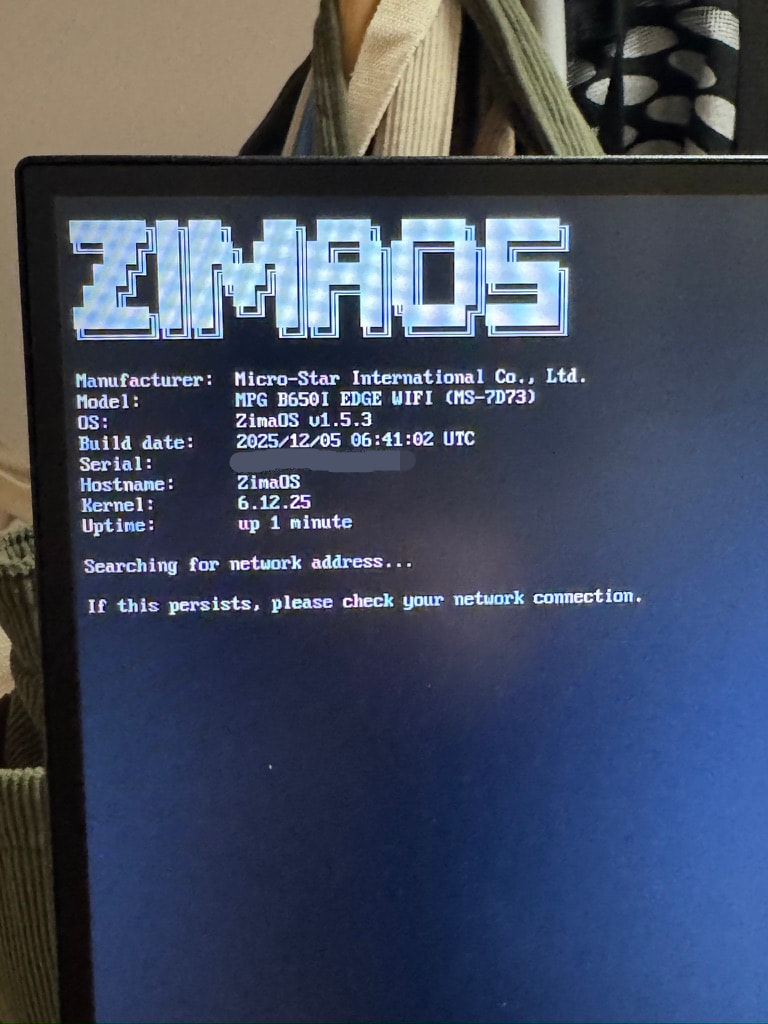
Current Official Wi-Fi Guidance Is Strongest for Intel AX210
IceWhale's current hardware documentation has a dedicated ZimaOS AX210 guide and a compatible-adapter list. MediaTek variants from this thread are not all enumerated there as guaranteed current adapters.
Use the current ZimaOS compatible network-adapter list when buying new hardware.
Verify the Exact Device and Module on a Current Build
lspci -nn
lsusb
uname -r
modinfo mt7921e
ip link
Then use nmtui only after the kernel exposes a usable wireless interface.
Firmware Files and Kernel Modules Are Different Dependencies
The original MT7921 user had already copied firmware but modprobe mt7921e still failed because the kernel module itself was absent. Firmware cannot compensate for a driver that was not built into or provided for the running kernel.
When troubleshooting, check both the device ID and whether the matching module exists before repeatedly replacing firmware files.
PCIe and USB MediaTek Adapters Need Different Driver Paths
Two adapters sold under a similar MT7925 marketing name can use different buses and kernel modules. A PCIe success report does not automatically validate a USB dongle, and the source later demonstrated exactly that distinction with an intermittently failing USB device.
Keep a Wired Recovery Path While Testing Wi-Fi
If ZimaOS depends on an experimental wireless adapter for its only network connection, a driver crash can remove both the WebUI and SSH access. During setup, keep Ethernet connected or maintain local console access so logs can be collected after Wi-Fi disappears.
Detection Is Only the First Compatibility Test
A useful Wi-Fi validation should include reboot persistence, several days of uptime, reconnect after access-point restart, sustained transfer, and recovery from sleep/power-state transitions if those are used. The source USB MT7925 case worked initially but failed after days, which is why a single successful scan is not enough.
Prefer an Adapter on the Current Compatibility List for a Production NAS
Community driver additions are valuable for experimentation, but a NAS expected to provide backups or remote access benefits from a chipset IceWhale actively documents. If Wi-Fi is optional, wired Ethernet remains the simpler and more deterministic server path.
MediaTek Wi-Fi FAQ
Did MT7925 work for at least one source user on 1.5.4?
Yes.
Did every MT7925 adapter remain stable?
No. A USB adapter user reported that it disappeared after several days until restart.
Does the source prove every MT7921/MT7922/MT7925 device works on current ZimaOS?
No. Exact device ID, bus type, module, and current release still need verification.


