
The source workaround was practical for one 2025 Immich package, but it should not be frozen into a current upgrade tutorial. A community user manually changed the immich-server and immich-machine-learning image tags to v1.134.0. The original poster said that eventually worked on their primary ZimaOS system but not on a test VM.
Immich has since moved to v3 and its maintained deployment model uses a complete Docker Compose stack plus an IMMICH_VERSION value. Updating only one or two service tags can create a mixed-version stack when database, cache, machine-learning, or API assumptions have changed.
The 2025 Source Edited Individual Immich Service Tags
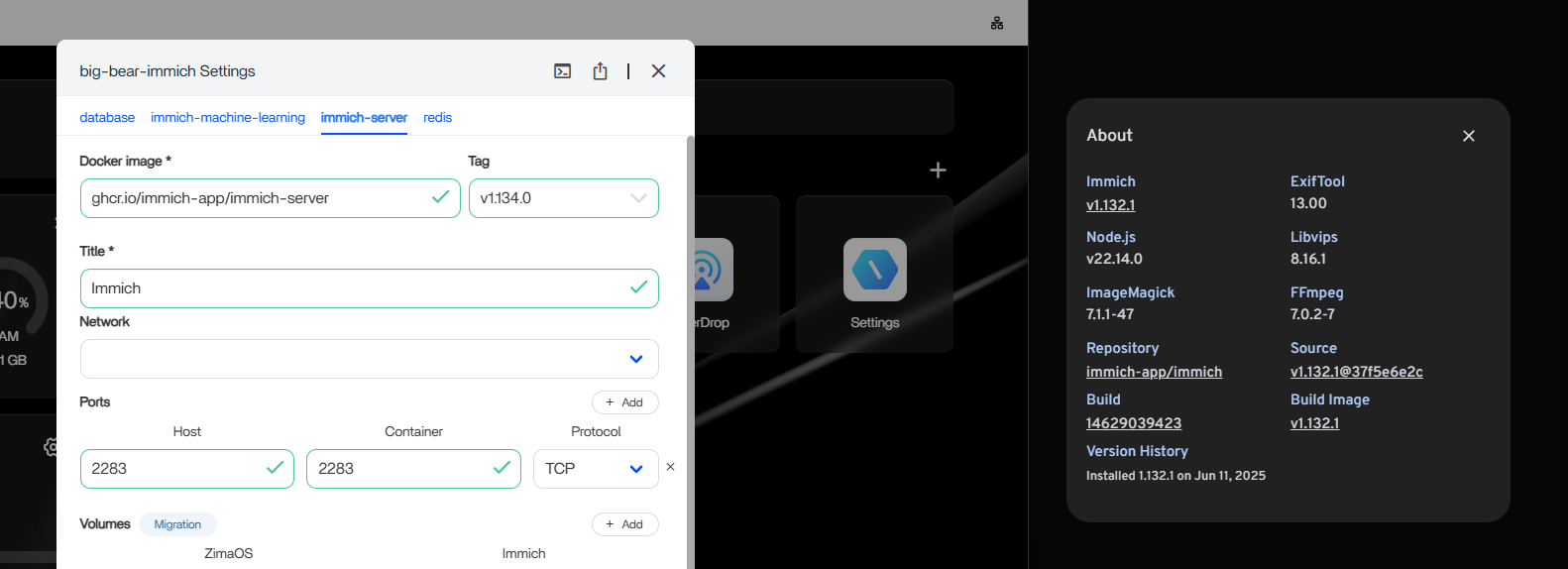
The Community Told the User to Change Both Server and Machine Learning
CogZog said both immich-server and immich-machine-learning should use the new tag. The user confirmed they had changed both, but the test VM still stayed on the older version.
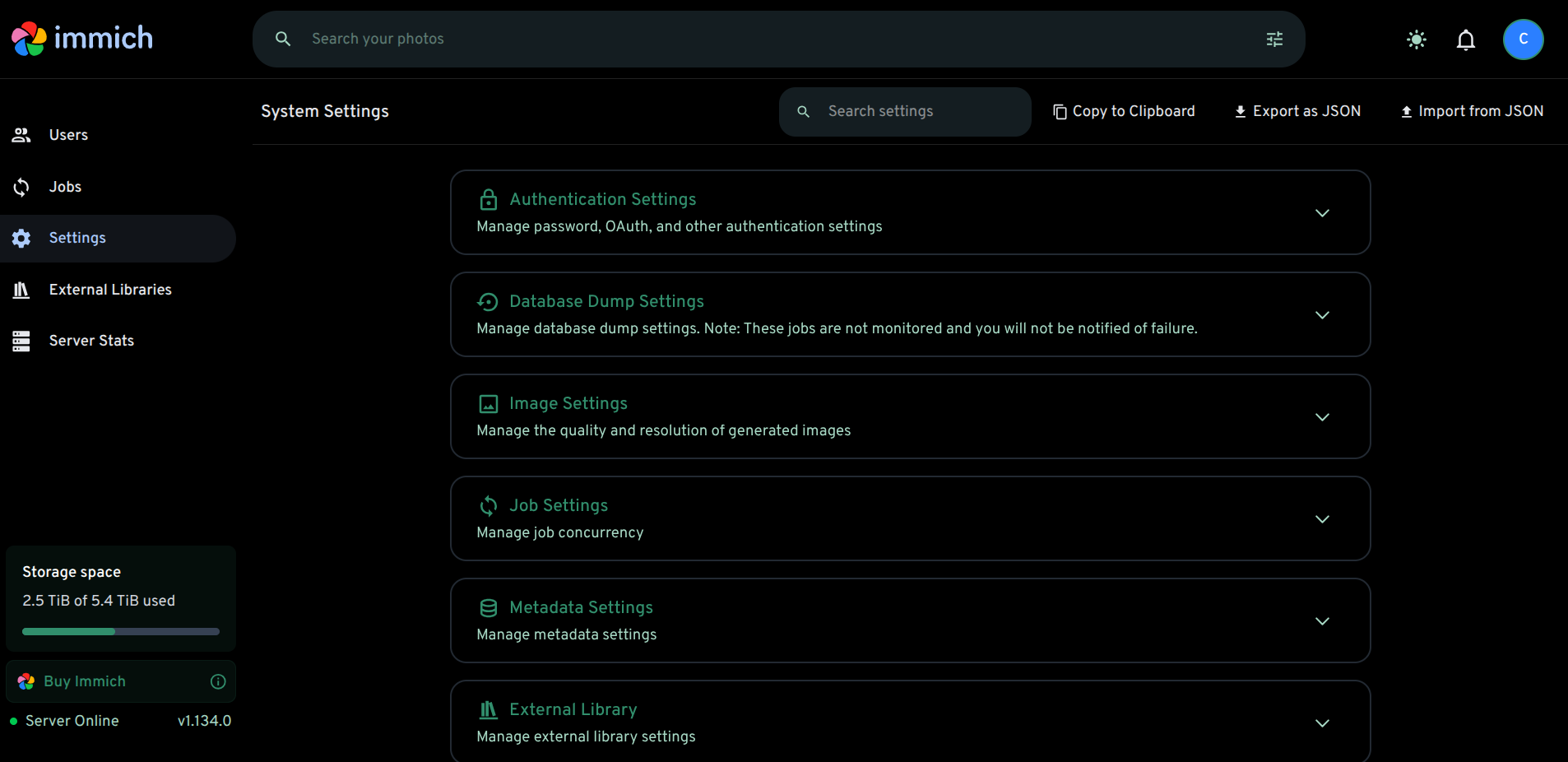
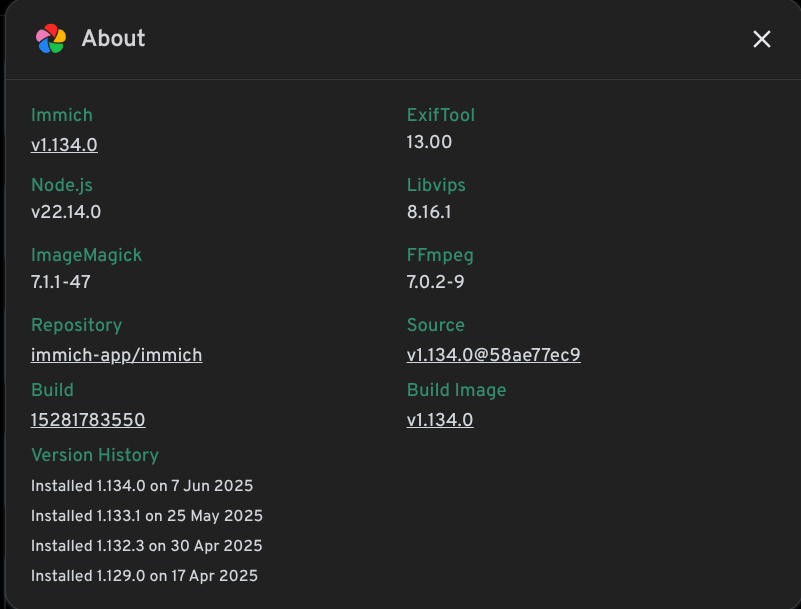
The Primary ZimaOS Build Eventually Reached v1.134.0
The Source Did Not Establish a Rule to Manually Update the Database Image
beep asked whether the database should also be moved to a newer/stable tag. The community response was essentially “if it isn't broken, don't fix it.” That was opinion, not an Immich migration policy.
Current Immich Is v3, with a Complete Compose Update Path
Immich v3.0.0 was released in July 2026. Upstream says to update the maintained stack by setting IMMICH_VERSION=v3 and running the normal Compose pull/recreate process, while also reviewing the v3 breaking-change/migration notes.
See the current Immich v3 release guidance.
Current Upstream Recommends the Full Docker Compose Bundle
Immich's current install documentation tells users to download the release's docker-compose.yml and .env, then set locations and IMMICH_VERSION. The PostgreSQL database path should remain on a supported local filesystem rather than a network share.
Use the current Immich Compose model for manual/custom deployments.
For the ZimaOS App Store Package, Prefer the Current App Update Path
Current ZimaOS App Store 2.0 includes installed-app update management. If the store package offers an Immich update, let the package definition update the whole multi-service stack instead of independently editing one service tag.
Back Up Before a Major Immich Upgrade
Protect both the photo/video library and the database/application state before a major version change. A healthy library directory alone is not enough to reconstruct albums, users, metadata, and application state.
Avoid Creating a Mixed-Version Immich Stack
Immich is not one independent container. The application, machine-learning service, database, and other supporting components are tested as a coordinated release topology. Updating one image while another stays pinned can produce API, schema, or startup incompatibilities.
The source worked only after the user's effective stack aligned well enough to run v1.134.0; it does not establish that arbitrary tag mixing is safe.
Keep PostgreSQL on Supported Local Storage
Current Immich requirements say the PostgreSQL data directory should use a local filesystem and should not live on a network share. Database state is typically small compared with the photo library but is essential for users, albums, metadata, and application state.
Know Whether You Installed the ZimaOS Package or a Custom Compose Stack
If Immich came from the ZimaOS App Store, use the store's current update path and review its package changes. If you imported your own Compose, you own the upstream version pin, .env, database path, and migration steps.
Mixing App Store edits with a manually maintained upstream stack makes future troubleshooting harder.
Do a Major-Upgrade Preflight
- Confirm a recent backup of the photo library.
- Back up the database/application state.
- Record the current version and volume mappings.
- Read the upstream breaking-change notes.
- Make sure the system/AppData drive has enough free space for image pulls and migrations.
Verify the Running Version and Jobs After Updating
Do not stop at “Save completed.” Open Immich's About/System page, confirm the running server version, check container health, then verify uploads, thumbnails, machine-learning jobs, and mobile-app connectivity.
The source itself demonstrates why: editing the tag did not immediately mean the running instance had actually updated.
Rollback Is Not Always Just Changing the Tag Back
Once a major release has migrated database schema or state, downgrading an image may not be supported. Use the upstream migration/rollback guidance and backups rather than assuming a previous tag is a universal undo button.
Immich Update FAQ
Did the 2025 manual tag method work for the source user's primary system?
Yes, eventually. Their test VM did not behave the same way.
Should current Immich users update only immich-server and machine-learning tags?
No. Current Immich v3 is maintained as a complete Compose stack with version/migration guidance.
Did IceWhale promise automated Immich updates in the source?
No. Zima-Giorgio only said the team would discuss the request.


