
Running Home Assistant Container from the ZimaOS App Store is not the same as running Home Assistant OS. The container gives you Home Assistant Core inside Docker, while HAOS is a complete appliance image with Supervisor-managed add-ons and its own operating environment. The original poster wanted the full HAOS experience because some Tuya and Xiaomi integrations were not behaving well for them in the container deployment.
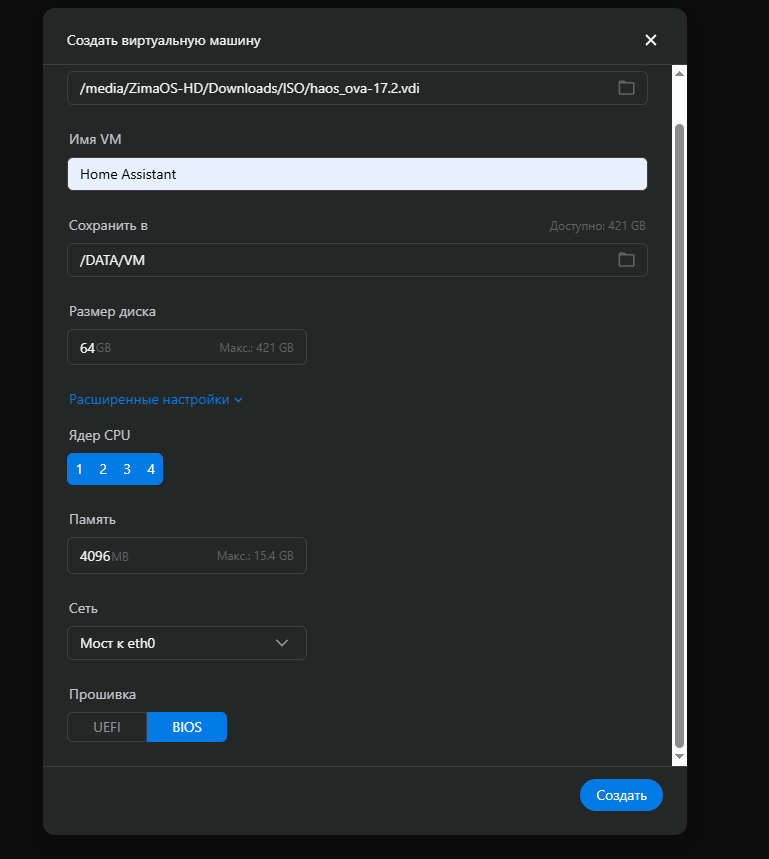
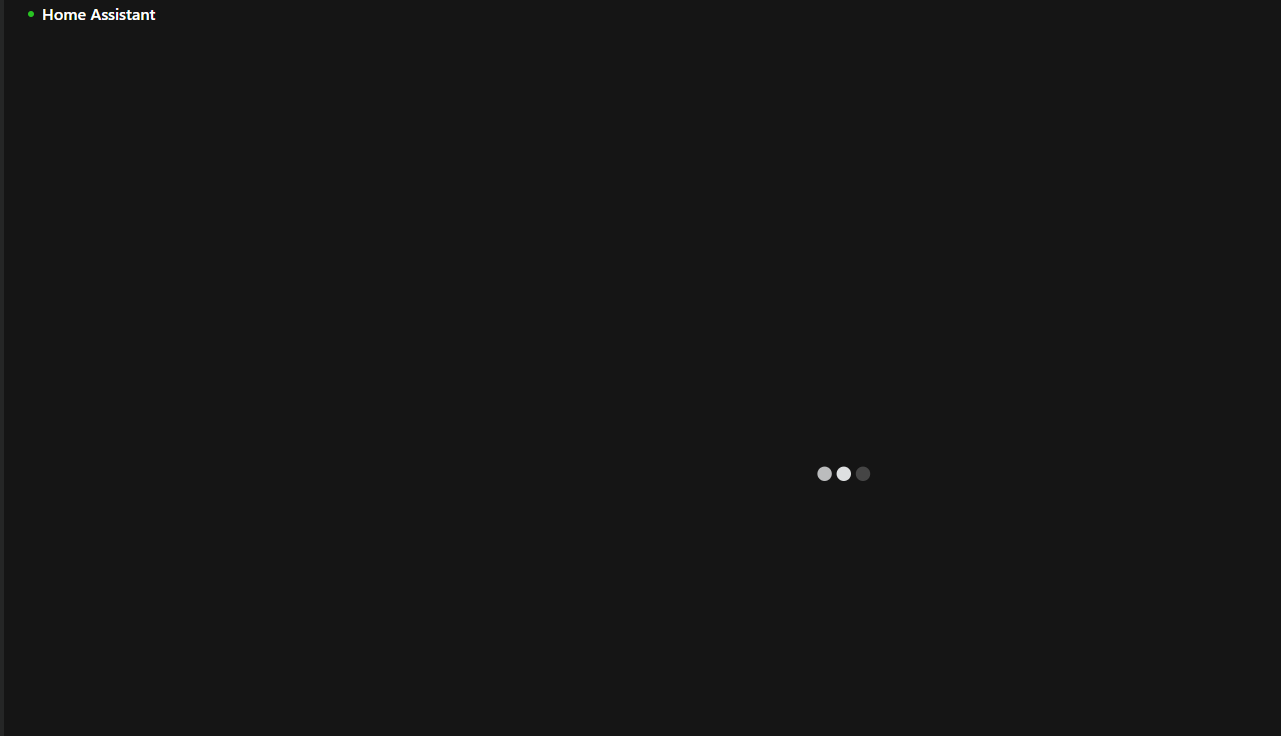
Their first ZVM attempt never progressed beyond the loading screen even after being left overnight. The thread did not establish that ZVM itself was incapable of running HAOS. Instead, later replies identified two configuration choices worth changing first: the user had selected a VirtualBox .vdi disk image and legacy BIOS firmware.
What the Original ZVM Configuration Looked Like
Prefer the QCOW2 Image for a KVM-Style Hypervisor
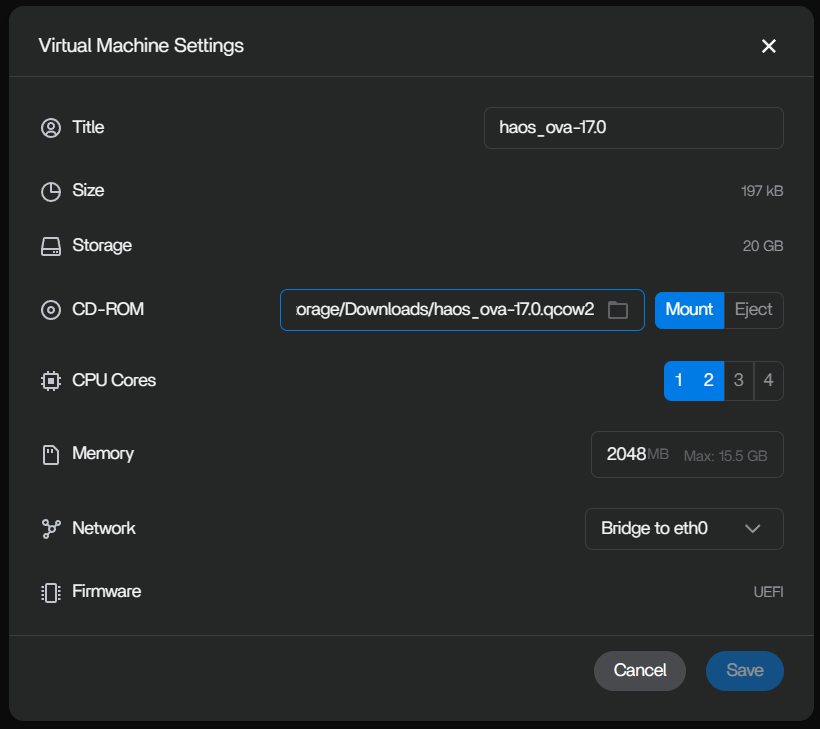
A community member who had run Home Assistant OS in ZVM for about two months said they used the QCOW2 image. That recommendation is consistent with Home Assistant's current virtual-machine download page, which publishes QCOW2 for KVM/Proxmox-style hypervisors.
For a new ZVM deployment, start with the current Home Assistant OS image intended for KVM-style virtual machines. A VDI image is primarily associated with VirtualBox and is not the most natural first choice for ZVM.
Use UEFI Firmware
The source VM used BIOS. Two separate community replies suggested changing it to UEFI, and current Home Assistant guidance requires UEFI for HAOS virtual machines.
Do Not Oversize the VM Before Solving Boot Compatibility
The original VM had a 64 GB virtual disk and 4 GB RAM. Another user reported a 32 GB disk with roughly half the space still free, and a community summary suggested starting around 2 vCPUs, 2–4 GB RAM, and 32 GB disk capacity.
More CPU, RAM, or storage will not fix a firmware or image-format problem. Solve the boot path first, then increase resources based on actual add-ons, history retention, databases, and integrations.
Give the First Boot Time to Initialize
One reply noted that HAOS can sit on a black or quiet console for several minutes while it expands storage and initializes services. That is different from leaving the same loading state overnight. After switching to a compatible image and UEFI, allow the first boot enough time before concluding that it is frozen.
VDI Was Not Proven Impossible
The strongest correction to a simplistic “VDI does not work” conclusion came later in the thread: another ZimaBoard 2 user said Home Assistant OS 17.3 in VDI format worked for them when the VM used UEFI. That means the image format alone was not proven to be the root cause.
The more accurate conclusion is that QCOW2 plus UEFI is the safer first configuration because it matches the intended hypervisor family and a known successful ZVM report. UEFI appears to be the more important requirement.
When the ZimaOS Home Assistant Container Is Enough
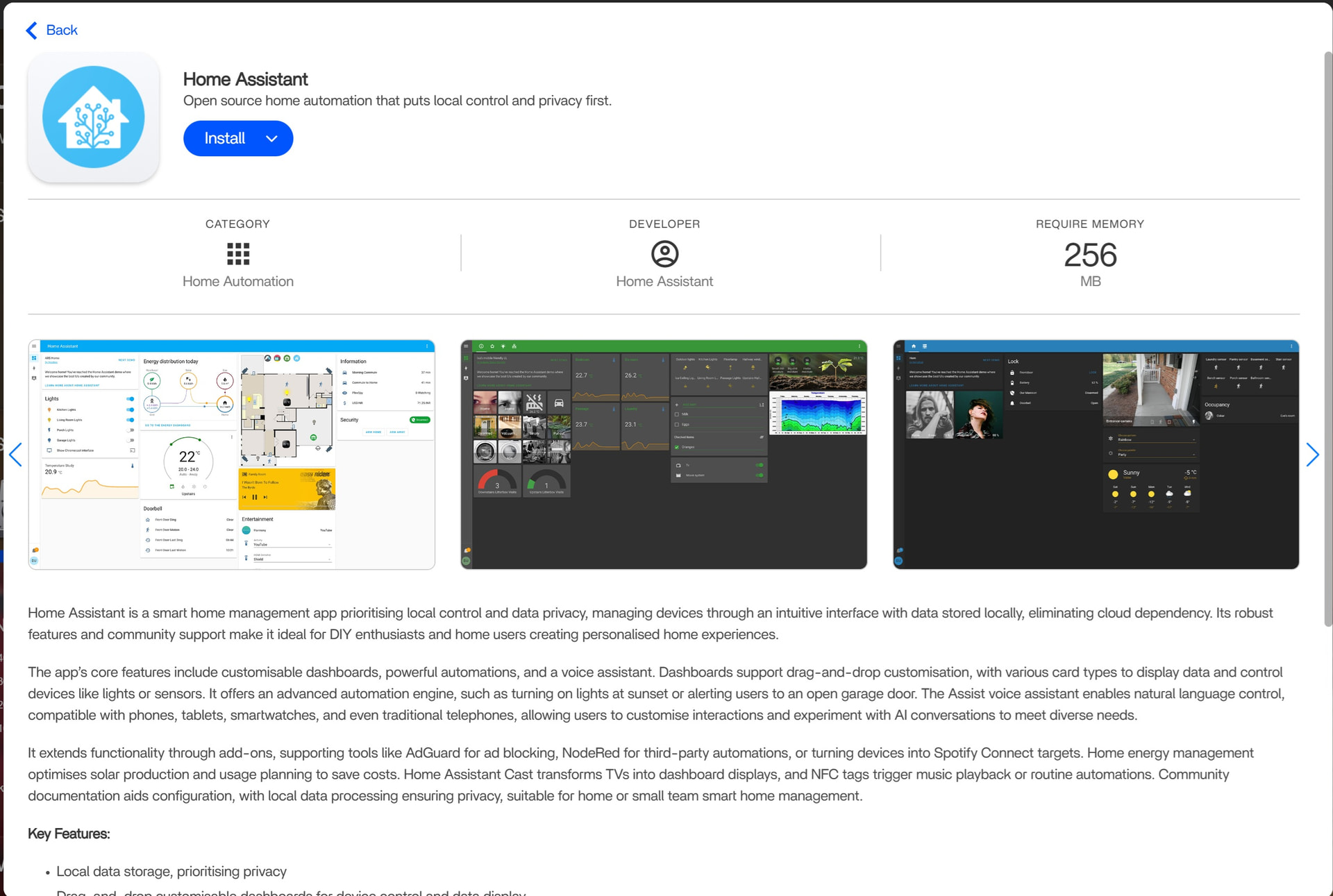
If the required integrations work in Home Assistant Container, it is lighter and avoids running a second operating system inside a VM. If you specifically need HAOS add-ons or the appliance-style management model, ZVM can be appropriate, but it also adds another virtualization layer that must be kept healthy through ZimaOS updates.
A Separate Hypervisor Is Another Architecture
One participant suggested installing Proxmox on the physical N150 machine and running ZimaOS and Home Assistant OS as separate virtual machines. That can isolate Home Assistant from ZimaOS maintenance, but it changes the entire host architecture and should not be described as necessary to solve this thread.
A Practical Troubleshooting Order
- Download the current HAOS virtual-machine image rather than reusing an old file.
- Start with QCOW2 if ZVM accepts it.
- Select UEFI firmware.
- Allocate modest resources such as 2 vCPUs, 2–4 GB RAM, and about 32 GB disk.
- Use a network mode that provides the HAOS VM a usable LAN address.
- Allow the first boot enough time to initialize.
- If the VM still does not boot, inspect the console before changing storage or application settings.
Home Assistant OS on ZVM FAQ
Which image should I try first?
QCOW2 is the stronger first choice because it is intended for KVM-style hypervisors and worked for a community ZVM deployment.
Should ZVM use BIOS or UEFI for HAOS?
Use UEFI. Current Home Assistant requirements explicitly call for UEFI.
Does HAOS need a 64 GB virtual disk?
Not for a basic installation. Community users reported 32 GB working comfortably, although heavy history or add-ons can justify more.
Was VDI proven unsupported?
No. A later ZimaBoard 2 user reported a working VDI deployment with UEFI.


