
When an external DAS is attached to ZimaOS, there are at least two different detection layers to check: whether Linux can see each block device and whether the ZimaOS Storage interface registers those drives for management. This December 2025 thread showed why the distinction matters.
The original poster was running ZimaOS 1.5.3 with a TerraMaster D4-320 and could see only three of four drives in the interface. Other users then reported a related but different symptom: all four disks appeared in lsblk and fdisk -l, yet none appeared correctly in the ZimaOS Storage app.
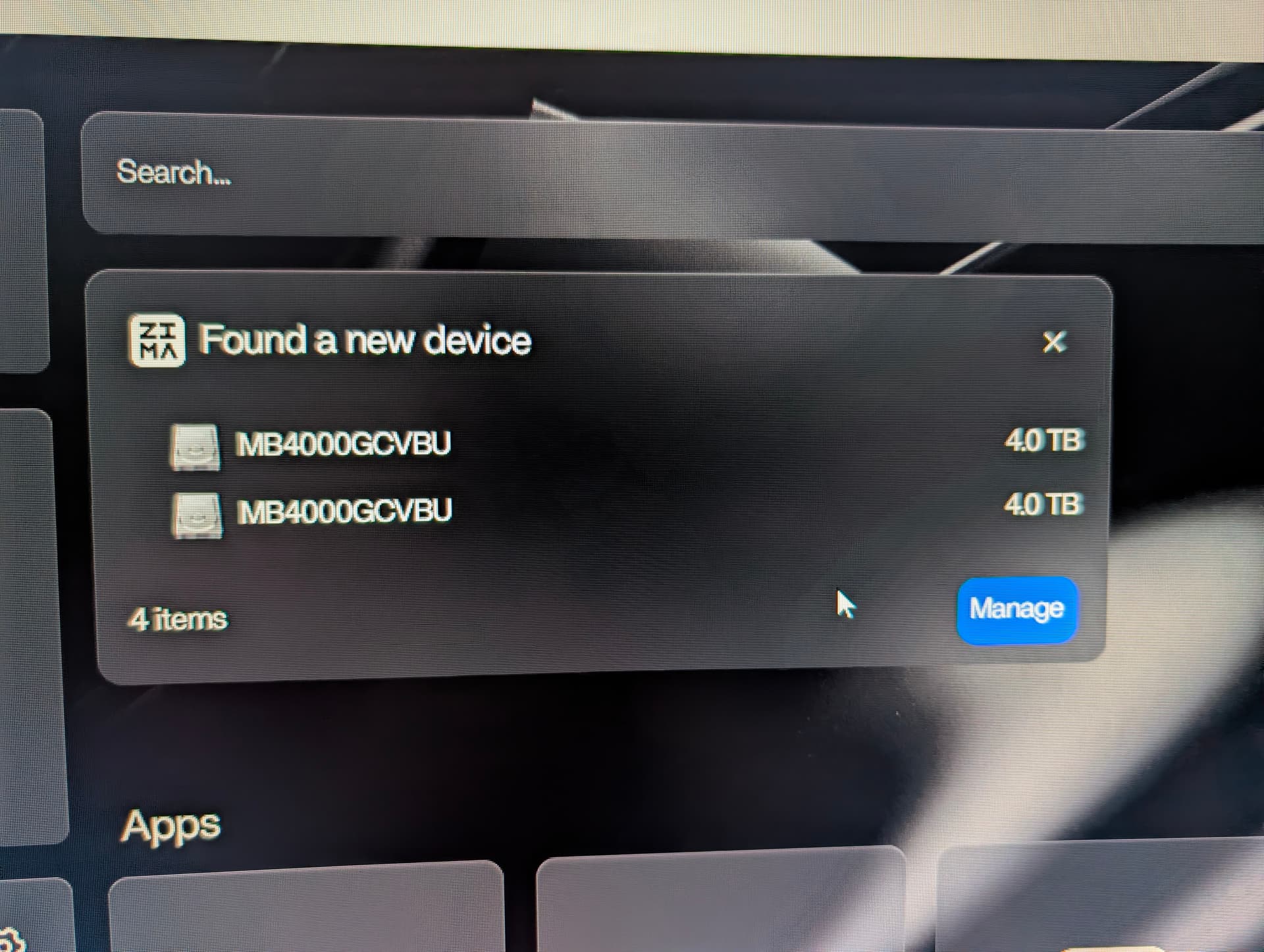
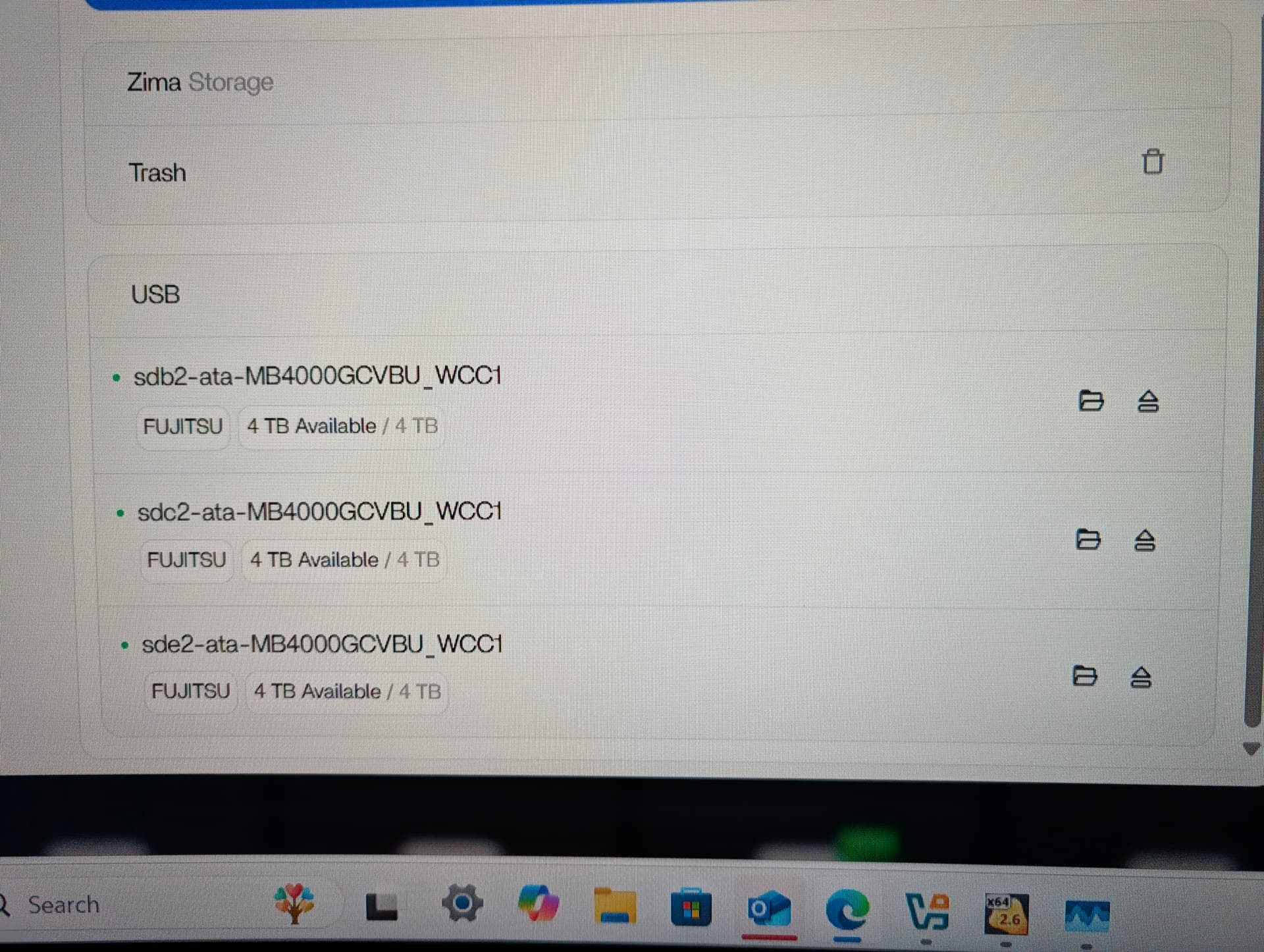
First Separate Kernel Detection from ZimaOS Storage Registration
An early suggestion blamed the DAS bridge for not exposing every disk independently. That explanation was later withdrawn after another user posted lsblk output showing all four 5.5 TB disks as separate devices.
That changed the troubleshooting direction. If every disk appears individually in lsblk or fdisk -l, the USB bridge is at least exposing those block devices to the operating system. The remaining problem can be higher in the storage-management stack.
Do Not Assume Reformatting or Wiping Is a Proven Fix
Community replies proposed that manually created GPT/filesystem layouts might be why the ZimaOS Storage UI ignored the disks. Users then tried wiping filesystem signatures and partition tables.
Those attempts did not reliably fix the problem. Two participants reported that the drives still failed to appear in Storage after destructive wipe procedures and rebooting. One D5-300C owner reported similar behavior.
Because those wipe commands came from community participants and did not resolve the source cases, they should not be promoted as an official repair procedure. Disk-wiping commands can permanently destroy data if applied to the wrong device.
The ZimaOS Team Tried to Reproduce the D4-320 Case
IceWhale team member 777-Spider said the team was purchasing relevant DAS hardware to reproduce the issue. A few days later, Dina reported that the team had tested a TerraMaster D4-320 with four NTFS/exFAT drives formatted on Windows and that all four appeared on ZimaOS in their test.
That result is important because it means the thread did not establish a blanket incompatibility between ZimaOS and the TerraMaster D4-320. Instead, the team asked affected users for more information about the filesystem formats and how the drives had been formatted.
Official Diagnostic Log Collection from the Thread
Dina also provided an official diagnostic command for collecting block-device, local-storage API, and devmon.service information into a log file. This command came from the December 2025 thread and may need adjustment on future ZimaOS versions.
sudo -i
LOG=/DATA/disk-info.log; : > $LOG; { echo "=== lsblk ==="; lsblk; echo; echo "=== lsblk -f ==="; lsblk -f; echo; echo "=== curl http://127.0.0.1/v2/local_storage/disk ==="; curl http://127.0.0.1/v2/local_storage/disk; echo; echo "=== curl http://127.0.0.1/v2/local_storage/storages ==="; curl http://127.0.0.1/v2/local_storage/storages; echo; echo "=== journalctl -xe -u devmon.service ==="; journalctl -xe -u devmon.service; echo; } >> $LOG 2>&1 && echo "The output has been saved to $LOG"
The post said the resulting file could be found as /ZimaOS-HD/disk-info.log in Files and shared with the support team. This is diagnostic collection, not a command that repairs or formats a disk.
Missing Disks and RAID 5 Were Separate Concerns
The original poster also wanted to create a RAID 5 cluster. During the thread, the missing-drive problem prevented that workflow from being evaluated cleanly. Later, after community wipe attempts, the user still could not create RAID and also lost visibility of the drives in Files and Storage.
The IceWhale reply on December 15, 2025 said USB-device management, including formatting and RAID creation, was planned for future support. Treat that statement as a historical roadmap note, not as evidence of what every current ZimaOS release supports today.
A Safer Troubleshooting Order
- Confirm the number of disks physically installed in the DAS.
- Check whether each disk appears independently at the Linux block-device layer.
- Compare that with what the ZimaOS Storage interface displays.
- Record filesystem type and how each disk was previously formatted.
- Do not erase partition tables merely because a community post suggested it.
- If the kernel sees the disks but ZimaOS Storage does not, collect diagnostics and provide the exact enclosure model, filesystem information, and ZimaOS version to support.
ZimaOS External DAS FAQ
Does the TerraMaster D4-320 only expose three drives to ZimaOS?
The thread did not support that conclusion. Other users showed four independent disks in lsblk, and the IceWhale team later reported seeing all four drives in its own D4-320 test.
If lsblk sees every drive, why can ZimaOS Storage still miss them?
Kernel-level detection and ZimaOS Storage registration are different layers. The source thread demonstrated cases where the kernel enumerated drives that the UI did not expose.
Should I run sgdisk or wipefs to make the drives appear?
Not based on this thread. Those destructive suggestions came from community replies and did not reliably solve the issue. Back up data and use current support guidance before erasing any disk metadata.
Was the issue fully solved in the thread?
No. The team reproduced a working D4-320 configuration with NTFS/exFAT disks and requested diagnostic information from affected users, but the thread did not publish one universal root cause or fix.


