
If ZimaOS fails at “Create Local account” immediately after installation, check the installed ZimaOS version before spending time inventing more complex passwords. The source case was ZimaOS 1.2.0 beta, and IceWhale told the user to install the latest version; v1.2.3 later explicitly fixed a bug where users could not be created.
On a current installation, the first account is the main owner/admin account and should be created locally without an email address. If a current build still fails, verify the installer image, browser/session state, system disk health, and user database before reinstalling.
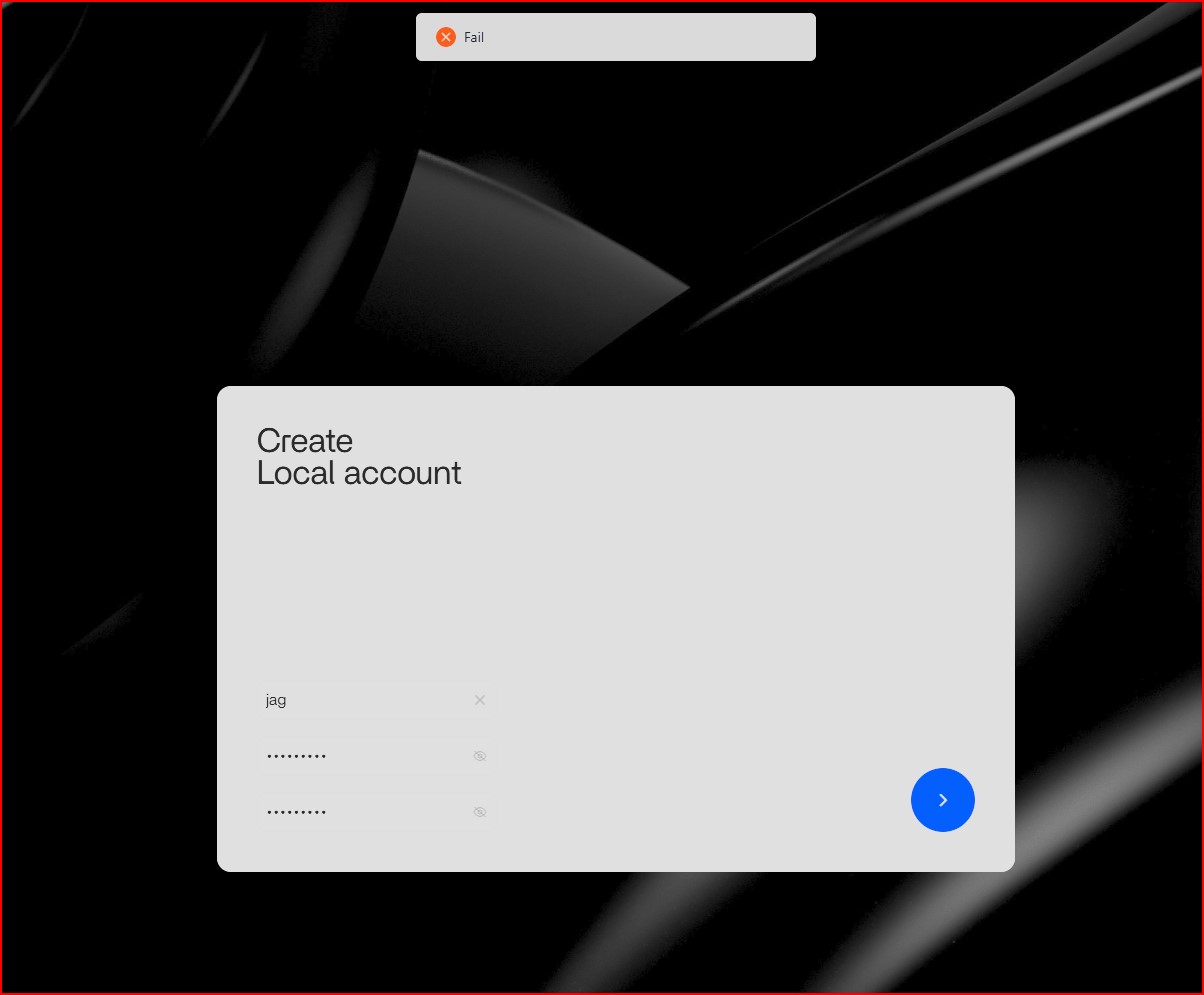
The Source Bug Was in an Old Beta
The user tried multiple passwords and always received a generic Fail notification. Once the version was identified as 1.2.0, IceWhale's guidance was to move to a newer build and use Balena Etcher for the installer media.
ZimaOS 1.2.3 Fixed User-Creation Failures
The release notes for v1.2.3 explicitly list a fix for being unable to create users, alongside SSH and system-disk display fixes.
The current ZimaOS 1.2.3 release notes provides that version boundary.
Step 1: Install a Current Stable ZimaOS Build
If you are testing an old installer image, replace it with the current release. The current ZimaOS installation guide recommends flashing the current image with Balena Etcher.
Step 2: Verify the System Disk Is Healthy and Writable
A user database cannot be created reliably if the writable system area is damaged or full. Check:
df -h
lsblk -f
Do not confuse the read-only squashfs system image reporting full usage with the writable data/overlay area.
Step 3: Try a Clean Browser Session
Use the direct LAN IP in a private window and disable aggressive script/content blocking for the local ZimaOS page. If one browser fails and another succeeds, the server-side account system is probably not the root cause.
Step 4: Avoid Manual User-Database Surgery on a Fresh Install
Because the system is newly installed, repeated edits to /etc/passwd or the ZimaOS database add more variables. If the current stable build cannot create the initial account and there is no data to preserve, reflashing/reinstalling cleanly is often faster and safer.
If This Is Not a Fresh Install, Back Up Before Resetting Accounts
ZimaOS also documents a password-recovery workflow that removes the local user database and reinitializes account setup. That is a recovery action, not the first fix for a new-account error on a healthy current system.
Use Local Accounts—No Cloud Account Is Required
Current ZimaOS documentation states that ZimaOS works entirely with local accounts and does not require an email or phone number for normal OS use.
The installation troubleshooting guide provides a broader recovery path.
Check the Username as Well as the Password
A first-account failure can be triggered by invalid input before the backend ever evaluates password strength. Use a simple ASCII username without unusual punctuation while troubleshooting, then choose a strong password that satisfies the current UI requirements.
If a basic username/password pair still fails on a current build, the problem is more likely system state or the account service than password complexity.
Confirm Time and Browser State
An incorrect system clock can break web sessions and TLS-dependent services elsewhere in ZimaOS. Compare the displayed time with a known-correct device and test the setup screen through the direct LAN IP rather than an old cached hostname.
Collect Evidence Before Reinstalling Again
If the current release still fails, capture the exact ZimaOS version, installer image source, target disk, browser, screenshot of the failure, and relevant logs. That turns a generic “Fail” message into a reproducible support case.
FAQ
Why did every password fail in ZimaOS 1.2.0?
The old beta had a user-creation bug that was explicitly fixed in v1.2.3.
Should I use Rufus or Balena Etcher?
IceWhale recommended Balena Etcher in the source thread, and current installation docs still use it.
Does the first ZimaOS account need an email?
No. Current ZimaOS uses local accounts for normal operation.
Should I delete user.db if account creation fails?
Not as the first step. That is a recovery/reset action. On a fresh broken install, first use a current image and verify writable storage.


