
The source looks like a btop configuration problem, but it actually mixes two different execution environments. ZimaOS has had a built-in btop performance panel since v1.3.3. Separately, users can install a btop container from an App Store. A container normally sees its own network namespace, while host btop can see the interfaces exposed to the host.
That distinction explains why one participant could cycle through eth0, eth1, virbr0, docker0, and several veth devices, while the original poster's btop offered only lo and eth0. The thread still did not end with a confirmed repair for the poster's exact setup.
ZimaOS Itself Was Using the 10GbE Interface
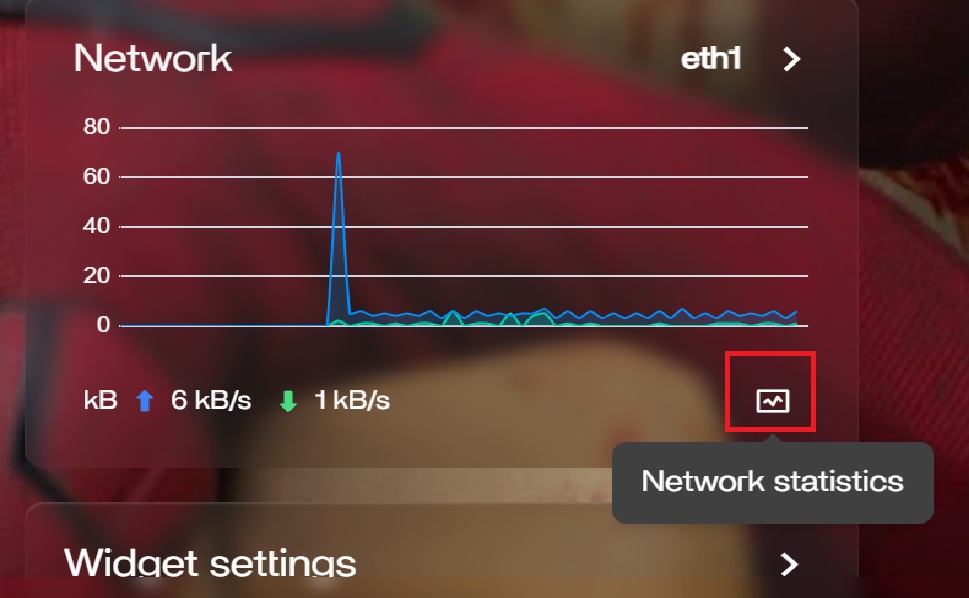
btop Was Added as a Built-In ZimaOS Performance Panel
IceWhale introduced the built-in btop panel in ZimaOS 1.3.3. Current users therefore should not assume they need to install a separate btop container just to get basic system monitoring.
See the official built-in btop feature boundary.
A Host btop Example Showed Multiple Physical and Virtual Interfaces
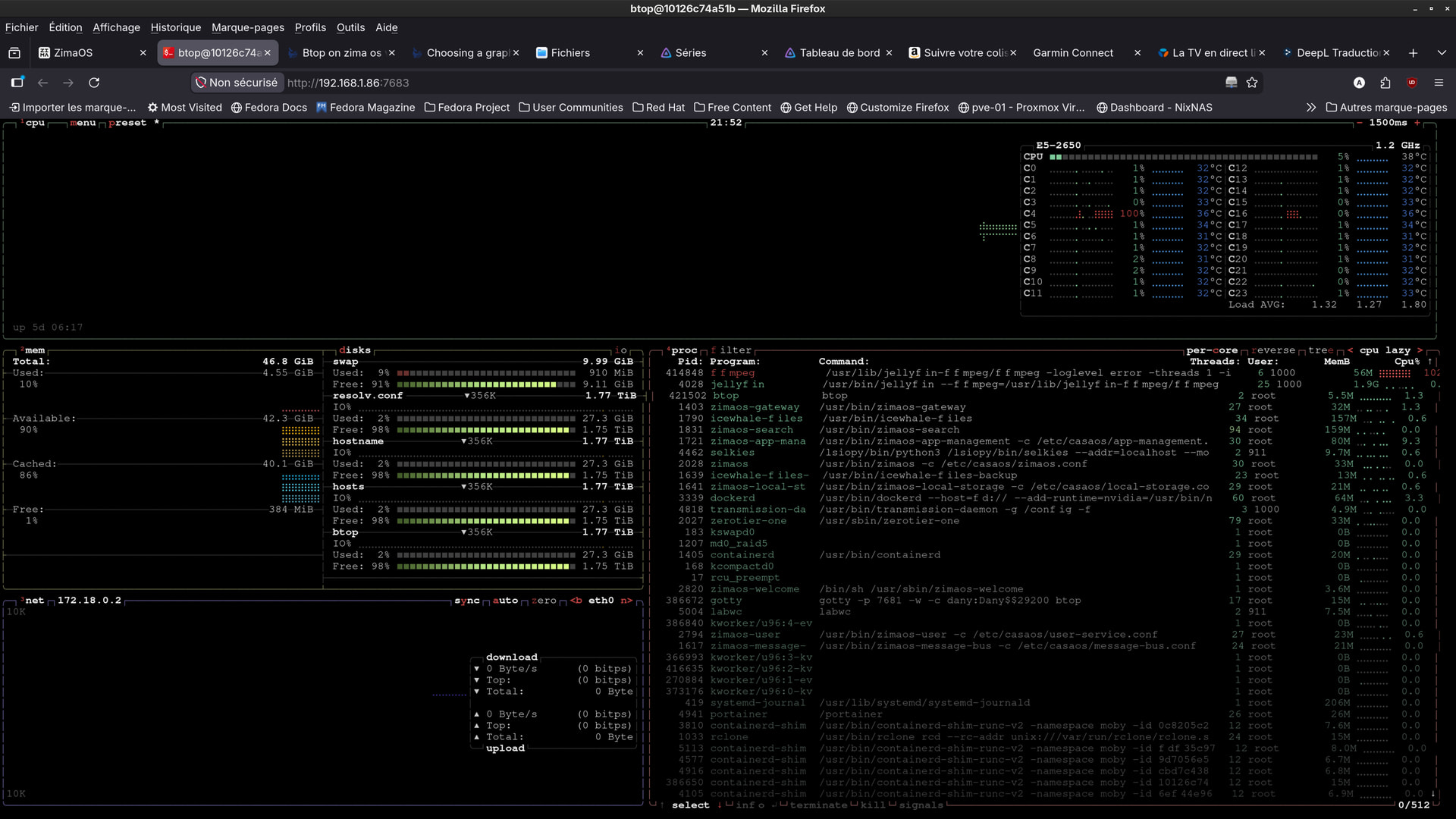
A Docker btop Only Sees the Network Namespace It Is Given
Community replies explained that an App Store btop container may see only its container network. That is normal Docker behavior: the application cannot monitor host interfaces that are not exposed into its namespace.
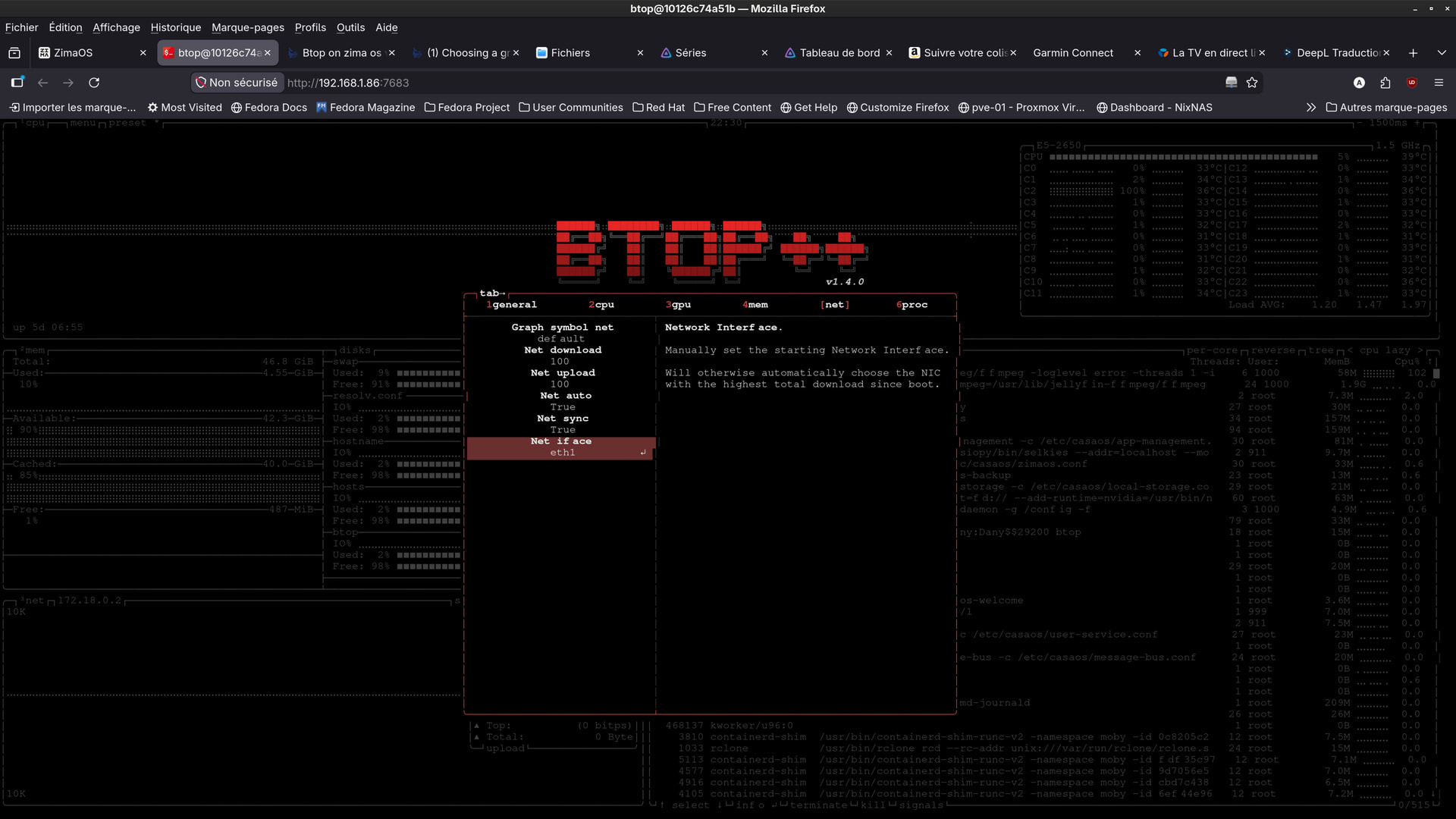
Changing the btop Interface Selector Cannot Create a Missing Interface
Selecting Docker Host Network Crashed or Stopped the Source App
The original poster said switching the App Store btop container to Host networking did not solve the problem because btop stopped working. They also considered adding SYS_PTRACE or SYS_ADMIN.
The thread does not validate those privilege changes, so they should not be recommended merely to expose one statistics panel.
The Host btop Binary Existed, but the Source Said It Did Not Work
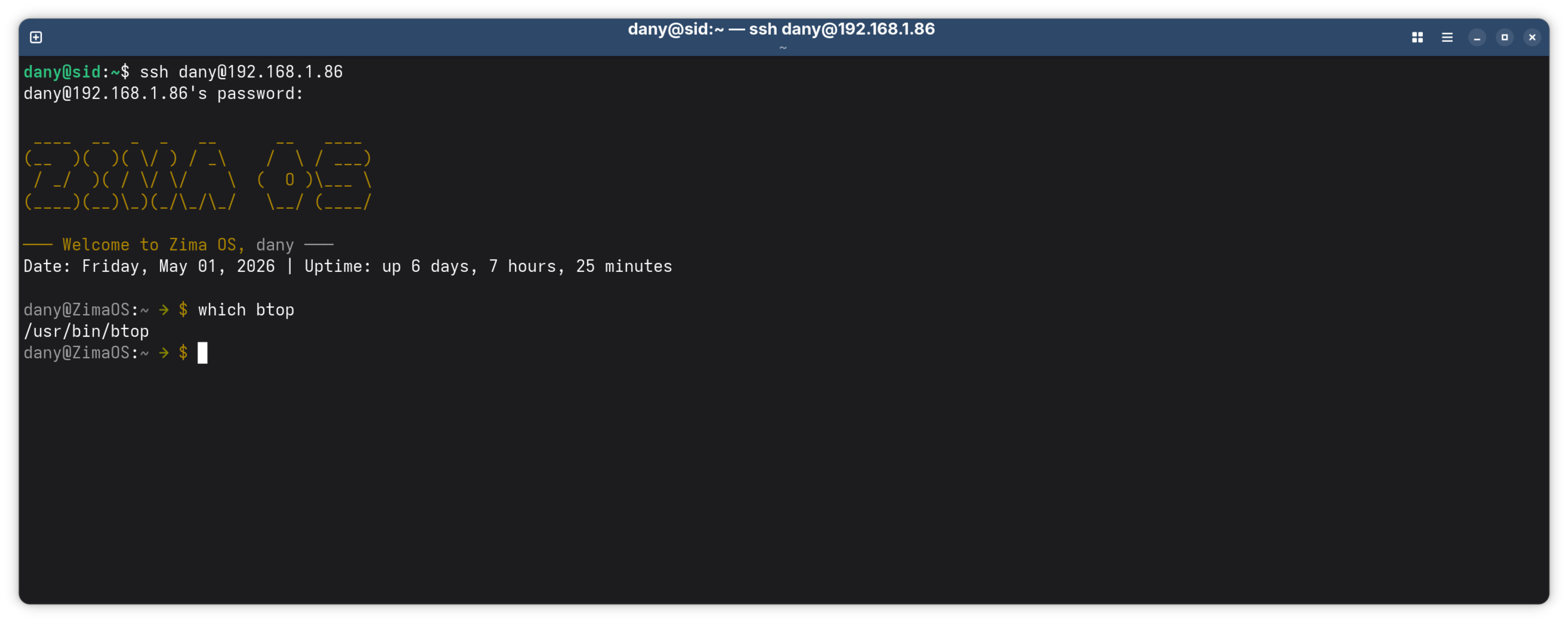
The Thread Does Not Contain a Confirmed Final Fix
No IceWhale staff reply in the source establishes whether the poster's built-in btop was corrupted, affected by a previous manual install, or hitting a separate 1.6.1 bug.
A Safer Current Approach
- Use the built-in ZimaOS btop panel first.
- Confirm the NIC exists with current host network tools.
- If using a containerized monitor, understand its network namespace.
- Avoid privileged/SYS_ADMIN escalation solely for metrics.
- If built-in btop fails, collect the current version and direct CLI error instead of repeatedly reinstalling a second btop package.
The Black btop Page and the Missing eth1 Are Two Separate Symptoms
Early in the thread, the original poster said the built-in dashboard btop opened to a black screen. Later they focused on an App Store/container btop that ran but showed only lo and eth0. Those should not be collapsed into one cause.
A failed built-in panel can involve the host btop/ttyd session, while missing host interfaces inside a Docker monitor is expected namespace isolation.
A High or Changing btop Port Is Not Automatically the Root Cause
ZimaOS launches some terminal-style tools through web sessions. Seeing a port or connection error in the browser does not prove the physical NIC is misconfigured. First run the host command directly and capture its exact error.
More Container Privilege Is Not a Free Monitoring Fix
Adding SYS_ADMIN, broad device access, or full privileged mode can expose far more of the host than btop needs. Even network_mode: host changes the isolation model of the container.
For system telemetry, a working host-integrated monitor is preferable to granting an App Store container near-host privileges merely so it can enumerate every interface.
Verify eth1 at the Host Before Blaming btop
Check the current ZimaOS network page or host network commands and confirm that the 10GbE interface is up, has the expected address, and carries traffic. The source did this successfully: ZimaOS itself displayed and used eth1.
If host networking sees the interface but only the container does not, the boundary is the monitoring environment—not the NIC driver.
Treat a Broken Built-In btop on Current ZimaOS as a New Regression
The source was on 1.6.1, while current ZimaOS is 1.7.1. If the built-in panel is still black today, record the current version, CPU architecture, direct btop output, browser console/session error, and whether recovery/reinstall changes it. Do not assume the April 2026 thread already explains a current failure.
btop Network FAQ
Can btop select eth1 if eth1 is not visible in its namespace?
No. The selector only cycles among interfaces the running process can see.
Did another user confirm built-in btop could see eth1?
Yes. James reported cycling through eth0, eth1, libvirt, Docker, and veth interfaces on host btop.
Did the source confirm a safe Docker privilege fix?
No. Host networking and added capabilities were discussed, but no final working configuration was verified.


