
ZimaOS 1.6.2 produced at least two very different Files symptoms that should not be diagnosed as one bug. One was a reproducible move regression where the contents moved but an empty source folder remained. The other involved cloud-drive mount and authorization errors that, in one verified case, disappeared after a hard browser refresh.
The folder-move regression has an important current-version boundary: ZimaOS 1.7.1 explicitly fixed the empty-folder-after-cut issue. If you are running a current stable version and still see the same symptom, first confirm the exact version before applying old 1.6.2 workarounds.
Issue 1: Empty Source Folders Remain After a Move
The reported pattern was unusually specific: files and subfolders moved successfully between internal ext4 SATA drives, but the original top-level folder remained behind empty. Copy operations did not show the problem, and the behavior started after the 1.6.2 update.
How to confirm that you have the same bug
- Create a small test folder containing one subfolder and a few files.
- Move it between two local storage locations using the ZimaOS Files app.
- Confirm that all contents arrive at the destination.
- Check whether only the empty parent folder remains at the source.
If files are missing, permissions change, or the destination is a network share rather than local ext4 storage, you are dealing with a different path and should not assume this historical regression is the cause.
The Folder-Move Regression Was Fixed in ZimaOS 1.7.1
The ZimaOS 1.7.1 release notes explicitly lists a fix for empty folders remaining after cutting folders in certain scenarios.
That means the best resolution for a system still on 1.6.2 is to update to a current stable release after making a backup, not to build scripts that delete leftover folders automatically.
Issue 2: Cloud Drive Shows Storage Not Mounted or Instance Errors
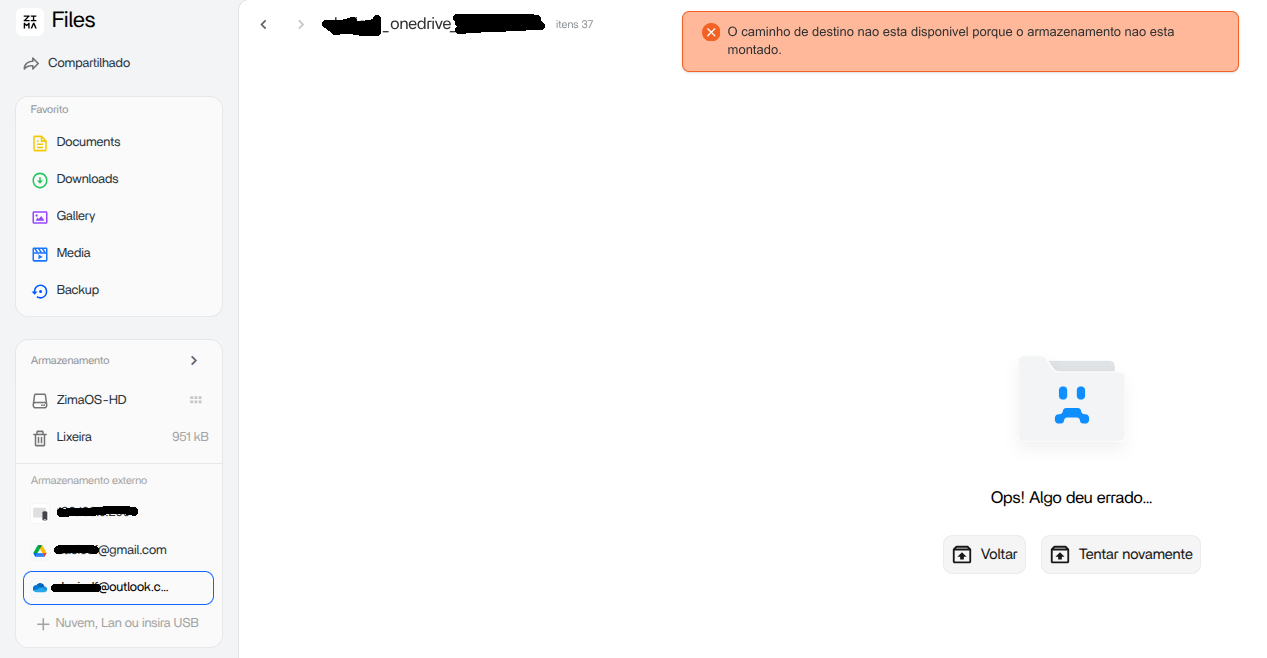
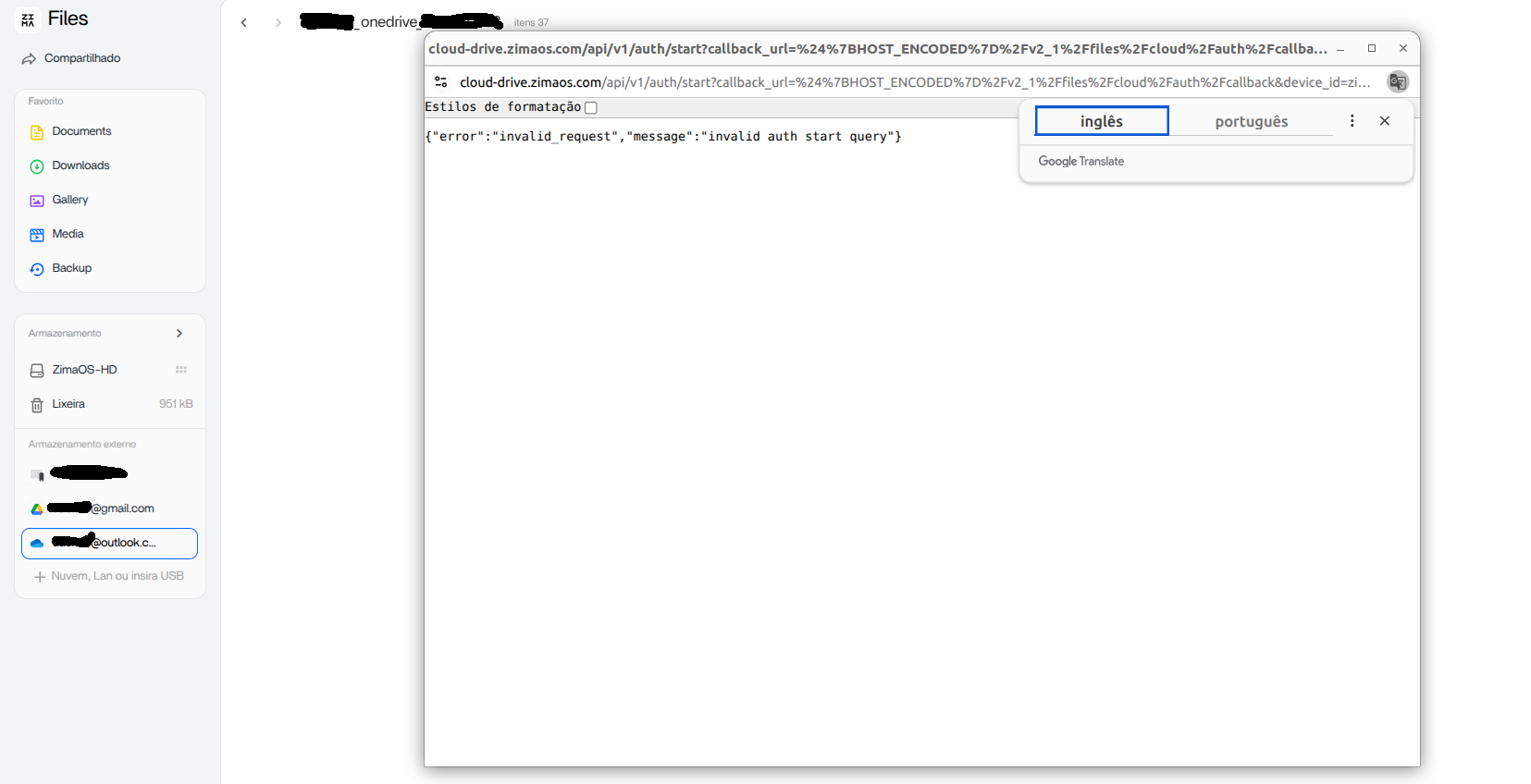
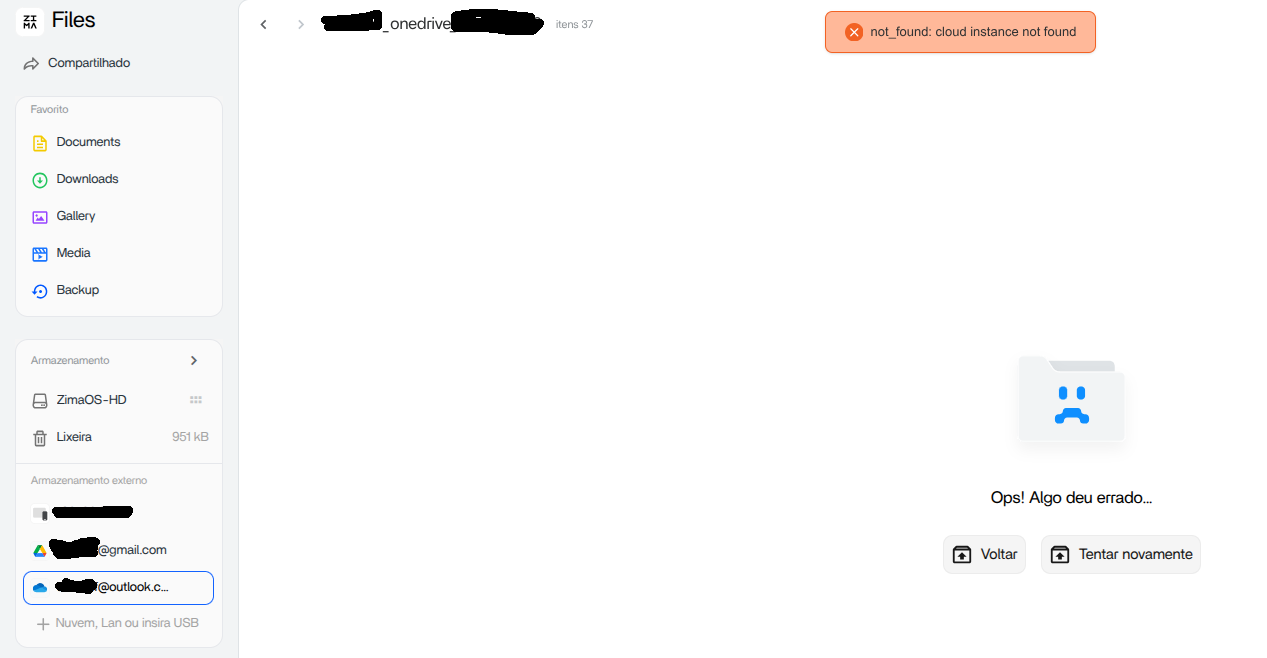
Cloud-drive errors can happen at several layers: the cloud provider authorization, ZimaOS’s saved token, the backend mount, or the browser UI state. The screenshots above look severe, but one user in the announcement thread recovered by performing a hard refresh as IceWhale suggested.
Step 1: Hard-refresh the ZimaOS page
A normal reload can reuse stale JavaScript and cached session data. Use the browser’s hard-refresh method, then reopen Files and check whether the cloud account is still listed.
Step 2: Check whether the provider is currently supported
The current ZimaOS cloud drive guide documents direct Files integration for Google Drive, Dropbox, and OneDrive, with the current interface showing the supported providers.
Step 3: Reauthorize only if the session is genuinely broken
If the drive remains unavailable after a hard refresh, remove and reconnect the account only after confirming you understand what local tasks depend on that mount. Reauthorization should not be the first response to a display-only issue.
How to Tell a UI Cache Problem from a Real Mount Problem
A UI problem usually changes after a hard refresh, another browser, or a new private session. A backend mount problem persists across browsers and may also affect Backup tasks or application paths that use the cloud mount.
Use that distinction before deleting credentials. If Files looks broken in one browser but works in another, focus on the frontend session. If every client and service sees the same missing storage, investigate the mount or authorization layer.
Do Not Mix Local File-Move Bugs with Cloud Authentication Errors
The 1.6.2 announcement collected many unrelated upgrade reports. It is easy to turn that thread into a vague article about “storage bugs,” but that makes troubleshooting worse. Local ext4 cut behavior and OAuth/cloud mount errors have different evidence, different failure points, and different fixes.
The cloud integration overview provides the broader cloud/local workflow context.
What to Do If the Problem Still Exists on Current ZimaOS
For the folder issue, record the current ZimaOS version, source and destination filesystem, whether both are local, and whether the operation was cut/move or copy. For the cloud issue, record the provider, browser, exact error, whether a hard refresh changes it, and whether the drive works from another client.
This makes a new bug report useful instead of assuming an old 1.6.2 defect has returned.
FAQ
Does ZimaOS 1.7.1 fix the empty folder left after moving files?
Yes. The 1.7.1 release notes explicitly mention fixing empty folders that could remain after cutting folders in certain scenarios.
Should I manually delete the empty folders on 1.6.2?
You can remove confirmed empty leftovers, but upgrading is the better long-term fix. Do not automate deletion until you have verified that no files failed to move.
Why can a hard refresh fix a cloud-drive error?
The browser can retain stale frontend state or session data after an upgrade. If the backend mount is healthy, refreshing the frontend assets and session can restore the UI without changing the account.
Should I disconnect and reconnect OneDrive or Google Drive immediately?
No. Try a hard refresh and another clean browser session first. Reauthorize only when the mount or token is actually invalid.


