
This is a historical ZimaOS 1.4.2 regression with a source-confirmed version fix. After upgrading to 1.4.2, the original user could no longer install or update applications, CPU utilization stayed at 100%, drives were very busy, some apps appeared grey, and the storage widget briefly reported the pool as unhealthy. IceWhale acknowledged the app launch/install problem and said a quick-release fix was being investigated.
On August 15, the original poster confirmed that after moving to ZimaOS 1.4.3 they could install apps normally again and that the issues they had reported were resolved. Current users should therefore not apply process-killing workarounds from the middle of the thread to a modern release.
The Problems Started Immediately After the 1.4.2 Update
The source user described four symptoms:
- new app installs and updates would not complete;
- CPU usage remained at 100%;
- some app tiles became grey/unavailable;
- the storage pool temporarily appeared unhealthy after the upgrade.
A complete power cycle restored the storage widget to Healthy, but the app-management problem remained.
IceWhale Confirmed the App Problem Was Under Investigation
Zima-Giorgio replied the next day that the app launching/installing issues were under investigation and said a quick-release version would carry the fix.
This official acknowledgement is important because it distinguishes the thread from an isolated broken Nextcloud installation.
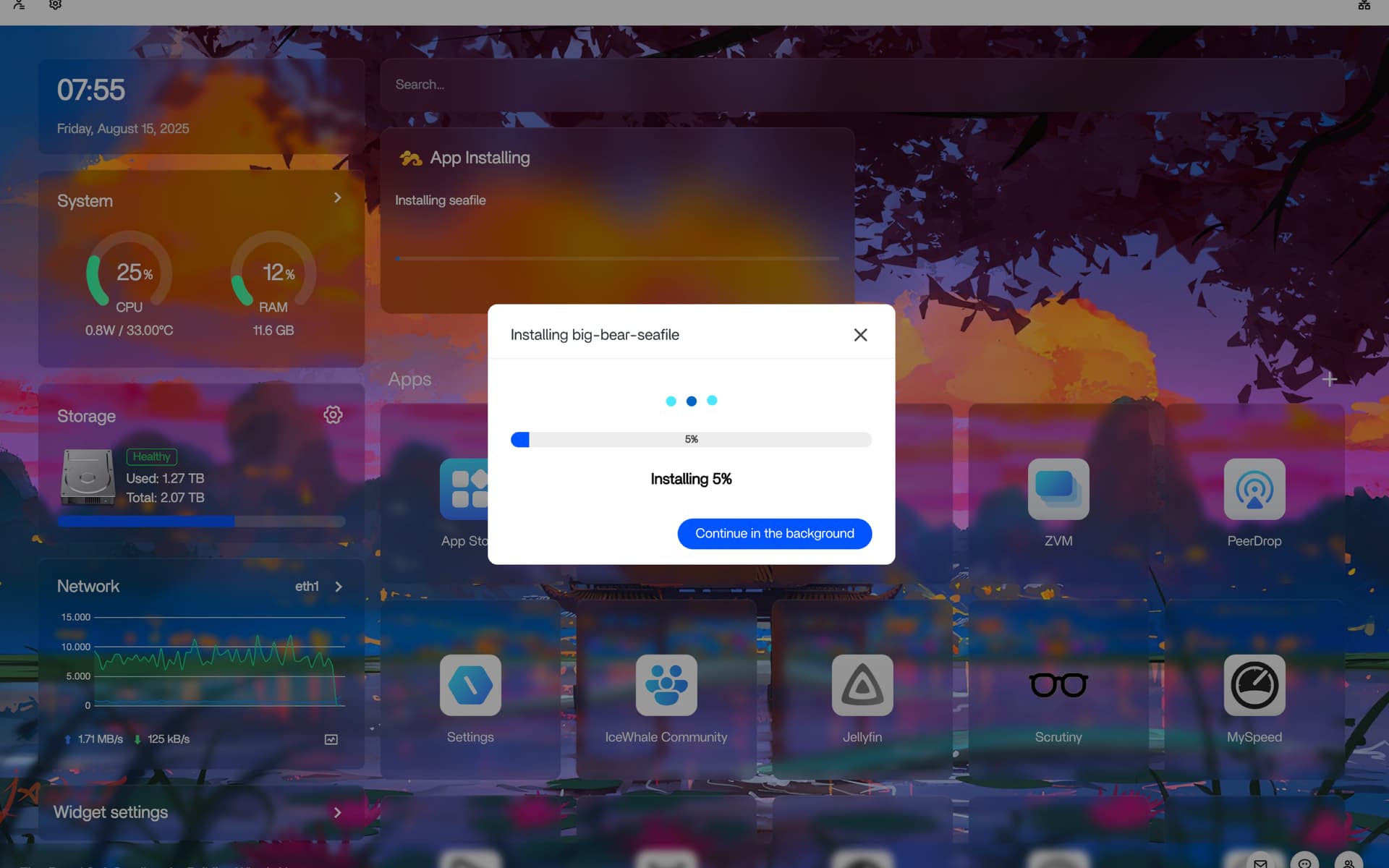
The Installation Widget Could Remain in a Loop
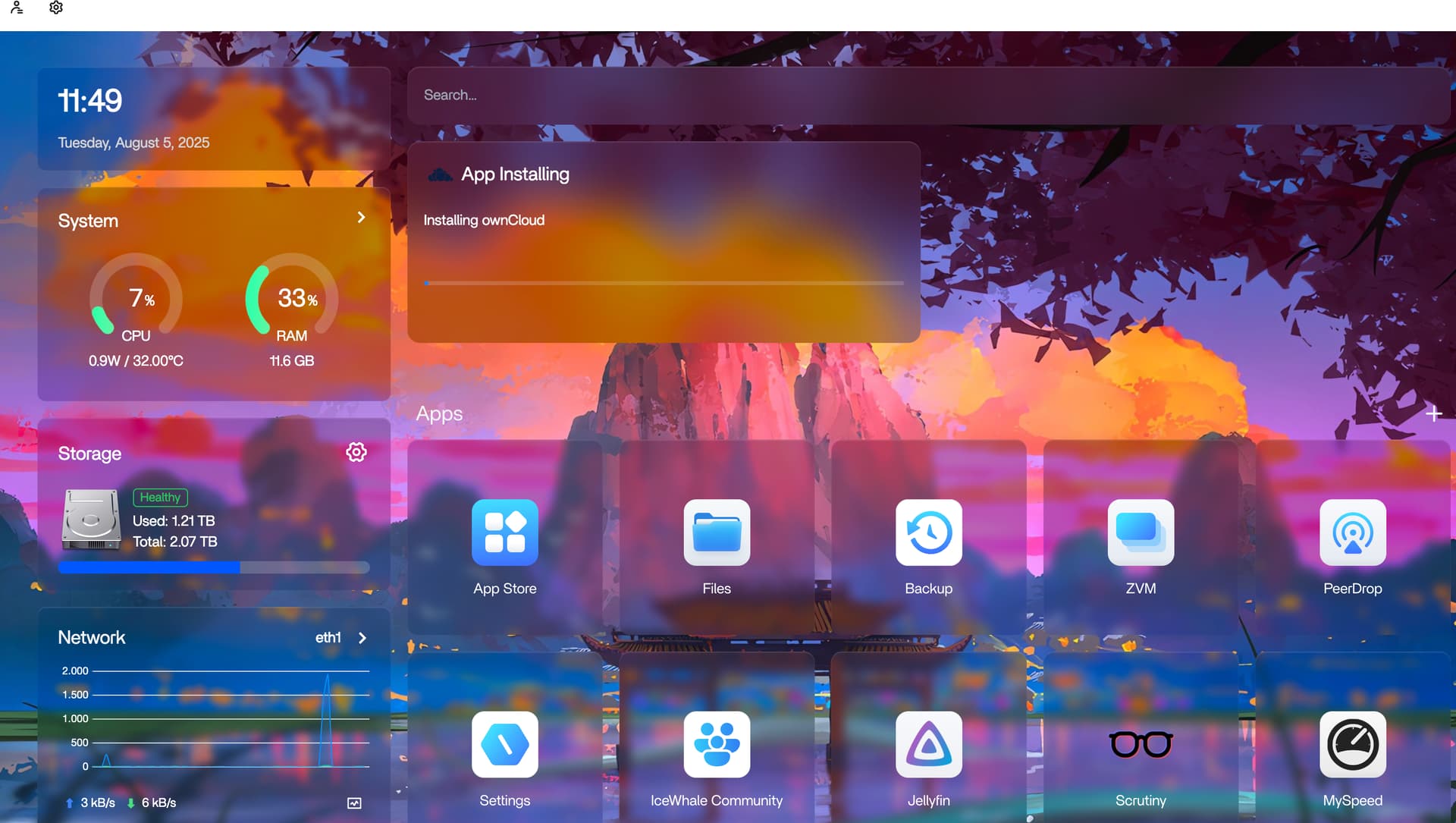
Killing www-data Was a User Workaround, Not the Product Fix
The original poster inspected processes, found www-data workloads associated with apps that were no longer installed, and tried killing that user's processes. CPU usage dropped and the installer moved farther, but the app still remained stuck.
Because this was the user's own experiment and the processes respawned, it should not be converted into an official repair command. Killing all processes for a shared service account can interrupt unrelated platform functions.
Editing Nextcloud Was the Trigger for One User, Not a Proven Root Cause
The original poster said the situation began after editing Nextcloud container/app-data settings and seeing the app disappear from the dashboard. Other users reported similar high CPU and stuck app installs without exactly the same history.
That means a single Nextcloud setting should not be blamed as the universal 1.4.2 cause.
ZimaOS 1.4.3 Was the Confirmed Recovery Point
Zima-Giorgio asked affected users to update to 1.4.3. One participant reported the system became responsive again, while the original poster later returned home and confirmed app installation worked normally after the update.
The 1.4.3 Release Notes Match the Reported Failure Class
IceWhale's 1.4.3 release notes include fixes for image download deadlock on identical layers, app download progress stuttering, app status errors around restart, app redirect failure after startup, and inaccurate app status feedback.
Those release-level fixes align closely with the symptoms reported in this thread. See the ZimaOS 1.4.3 application fixes for the historical release boundary.
Current Users Should Diagnose the Current Version, Not Recreate 1.4.2 Workarounds
If a modern ZimaOS app is stuck installing, first record the current version, app name, image-pull error, disk free space, and container/app status. The fact that 1.4.3 solved this 2025 regression does not mean every future install failure has the same cause.
ZimaOS 1.4.2 App Bug FAQ
Was the 1.4.2 app issue officially acknowledged?
Yes. Zima-Giorgio said app launch/install problems were under investigation.
Did killing www-data permanently solve the issue?
No. It reduced CPU load and changed behavior temporarily, but the app install still became stuck.
Did 1.4.3 solve the original poster's problem?
Yes. The original poster explicitly confirmed that 1.4.3 resolved all the issues they had been experiencing.


