
This 2024 community teardown is best read as a detailed look at a β public-test ZimaCube Pro, not as a review of every production unit sold afterward. The author explicitly warned that issues found on the sample could change before final production.
What makes the teardown valuable today is the hardware architecture it documents: the layered chassis, six-drive storage section, seventh M.2 bay, 10GbE implementation, DDR5 memory, NVMe system drive and unusually compact backplane cabling. Current product specifications confirm many of those core ideas, while beta-only thermal and noise observations should remain version-bounded.
Start With the Beta Review Boundary

The reviewer received the unit for testing after participating in the CasaOS/ZimaOS community. They described it as a beta public-test machine and said the series represented that sample state only. That disclosure matters when reading comments about fan direction, noise, component placement or small mechanical details.
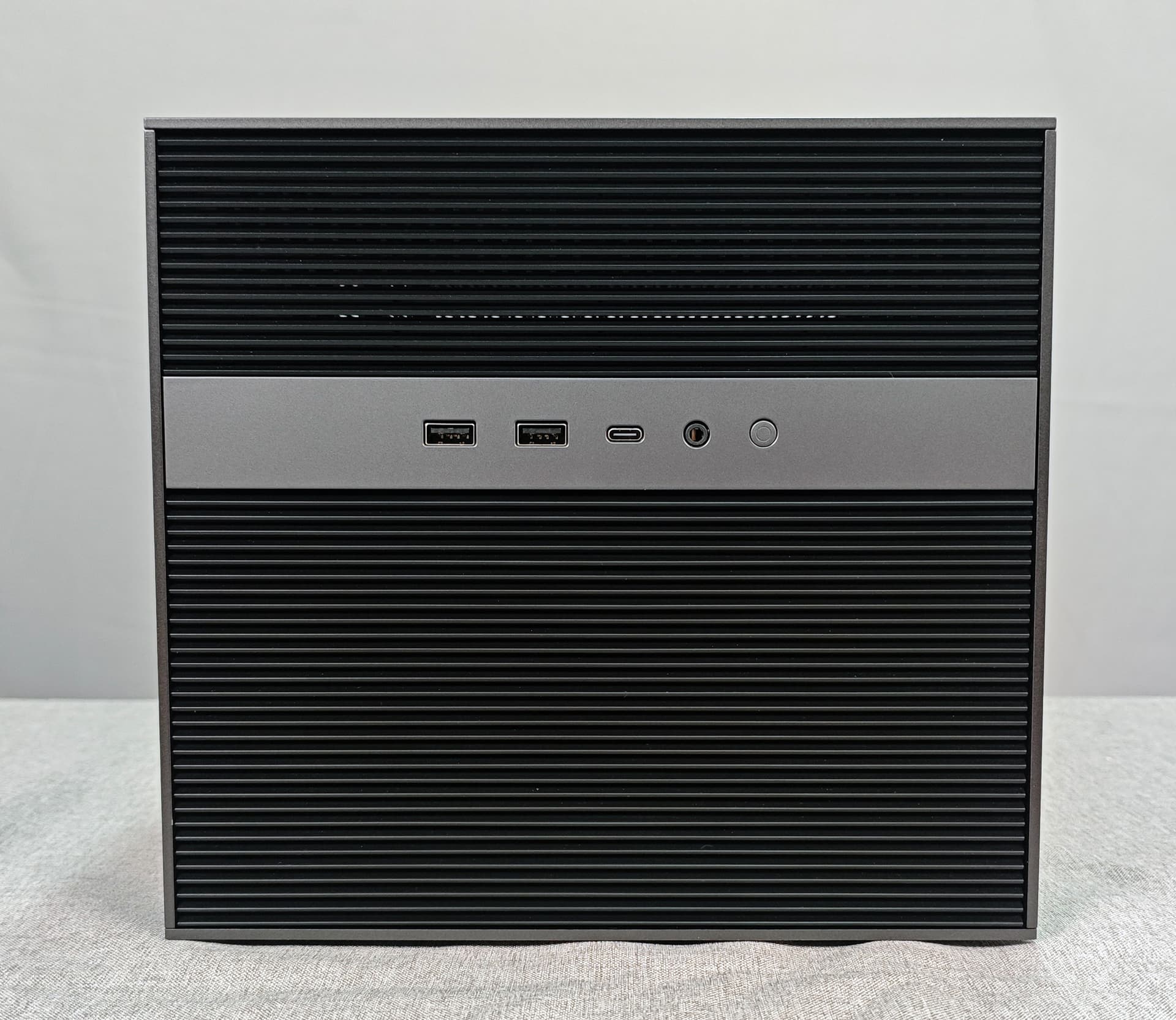
For a current buying decision, compare community observations with the current personal cloud specifications rather than assuming every beta detail remained unchanged.
Upper Compartment: System SSD, DDR5 and Networking
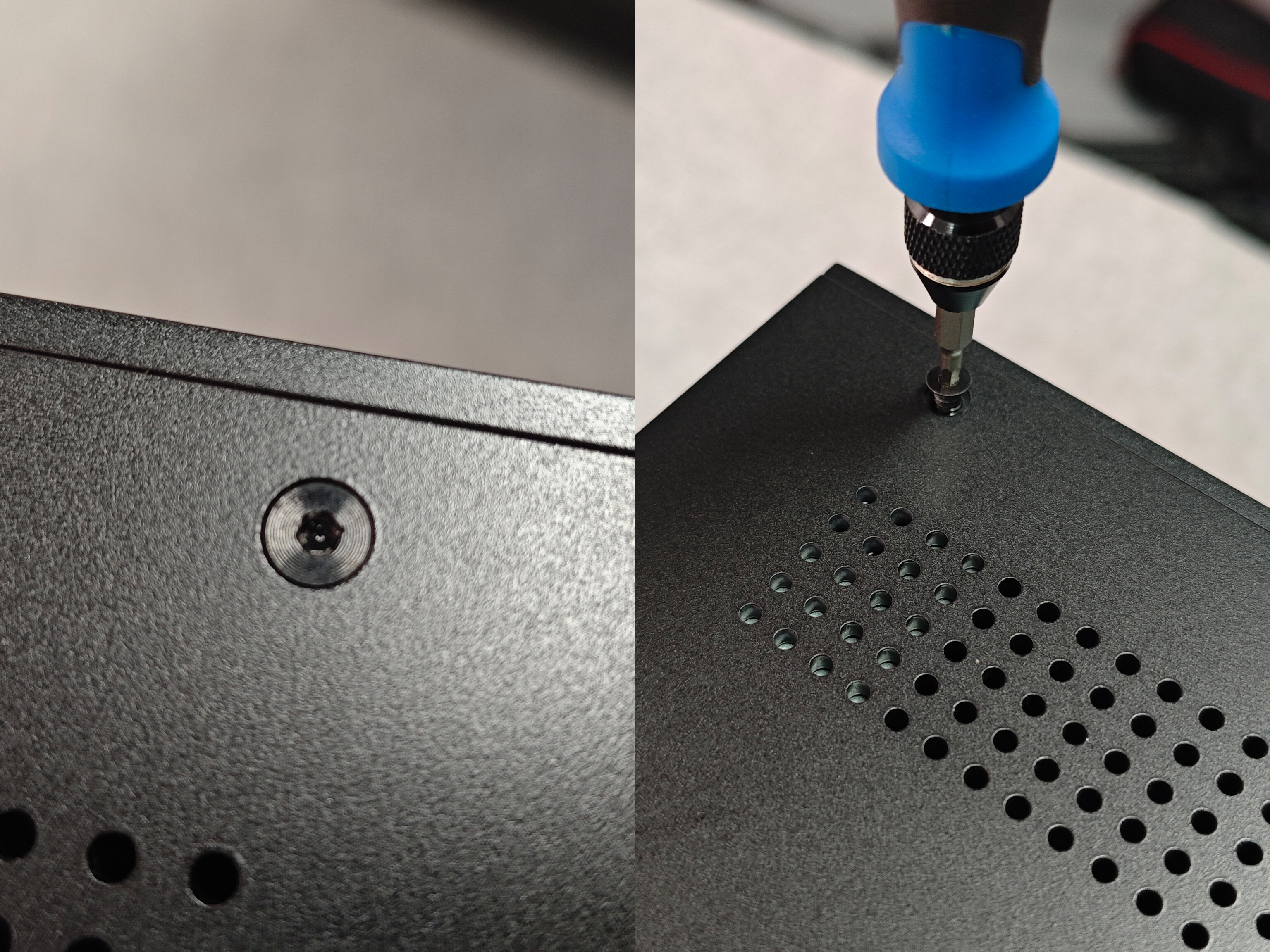
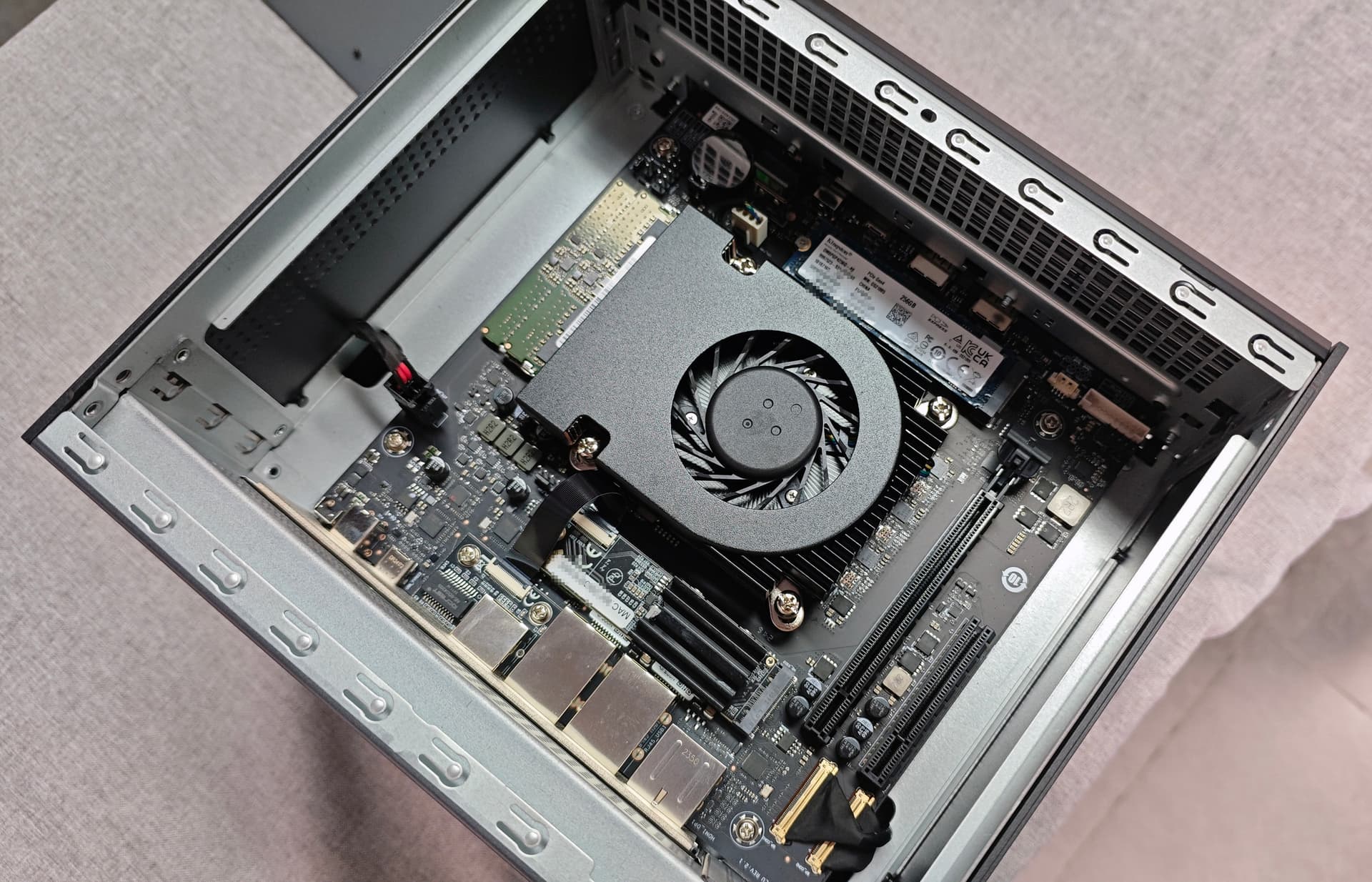
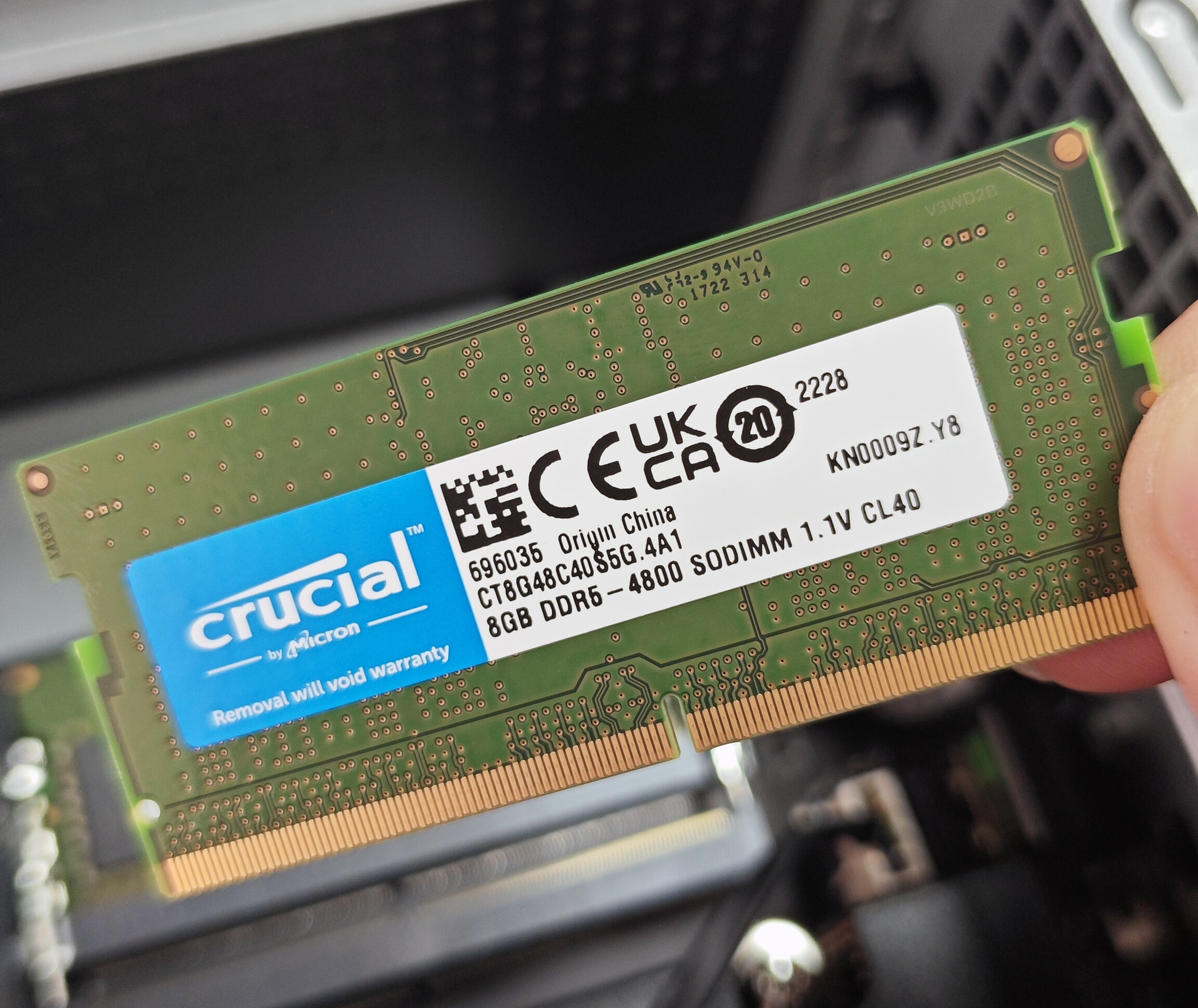
The beta sample used a 256GB Kingston PCIe 4.0 NVMe SSD for ZimaOS and two 8GB Crucial DDR5-4800 SODIMMs. The current specification page likewise lists the Pro platform with a 256GB NVMe system drive and DDR5 memory, although available retail memory configurations can differ by package.
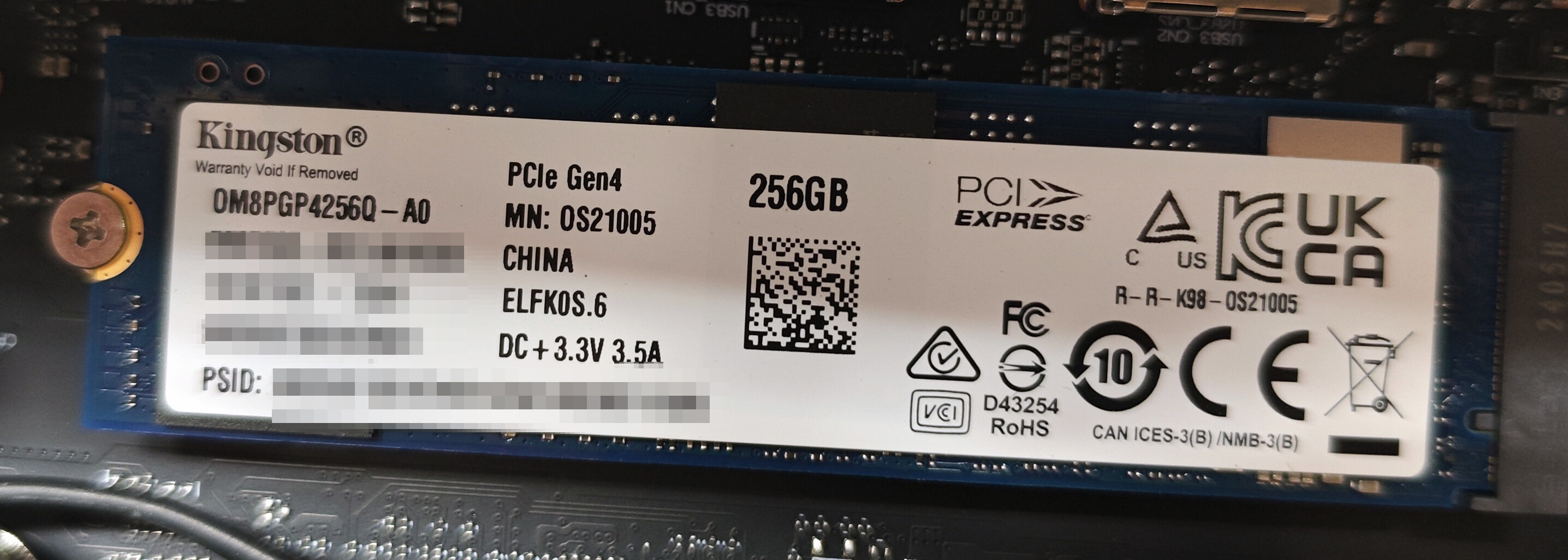
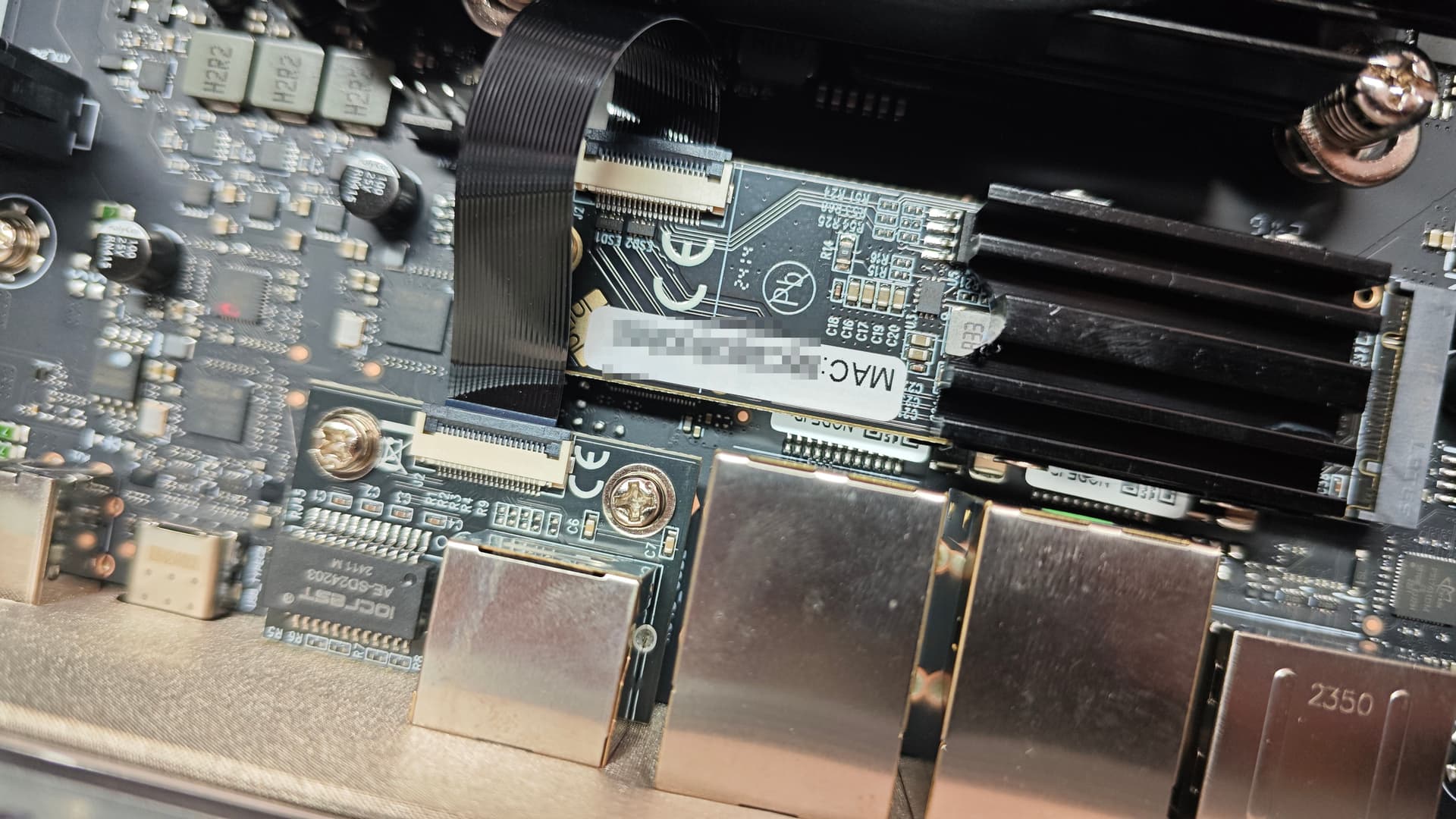
The teardown also identified the Pro model's 10GbE path as a Marvell AQC113 adapter attached through an internal M.2-style connection. Current official specifications continue to list 10GbE on the Pro platform alongside two 2.5GbE ports.
The Internal USB Connection Was Part of the Lighting Design
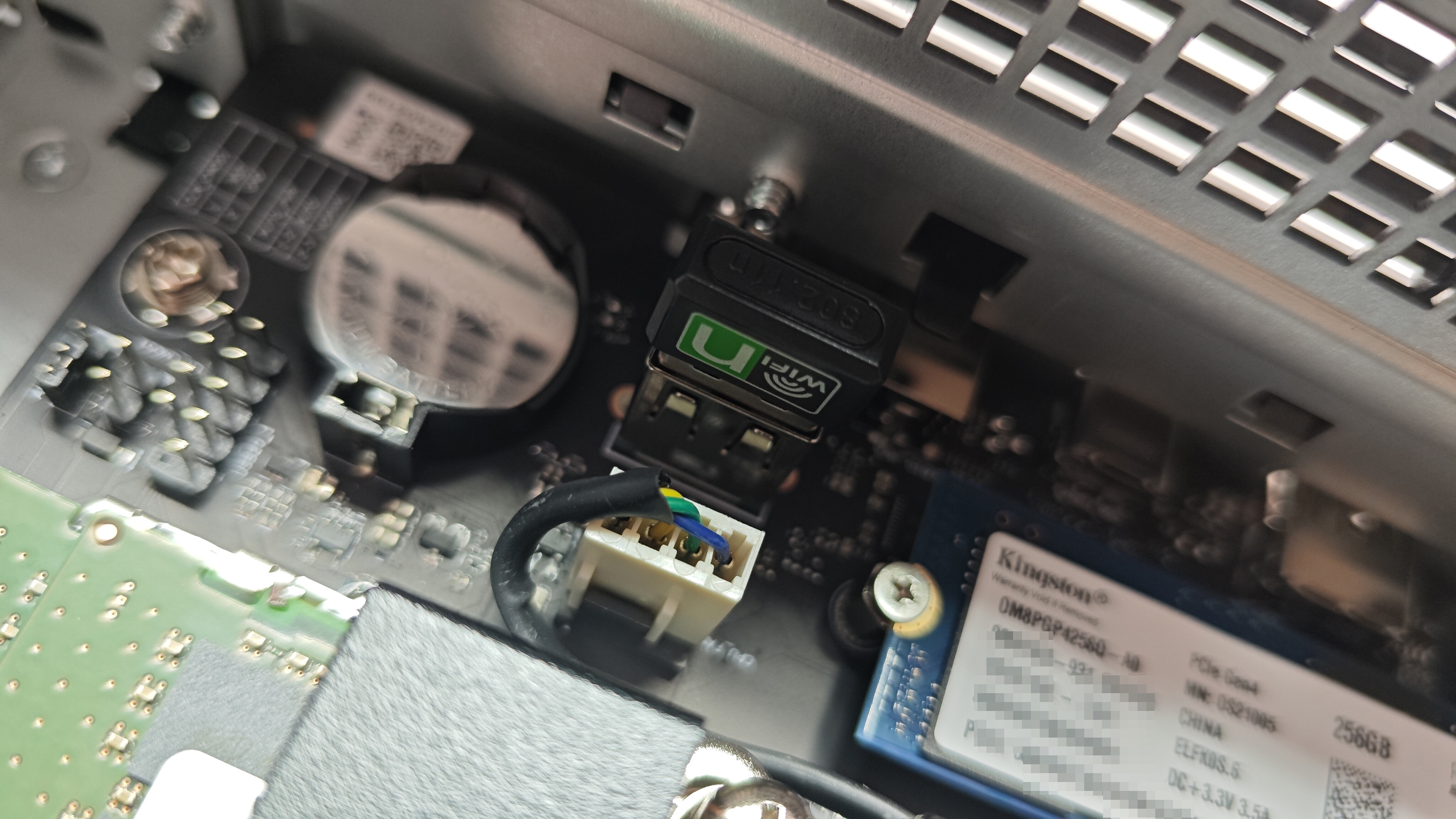
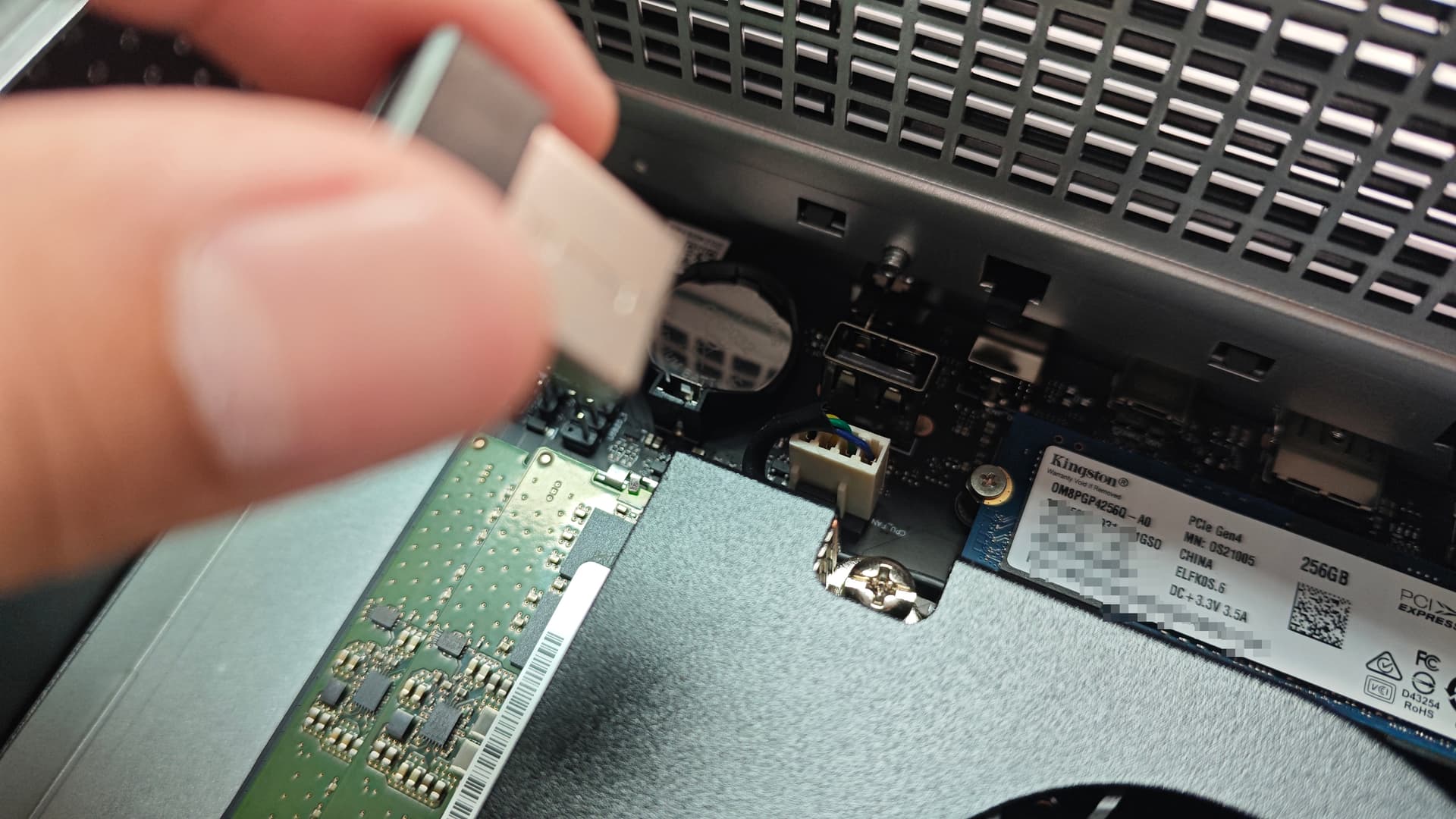
The beta unit used an internal USB-connected module associated with the seventh-bay lighting system. The author saw this as a possible customization point. Treat that as a teardown observation rather than a guaranteed supported expansion interface for every revision.
The 6+1 Storage Layout Is the Signature Design
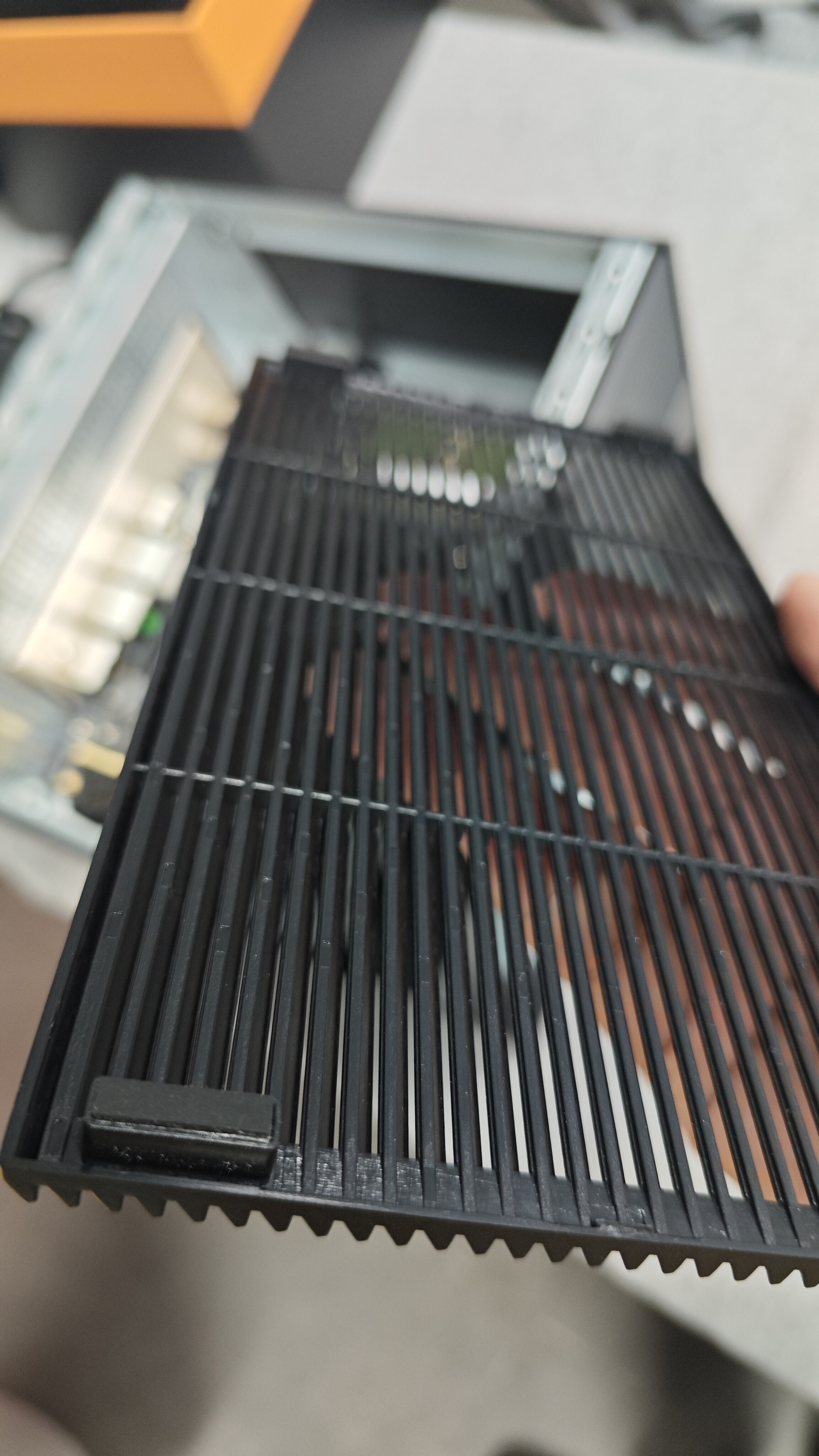
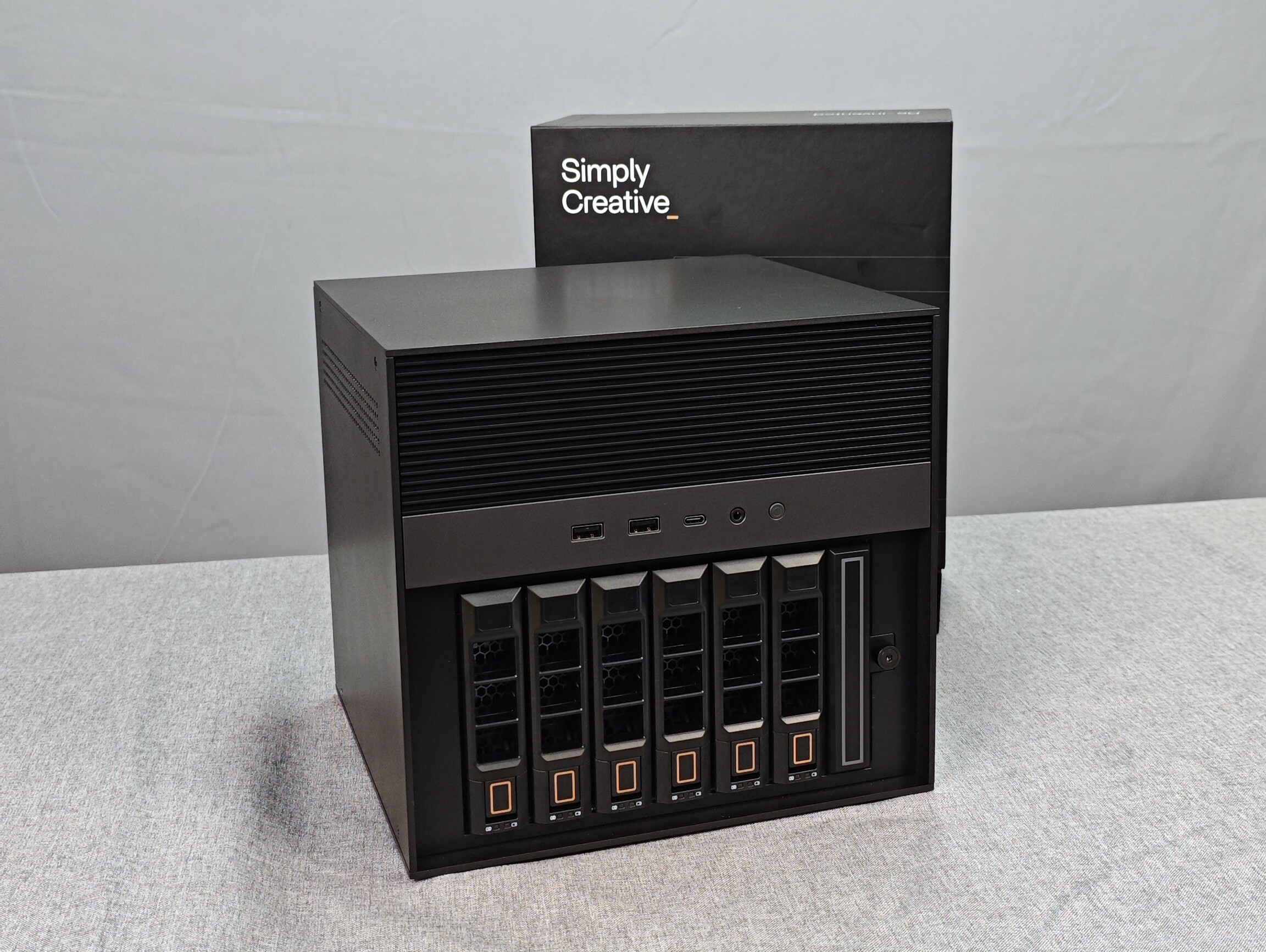
Behind the magnetic front grille are six conventional drive trays plus the narrow seventh bay. Current product information still describes the platform as a 6+1 design, with four M.2 SSD slots in the seventh-bay module.
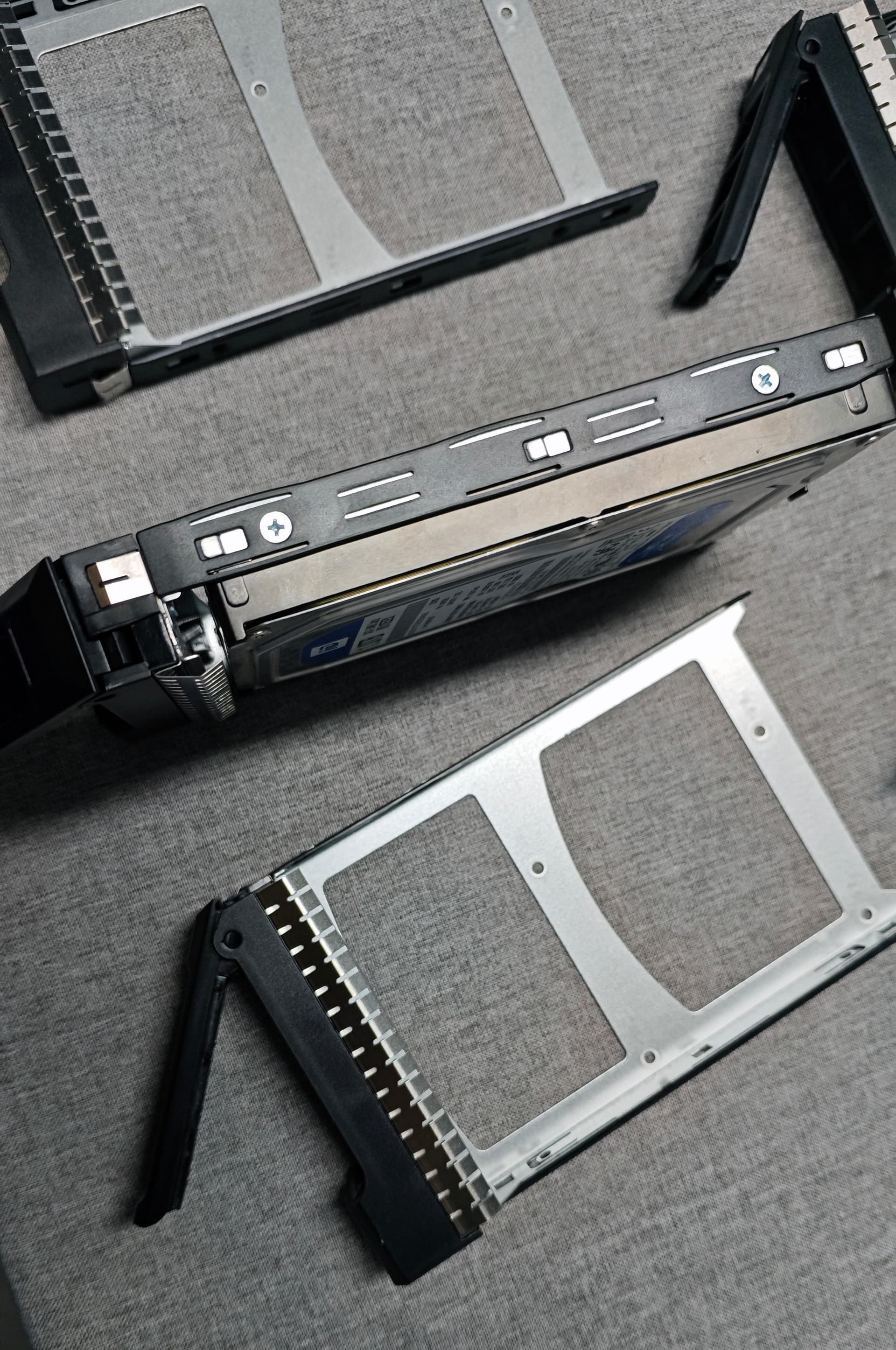
The community reviewer considered the screw-fixed trays less convenient than fully tool-less carriers, but stable once installed. That is a usability opinion from the beta sample, not a performance measurement.
Inside the Seventh M.2 Bay
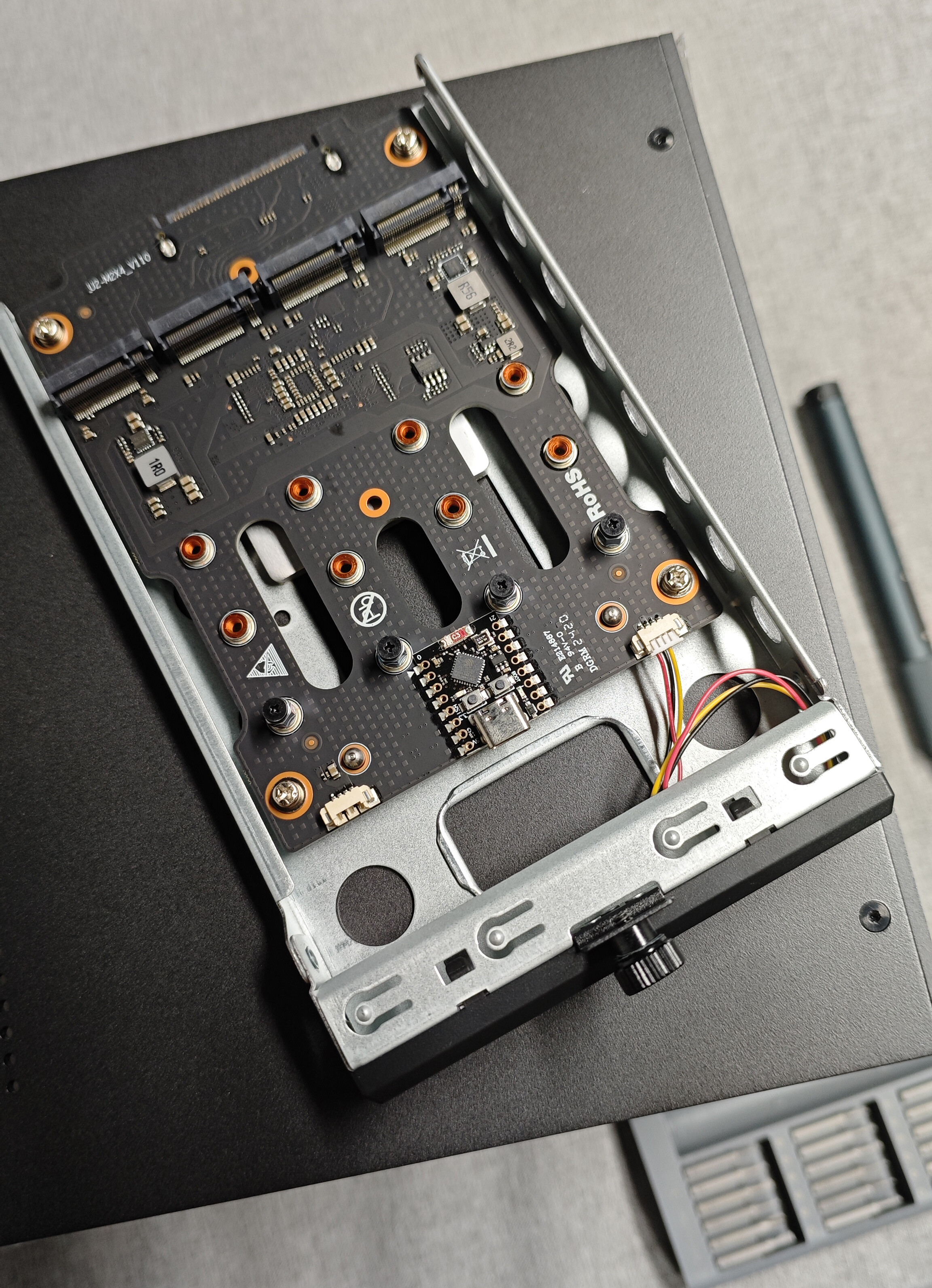
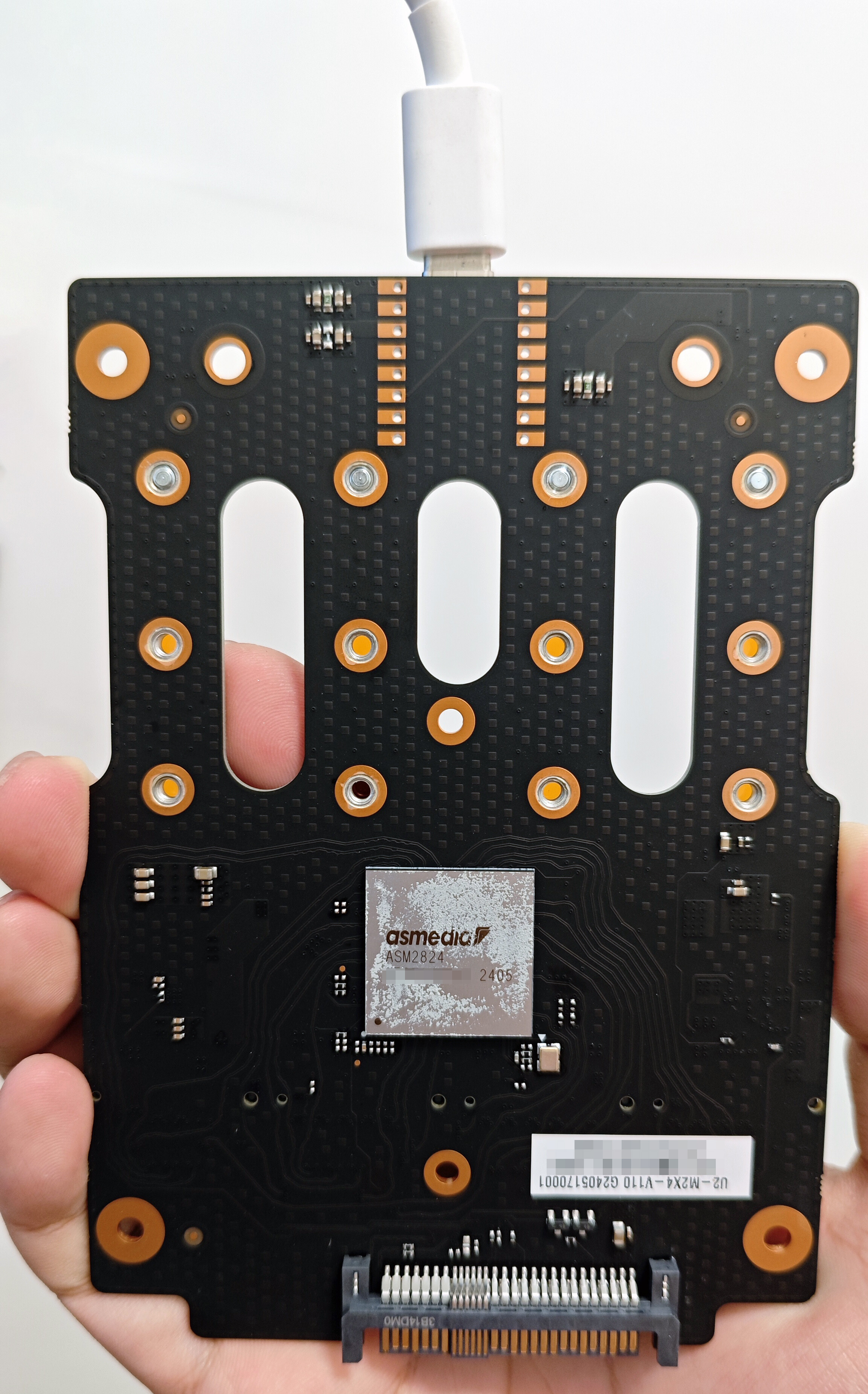
The teardown showed four M.2 connectors and an ASMedia ASM2824 switch/controller on the module. Current ZimaCube Pro specifications advertise up to 3200 MB/s read/write performance for the seventh-bay M.2 group. The ZimaCube development update also documents how that feature evolved before production.
A Compact Backplane Reduces Internal Cabling
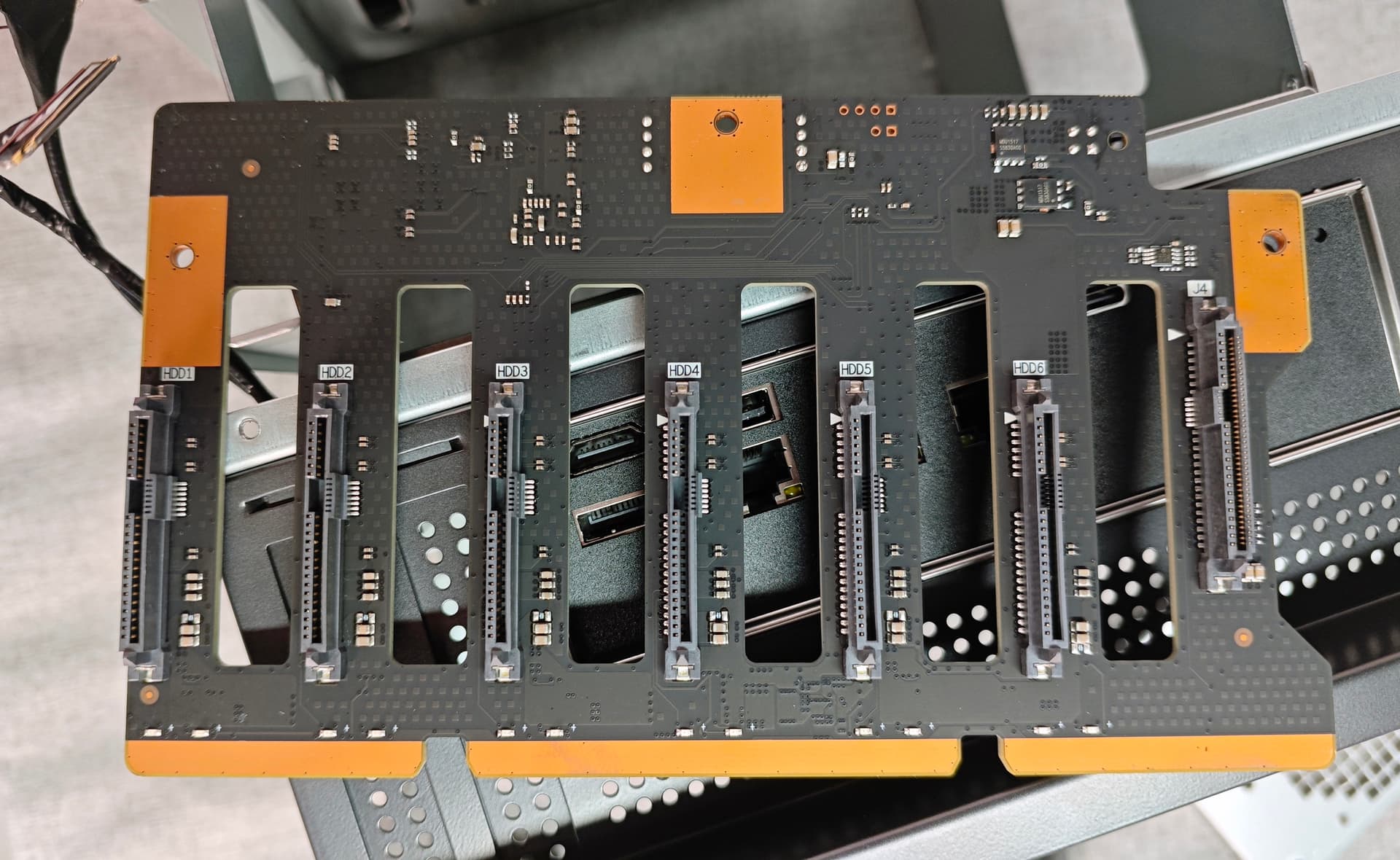
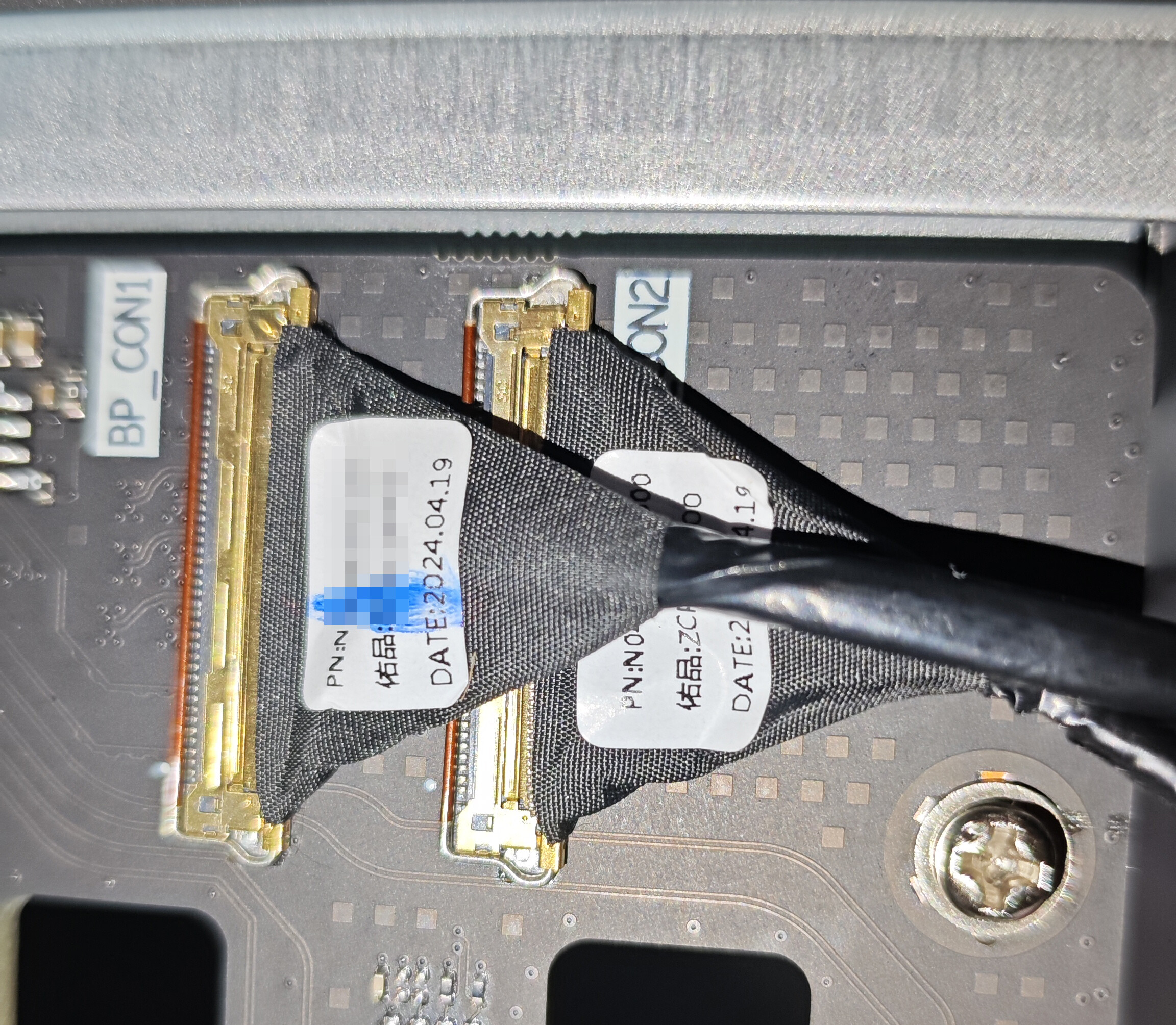
The reviewer highlighted the storage backplane and compact high-density data cables as one of the strongest parts of the design because they avoid a bundle of individual SATA data cables. The backplane also provided fan headers in the reviewed unit.
For current interface counts and supported hardware, use the official ZimaCube specification page rather than relying on chip-level assumptions inferred from a 2024 board revision.
Keep Thermal and Noise Comments Tied to the Beta Unit
The reviewer reported that the beta unit was somewhat noisy and discussed airflow direction around the upper CPU cooler. IceWhale was still providing fan-direction modification guidance during that testing period. Those observations are useful history, but they are not a current acoustic specification and should not be generalized to later revisions without fresh testing.
Bottom Line
The teardown remains a strong visual reference for understanding how ZimaCube Pro fits a six-drive NAS, a four-M.2 seventh bay, 10GbE and PCIe expansion into one chassis. Its greatest value is architectural. Use current official specifications for purchase decisions, and keep the reviewer's beta-only cooling, noise and component-layout comments attached to the 2024 sample.


