
The March 2026 forum limitation is now outdated. Current ZimaOS documentation explicitly says ZimaClient can list multiple ZimaOS devices and let you switch between them from the device list.
At the time of the thread, users on desktop and iOS could see only one usable device or duplicate entries, and an IceWhale reply said the multi-device-capable client release was still coming. The current official documentation shows that capability as part of the supported experience.
What the Older Client Did
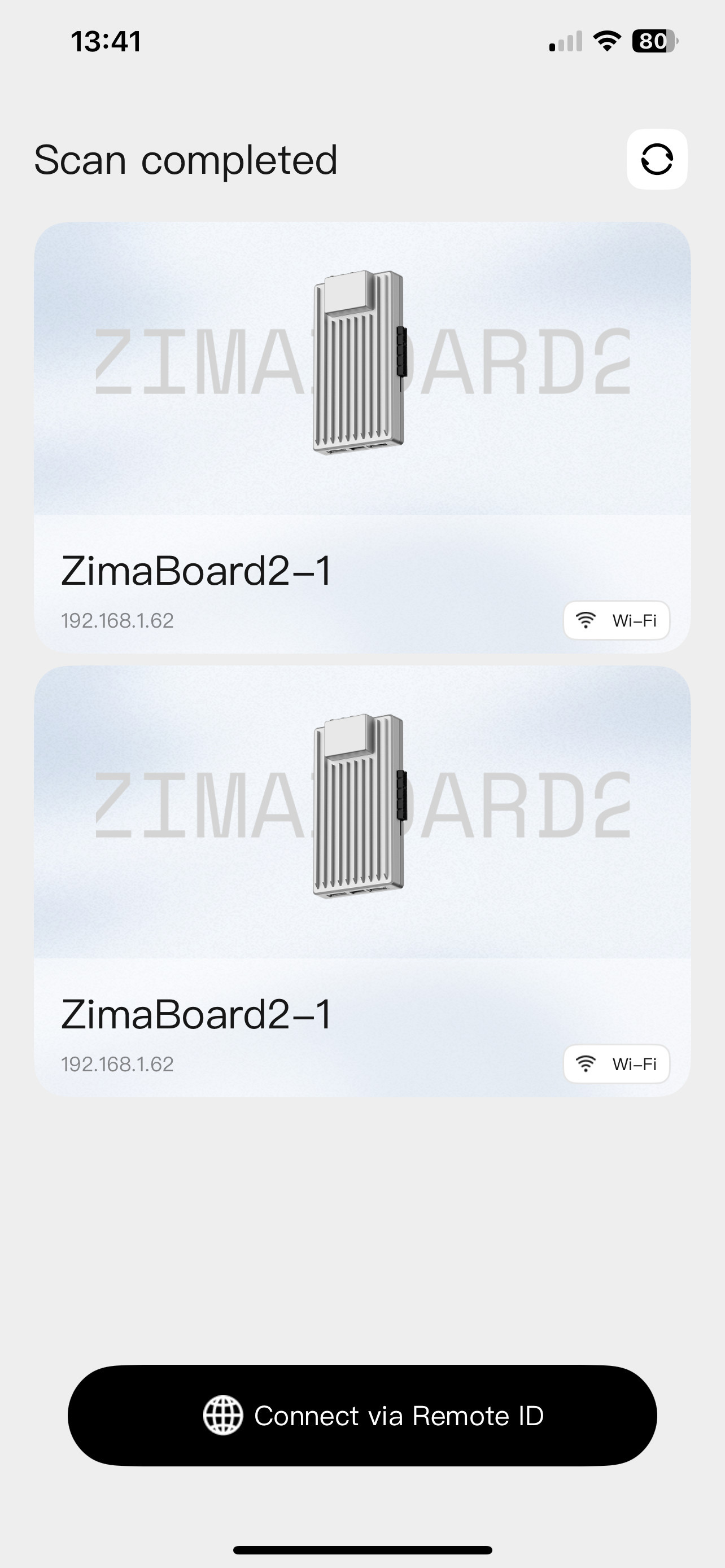
The user had two ZimaOS systems on the same LAN. The iOS scan displayed the same device twice with the same name and IP instead of exposing both servers as switchable targets.
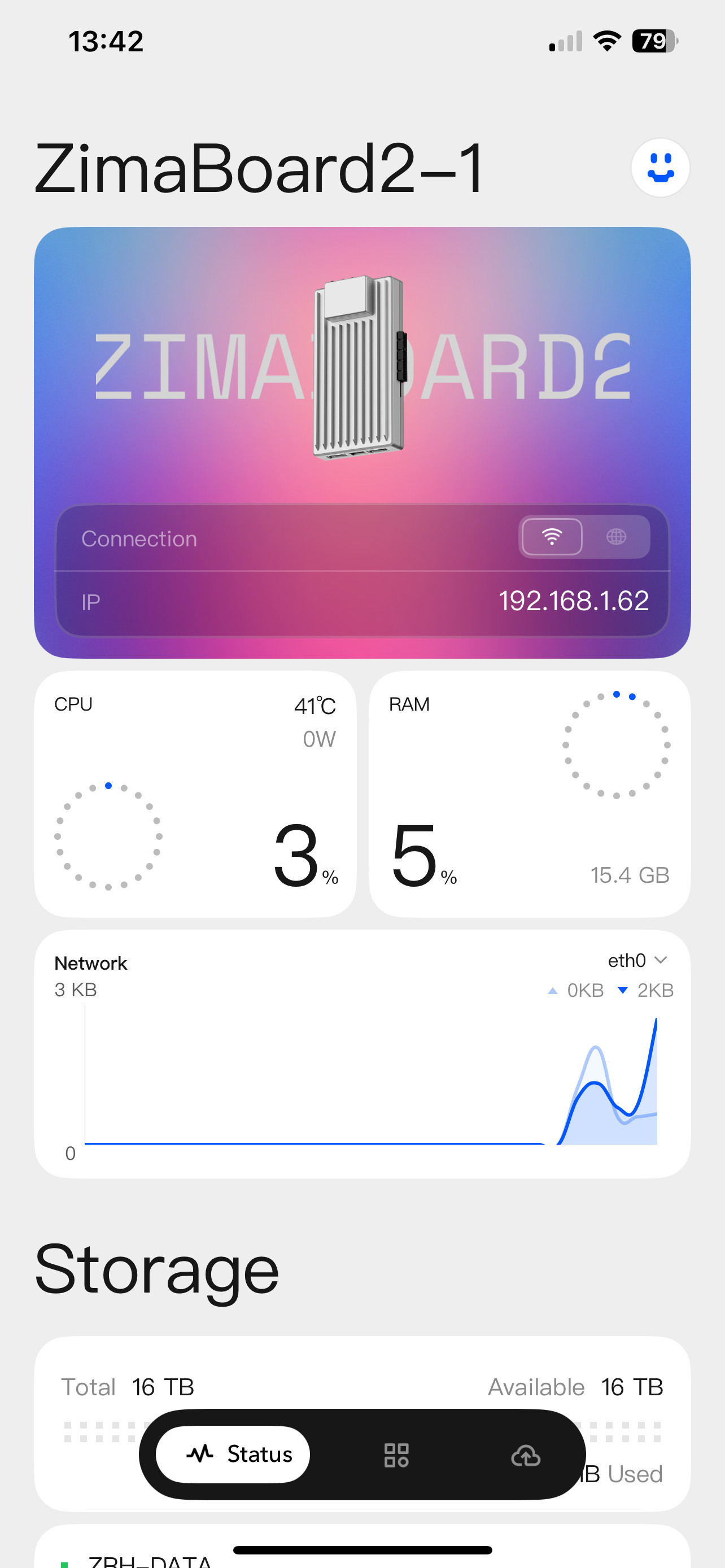
After opening the first device, the user could not find a control for registering or switching to the second ZimaBoard. IceWhale replied that the newer release had not yet shipped.
Current ZimaClient Supports Multiple Devices
The current ZimaOS remote access guide now states that ZimaClient lists multiple devices and that switching is available from the device list.
It also recommends giving each ZimaOS device its own icon so the servers are easy to distinguish. This directly addresses the older community workaround of using different wallpapers or browser tabs.
Update the Client Before Troubleshooting the Old Behavior
If you still see only one server, first install the current ZimaClient using the ZimaClient installation guide. Then rescan the LAN while both ZimaOS devices are online.
For remote devices, use the supported remote connection flow rather than repeatedly disconnecting one local server to discover the other.
Give Each Server a Distinct Identity
Use a unique device name and icon for each system. The ZimaOS device connection guide helps with the connection flow, while the ZimaClient overview gives additional context on the client architecture.
If the current client still duplicates the same IP and omits the second device, capture the client version, both device names/IPs and a fresh scan screenshot. That would be a current discovery bug, not proof that multi-device management is unsupported.
Bottom Line
The original thread accurately described an unreleased feature in March 2026. Current official ZimaOS documentation now says multiple-device listing and switching are supported, so update ZimaClient before applying the old browser-tab workaround.


