
Do not use the old ZimaClient 2.1.0-beta.3 download links as your normal installer in 2026. That thread was a public beta announcement from April 2025; current ZimaClient installers and troubleshooting are maintained through the official ZimaOS download flow.
The beta is still useful historically because it shows the direction ZimaClient was taking—backup, automatic connection switching, local file access, and simplified transfer—but it should not be treated as the current stable release or support channel.
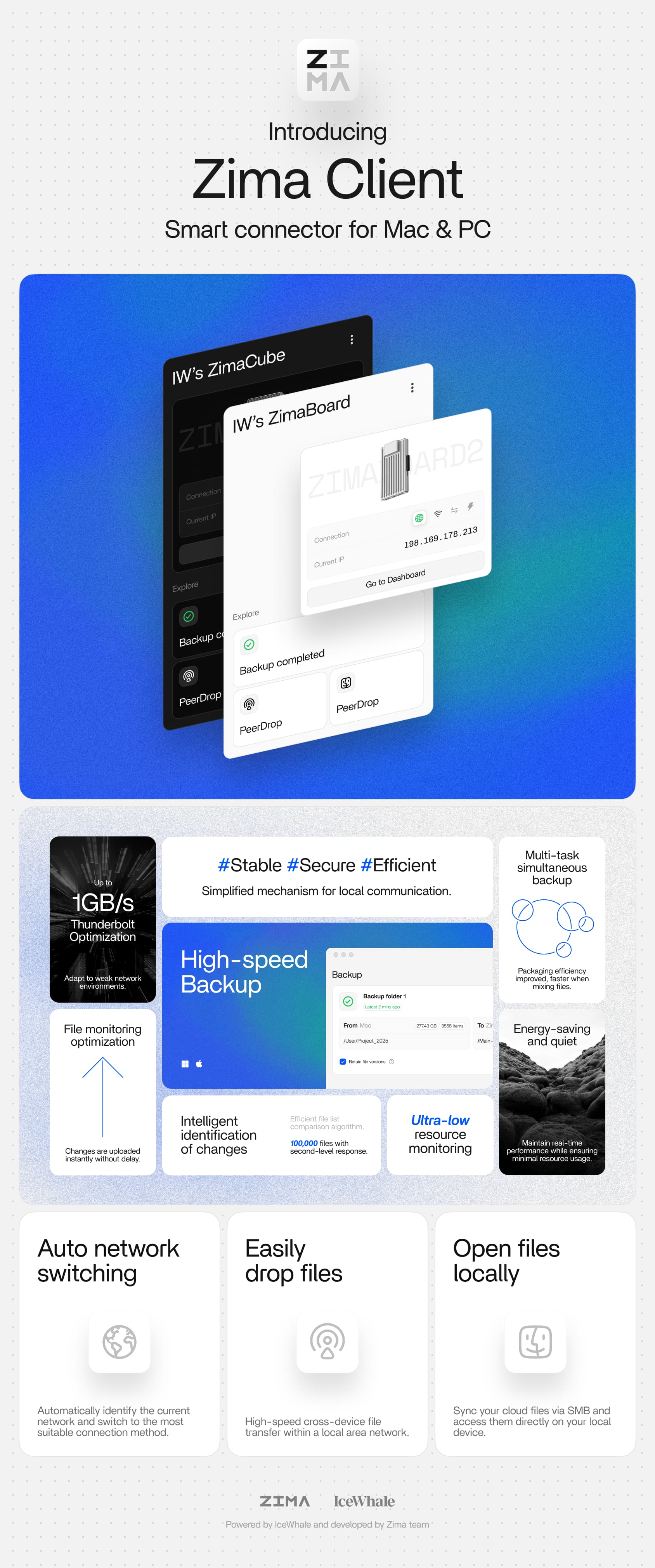
Use the Current ZimaClient Installer
The current current ZimaClient install guide covers Windows, macOS, iOS, and Android installation.
Match the Mac Architecture
The old beta thread provided separate macOS ARM64 and x64 builds. That distinction still matters: Apple Silicon and Intel Macs need the correct binary when separate packages are offered.
Why Old Beta Links Should Not Be Your Default
Beta builds may contain experimental networking, backup, UI, or update logic. They also fall outside the normal stable troubleshooting path once newer client releases exist.
Current Remote Access Still Uses P2P
Current documentation says ZimaClient and ZimaOS establish encrypted peer-to-peer connectivity and use IceWhale's self-deployed network controller plus ZeroTier discovery infrastructure rather than opening public NAS ports by default.
Current ZimaClient Includes Computer Backup
The current ZimaClient computer backup guide documents computer-folder backup to ZimaOS as a maintained feature.
If the Current Client Will Not Install
Official troubleshooting recommends checking internet access and installing the current ZeroTier package if installation stalls. On macOS, close stuck Zima/Zima Helper processes before relaunching.
Collect Current Logs, Not Beta Feedback
macOS:
~/Library/Application Support/Zima/logs

Windows:
%AppData%\Zima\logs
Use those logs with the current client version when reporting a problem. A 2025 beta-thread comment is unlikely to be enough to diagnose a 2026 build.
When Beta Testing Still Makes Sense
Use a beta only when IceWhale currently asks testers to validate a new feature and you are comfortable with regressions. Keep stable ZimaClient installers available for production systems.
The connection troubleshooting guide provides a useful fallback if the desktop client itself breaks.
Do Not Mix Beta and Stable Installers During Troubleshooting
If a current stable client fails, do not install an old beta over it without first recording the version and logs. Mixing builds can leave background helpers or networking components from different releases and make the actual failure harder to identify.
Verify Direct LAN Access Before Blaming P2P
Open the ZimaOS dashboard by LAN IP. If that works while ZimaClient does not, the NAS is reachable and the problem is likely client discovery, local permissions, ZeroTier/P2P state, or the desktop app itself.
FAQ
Is ZimaClient 2.1.0-beta.3 still the latest?
No. It was a 2025 beta announcement.
Should I use the beta link on a production Mac?
Use the current stable installer unless you intentionally need a currently supported beta.
Does current ZimaClient still support backup?
Yes. Current ZimaOS documentation includes Windows/macOS computer backup through ZimaClient.
Where should I report a current client bug?
Capture the current version, screenshot, and ZimaClient logs, then use current IceWhale support channels.


