
A ZimaBoard 2 user expected an Oculink adapter itself to appear in lspci. The thread clarified that a passive Oculink path is a PCIe extension: the meaningful result is whether the device at the far end appears. The user’s GPU never appeared, even though its fans spun, and the Web UI stopped loading when a graphics card was installed in the dock.
The discussion remained unresolved after multiple adapters and two GPUs. It produced a useful diagnostic boundary: solve PCIe enumeration and stable boot before installing NVIDIA drivers.
Oculink Does Not Need Its Own Driver
The host may show PCIe root ports or bridges, not a device named “Oculink.” With nothing attached, this is normal. Compare the PCIe tree before and after connecting a known-good device:
lspci
lspci -tv
If the endpoint does not appear in lspci, nvidia-smi cannot discover it and an NVIDIA package cannot repair the physical link.
Power Without PCIe Enumeration Is Not Success
Spinning fans only prove that some power reaches the card. They do not prove link training, lane continuity, auxiliary power stability, or endpoint initialization. In the source setup, the board booted normally after the dock or GPU was removed, which focused the diagnosis on the expansion chain.
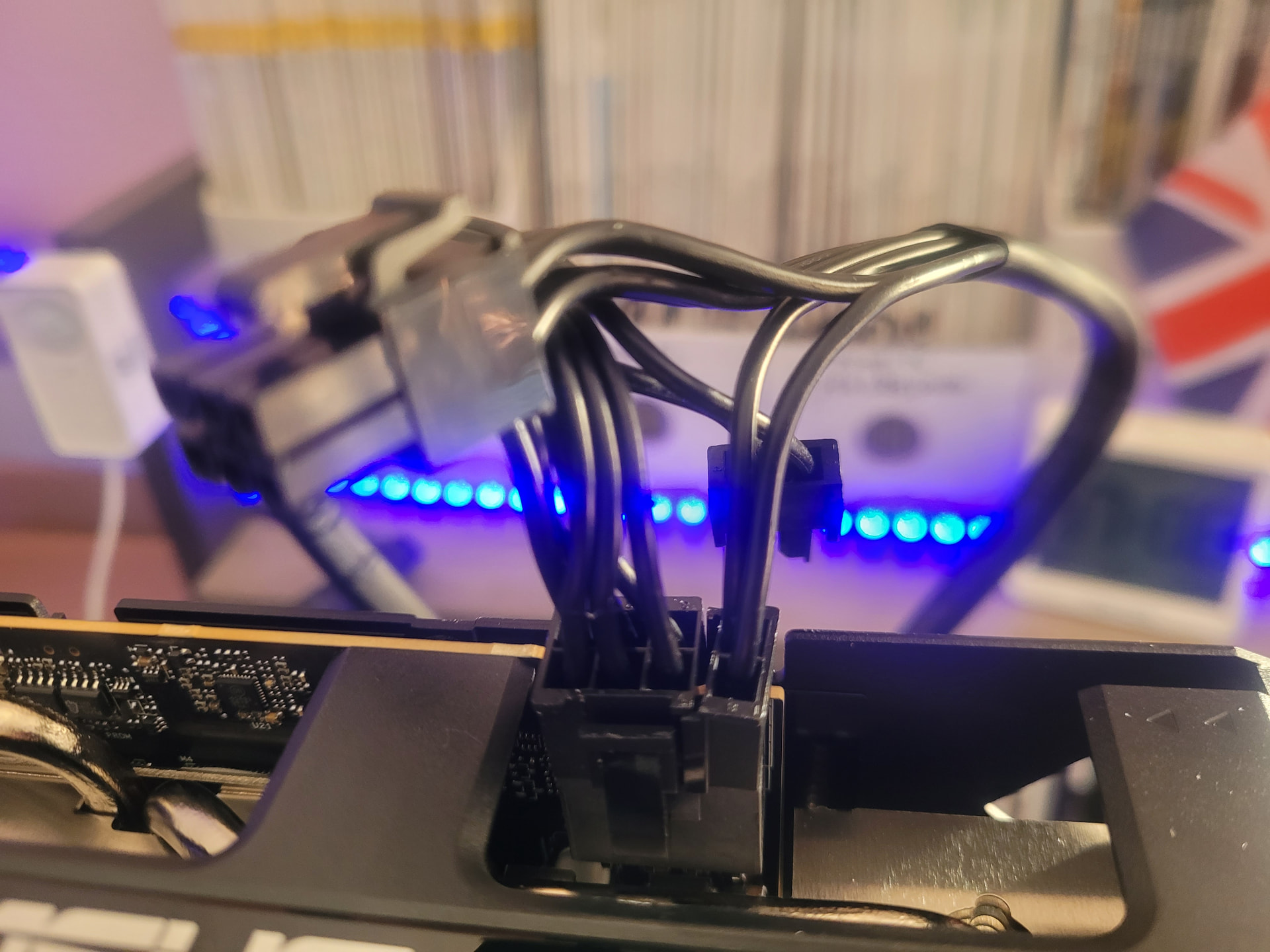
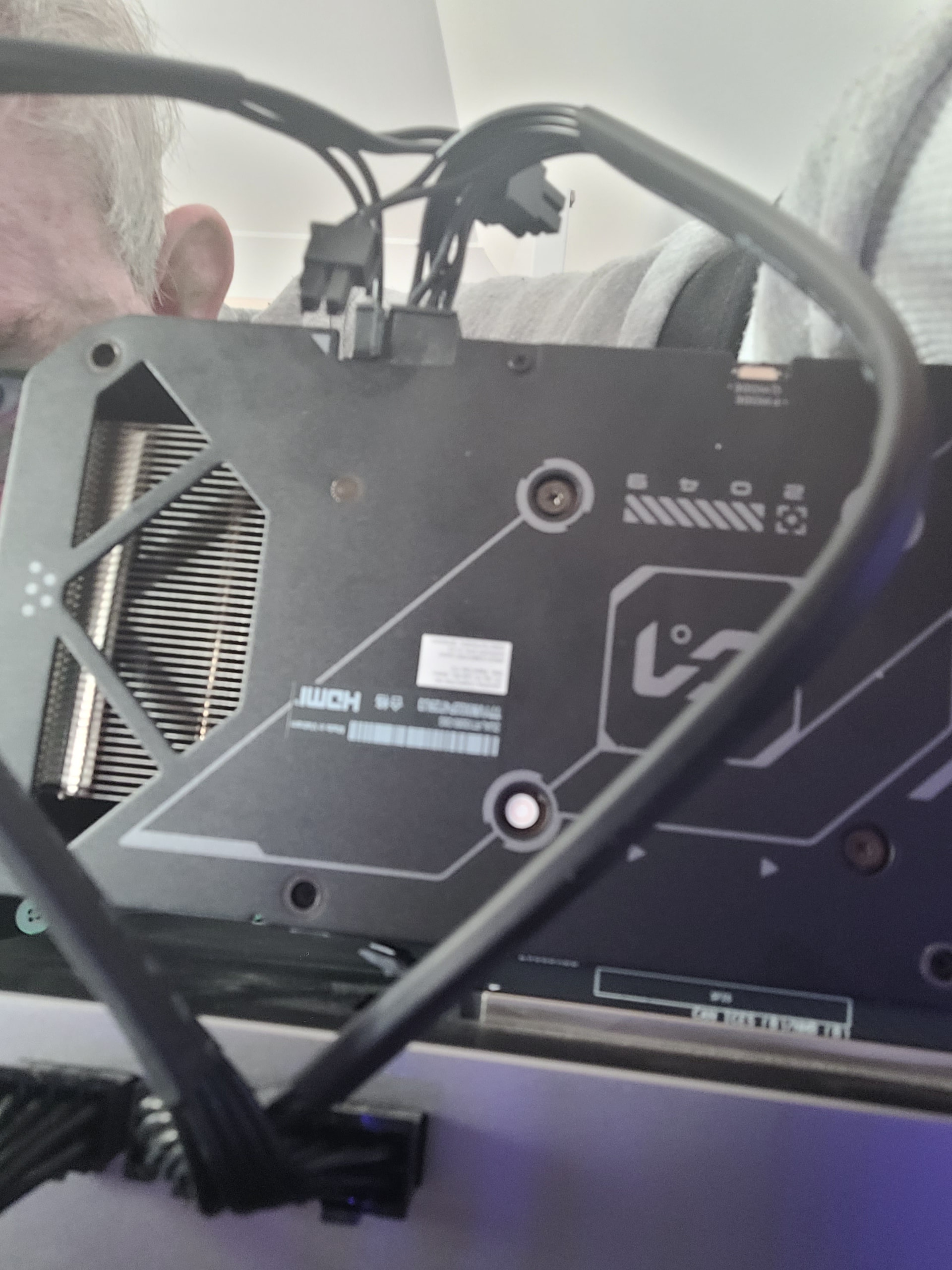
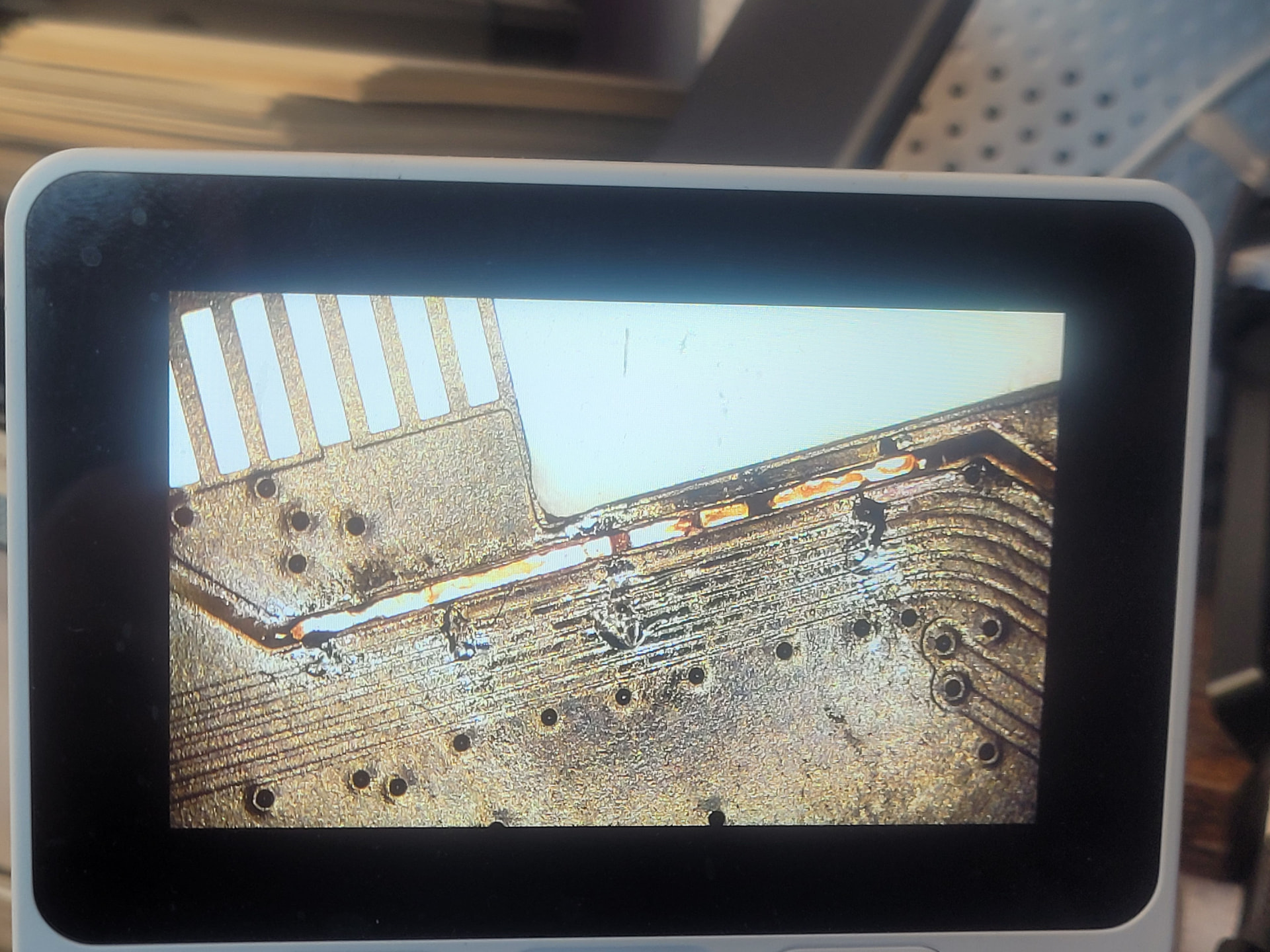
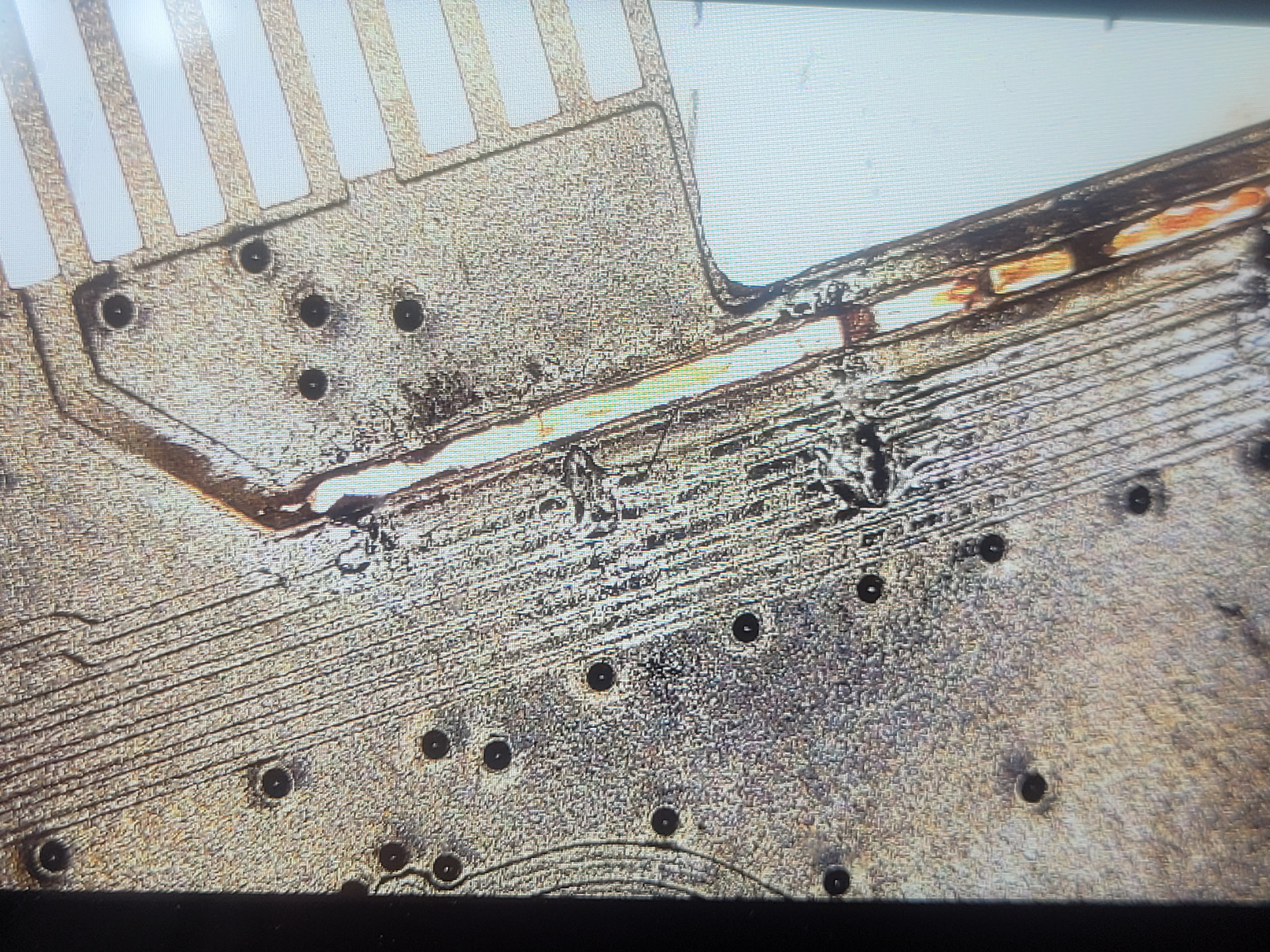
A Damaged Adapter Was Found, but Replacing It Did Not Finish the Fix
Close inspection found visible breaks across the power and data traces of the first PCIe-to-Oculink adapter.
Use a Known-Good Low-Risk Endpoint to Isolate the Chain
A PCIe USB controller appeared in lspci through the dock, showing that at least part of the path could enumerate. However, both an RTX 5060 and later a GTX 750 prevented the Web UI from loading. That shifted attention toward the dock, power delivery, PCIe link training, or platform compatibility rather than one GPU driver.
Test one variable at a time: endpoint in another PC, different endpoint in the same dock, known-good cable, known-good adapter, stable PSU, and correct power-on order. Do not hot-plug Oculink or PCIe hardware unless the hardware documentation explicitly supports it.
Install Drivers Only After the GPU Appears
The user installed the RTX 50XX extension before the card appeared in lspci. That added a software variable without solving enumeration. Use the version-specific RTX 50XX community tutorial only after hardware detection and only when its ZimaOS version matches.
Do Not Assume Every PCIe GPU Is Officially Supported
Oculink carries PCIe, but practical compatibility still depends on lane width, firmware, power, dock design, GPU option-ROM behavior, and drivers. The linked IceWhale GPU expansion documentation discusses expansion concepts but does not turn every adapter-and-GPU combination into a validated ZimaBoard 2 configuration.
ZimaBoard 2 Oculink FAQ
Should Oculink appear by name in lspci?
No. Look for the attached PCIe endpoint and its parent bridge.
Do spinning GPU fans prove the card is detected?
No. The card must enumerate in lspci.
Was this thread fully solved?
No. Even the lower-power GTX 750 still prevented normal startup, and the user was considering another dock.


