
The original community experiment proved that ZimaBoard/ZimaBlade hardware could boot a third-party ARC loader and run Synology DSM-like deployments. Sabitech first documented it on ZimaBlade, then confirmed the same approach on ZimaBoard 832. Other users later reported working ZimaBoard 832 and ZimaBoard 232 installations with newer ARC versions.
This remains an unofficial community hack, not an IceWhale-supported operating system and not an official Synology hardware deployment. ARC selects/emulates a Synology model and loads DSM on non-Synology hardware. Compatibility, updates, licensing/support and data safety are therefore very different from running ZimaOS or buying a supported Synology NAS.
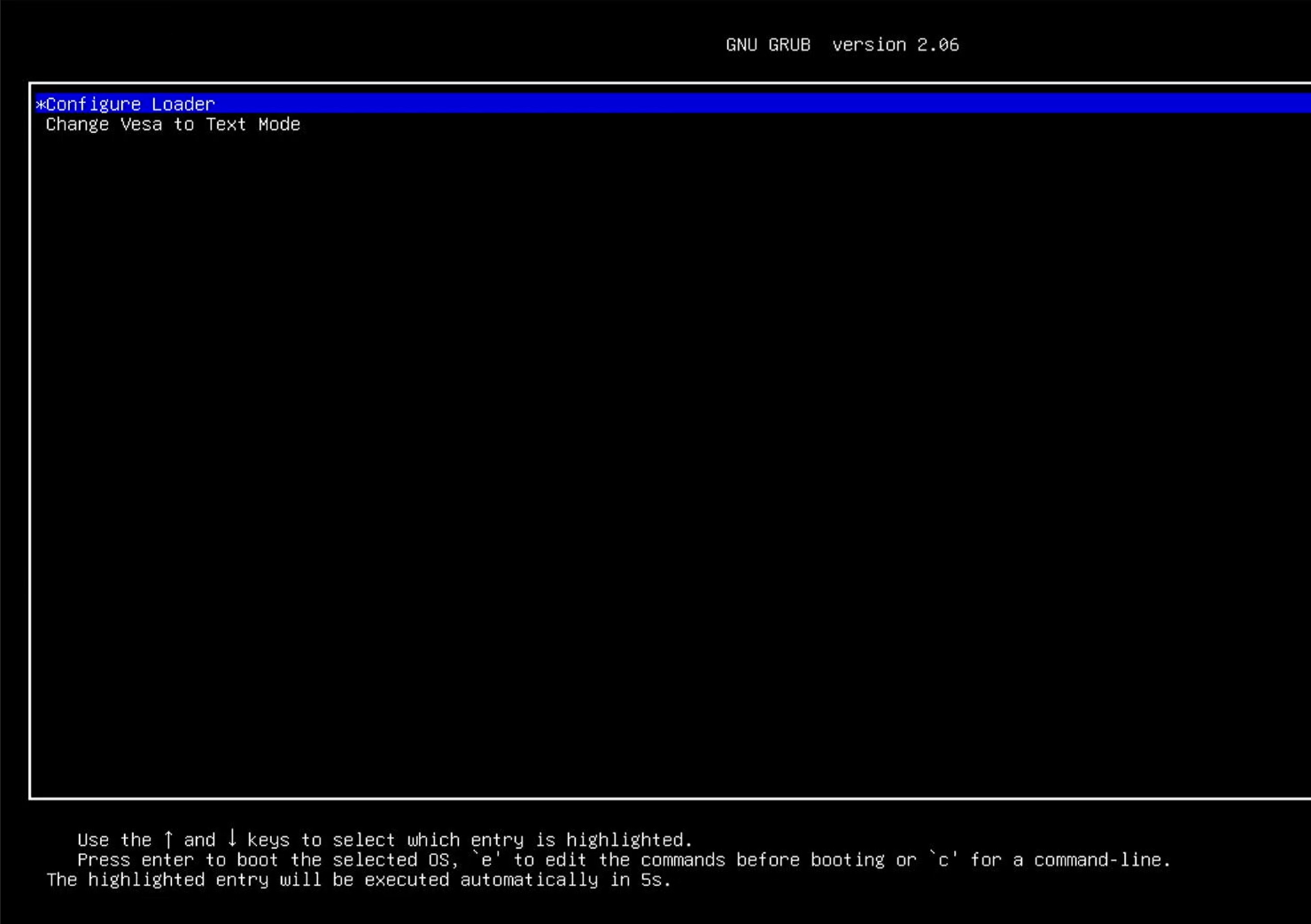
ARC Is a Third-Party Bootloader, Not Synology DSM Installation Media by Itself
The 2023 source downloaded ARC, flashed it to USB, disabled Secure Boot, and booted the loader. ARC then asked the user to select a Synology model/version and generated the environment needed for DSM to boot on the non-Synology x86 hardware.
Do not confuse a successful ARC boot with official Synology support for the underlying Zima device.
The Source Emulated a Synology Model
The tutorial selected a DS3622xs+-class target because the author found that model reliable in testing. This is emulation/loader behavior; it does not transform ZimaBlade into that real Synology product or make every DSM package/hardware function valid.
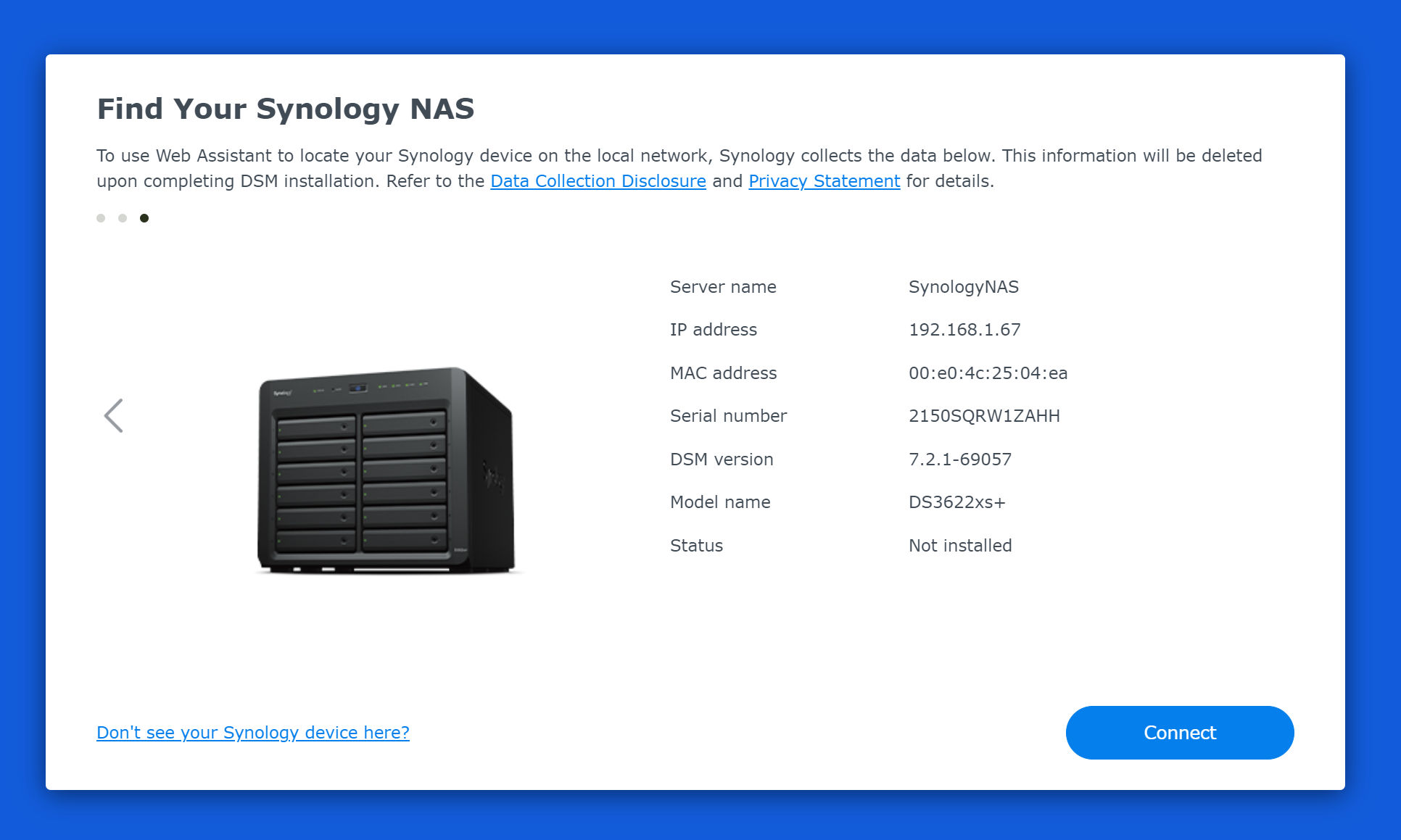
DSM Installation Can Wipe the Selected Drives
The source explicitly reaches a step where the DSM installer warns that the drives will be erased. This is the most important safety boundary in the tutorial.
Never experiment with ARC/DSM using disks that contain the only copy of important ZimaOS, CasaOS, RAID or personal data.
Multiple Community Users Reported Working Systems
Sabitech confirmed ZimaBoard 832 after the initial ZimaBlade test. A 2024 user reported the same board working. In January 2026, another user said an updated ARC loader also worked on ZimaBoard 232 and that they installed the loader to internal eMMC, then ran DSM 7.3.

Bootloader and DSM Updates Are the Largest Ongoing Risk
A third-party loader sits between the hardware and DSM. A DSM update can change kernel/driver/model requirements; an ARC update can change loader behavior. A system that boots today may need loader patches before a future DSM upgrade.
Keep configuration/data backups and do not apply production updates before checking the current ARC community compatibility notes.
Hardware Support Depends on Loader Extensions
The source tutorial allowed selecting extensions. NIC, storage controller, NVMe and other device support depends on what ARC/DSM kernel drivers are available for the emulated model.
A device being visible to ZimaOS does not guarantee it will be visible to DSM through ARC.
ZimaOS Is the Supported Native Path on Zima Hardware
ZimaOS is built and maintained for IceWhale hardware and generic x86-64, with current documentation for storage, Docker, backup, remote access, drivers and recovery.
Use the supported ZimaOS platform if predictable vendor support matters more than experimenting with DSM.
DSM on Zima Hardware FAQ
Did community users actually run DSM on ZimaBoard/ZimaBlade?
Yes. The thread contains several success reports across 2023-2026.
Is this an official Synology or IceWhale installation method?
No. It relies on the third-party ARC loader and should be treated as an unsupported community experiment.
Can the DSM install erase drives?
Yes. The source installation explicitly includes a drive-wipe confirmation step.


