
How kabuto Builds a Modular 10-Inch Homelab with ZimaBoard 2


Thank you to kabuto for sharing a modular 10-inch homelab built around ZimaBoard 2, reused equipment, and a beige-and-brown printed rack. The video follows the hardware layout through assembly and into everyday file and photo services. You can watch the original YouTube video on the creator’s channel.
Watch before reading: This is a useful watch if your home server equipment already works but is scattered across the house. In about 20 minutes, kabuto brings storage, networking, cooling, and an older Raspberry Pi into one physical home, then shows what the finished system lets different devices do.
The central idea is consolidation: give each piece of equipment a clear role and make the services reachable from the devices already in use. Immich, Nextcloud, a PlayStation 2 setup, and remote access appear in the finished walkthrough. A future GPU for local LLM work is discussed as an expansion path, rather than demonstrated as a completed AI benchmark.
Give the homelab one home without giving every device the same job
ZimaBoard 2 sits at the center of the storage and application side, running ZimaOS and containerized services. Two hard drives provide file storage. The switch and router handle network connections, while an older Raspberry Pi has a different job: its analog video output makes it useful with a CRT television. The rack brings these pieces together without making them interchangeable.
This is a practical reason to reuse equipment. A device that is unsuitable as the main application host may still solve a specific output or connectivity problem. If your own collection is difficult to maintain because of different platforms, compare kabuto’s reuse approach with Julien’s migration from a mixed ARM homelab to x86 servers. The right layout depends on which differences help your workload and which create upkeep.
Build a rack that can change with the equipment
kabuto chooses the Mod10 design for a 3D-printable 10-inch rack whose height can be extended. Custom mounting pieces accommodate devices that do not already come in a rack format, including the router and Raspberry Pi. The original Mod10 modular 10-inch server rack project is linked in the video description; check the current project files and terms before printing.
The lesson is to plan the assembled layout before printing every panel. Leave room for drive connections, adapters, ventilation, and the cables that must bend behind each module. Modularity only helps if one component can be removed without dismantling the equipment around it. Keep a port map and label the cables while you can still see both ends.
Use the patch panels to make connections easier to follow
The printed patch panels hold RJ45 keystone couplers, bringing internal Ethernet connections to accessible front positions. The couplers are pass-through connections; the switch still performs the switching. That distinction helps explain what the panels contribute: a consistent connection surface and a clearer route between the devices inside and the cables outside.

Cooling and power distribution are also arranged inside the rack. Before using a similar layout continuously, check airflow with the panels fitted and the drives active. Retain the correct power supply for each device, make sure cables cannot foul a fan, and keep adapters accessible for inspection. The video’s neat assembly is a useful reference, but it does not supply measured lifetime or thermal results for every possible rack configuration.
Judge the finished build by the services it actually demonstrates
In the later sections, kabuto moves from the enclosure to the applications: a PlayStation 2 storage setup, an Immich photo library, and Nextcloud file transfers. These examples show why centralized storage is useful even when the clients are very different. The server holds the data, while each client reaches it through the service or protocol it understands.
The Nextcloud upload comparison is presented as an informal observation, with the creator explicitly acknowledging its limits. A transfer to a server on the local network and an upload to a remote cloud service use different paths. The clip is useful as an example of the creator’s experience, but it cannot establish a general speed advantage for every file, connection, or installation. The Nextcloud system requirements are a better starting point for checking the software environment of your own deployment.
For photos, check that the originals and the application data needed to reconstruct the library are protected. Centralizing the files makes them easier to reach; it also makes a working backup more important. The ZimaOS 3-2-1 backup guide explains how to plan additional copies rather than relying on the rack as the only location.
Test access away from home before relying on it
Near the end, kabuto opens Nextcloud from a coffee shop using Tailscale. That demonstration closes the loop on the original goal: the home machine remains in one place, while the client can be elsewhere. The Tailscale overview explains the private-network approach behind that connection.
For your own deployment, first verify the service on the local network, then test it from a separate connection with the intended account and access permissions. An offsite connection still depends on the home server, its network, and its storage being available. Test with an ordinary file and confirm that the account can reach the intended service before depending on it during travel.
The strongest takeaway is a sequence you can repeat: list the jobs, assign the hardware, make the connections maintainable, and validate one service at a time. The printed rack gives the equipment a home; the working photo, file, and media paths give it a purpose. Watch kabuto’s complete “an actual homelab” build for the original assembly and demonstrations. The video identifies supplied components and sponsorships, which should be kept in mind when evaluating the parts list.

Zima 캠페인 허브
더 읽어보기
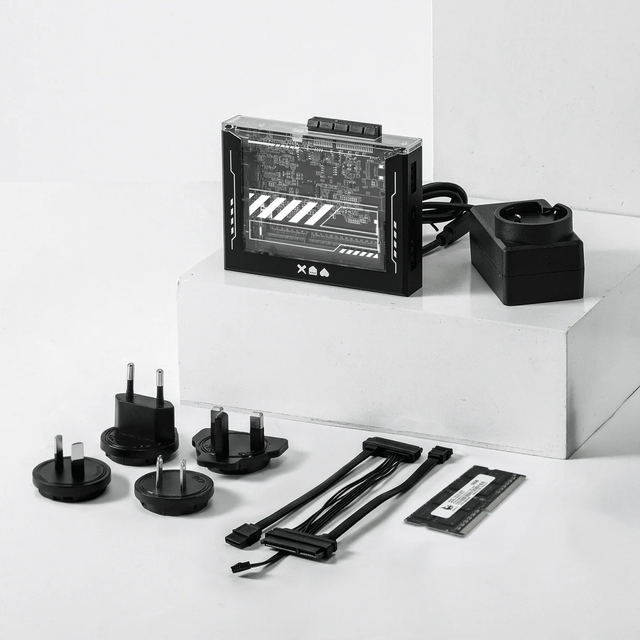
ZimaBlade Is Now ZimaBoard SE: What Changes and Which Kit to Choose
ZimaBlade becomes ZimaBoard SE with installed 8GB or 16GB RAM, 64GB eMMC and ZimaOS Plus. Compare specifications, Starter and NAS Kits, pricing and FAQs.
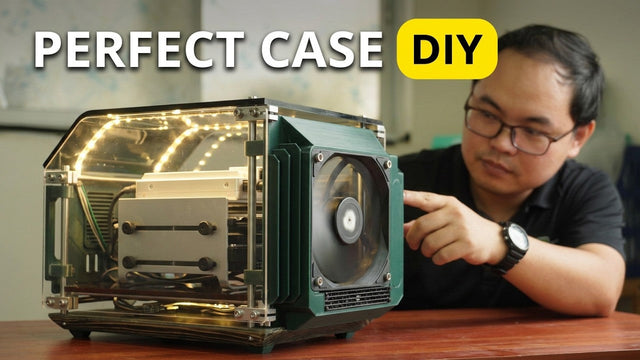
How The TKT Works Builds a Custom Acrylic Case for ZimaBoard 2
Follow The TKT Works’ custom ZimaBoard 2 case build, covering the rod frame, acrylic panels, front display, cable routing, and cooling considerations.
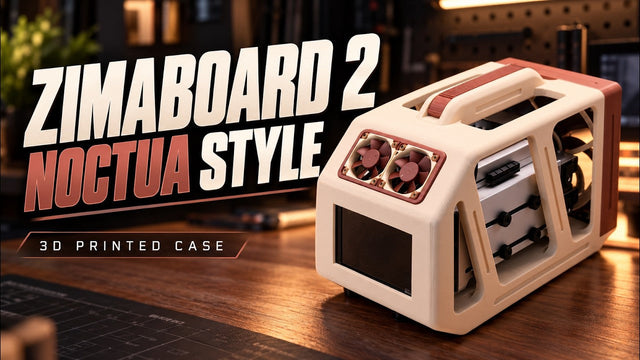
How Ariel Studio Builds a Noctua-Style ZimaBoard 2 NAS Case
Follow Ariel Studio’s ZimaBoard 2 NAS case build, from Noctua-inspired printed parts and airflow planning to a separate backup destination in ZimaOS.


