
Una nota de Zima
Gracias, Falco1234, por mostrar cómo una nube personal puede ser tan accesible cuando el hardware, el plan de almacenamiento y el software se eligen en torno a un objetivo claro. Desde comenzar con una ZimaBoard 2 832 y dos unidades de 4 TB en RAID 1 hasta construir tu nube privada alrededor de ZimaOS y Nextcloud, tu configuración convierte la propiedad de los datos en algo práctico en lugar de abstracto.
Apreciamos especialmente la forma gradual en que abordaste el proyecto: mantener sencilla la configuración inicial, añadir solo los servicios que realmente necesitas y dejar que el sistema crezca con tu experiencia. Tus notas sobre el funcionamiento silencioso, la refrigeración pasiva, la fiabilidad 24/7 y la expansión progresiva ofrecen a otros usuarios que comienzan con el autoalojamiento una visión útil de cómo es realmente convivir con una nube personal.
— Zima
Conoce a Falco1234
Falco1234 es Matteo, un entusiasta de la tecnología de Italia con formación en Ingeniería Informática. El software de código abierto le atrajo por la misma razón que el hardware práctico: le daba margen para comprender, personalizar y controlar los sistemas que utilizaba, en lugar de aceptar un conjunto fijo de funciones.
Cuando un amigo le presentó ZimaBoard, la idea conectó de inmediato con algo que ya quería construir: una nube personal que pudiera ejecutar en casa y controlar por sí mismo. Ese fue el punto de partida para un sistema compacto basado en ZimaBoard 2, con redundancia de almacenamiento sencilla, ZimaOS y Nextcloud.
Puedes seguir a Falco1234 en Reddit para conocer el perfil del creador detrás de esta historia de usuario.

Comenzar con un objetivo claro: ser dueño de la nube
El proyecto comenzó con una motivación sencilla: mantener los datos personales bajo control personal. En lugar de depender por completo de un servicio de nube pública, Matteo quería un sistema que pudiera estar en casa, disponible las 24 horas y que dejara espacio para personalizarlo en el futuro.
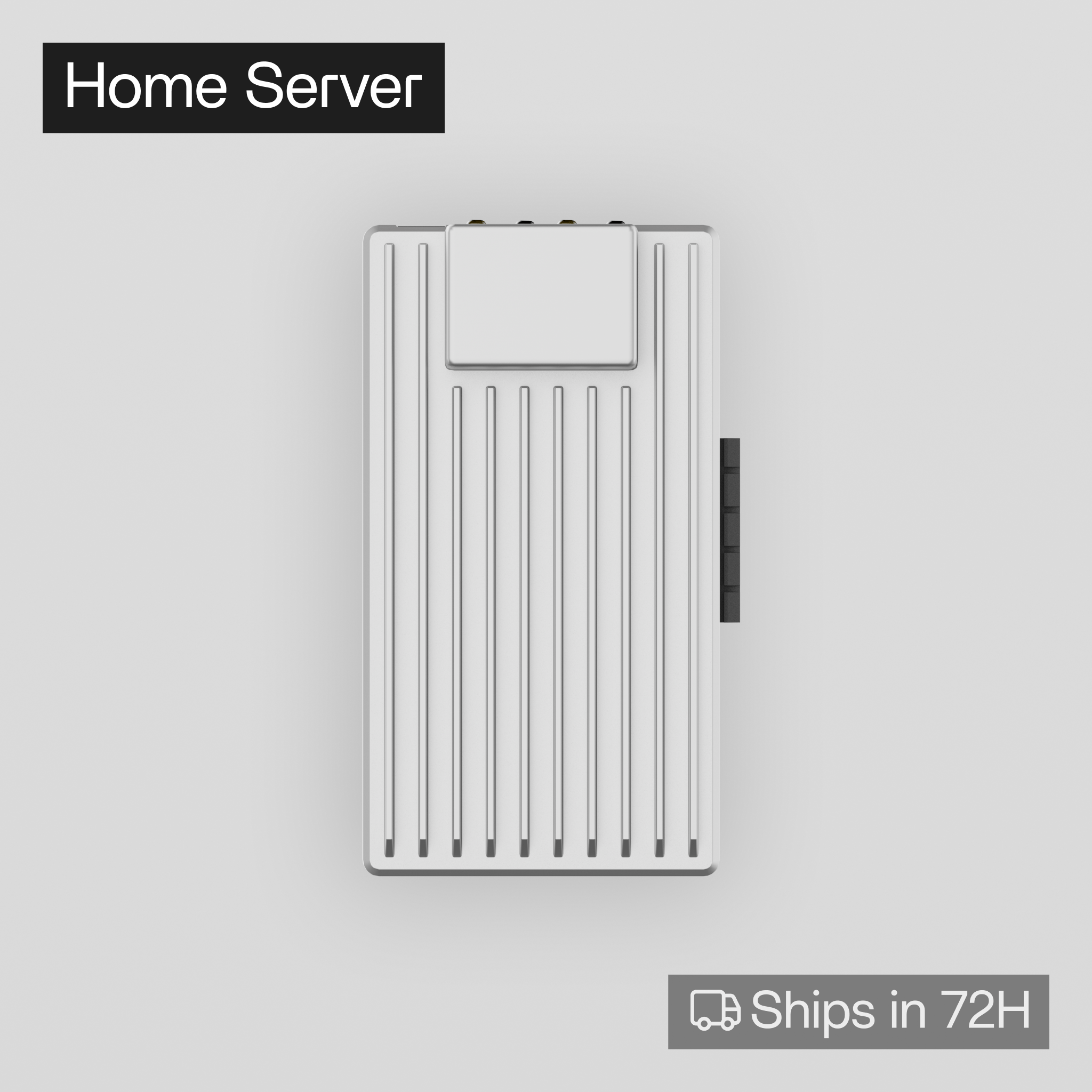
La experiencia positiva de un amigo con ZimaBoard ayudó a convertir la idea, que estaba en fase de investigación, en una compra. Eligió la ZimaBoard 2 832, buscando una plataforma x86 pequeña que pudiera funcionar como servidor doméstico dedicado sin convertirse en una máquina tradicional ruidosa o demasiado grande.
El artículo anterior de ZimaSpace, Cómo construir una nube privada con ZimaBoard 2, documenta la versión técnica de esa configuración. Esta página se centra en el recorrido del creador detrás de ella.
Dos unidades de 4 TB y un plan de almacenamiento RAID 1
Para el almacenamiento, Falco1234 añadió dos discos duros de 4 TB y los configuró en RAID 1. El razonamiento fue deliberadamente sencillo: conservar los mismos datos en ambas unidades para que el fallo de un disco no eliminara de inmediato la única copia disponible para el servidor.
La fase de hardware no se convirtió en un proyecto independiente. Conectó las unidades, siguió el proceso de configuración en pantalla y pasó a las aplicaciones que realmente quería utilizar. Esa sencillez era importante porque el objetivo no era construir el NAS más complejo posible, sino una nube privada que pudiera mantener cómodamente.
Por qué ZimaOS tenía sentido para la primera configuración
Falco1234 eligió ZimaOS porque la interfaz le pareció intuitiva desde el principio. En lugar de obligarlo a pasar la mayor parte del tiempo de configuración en una terminal, mostraba información operativa útil, como la actividad de red, la temperatura del dispositivo y el uso de memoria, de una forma fácil de consultar durante el uso normal.
Eso era importante porque no pretendía crear un servidor que requiriera atención constante. Una vez configurados los discos, podía instalar directamente desde la tienda de aplicaciones las aplicaciones que necesitaba y consultar la documentación oficial de cada aplicación cuando surgía alguna duda.
La experiencia de configuración también dio forma a una de sus recomendaciones más claras para quienes comienzan con el autoalojamiento: no actives todos los servicios posibles de una vez. Empieza por lo básico, comprende cómo funciona y añade más funciones a medida que surjan necesidades reales.
Usar Nextcloud como capa de nube personal
Para la propia aplicación de nube, eligió Nextcloud. Lo que le atrajo no fue solo la sincronización de archivos, sino también el amplio ecosistema de integraciones y funciones opcionales que podían añadirse con el tiempo.
Eso encajaba con la forma en que quería que creciera el servidor. La primera versión del sistema podía concentrarse en el almacenamiento y la sincronización básicos, mientras que las incorporaciones posteriores podían introducirse solo después de que la configuración principal fuera estable y familiar.
El resultado fue una nube privada que no tenía que estar «terminada» desde el primer día. La instalación subyacente de ZimaBoard 2 y ZimaOS podía mantenerse sencilla mientras Nextcloud se ampliaba según sus necesidades.
Lo bastante silenciosa para funcionar 24/7
Después de más de dos meses de uso continuo, uno de los aspectos más destacados de los comentarios de Falco1234 fue la poca atención que requería el hardware. No informó de ninguna inestabilidad durante ese periodo y destacó el diseño de refrigeración pasiva como una parte fundamental de la experiencia.
En sus propias pruebas, observó que la temperatura de la placa no parecía superar aproximadamente los 25 °C, incluso durante periodos de mayor carga. Se trata de una observación del creador en este entorno concreto, no de una garantía de temperatura universal, pero refleja por qué el sistema funcionó bien para su caso de uso: no necesitó añadir otro ventilador simplemente para que la nube privada resultara cómoda en el día a día.
En un servidor doméstico siempre encendido, el silencio no es una característica meramente estética. Una máquina que puede permanecer en el mismo entorno de vivienda o trabajo sin generar un ruido constante de ventilador es más fácil de considerar una parte normal de la infraestructura del hogar que un dispositivo de laboratorio que necesita su propia habitación.
La fiabilidad era más importante que la complejidad
La misma idea aparece en el resto de la configuración. Se eligió RAID 1 porque su lógica de recuperación era fácil de entender. Se eligió ZimaOS porque el estado del sistema era fácil de consultar. Se eligió Nextcloud porque sus capacidades podían crecer gradualmente. La refrigeración pasiva era importante porque eliminaba otra pieza móvil y otra fuente de ruido.
En conjunto, esas decisiones hicieron que el proyecto se centrara menos en maximizar cada especificación y más en reducir la fricción. Falco1234 quería tener control total sobre sus datos, pero no quería que ese control exigiera un servidor doméstico frágil o que necesitara mantenimiento constante.
Después de dos meses de uso 24/7, su resumen fue directo: para quien busca un sistema estable, silencioso y siempre encendido, y prefiere mantener el control de sus datos personales en casa, la ZimaBoard 2 cumplió el objetivo inicial.
Una nube personal que puede crecer poco a poco
Uno de los aspectos más útiles de la experiencia de Falco1234 es que no hubo presión por construirlo todo de una vez. El almacenamiento comenzó con un par de unidades en espejo. El software comenzó con los servicios que eran importantes de inmediato. Las nuevas capacidades de Nextcloud podían añadirse más adelante, en lugar de formar parte de la lista de implementación inicial.
Es un modelo práctico para quienes comienzan con el autoalojamiento: haz que el sistema principal sea comprensible antes de hacerlo grande. Una nube privada resulta mucho más fácil de confiar cuando la persona que la administra sabe dónde están los datos, cómo está protegido el almacenamiento, qué hace cada aplicación y qué funciones se añadieron de forma intencionada.
La historia aún se está escribiendo
La historia de Falco1234 y Zima aún se está escribiendo. El sistema actual ya combina una ZimaBoard 2 832, dos unidades de 4 TB en RAID 1, ZimaOS y Nextcloud en una nube personal silenciosa que ha estado funcionando de forma continua en casa.
Si quieres conocer el proceso técnico detallado de esta configuración, lee el caso práctico completo de la nube privada con ZimaBoard 2. Para seguir al creador detrás del proyecto, visita a Falco1234 en Reddit.


