
ZimaBoard 2 vs Radxa ROCK 5 ITX: Compact Server or Arm NAS Build?
A scale-and-purpose comparison between a compact x86 server board and a 170mm Mini-ITX RK3588 platform, focused on storage count, Arm software, NPU features, physical build effort, and the real choices around M.2 and SATA layout.
Updated September 23, 2026
ZimaBoard 2 1664 vs ROCK 5 ITX 16GB: Verdict and Best Use Cases
Start with the direct answer, then use the scenario matrix to see which NAS fits each workload.
A compact server board with direct I/O
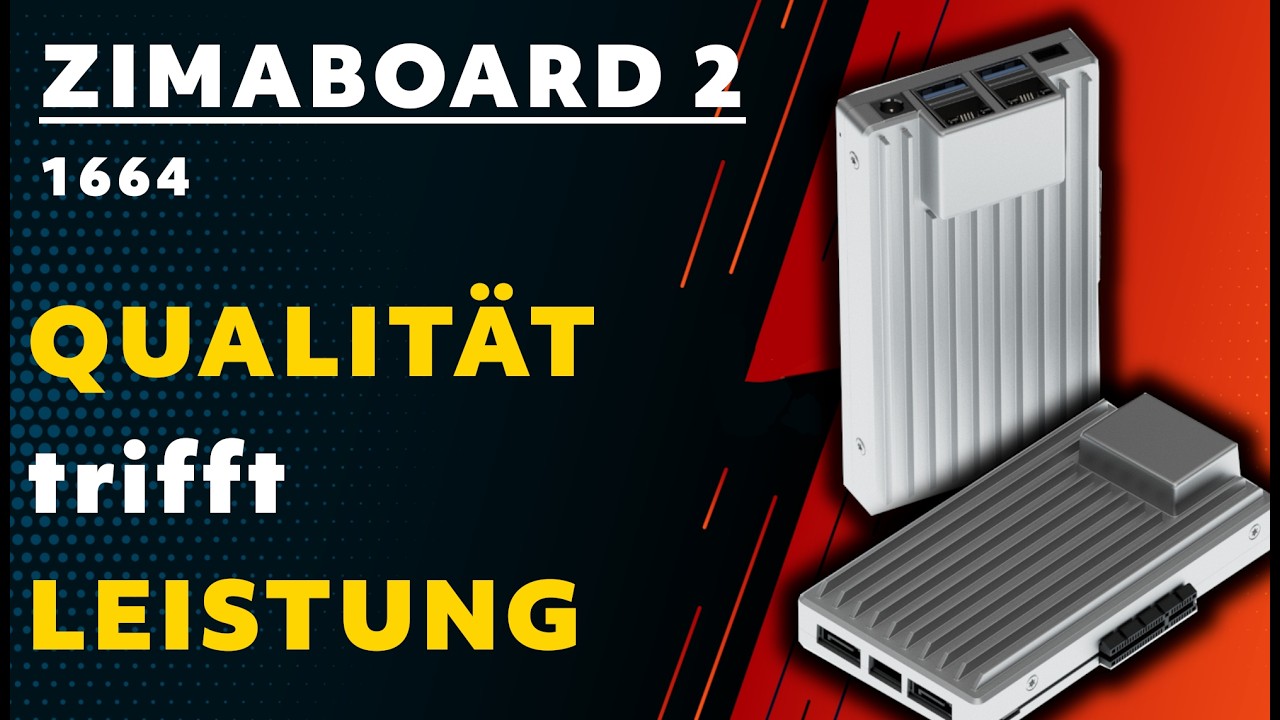
The ZimaBoard 2 product page uses Intel N150 at up to 3.6GHz, soldered 16GB LPDDR5-4800, 64GB eMMC, dual 2.5GbE, two powered SATA 3 ports, an external PCIe 3.0 x4 interface, and ZimaOS Plus. It is smaller and more integrated than a full Mini-ITX build, while still leaving a visible expansion path.
A four-drive Arm system board
ROCK 5 ITX uses Rockchip RK3588 with four Cortex-A76 cores up to 2.4GHz and four Cortex-A55 cores at 1.8GHz, LPDDR5 configurations from 8GB through the 32GB class, 8GB eMMC, four powered SATA 3 ports, dual 2.5GbE, Mini-ITX 170mm dimensions, and a 6-TOPS NPU. M.2 and SATA availability or lane allocation should be checked against the board revision and intended layout.
| Use Case | Better Choice | Why |
|---|---|---|
| Two-drive x86 home server | ZimaBoard 2 1664 | Native SATA, dual 2.5GbE, eMMC, and ZimaOS Plus are integrated in a smaller board. |
| Four-drive SATA pool | ROCK 5 ITX | Four powered SATA 3 ports support a larger direct-attached pool. |
| x86-only service image | ZimaBoard 2 1664 | The amd64 boundary avoids Arm image and binary compatibility checks. |
| NPU, multi-display, or Arm multimedia project | ROCK 5 ITX | RK3588 provides a 6-TOPS NPU and a richer embedded display design. |
| Small enclosure with external PCIe card | ZimaBoard 2 1664 | The compact board exposes PCIe 3.0 x4 without requiring a Mini-ITX chassis. |
| Standard Mini-ITX system build | ROCK 5 ITX | 170mm Mini-ITX dimensions fit a broader case and power-planning ecosystem. |
ZimaBoard 2 1664 vs ROCK 5 ITX 16GB Specifications
The main table compares the closest standard configurations only, so higher-end SKUs do not distort the baseline comparison.
| Specification | ZimaBoard 2 | Radxa ROCK 5 ITX |
|---|---|---|
| Primary configuration | ZimaBoard 2 1664 | ROCK 5 ITX 16GB |
| Processor | Intel N150, 4 cores/4 threads, up to 3.6GHz | RK3588: 4 × Cortex-A76 up to 2.4GHz + 4 × Cortex-A55 at 1.8GHz |
| Architecture | x86-64 | Arm64 big.LITTLE |
| Memory | 16GB soldered LPDDR5-4800 | LPDDR5: 8/16/24/32GB class configurations |
| AI accelerator | No dedicated NPU listed | NPU rated up to 6 TOPS |
| System storage | 64GB eMMC | 8GB eMMC |
| Native data storage | 2 × powered SATA 3 | 4 × powered SATA 3 |
| Ethernet | 2 × 2.5GbE | 2 × 2.5GbE |
| Expansion | External PCIe 3.0 x4 | M.2/storage layout varies by board revision; verify lane and connector use |
| Physical size | Compact server board; enclosure required | 170mm Mini-ITX board |
| Software posture | ZimaOS Plus | Arm Linux/Android-oriented images; verify current OS support |
Primary comparison baseline: The fixed ZimaBoard baseline is the 1664 model. ROCK 5 ITX is treated as a 16GB-class configuration within its 8/16/24/32GB LPDDR5 family. Both provide dual 2.5GbE, but ROCK 5 ITX changes the physical class to a 170mm Mini-ITX build with four powered SATA ports, 8GB eMMC, RK3588 graphics/NPU features, and Arm software. M.2 and SATA interaction can depend on board revision and layout, so the exact manual should be checked before allocating every storage connector.
Category-by-Category Comparison
What the specification differences mean for storage, networking, software, self-hosting, media, and local AI.
Physical Scale: Compact Appliance Versus Mini-ITX System
ZimaBoard 2 1664 is a compact board intended for a small enclosure, shelf, or custom mount. Its memory, eMMC, dual Ethernet, SATA power, and ZimaOS Plus starting point reduce the amount of hardware that must be selected before a home server can be assembled. The owner still needs safe mounting, drive placement, and airflow.
ROCK 5 ITX uses the familiar 170mm Mini-ITX footprint. That opens more possibilities for a case, fans, drive cages, and system-level power planning, but the board is still a component rather than a finished NAS. A Mini-ITX case can improve serviceability while also increasing the physical and electrical scope of the project.
Category verdict: ZimaBoard favors a small focused server; ROCK 5 ITX favors a conventional system build with more room for drives and cooling.
Drive Planning: Two Native SATA Paths Versus Four
ZimaBoard exposes two powered SATA 3 ports and 64GB eMMC. That combination suits a mirror, two-disk backup target, or small media pool while its external PCIe 3.0 x4 path remains available for a validated card. It is a clear two-drive decision, not a four-bay replacement.
ROCK 5 ITX provides four powered SATA 3 ports, which is the stronger starting point for a four-disk pool. The board also has M.2-related storage options, but the exact connector, lane sharing, and physical layout should be confirmed for the revision being purchased. Do not assume that every M.2 and SATA path can operate in the same way on every board configuration.
Category verdict: ROCK 5 ITX wins the native four-drive capacity question; ZimaBoard is cleaner when two disks are enough and PCIe expansion matters.
Compute and Acceleration: NPU and Displays Versus General Server Compatibility
ROCK 5 ITX uses RK3588 with eight Arm CPU cores, Mali graphics, and a 6-TOPS NPU. Those features can support multimedia, camera, display, and edge-AI projects when the selected OS and runtime expose them correctly. The silicon capability still needs to be mapped to the application, model format, codec, and driver version.
ZimaBoard 2 1664 has four Intel N150 cores and no dedicated NPU, but it offers a familiar x86-64 environment for containers, storage services, network utilities, and software that expects amd64. Its advantage is operational compatibility rather than accelerator throughput.
Category verdict: ROCK 5 ITX is the richer Arm multimedia and NPU platform; ZimaBoard is the safer general-purpose x86 server platform.
OS and Storage Ecosystem: Verify the Image Before the Enclosure
ZimaOS Plus gives ZimaBoard a defined route into storage management, applications, and self-hosting. It does not remove normal backup and driver checks, but it lowers the risk that a basic home-server task depends on a board-specific Arm image or kernel patch.
ROCK 5 ITX can be attractive to Arm builders who need a specific Linux, Android, camera, or display stack. The decision should be made from a tested image: confirm boot media, SATA detection, Ethernet, NPU runtime, video acceleration, sleep behavior, and container architecture before buying a case and four drives around it.
Category verdict: ZimaBoard has the more predictable server software starting point; ROCK 5 ITX offers more embedded possibilities when the OS and driver path is verified.
Pros, Cons, and Which One Should You Buy?
Bring the important trade-offs and final buyer recommendations together in one decision section.
Pick the System Shape Before the CPU Label
The decisive question is whether the finished machine is a compact two-drive x86 server or a Mini-ITX Arm system with four SATA ports and accelerator-oriented I/O. Select the physical shape and software boundary first.
| Buyer | Recommended Model | Decision Rule |
|---|---|---|
| Small personal cloud or two-drive NAS | ZimaBoard 2 1664 | Use the integrated eMMC, powered SATA, dual 2.5GbE, and ZimaOS Plus path. |
| Four-drive Arm NAS build | ROCK 5 ITX | Use the four SATA ports, then validate storage lanes, case, PSU, cooling, and OS image. |
| Arm camera, display, or NPU project | ROCK 5 ITX | Choose it after testing the RK3588 runtime, model format, codec, and board-specific drivers. |
| amd64 homelab with a PCIe card | ZimaBoard 2 1664 | Its x86 software boundary and external PCIe 3.0 x4 route are the better fit. |
Bottom line: ZimaBoard 2 1664 is the compact, integrated choice for a two-drive x86 home server with dual 2.5GbE and an external PCIe path. Radxa ROCK 5 ITX is the better Mini-ITX project when four powered SATA ports, up to 32GB LPDDR5, RK3588 multimedia, a 6-TOPS NPU, and a larger system build justify Arm OS and driver validation.
SKU Family: What Changes Above the Standard Models?
The head-to-head comparison stays focused on ZimaBoard 2 1664 and ROCK 5 ITX 16GB. Higher-end variants are explained separately here.
Memory and Board-Revision Boundaries
ZimaBoard 2 1664 has a fixed 16GB soldered baseline. ROCK 5 ITX spans 8/16/24/32GB LPDDR5 configurations, while M.2 behavior and storage lane allocation should be confirmed against the exact revision and chosen case layout.
| Configuration | What Changes | Who It Fits |
|---|---|---|
| ZimaBoard 2 1664 | N150, 16GB LPDDR5 soldered, 64GB eMMC, dual 2.5GbE, two powered SATA, PCIe 3.0 x4 | Compact x86 home server |
| ROCK 5 ITX 8GB/16GB | RK3588, LPDDR5, 8GB eMMC, four powered SATA, dual 2.5GbE, 6-TOPS NPU | Four-drive Arm system build |
| ROCK 5 ITX 24GB/32GB class | More LPDDR5 headroom; verify exact board, OS image, and storage layout | Larger Arm multimedia or AI workloads |
Watch and Read More About ZimaBoard 2
Three creator videos and three related Zima articles add real-world context beyond the comparison tables.
Watch Creator Videos




Frequently Asked Questions
Long-tail buying questions, SKU questions, and query fan-out from the comparison.
ZimaBoard 2 vs Radxa ROCK 5 ITX FAQ
Which board has more native SATA ports?
ROCK 5 ITX has four powered SATA 3 ports. ZimaBoard 2 1664 has two powered SATA 3 ports and an external PCIe 3.0 x4 path.
Are both boards x86?
No. ZimaBoard 2 uses Intel N150 and x86-64. ROCK 5 ITX uses Arm64 RK3588, so container images, binaries, drivers, and hypervisors must be checked for Arm support.
How much memory does ROCK 5 ITX support?
The family is offered in 8GB, 16GB, 24GB, and 32GB LPDDR5 class configurations. Confirm the exact SKU and whether the selected OS uses the full capacity.
Does ROCK 5 ITX have dual 2.5GbE?
Yes, the specified platform provides two 2.5GbE ports. Confirm driver support in the OS image used for the final build.
Can all M.2 and SATA storage be used together?
Do not assume that every connector and lane is simultaneously available on every revision. Check the current board manual for M.2 placement, lane sharing, and the intended four-SATA layout.
Does ROCK 5 ITX include a case and power supply?
No. It is a Mini-ITX board. Add a compatible case, PSU, cooling, storage, cables, and OS image when calculating the complete system.
Which board is easier for Docker?
ZimaBoard is usually easier for amd64 images and ZimaOS services. ROCK 5 ITX can run Arm64 containers, but verify each image, kernel driver, and accelerator dependency.


