
ZimaBoard 2 vs Intel N100 Mini PC: Server Board or Tiny PC?
A role-based comparison between a server-oriented x86 board and the broad class of Intel N100 mini PCs sold with memory, SSD, wireless, and a small enclosure.
Updated September 21, 2026
ZimaBoard 2 832 vs N100 mini PC 16GB/512GB: Verdict and Best Use Cases
Start with the direct answer, then use the scenario matrix to see which NAS fits each workload.
The integrated x86 server board
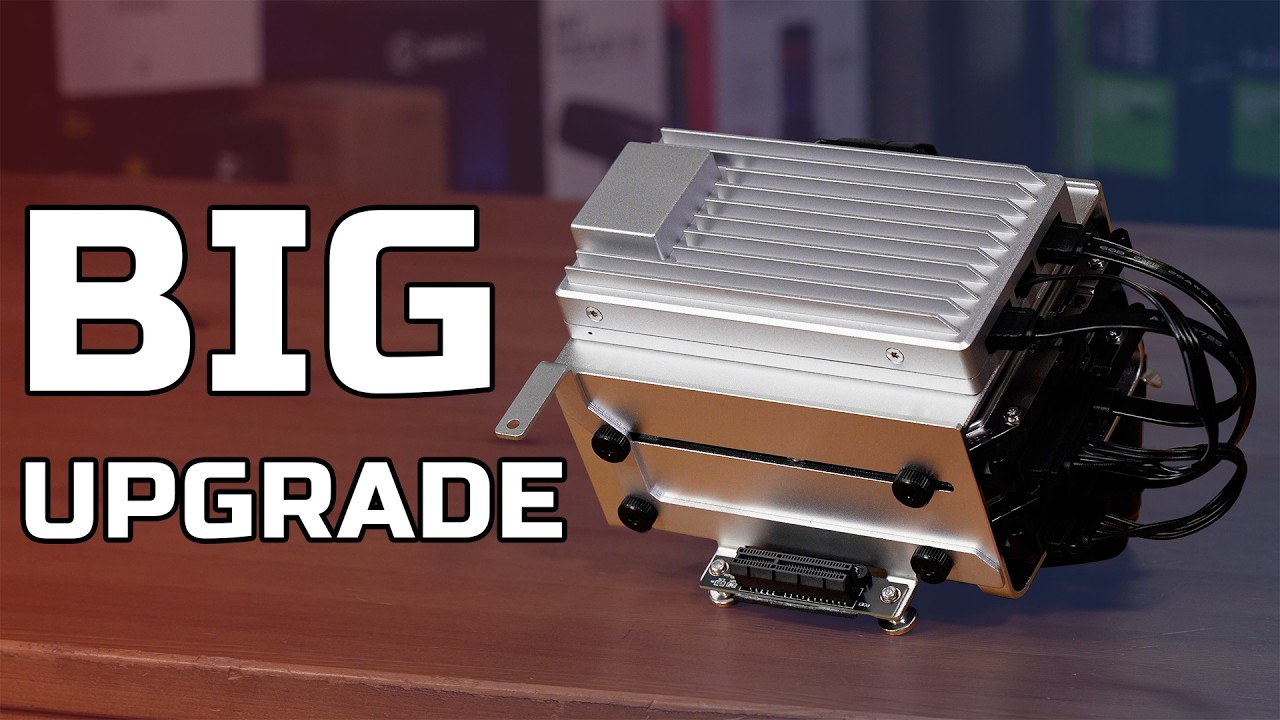
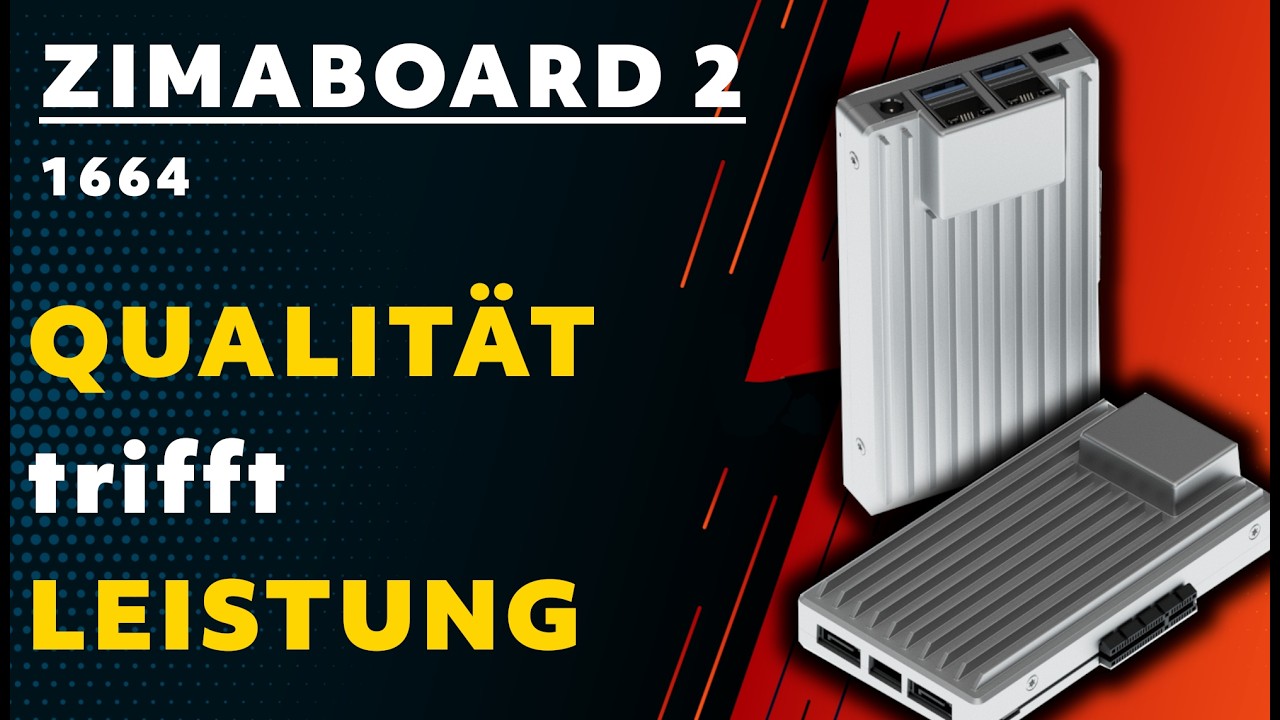
The ZimaBoard 2 product page combines Intel N150, 8GB LPDDR5, 32GB eMMC, dual 2.5GbE, two powered SATA 3 ports, and an open-ended PCIe 3.0 x4 slot. ZimaOS Plus is preinstalled, so storage and services can start without first selecting RAM, a boot SSD, or an enclosure.
A compact general-purpose N100 computer
A representative N100 mini PC uses Intel N100 at up to 3.40GHz, 16GB memory, a 512GB NVMe SSD, Wi-Fi 6, one 2.5GbE port, HDMI/DisplayPort-class outputs, and a 2.5-inch SATA expansion bay. Exact RAM, storage, ports, and cooling vary widely by seller, so this is a category baseline rather than one manufacturer's fixed model.
| Use Case | Better Choice | Why |
|---|---|---|
| Two-drive mirrored server | ZimaBoard 2 | Two powered SATA ports are built into the board. |
| Lowest-friction desktop | N100 mini PC | The case, RAM, SSD, Wi-Fi, and display outputs arrive as one small computer. |
| Dual-network firewall | ZimaBoard 2 | Two 2.5GbE ports are native. |
| Single SSD office host | N100 mini PC | The included NVMe system disk is larger than ZimaBoard 2's boot eMMC. |
| Custom HBA or accelerator | ZimaBoard 2 | Open-ended PCIe 3.0 x4 is a more direct expansion interface. |
| Upgradeable memory | Depends on mini PC | Many N100 systems use a replaceable SO-DIMM, but some use soldered memory; verify the model. |
ZimaBoard 2 832 vs N100 mini PC 16GB/512GB Specifications
The main table compares the closest standard configurations only, so higher-end SKUs do not distort the baseline comparison.
| Specification | ZimaBoard 2 | Intel N100 Mini PC |
|---|---|---|
| Processor | Intel N150, 4C, up to 3.60GHz | Intel N100, 4C/4T, up to 3.40GHz |
| Memory | 8GB LPDDR5 onboard | Often 8GB/16GB/32GB; SO-DIMM or soldered by model |
| Boot storage | 32GB eMMC | Typically 256GB or 512GB NVMe SSD |
| SATA | 2 × powered SATA 3 | Usually one 2.5-inch bay or no internal SATA |
| Ethernet | 2 × 2.5GbE | Usually 1 × 2.5GbE |
| PCIe | Open-ended PCIe 3.0 x4 | Usually not exposed as an add-in slot |
| Wireless | No onboard Wi-Fi listed | Commonly Wi-Fi 6 and Bluetooth |
| Displays | Mini DisplayPort 1.4 | Often HDMI plus DisplayPort or USB-C |
| Thermals | Fanless board deployment | Enclosed active cooling; model-dependent |
Primary comparison baseline: This is a category comparison, not a claim that every N100 mini PC has the same ports. Intel N100 is a four-core/four-thread, up-to-3.40GHz low-power processor. ZimaBoard 2's N150 is a newer four-core platform up to 3.60GHz, but the more consequential difference is packaging: a board with dual SATA and PCIe versus a complete mini PC with a boot SSD, wireless, and displays.
Category-by-Category Comparison
What the specification differences mean for storage, networking, software, self-hosting, media, and local AI.
Native Storage Beats a Bigger Boot SSD for a Small NAS
ZimaBoard 2's 32GB eMMC is modest, but it can hold the operating environment while two directly powered SATA devices hold data. That separation makes a mirror, backup target, or media disk layout easy to reason about and leaves PCIe available for future expansion.
An N100 mini PC usually feels faster on day one because its 256GB or 512GB NVMe SSD is already installed. Yet the internal 2.5-inch bay, if present, is often only one additional drive and power or mounting may be tight. For a multi-drive NAS, USB bridges or a separate enclosure become part of the design.
Category verdict: Choose Board 2 when direct data drives matter; choose N100 when a large included system SSD matters.
Networking Is a Platform Choice
Dual 2.5GbE on ZimaBoard 2 supports WAN/LAN routing, service isolation, a dedicated storage link, or a lab segment without consuming expansion. The board's network topology is visible before software is installed.
Most N100 mini PCs have one 2.5GbE port and Wi-Fi 6. That is excellent for a desktop, media endpoint, or one-link server. Adding a second interface by USB is possible, but drivers, bus sharing, and sustained throughput should be tested rather than assumed.
Category verdict: ZimaBoard 2 wins for two wired paths; N100 wins when Wi-Fi and one wired uplink cover the job.
N100 Efficiency Is Not the Same as Server Expansion
N100's four cores and Quick Sync-capable Intel media path can serve light containers, office workloads, and some media tasks. It is not a guarantee of unlimited transcoding or virtualization; thermal limits, memory, and software support still apply.
The board's N150 adds a small CPU-generation and clock advantage, while ZimaBoard 2's open PCIe slot permits a NIC, storage controller, or accelerator. An N100 mini PC may be the better value for compute already covered by the base system, but the board remains easier to extend physically.
Category verdict: Compare the installed workload and future card requirements, not just N100 versus N150 labels.
Setup Burden: Finished Box vs Deliberate Build
An N100 mini PC generally boots after adding an OS or using the supplied one. Its cooling, case, wireless module, and power adapter are already matched, which is valuable for a study, kiosk, or office desk.
ZimaBoard 2 asks the owner to provide drives, mounting, and possibly cooling or a case. That burden buys a more legible server architecture and fewer opaque adapters. It suits users who want to choose the storage pool and PCIe path rather than accept the mini PC's internal layout.
Category verdict: N100 minimizes setup work; Board 2 makes the server topology more configurable.
Pros, Cons, and Which One Should You Buy?
Bring the important trade-offs and final buyer recommendations together in one decision section.
Choose the Missing Interface, Not the Cheapest CPU
First decide whether the finished system needs two attached SATA devices, two fast Ethernet ports, or an add-in card. If none is required, an N100 mini PC's included SSD, Wi-Fi, and enclosure usually offer the easier purchase.
| Buyer | Recommended Model | Decision Rule |
|---|---|---|
| Simple office computer | Intel N100 mini PC | Included SSD, wireless, and displays match ordinary desktop work. |
| Two-drive backup server | ZimaBoard 2 832 | Powered SATA and dual 2.5GbE reduce adapter dependence. |
| Light Plex or media host | Depends | N100 Quick Sync can help supported codecs; Board 2 offers better storage and network topology. |
| Homelab with an HBA | ZimaBoard 2 832 | The open PCIe connector is the deciding interface. |
Bottom line: An Intel N100 mini PC is the better finished micro-desktop and single-link utility host. ZimaBoard 2 is the better expandable server board, especially when two SATA drives, dual 2.5GbE, or a full-size PCIe project are part of the plan.
SKU Family: What Changes Above the Standard Models?
The head-to-head comparison stays focused on ZimaBoard 2 832 and N100 mini PC 16GB/512GB. Higher-end variants are explained separately here.
N100 Mini PC Bundles Vary More Than the Name Suggests
The generic N100 label covers barebones, 8GB, 16GB, and 32GB systems with SATA, NVMe, or soldered storage. Compare the exact bundle with ZimaBoard 2 832 and 1664 rather than using a headline price.
| Configuration | What Changes | Who It Fits |
|---|---|---|
| ZimaBoard 2 832 | 8GB LPDDR5, 32GB eMMC, dual SATA and dual 2.5GbE | Server board and two-drive NAS |
| ZimaBoard 2 1664 | 16GB LPDDR5, 64GB eMMC, same I/O | Larger container stack |
| N100 mini PC | N100, seller-dependent memory, NVMe, SATA, Wi-Fi | Desktop, media endpoint, or one-link server |
Watch and Read More About ZimaBoard 2
Three creator videos and three related Zima articles add real-world context beyond the comparison tables.
Watch Creator Videos



Frequently Asked Questions
Long-tail buying questions, SKU questions, and query fan-out from the comparison.
ZimaBoard 2 vs Intel N100 Mini PC FAQ
Is N100 faster than N150?
N100 reaches up to 3.40GHz and N150 up to 3.60GHz in the cited configurations, but sustained results depend on cooling, power limits, memory, and software.
Do N100 mini PCs all have SATA?
No. Some include a 2.5-inch bay, some expose only M.2, and some use different storage connectors. Check the exact manual.
Which has better networking?
ZimaBoard 2 has dual 2.5GbE. Most N100 mini PCs have one 2.5GbE plus Wi-Fi, although exceptions exist.
Can N100 run Docker?
Yes, provided the OS and images support x86-64. Memory and cooling determine how many services run comfortably.
Does ZimaBoard 2 include an NVMe SSD?
No dedicated NVMe SSD is included in the 832 baseline; it has 32GB eMMC and can use PCIe storage adapters.
Which is easier for a first-time buyer?
An N100 mini PC is easier as a complete computer. ZimaBoard 2 is easier only if its native server I/O matches your intended build.


