
ZimaCube Moments: Share Your Shots!


🎉To celebrate the successful shipment of ZimaCube, we're excited to announce our photo sharing event!
📸Show off your ZimaCube by sharing your unboxing or usage photos and win the Latest Limited Edition Swag!
📅Event Period: Aug 6th - Sep 1st [EDT]
🤩How to Participate:
After receiving your ZimaCube, post photos of the product on social media platforms (e.g., Facebook, X, Instagram, Reddit).
The post must include the hashtag #ZimaCube or @ our official account: ZimaBoard.
🔎Photo Requirements:
Photos must be clear and clean. Creative shots or usage scenarios are encouraged.
🏆Rewards:
All eligible participants will receive latest limited edition swag (randomly distributed, choose one of three).
🎈Eligibility:
The event is open to All ZimaCube Users.
Each user can participate multiple times, but each person can only receive the base reward once.
💎How to Claim Your Reward:
Please send a screenshot of your post to <community@icewhale.org>. We will send you a lovely gift!
🌟 Join us, showcase your ZimaCube, and win amazing prizes! We can't wait to see your wonderful photos! 🌟

Zima Campaign Hub
More to Read
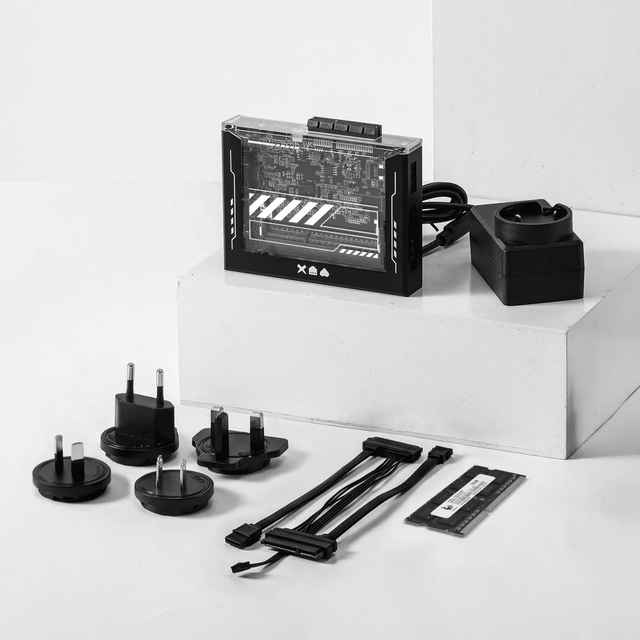
ZimaBlade Is Now ZimaBoard SE: What Changes and Which Kit to Choose
ZimaBlade becomes ZimaBoard SE with installed 8GB or 16GB RAM, 64GB eMMC and ZimaOS Plus. Compare specifications, Starter and NAS Kits, pricing and FAQs.
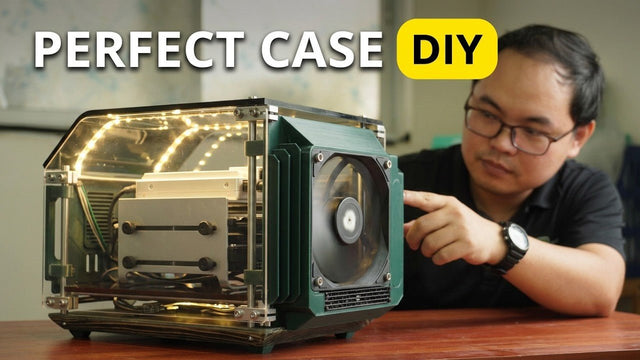
How The TKT Works Builds a Custom Acrylic Case for ZimaBoard 2
Follow The TKT Works’ custom ZimaBoard 2 case build, covering the rod frame, acrylic panels, front display, cable routing, and cooling considerations.
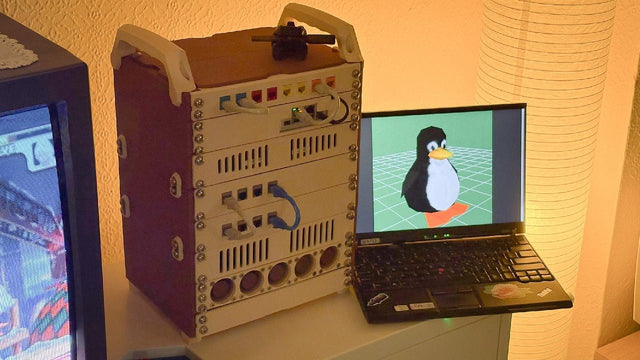
How kabuto Builds a Modular 10-Inch Homelab with ZimaBoard 2
Explore kabuto’s modular 10-inch homelab with ZimaBoard 2, printed patch panels, reused hardware, Immich, Nextcloud, and remote access through Tailscale.


