
Zima Client: The Smart Connector for Your ZimaOS Device


Forget IP addresses. Forget network configuration. Forget VPNs.
Connecting to your own data should be effortless. This is the core belief behind ZimaOS, and it’s the problem we solved with its perfect companion: Zima Client.

Zima Client is not just an app; it’s the intelligent bridge between you and your digital life. We call it the Smart Connector because it makes accessing your ZimaOS so seamless, the technology simply disappears. It delivers Zero-Configuration Access, Intelligent Network Pathing, and a unified experience across all your devices.

Let’s explore how this feels in your world, through three common scenarios.
Back Up Your Family Photos & Stream Your Favorite Movies
Imagine you’re managing your family’s digital life. Your goal is simple: keep all your family’s photos and movies safe in one place and enjoy them on any device.
On your laptop, you install Zima Client. Within seconds, the device with ZimaOS shows up and prompts you to connect. One click, and you’re in. This is LAN Auto-Discovery.

Later, you want to back up precious photos from a family trip. On your phone, you open the Zima Client. A few taps, and the app’s Mobile Backup feature automatically syncs your entire photo album to your ZimaOS—safe and private. You’ll also love using the client to access the ZimaOS Files App, where you can instantly preview the newly transferred photos.

For movie nights, you open the Zima Client on a tablet, which provides in-app access to your Emby server’s web interface. You find the movie and use Emby’s built-in function to cast it directly to the living room TV.

For you and your family, Zima Client is the invisible thread connecting your digital memories.
Get the Fastest Network Automatically & Secure Your Data with 3-2-1
Now, let’s say you run a small video production studio where speed is money and data access must be seamless.

In the studio, your workstation is connected to your ZimaOS via Thunderbolt. When you open a massive project file, Zima Client’s Automatic Network Optimization intelligently selects the fastest Thunderbolt link, delivering real-time editing performance.
When working from home, you just open your laptop. The Zima Client automatically establishes a secure remote connection to the studio’s ZimaOS. The shared SMB drive appears on your desktop just as it does in the office—no manual VPN required.

Your Zima Client also acts as an Intelligent Backup agent for your workstation. It automatically syncs crucial project documents from your MacBook directly to the ZimaOS. From there, the ZimaOS itself takes over, running its own robust 3-2-1 backup schedule.
For you, Zima Client removes the friction between locations, creating one high-performance workspace.
Build Your Dream Home Lab & Access It from Anywhere
Perhaps you’re a tech enthusiast, and your ZimaOS is the heart of your home lab, running virtual machines, Docker containers, and custom services. For you, convenience is just as important as control.

Imagine you’re at a coffee shop and need to check a service running in a ZVM on your home network. In the past, this meant dealing with reverse proxies or manually configured VPNs.

Today, you just open Zima Client on your MacBook. It instantly creates a secure tunnel home. You now have a Secure Gateway to your entire digital ecosystem, letting you access the web UI for any of your self-hosted services with a single click. It’s the ultimate combination of Developer Freedom and effortless access.
Conclusion: Your Data, One Click Away

So, how do we make this magic happen? We’ve integrated ZeroTier technology at the core of ZimaOS and Zima Client. It creates a secure, global network layer, treating all your devices as if they were in the same room.

But we took it further: we automated the entire setup and connection process. You don’t need to know what ZeroTier is or how to configure it. You just install Zima Client, and it works. The connection becomes completely transparent.

This is the promise of ZimaOS: A Simplified, Focused and Open NAS OS. And Zima Client is the key that unlocks it, leaving you with one simple, powerful reality:
All your data, just one click away.
Ready to experience the seamless, one-click access to your entire digital world with ZimaOS and Zima Client? Visit zimaspace to learn more and get started.

Zima Campaign Hub
More to Read
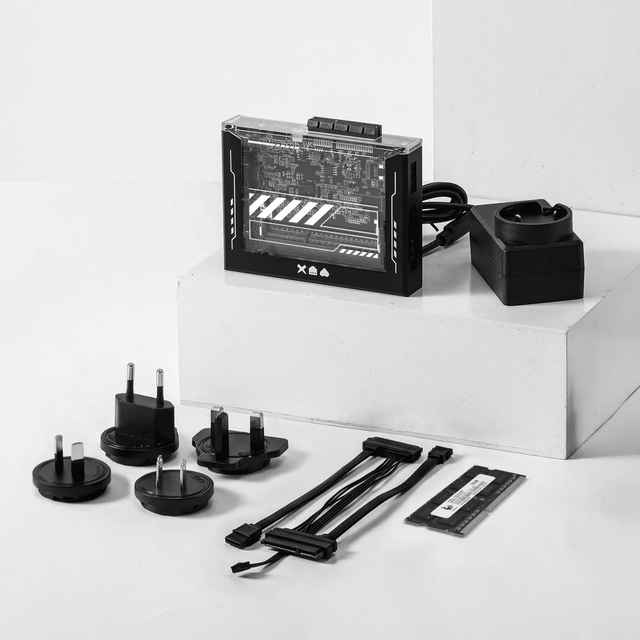
ZimaBlade Is Now ZimaBoard SE: What Changes and Which Kit to Choose
ZimaBlade becomes ZimaBoard SE with installed 8GB or 16GB RAM, 64GB eMMC and ZimaOS Plus. Compare specifications, Starter and NAS Kits, pricing and FAQs.
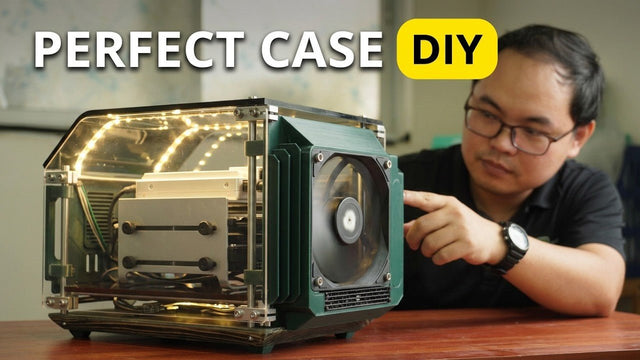
How The TKT Works Builds a Custom Acrylic Case for ZimaBoard 2
Follow The TKT Works’ custom ZimaBoard 2 case build, covering the rod frame, acrylic panels, front display, cable routing, and cooling considerations.
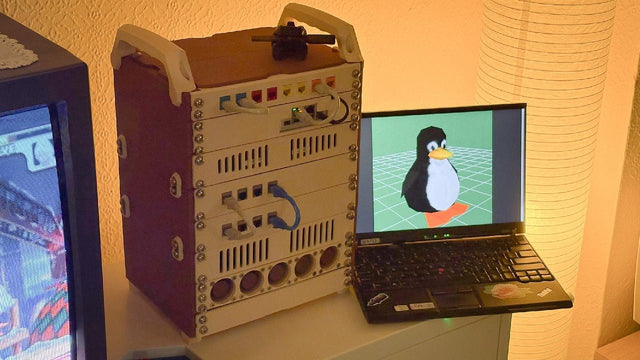
How kabuto Builds a Modular 10-Inch Homelab with ZimaBoard 2
Explore kabuto’s modular 10-inch homelab with ZimaBoard 2, printed patch panels, reused hardware, Immich, Nextcloud, and remote access through Tailscale.


