
NAS 101: Running Your First Docker App on ZimaOS


The world of Docker can be intimidating. You hear about containers, YAML files, and command-line sorcery, and it feels like a club for elite developers. What if you just want to run a cool app on your own hardware without a computer science degree?
This is where ZimaOS changes the game.

We designed ZimaOS with a core belief: powerful tools should be simple to use. Our App Store embodies this philosophy very well. It’s your one-click gateway to over 500+ Docker applications, especially pro-level Apps, transforming your NAS from a simple storage box into a versatile home server. No terminal, no complex scripts. Just find your app, click install, and you’re done.

It’s effortless, accessible, and incredibly powerful. Let’s walk through what this experience actually looks like for three different people.
Family: From Zero to Media Center in Minutes
Alex has a growing collection of family movies and photos scattered across various hard drives. They’re tired of juggling streaming subscriptions and just want a single, beautiful library for all their media, accessible on the living room TV and their kids’ tablets.

Alex’s goal is simple: create a personal, Netflix-style media server.

- 1.The First Step: Alex logs into the sleek ZimaOS web dashboard and clicks on the App Store.
- 2.The Search: In the search bar, they type “Plex”. The official Plex Media Server app appears instantly.
- 3.The One-Click Install: Alex clicks “Install”. The magic happens. A few moments later, a new Plex icon appears on the ZimaOS dashboard.
-
4.Simple Configuration: Alex opens the settings panel. He just needs to tell Plex where the movies and TV shows are stored on the NAS. They point it to their
/DATA/Mediafolder. That’s it. And a beautiful, professional interface greets them. After a quick scan, all their movie files are there, complete with posters, cast information, and trailers.

Within 10 minutes, Alex went from having a folder of messy video files to a fully-functional, self-hosted streaming service. The entire family can now access it using the Plex app on their TV, phones, and tablets, all managed from their ZimaOS.
Alex’s Next Move? Immich: To automatically back up and organize family photos from their phones, creating a private Google Photos alternative.

Studio: Fueling Collaboration, Securing Your IP
Now, let’s meet Maria, who runs a small video production studio. Her team collaborates on DaVinci Resolve projects, but sharing project files is a bottleneck. They also use public chat apps to discuss client work, which is a security concern.

Maria’s goal is professional-grade collaboration and data control.

- 1.The Professional Tool: Maria needs a PostgreSQL database for DaVinci Resolve’s collaboration feature. In the ZimaOS App Store, she searches for “PostgreSQL” and clicks install.
- 2.Simple Configuration: There is no need for configuration. Click the App’s icon and the system will prompt the user with the default username and password for Davinci Resolve to login to the database.
- 3.Unlocking a New Workflow: With the database running, Maria points her team’s DaVinci Resolve Studio to the ZimaOS IP address. Suddenly, her editors can work on the same project timeline simultaneously. Edits from one person appear instantly for the others. Productivity soars.

Maria has just deployed an pro-level workflow that provides seamless collaboration. This entire setup took less than half an hour, not weeks of IT consulting. It’s all running on one ZimaOS-powered machine in their office, accessible via LAN or more fast using the Thunderbolt.
Maria’s Next Move? Nextcloud: To create a full-featured, private cloud for collaborative document editing.

Tinkerer: Your Automation Playground
George is a tech enthusiast who loves to tinker and automate. For George, a NAS is more than storage; it’s a server for experiments. He wants to connect different web services and create custom workflows without writing endless code.

George’s goal is limitless customization and powerful automation.

-
The Automation Engine: George opens the ZimaOS App Store and searches for
n8n, a powerful workflow automation tool. He clicks install. - Beyond the Click: The app installs in a minute. But George is curious. He clicks the “Custom Install” on the app card and sees the underlying Docker Compose configuration that ZimaOS provided. He sees the power under the hood but appreciates that he didn’t have to write it himself. This is the “Open” philosophy of ZimaOS: simplicity on the surface, with full control available for those who want it.
- Unleashing Creativity: With n8n running, George builds his first automation: a personalized daily tech briefing. He sets up a workflow that runs every morning, pulling the latest articles from the RSS feeds of his favorite tech blogs like Hacker News and Ars Technica. Then, the magic happens. He connects it to an AI node to generate a concise summary for each article. Finally, n8n formats everything into a clean daily digest and emails it directly to his inbox. He wakes up to a perfect, customized summary of the tech world, curated by his own server.
- Custom App Support: George finds a niche Docker app on GitHub that isn’t in the official store yet. No problem. He navigates to the App Store, clicks “Install a Custom App,” and pastes in the Docker Compose YAML. ZimaOS handles the rest, installing it just like any other app.

George has turned his ZimaOS into a central brain for his digital life. He has the simplicity of the App Store for common tasks and the flexibility of custom installs for his unique projects. With ZFS for data integrity and ZVM for running virtual machines, his playground is limitless.

George’s Next Move? AdGuard Home: For network-wide ad and tracker blocking for every device in his home.
One App Store, Endless Possibilities
As you can see, “installing a Docker app” on ZimaOS means something different to everyone, but the experience is universally simple.

- It means empowering a family to take control of their digital memories.
- It means giving a small business the tools to collaborate on and secure their data.
- It means handing a tinkerer a playground with no fences.
ZimaOS was built to bridge the gap between the raw power of open-source technology and the people who can benefit from it. The App Store isn’t just a feature; it’s our commitment to making self-hosting accessible to everyone. It’s the first step on an incredible journey of discovery, creativity, and control.
What will your first app be? Learn more about self-hosting with ZimaOS at zimaspace.com or our X channel / Facebook and discover a smarter way to experience Apps.

Zima Campaign Hub
More to Read
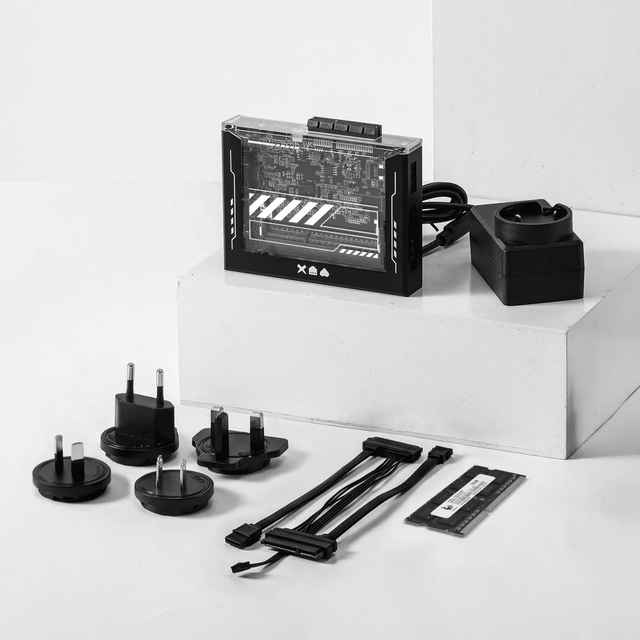
ZimaBlade Is Now ZimaBoard SE: What Changes and Which Kit to Choose
ZimaBlade becomes ZimaBoard SE with installed 8GB or 16GB RAM, 64GB eMMC and ZimaOS Plus. Compare specifications, Starter and NAS Kits, pricing and FAQs.
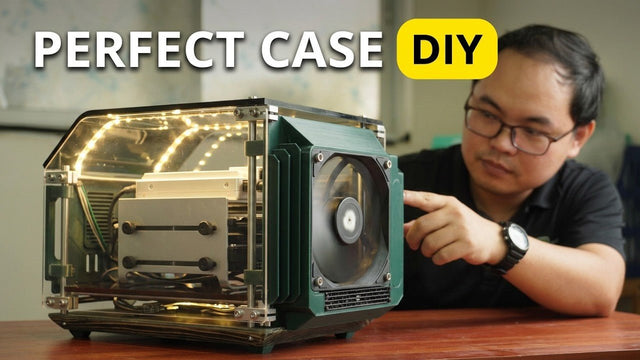
How The TKT Works Builds a Custom Acrylic Case for ZimaBoard 2
Follow The TKT Works’ custom ZimaBoard 2 case build, covering the rod frame, acrylic panels, front display, cable routing, and cooling considerations.
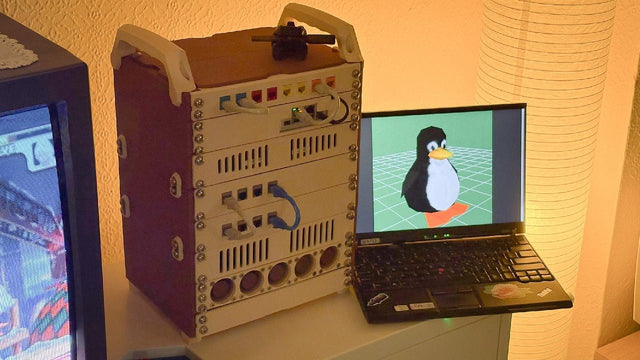
How kabuto Builds a Modular 10-Inch Homelab with ZimaBoard 2
Explore kabuto’s modular 10-inch homelab with ZimaBoard 2, printed patch panels, reused hardware, Immich, Nextcloud, and remote access through Tailscale.


