
Why Does Storage Usage Look Different Between the NAS UI and the Filesystem?


NAS and filesystem usage often differ because their counters include different layers, such as snapshots, metadata, reserves, sparse extents, and shared blocks.
A share may contain 4 TB of visible files while the NAS dashboard reports 5.2 TB used. Neither total must be wrong. One view may sum logical file sizes, while another reports physical allocation across the pool, including data the current directory tree cannot see or assign to visible files inside the same storage pool.
Logical File Size and Allocated Space Answer Different Questions
A file advertises a logical length to applications, but the filesystem allocates storage in blocks or extents. Sparse files can contain unallocated holes, while small files may consume a full allocation unit plus metadata. Summing filenames therefore need not equal consumed capacity.
A Linux explanation of du and df differences shows that directory totals and filesystem-free-space tools inspect different accounting layers. Their results diverge legitimately under several conditions.
Compression and block sharing add more ambiguity. Two logical files may reference the same physical block, or compressed data may occupy less than its apparent length. A UI must choose whether to report logical ownership, exclusive allocation, referenced bytes, or total pool consumption.
Snapshots and Reserves Keep Blocks Outside the Live Tree
Deleting a file removes it from the current directory, but a snapshot may retain its old blocks. Pool metadata, parity, checksums, copy-on-write history, and reserved capacity can also count as used or unavailable without appearing inside a share.
A practical discussion of snapshot space explains that snapshots continue referencing changed or deleted data. Space returns only when no retained snapshot needs those blocks.
Another hidden case is a deleted file still open by a process. Its pathname disappears, so a directory walk misses it, yet blocks remain allocated until the process closes the handle. The dashboard sees pool usage while the live tree appears smaller.
Where Different Totals Signal a Real Problem
Accounting layers do not excuse continuously growing unexplained usage. A stalled snapshot policy, runaway log, orphaned container dataset, replication reserve, or filesystem error can create genuine capacity risk.
A guide to deleted open files shows how open deleted files remain discoverable through process inspection. This mechanism has a specific signature rather than a vague discrepancy.
The explanation also fails if both tools claim to show the same dataset, snapshot scope, units, and allocation basis but remain far apart after refresh. Decimal versus binary units explain only a bounded percentage. Confirm definitions before treating either display as authoritative.

Reconcile Capacity From Pool to Visible Files
Record pool total, allocated, free, dataset referenced, exclusive, snapshot, reserve, and visible-file totals at the same timestamp. Note whether values are logical or physical and whether compression and shared blocks are included. Check for open deleted files without removing anything.
Relate the inventory to a NAS storage behavior because vector databases and containers may place data in datasets outside the visible share. Map every service path to its underlying dataset.
Reconcile from the pool downward: pool allocation should equal live datasets, snapshots, metadata, and reserves under the platform’s definitions. Investigate the category that grows between snapshots. Do not delete visible files merely to satisfy a counter that is dominated by retained history.

Recommended products

Tech & AI HUB
More to Read
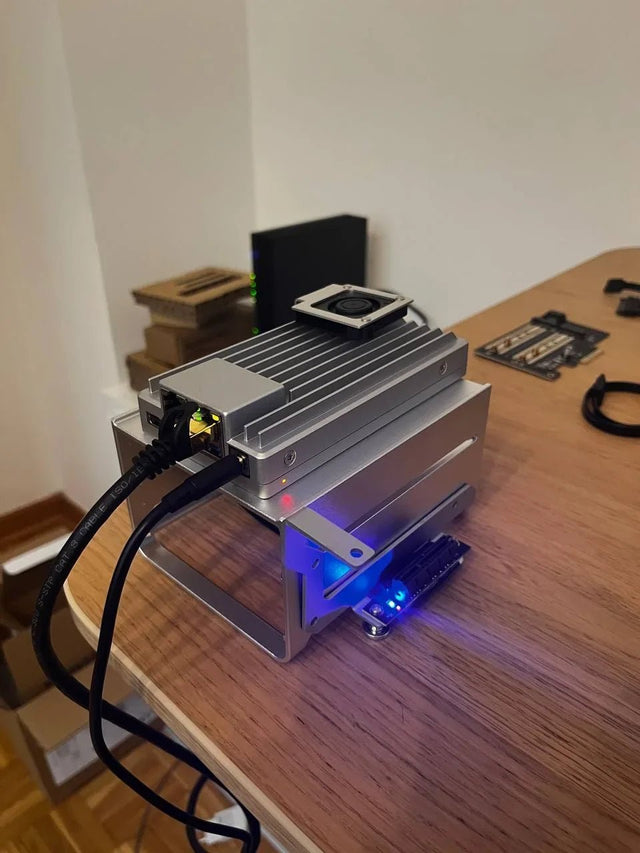
Why Does Local AI Heat Feel Different in an Open Shelf Than in a Closed Cabinet?
Trace heat generation, air exchange, and recirculation across open and enclosed placements, then measure the variables that distinguish them.
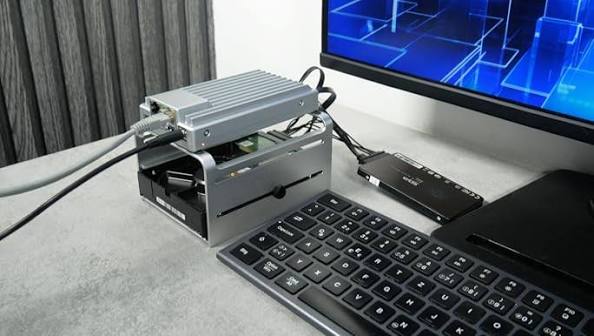
Why Does a Home Server Feel Quieter at Night Even at the Same Fan Speed?
Understand why unchanged fan speed does not guarantee unchanged perceived loudness and how to separate masking, room conditions, and real acoustic change.
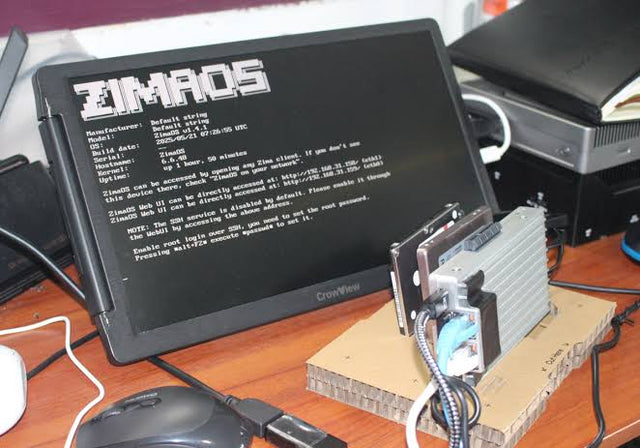
Why Do Deduplicated Backups Look Smaller Than Their Restore Footprint?
See how deduplication changes stored bytes but not restored meaning, why sparse and compressed files complicate totals, and how to size a restore test.


