
Why Does Personal Cloud Sync Still Need Conflict Ownership?


Personal cloud sync still needs conflict ownership because software can preserve competing versions without knowing which content the household considers authoritative.
A NAS, laptop, phone, tablet, and cloud service may each hold a valid copy while devices work offline or updates arrive in different orders. When two sides modify the same path, the sync engine can choose a winner, keep both versions, or pause, but it cannot infer whether the newest timestamp contains the correct project decisions, family edits, or intentional deletion. Ownership defines who reviews evidence and commits the accepted state. The sections below separate replica convergence from content authority and recovery.
Sync Maintains Replicas Rather Than an Independent Truth
Two-way sync is designed to make selected folders converge. It propagates valid edits and can also propagate accidental deletion, corruption, ransomware changes, or an incomplete state from one device.
ZimaSpace’s sync and backup distinction explains why another writable replica is not automatically an independent recovery copy. Conflict ownership is needed inside the sync relationship, while snapshots and backups preserve rollback outside it.
The source of truth may be the NAS, a designated editor’s device, a collaborative application, or a review workflow. It should not be whichever replica happened to upload last.
Concurrent Edits Create Two Valid Histories
A conflict occurs when two devices edit the same logical file before either receives the other change. Each edit may be internally valid and based on the last version visible to that device.
Synology explains that concurrent file changes can produce a renamed conflict copy. The sync client prevents silent overwrite, but it does not decide which paragraphs, spreadsheet cells, or metadata should survive.
Only a person familiar with the document or an application-specific merge rule can determine whether one version wins or both must be combined.
Conflict ownership should be assigned before cleanup, especially for shared family folders where no single device is always online.
Latest Timestamp Does Not Prove Content Authority
Last-writer-wins rules are simple, but device clocks can drift and a later save can contain older content. Opening and resaving an outdated replica may give it the newest modification time.
FreeFileSync describes the state where both copies changed as one the tool cannot resolve without knowing which copy the user wants to keep. File size and timestamp help identify differences but do not establish semantic correctness.
Use version history, editor identity, application revision data, and content comparison. For structured databases or note systems, use the application’s merge process rather than replacing internal files manually.

Conflict Copies Preserve Evidence but Do Not Finish the Merge
Creating a second file is a conservative response because it avoids destroying either edit. It also leaves duplicate paths that may diverge again, be indexed twice, or be edited independently by another user.
Sync.com describes a conflicted file copy as a preservation mechanism for independently saved versions. The owner must compare both, merge or choose, save one authoritative file, and remove the obsolete duplicate only after verification.
Automated duplicate removal is dangerous because identical names or similar content do not prove that one branch is disposable.
Deletions Need Ownership Because Offline Devices Can Reintroduce State
Sync systems represent deletion as an event or tombstone that must reach every replica. A long-offline device may return with an older file, an unprocessed deletion, or local edits based on content that another user intentionally removed.
Syncthing discussions describe concurrent histories as separate from simply replaying an old state. Ownership determines whether a reappearing file is a valid unsynced edit, an unwanted resurrection, or evidence needed for recovery.
Pause synchronization before resolving a large deletion or conflict burst. Export file inventories and recover versions before allowing one incomplete side to propagate again.
Keep deletion history long enough to cover the maximum expected offline period for household devices.
An Ownership Policy Defines the Resolution Workflow
Assign an owner by folder, project, or file type. The owner may be one family member, the person who initiated the project, an administrator for shared archives, or an application that provides a controlled collaborative model.
OpenCloud’s resolution guidance requires users to compare and merge the original and conflicted copy before deleting the extra file. Formalize that sequence: freeze sync, preserve both versions, compare content and provenance, choose or merge, publish the authoritative copy, then resume and verify convergence.
Record why one branch won when the file is important. That decision log prevents another device owner from restoring the rejected version later.
The goal is not zero conflict files. It is a predictable process that preserves every meaningful edit until someone with authority can decide the final household state.

Recommended products

Tech & AI HUB
More to Read
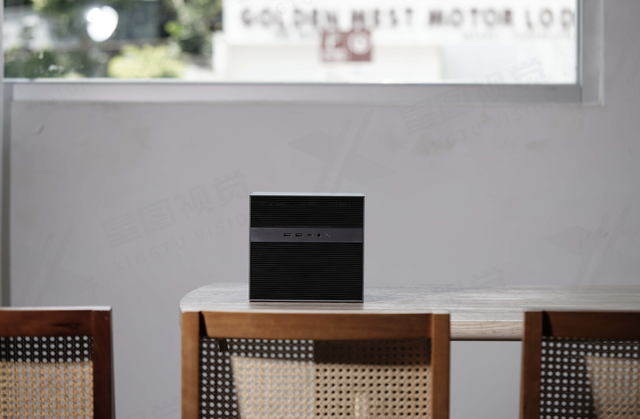
Can a Local AI Gateway Enforce a Hard Context Limit Before GPU Allocation?
A mechanism-first explanation of hard context gate, its shared-resource tradeoffs, three query-fanout FAQs, and a practical verification protocol.
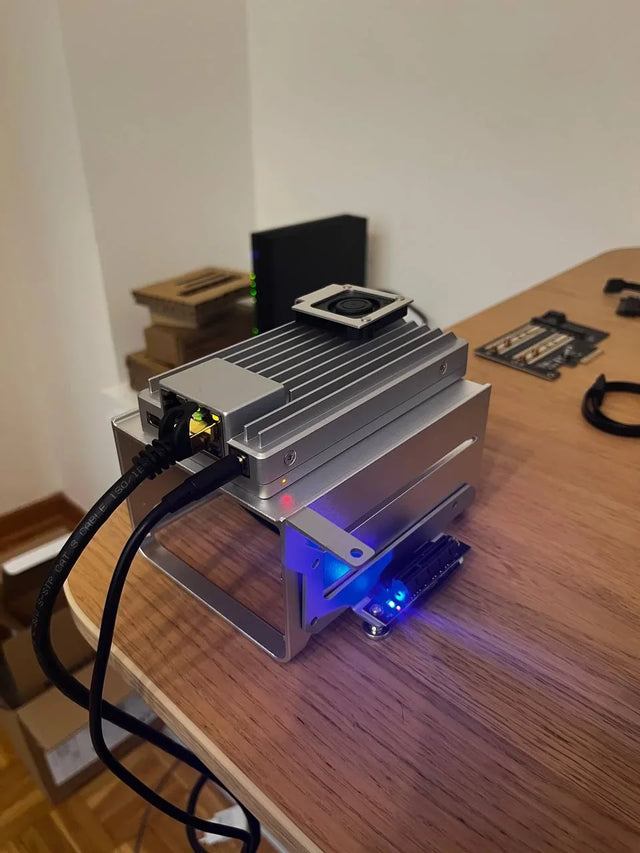
Can a Home AI Server Memory-Map Model Weights From a Remote NAS Over 2.5GbE?
A mechanism-first explanation of remote nas model memory mapping, its shared-resource tradeoffs, three query-fanout FAQs, and a practical verification protocol.
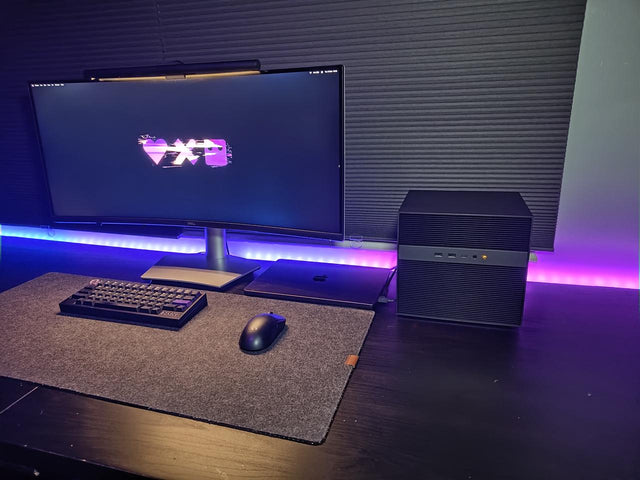
Can Multiple Containers Share One Integrated GPU Without Leaking Workloads?
A mechanism-first explanation of shared igpu container isolation, its shared-resource tradeoffs, three query-fanout FAQs, and a practical verification protocol.


