
Why Does a Home AI Dashboard Look Responsive While Background Jobs Are Falling Behind?


A home AI dashboard can remain responsive because its interface serves lightweight cached requests while separate workers accumulate expensive background tasks.
A status page may open in 80 milliseconds even as photo indexing is six hours behind. The web process reads a small database row; workers must decode files, compute embeddings, and write indexes. Shared branding hides separate execution paths, queues, and resource limits behind one polished interface while users continue adding new content throughout a busy indexing session.
Foreground Requests and Workers Follow Different Paths
The dashboard request often ends after authentication, a cache lookup, and a small status query. Background work enters a broker or database queue and waits for a worker. Fast HTTP latency therefore proves that the control plane is available, not that queued data is current.
An engineering guide to background queue metrics recommends tracking queue depth, processing rate, and task age because web availability alone cannot reveal worker health.
The split becomes larger when the dashboard reports “accepted” as “running,” or calculates progress from submitted rather than completed items. The interface can truthfully acknowledge a job while giving a misleading impression of throughput.
Backlog Grows When Arrival Rate Exceeds Service Rate
A queue is stable only when workers complete tasks at least as quickly as tasks arrive over the relevant window. Bursty uploads may be harmless if spare capacity catches up, but sustained ingestion above service rate makes the oldest task progressively older.
A discussion of queue length explains that length alone lacks context unless combined with message rate and consumer capacity. Age of the oldest job often maps more directly to user-visible staleness.
GPU memory pressure, disk contention, retry storms, and one poison task can reduce service rate while the dashboard stays idle. Averages across quick and slow job types can also hide that one class is starving behind another.
Where Queue Lag Is Not the Explanation
A backlog cannot explain stale results if jobs finish promptly but the search index, cache, or UI refreshes late. Conversely, a large queue may be healthy during planned batch ingestion when completion deadlines are still met.
Observability guidance on service-level monitoring distinguishes system activity from the service outcome users need. Queue size is a signal, not a verdict without freshness objectives.
The mechanism also fails when the displayed status is itself cached beyond its intended lifetime. Then both the dashboard and worker metrics may be stale. Responsiveness means short response time; it does not automatically mean accurate state or completed work.

Measure Queue Age Beside Dashboard Latency
Record request latency, queue depth, oldest-job age, enqueue rate, completion rate, retry count, and end-to-end data freshness. Add a controlled batch at several arrival rates and observe whether the queue drains after input stops. Separate job types and worker pools in the log.
Compare timestamps with background file events events so missed file notifications are not confused with slow processing. A job that was never enqueued creates staleness without backlog.
Alert on oldest-job age and freshness against a defined objective, not dashboard latency alone. If depth rises while completion rate falls, inspect worker resources and retries. If workers finish but results remain stale, follow the downstream index and cache path instead.

Recommended products

Tech & AI HUB
More to Read
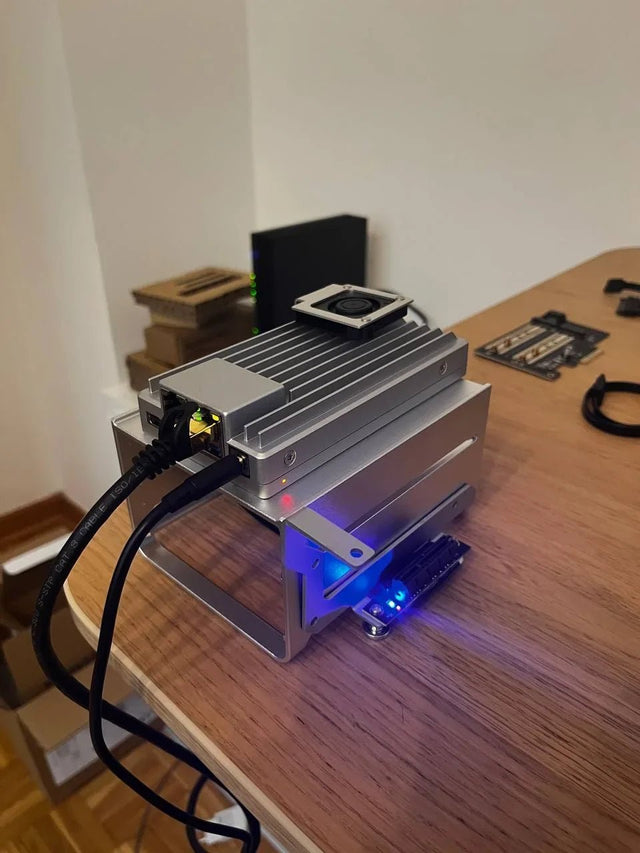
Why Does Local AI Heat Feel Different in an Open Shelf Than in a Closed Cabinet?
Trace heat generation, air exchange, and recirculation across open and enclosed placements, then measure the variables that distinguish them.
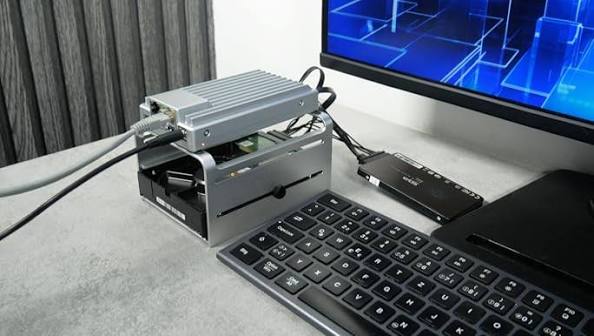
Why Does a Home Server Feel Quieter at Night Even at the Same Fan Speed?
Understand why unchanged fan speed does not guarantee unchanged perceived loudness and how to separate masking, room conditions, and real acoustic change.
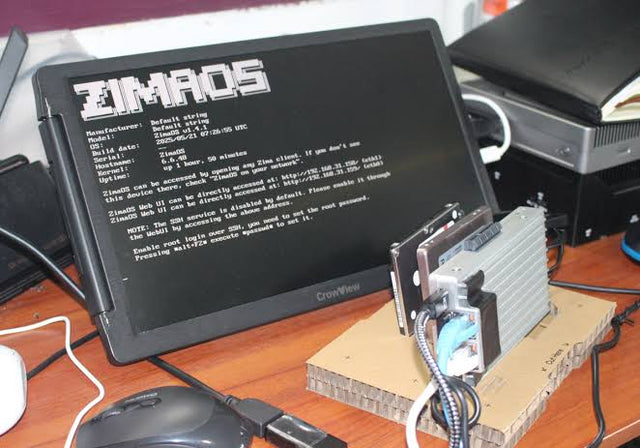
Why Do Deduplicated Backups Look Smaller Than Their Restore Footprint?
See how deduplication changes stored bytes but not restored meaning, why sparse and compressed files complicate totals, and how to size a restore test.


