
Why Do Status LEDs Disrupt Sleep When a Home Server Is in a Bedroom?


Status LEDs can disrupt sleep because a dark-adapted bedroom makes small, direct light sources conspicuous, especially when they blink or sit in the line of sight.
The safest fix is to remove direct visibility while preserving airflow and fault awareness. Identify every indicator, use supported brightness controls first, then shield only routine lights. Keep remote alerts for storage, temperature, power, and connectivity failures before obscuring physical signals.
Find the Exact Light Source
Darken the room before bedtime and inspect from the pillow, not from beside the rack. A switch port, USB enclosure, UPS, charger, or reflected light on a wall may be more disruptive than the server's front panel.
Note whether the problem is steady brightness, color, blinking, or direct line of sight. Blinking activity LEDs often attract attention even when their average output is low, while a steady indicator may disappear after a small change in angle.
Photograph and label each LED in normal light. Record which ones indicate power, activity, link, locate, warning, or fault so that a future hardware problem is not hidden behind an unexplained piece of tape.
Use Supported Controls Before Physical Covers
Check the server firmware, operating system, drive-enclosure utility, switch interface, and UPS settings for LED brightness or night mode. Supported controls preserve service access and are easier to reverse than paint or opaque adhesive.
ZimaSpace LED-dimming guide provides a device-by-device classification process and a test plan for preserving critical alerts. Follow that sequence when several boxes in the same room contribute light.
After changing a setting, reboot only when the product requires it and confirm that the setting persists. Some activity LEDs are controlled by hardware and may ignore operating-system preferences after a firmware update.
Shield Routine LEDs Without Trapping Heat
For a noncritical indicator, use a removable dimming film or small opaque label placed only over the lens. Do not cover ventilation slots, fan grilles, reset holes, drive-release mechanisms, or an entire warm power adapter.
Redirecting the light can work better than blocking it. Rotate the device, move it below the sightline, or add a small nonflammable baffle with open space around the chassis. Keep cable strain and service access in mind.
Avoid permanent marker, glue, or coatings that complicate warranty service and leave residue. A reversible change is easier to audit when the equipment moves to another room or when another person needs to identify a fault.

Replace Lost Visual Signals With Remote Alerts
Configure notifications for the failures that the covered LED could have revealed. Useful examples include degraded arrays, drive errors, high temperature, UPS battery events, lost network links, and host-down conditions.
sleep guidance favors minimizing light in the bedroom, and light at night can affect circadian timing and sleep quality. That supports reducing visible LEDs, but it does not mean one tiny indicator causes every sleep problem or that covering it will solve insomnia.
Send routine status to a morning digest and reserve nighttime delivery for events that need action. A bright phone alert beside the bed can defeat the purpose of dimming the server, so route critical messages thoughtfully.
Test Both Sleep Conditions and Fault Visibility
Spend several nights with only one change and note whether awakenings or difficulty falling asleep improve. Keep bedtime, room lighting, and device use roughly similar so the result is interpretable.
Then run a safe alert test. Trigger a test notification, use a locate LED if supported, and confirm that maintenance staff can still identify the correct device in daylight. Never simulate a drive failure by pulling a healthy disk from a live array merely to test visibility.
a scientific review examines how light timing and characteristics interact with sleep and circadian biology, so personal response varies. If sleep disruption persists, consider room lighting, screens, noise, temperature, and health factors; seek professional help for ongoing significant sleep problems.

Recommended products

Support & Tips
More to Read
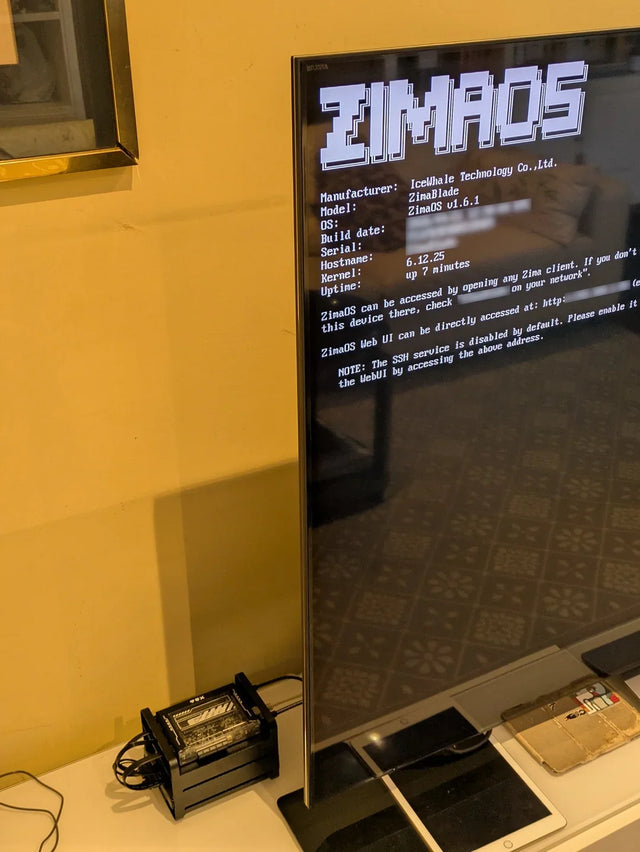
Why Does a Warm Mini PC Under the Desk Make a Small Office Uncomfortable?
Measure wall power and room temperature, clear the exhaust path, and compare placement before changing cooling hardware.
What Screen Distance Helps When Watching Several Server Dashboards?
Start at a comfortable arm's-length range, scale dashboard text, and verify posture instead of chasing one universal distance.
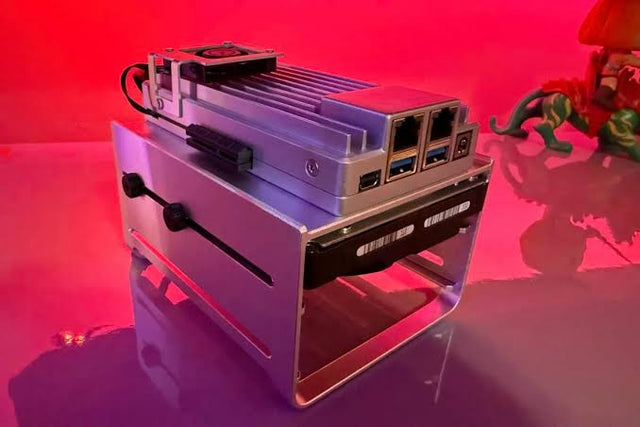
How to Reduce Glare When Reviewing Photos on a NAS-Connected Monitor
A controlled method for separating reflections from brightness and preserving consistent photo-review decisions.


