
Can Immich Run Reliably With Its Data on a Network Share?


Immich can use a network share reliably for media or an external library when the mount, permissions, latency, and outage behavior are engineered and tested, but its PostgreSQL data directory should remain on supported low-latency storage rather than a general SMB or NFS share.
The word data hides different workloads: originals are large durable files, thumbnails create many smaller operations, external libraries may be read-only, and PostgreSQL requires database filesystem semantics. Decide path by path, mount the share before containers start, prevent an empty local directory from impersonating the NAS, and prove behavior through both a host restart and a controlled share interruption.
Classify Each Immich Path Before Moving It
List the upload library, thumbnails or encoded media, external libraries, database directory, model cache, and backups separately. Mark who writes each path and its loss impact. A media share can be viable; treating every volume as interchangeable fails the design gate.
A practical NFS walkthrough demonstrates mapping an Immich external library from shared storage. Its external-library mount pattern is useful for path and permission planning, not evidence that the database should use NFS.
Keep PostgreSQL on storage recommended for databases and protect it with native dumps plus backups. If local active storage is limited, move only the measured capacity-heavy media path and document the boundary rather than relocating the entire application state.
Make Remote-Mount Ordering Deterministic
Mount the share at the host with explicit credentials or export rules, stable address, and the intended read-write mode. Verify the expected filesystem identity and a known marker file before starting Immich. Bind the already-mounted host path into containers.
Configure the service manager so Immich waits for the remote mount and does not start against an empty fallback directory. A boot passes only when the marker is visible inside the container and a test file receives the expected owner; an empty directory or root-owned file is a hard stop.
Reboot once with the share available and once with it deliberately unavailable during a maintenance window. The first test passes only when the marker appears before Immich starts; the second passes only when Immich stops or fails visibly instead of writing into the bare local mountpoint.
Prove Container Identity and Share Permissions
Match numeric user and group identities across server, client, and container, then test create, rename, read, and delete in a dedicated disposable folder. Do not solve a mismatch with global write permissions that expose the family library.
Repeat the disposable file test from inside the Immich server container, not only from the host. Confirm the NAS sees the intended numeric owner and that Immich can reopen the file after a container recreation. A host-only pass does not prove the container path.
If identity or create-and-rename behavior differs, stop and correct the narrow export, mount, or container mapping. Retest before scanning a real library; broad permission changes can hide the mismatch while exposing every family photo to unrelated services.

Measure Latency and Test a Share Interruption
Run a representative upload, thumbnail generation, timeline browse, original download, and external-library scan while measuring server latency and job progress. Pass requires acceptable interaction and no persistent queue growth; raw link speed alone cannot prove metadata performance.
An Immich issue reports database and file inconsistency in one deployment with unstable NFS. The bounded NFS failure case supports treating disconnects during writes as a recovery risk, not assuming NFS always corrupts Immich.
During a maintenance window with backups complete, interrupt the media share while a noncritical test is active. Immich should fail visibly rather than write into the bare mountpoint. Restore the share and confirm the test asset plus database record reconcile without a restart loop.
Issue the Go or No-Go Decision After Restart Tests
Restart the containers and host separately. Confirm the correct share mounts first, old and new originals open, external scans do not duplicate assets, and one new upload survives another restart. The ZimaSpace DAS versus NAS comparison frames the latency and failure-domain tradeoff.
Use the share when these tests pass and monitoring can alert on absence, latency, space, and inode pressure. Choose local or directly attached storage when the network or NAS cannot meet the required availability, or when fail-open mount behavior cannot be prevented.
Roll back to the prior local path if Immich starts empty, creates root-owned files, or produces missing-file errors after interruption. Escalate with protocol, mount options, identities, path mappings, latency, and boot ordering; never rescan destructively until the authoritative originals and database state are known.

Recommended products

Support & Tips
More to Read
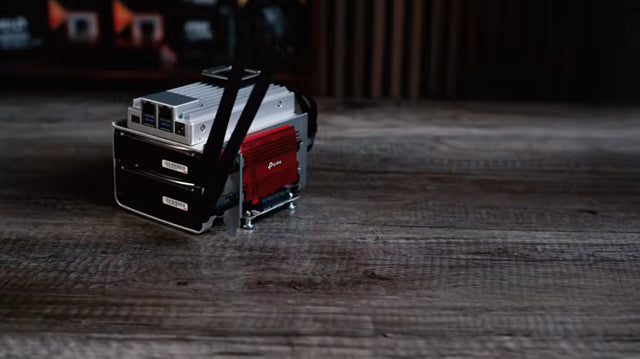
How to Match Docker Restart Policies to Databases, Workers, and Web Apps
Match restart policy to service lifecycle and exit semantics. Pair it with health and readiness checks; do not use restart loops to hide dependency...
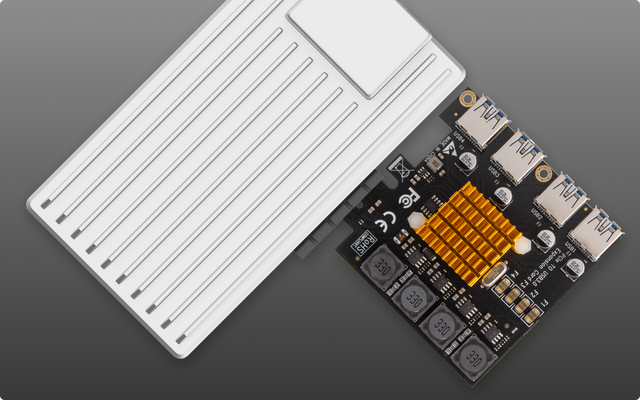
How to Configure Container User IDs Across Multiple NAS Shares
Map each container's UID/GID to its NAS shares, use shared groups or ACLs where needed, and treat PUID/PGID as image-specific—not universal Docker settings.
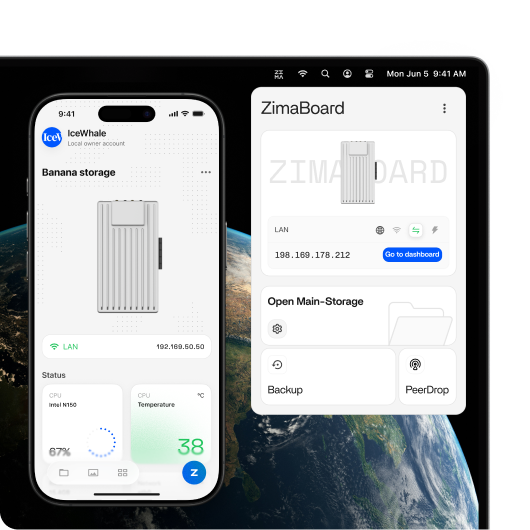
How to Set Up Docker Compose Profiles for Optional Home Server Services
Leave required services unprofiled and use profiles for optional tools. Test direct targets and dependencies instead of assuming a profile starts a full stack.


