
Home NAS Drive Replacement Workflow for Stable Device IDs and Verification


The safe approach is to treat map serials and persistent IDs, replace one confirmed member, then verify rebuild and original workload as a sequence of observable gates, not a single command.
On a Linux home NAS using ZFS, mdraid, or Btrfs, the practical risk is need to replace a NAS drive without confusing changing Linux device letters. Record the current identity and recovery point, start with the least invasive discriminator, interpret pass and fail results before changing another variable, and stop when storage becomes unstable or the only recoverable copy would be exposed. The workflow below ends only after the original workload succeeds or the evidence reaches an escalation boundary.
Create a serial-to-bay replacement map
Save the array or pool status, device topology, SMART identity, enclosure slot, serial number, WWN, and /dev/disk/by-id symlink for every member. Linux device letters can change after reboot or hot-plug, so /dev/sdX is an observation for this boot, not the durable identity used in the replacement record.
A practical ZFS home-server guide demonstrates replacement with a persistent by-id path and monitoring the resilver rather than trusting a temporary device letter. The same identity principle applies to mdraid and Btrfs even though their replacement commands differ.
Match the failed member in software to the physical label twice: once before offlining and again before removing hardware. Stop if serial passthrough is missing, two slots report the same bridge identity, or the pool cannot tolerate another member going offline.
Prepare the replacement without reducing redundancy early
Confirm the new drive is at least as large in usable sectors, has the expected sector format, and passes basic health checks outside the array when possible. Record its serial and by-id path before insertion. For encrypted or bootable members, also preserve the partition layout, keys, and boot metadata required by that platform.
Use the ZimaSpace discussion of different sector sizes in a ZFS mirror when a replacement reports a different logical or physical sector size. Capacity on the box is not enough; the actual size, ashift or alignment expectations, partition table, and NAS platform rules decide whether replacement is valid.
Replace only one device at a time. If the old disk is still readable and the platform supports attach-then-detach, that may preserve redundancy; otherwise offline the confirmed member, power down when the chassis is not hot-swap safe, and label the removed drive immediately.
Start and monitor the platform-specific rebuild
Use the pool or array member identity shown by its own status command, paired with the new persistent by-id path. Do not paste a generic command without verifying topology: a ZFS mirror replacement, mdraid member addition, and Btrfs device replace have different state machines and failure semantics.
Watch progress, read errors, checksum repairs, SMART changes, temperature, and controller resets. One independent replacement account emphasizes recording the failed disk serial and waiting for resilver completion before replacing the next member.
If the new disk disappears, errors rise on a surviving member, or the rebuild repeatedly restarts, stop nonessential load and preserve logs. Do not remove another disk, clear errors, or force completion until the failing component and current redundancy are understood.

Verify the repaired NAS before retiring the old drive
A completed progress bar is necessary but not sufficient. Confirm the pool or array is healthy, every intended member uses the expected persistent identity, no partition remains undersized, and scheduled mounts, shares, containers, and backups survive two reboots.
Run the platform’s integrity check or scrub after reconstruction according to its safe workflow, then restore a representative file and reproduce the workload that exposed the fault. Check that error counters remain stable during sustained reads and writes.
Keep the old disk offline and labeled until the new member has passed a normal workload and a backup cycle. Recovery is complete when topology, data checks, device health, and application paths all pass; escalate if identity remains ambiguous or any surviving member develops new errors during reconstruction.

Recommended products

Support & Tips
More to Read
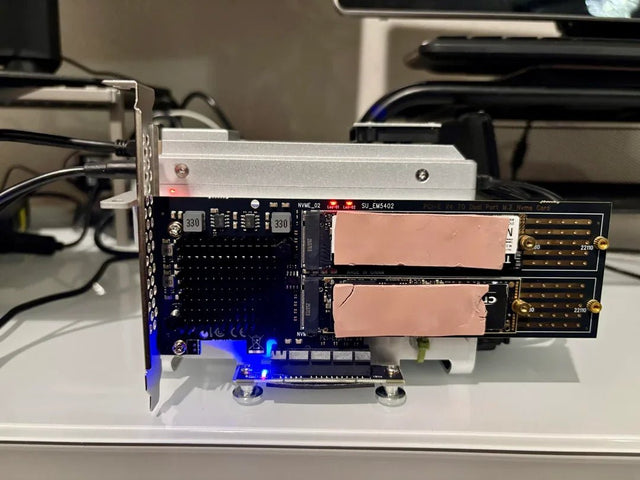
Borg Backup Migration Guide for Moving a Repository to New Storage
Move a Borg repository as one consistent object: stop writers, preserve keys and identity, verify restores, then update clients while retaining the source.
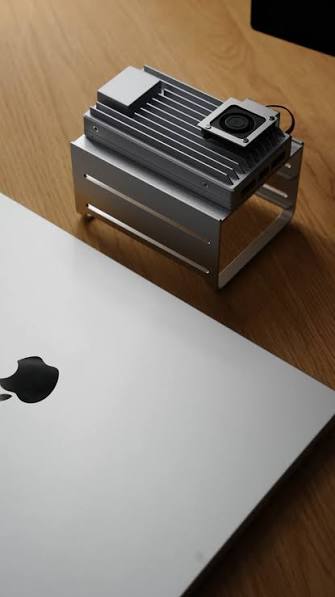
Restic Repository Maintenance Workflow: Check, Prune, Compact, and Test Restore
Restic has no separate compact command: prune performs repacking. Protect locks and free space, recheck afterward, and finish with an isolated restore.
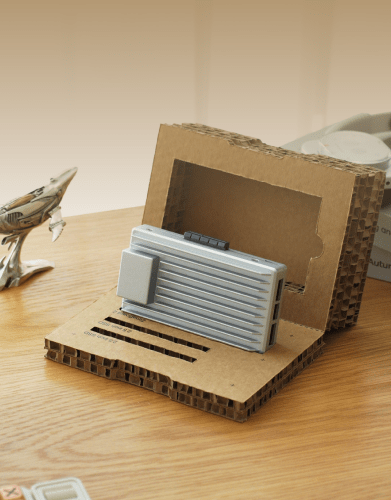
Time Machine NAS Recovery Guide for Broken or Abandoned Backup History
Keep the old bundle. Separate NAS access, destination identity, image damage, and abandoned history before choosing repair or a new chain.


