
What Are the First Signs That a Mini PC Power Adapter Is Unstable?


Load-linked hard resets, peripheral dropouts, and a sensitive DC plug are early signs of an unstable power path.
Those symptoms do not prove the brick alone is bad: an undersized supply, loose jack, overloaded USB bus, failing board regulator, or poor wall connection can look similar. Stop for heat, smell, arcing, or case damage; otherwise capture the trigger and isolate load, connector, and adapter with electrically compatible parts.
Correlate the symptom with load and power events
Record whether the failure happens during CPU boost, disk spin-up, GPU use, USB device attachment, or idle-to-load transitions. An instantaneous restart without a normal shutdown record points more strongly to power loss than an orderly operating-system reboot.
Check logs for the absence of a graceful shutdown, USB brownout symptoms, storage disconnects, and thermal throttling. A Mini PC troubleshooting report described hard resets that stopped after a compatible higher-capacity supply was used, illustrating why load correlation and a controlled supply swap matter.
Run only a bounded, non-destructive load while observing the pattern. If the adapter becomes unusually hot, buzzes, smells, or causes visible arcing, stop rather than repeating the trigger.
Remove external load and inspect the connection
Disconnect optional bus-powered disks, capture devices, and hubs, then repeat the same CPU-only or storage-only test. If stability returns, the original power budget or one peripheral may be responsible; add devices back one at a time.
With power disconnected, inspect the brick cable, strain relief, DC plug, and mini PC jack for looseness or discoloration. A failure that can be triggered by slight connector movement implicates the cable or jack, but do not keep flexing a damaged connection.
Try a different wall outlet without a questionable extension lead. If only the location changes the result, investigate mains, strip, or UPS output before replacing the mini PC adapter.
Use only a fully compatible known-good adapter
Match output voltage exactly, connector size, polarity, supported protocol if applicable, and at least the required current or wattage. A supply with greater current capacity is not automatically safe unless every other electrical requirement matches.
Repeat the original load with the compatible known-good adapter while keeping peripherals, cable routing, and ambient conditions constant. If the symptom disappears across several cold starts and sustained load, the original adapter is the leading cause.
If both adapters fail, inspect the DC jack, internal regulator, memory, storage, and thermals. The home-server OS guide can help map which logs and stress tools are available without turning the diagnosis into an OS reinstall.

Prove stability before returning services to normal
With the replacement supply, run the original peak workload, attach peripherals in the normal order, and verify storage integrity. Observe at least one cold boot and one warm restart rather than accepting five quiet minutes at idle.
Recovery means no hard resets, USB or disk disconnects, unexpected throttling, or connector sensitivity under the prior trigger. Keep the suspect adapter out of service; intermittent power faults can corrupt storage even when the machine appears to recover.
Escalate when the jack is loose, the board shows heat damage, or failures persist with a verified adapter and reduced load. Board-level power faults require repair or system replacement, not a progressively larger power brick.

Recommended products

Support & Tips
More to Read
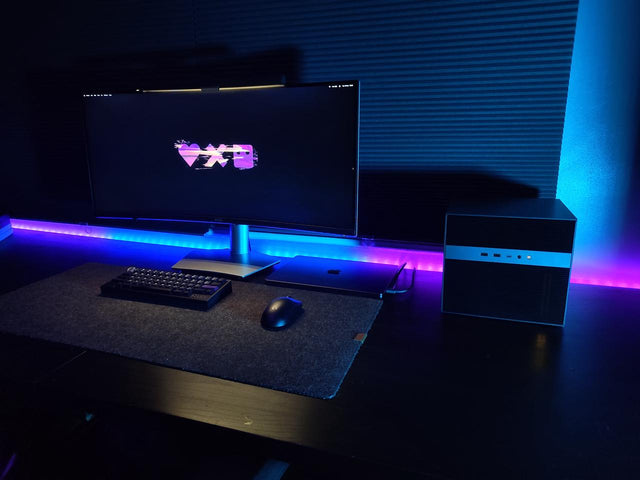
What Display Brightness Helps Reduce Eye Fatigue During Long NAS File Reviews?
There is no universal brightness percentage; match a white screen to the room, control glare, keep text legible, and validate during a timed review.
How to Reduce Neck Strain When a Home Server Console Is Mounted Too Low
Move routine work off the low console or raise the visual target safely while keeping the keyboard lower and retesting a real admin session.
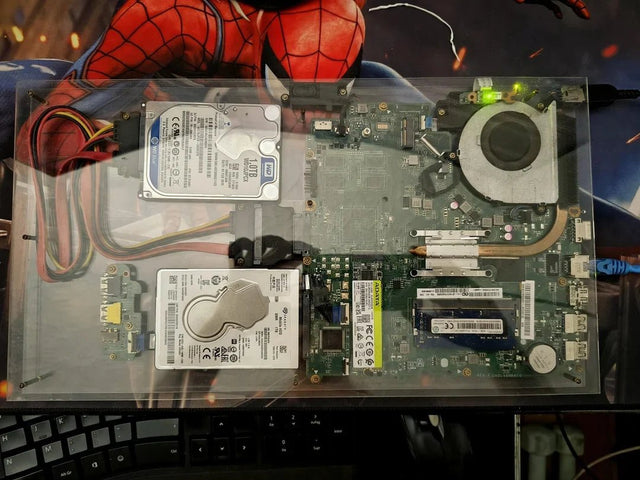
Why Do My Eyes Feel Tired After Monitoring a Bright Server Dashboard at Night?
Night dashboard fatigue often combines brightness mismatch, glare, sustained focus, and reduced blinking; adjust one factor and retest safely.


