
Used Enterprise Server Noise and Power Risk Guide


Do not buy a used enterprise server on purchase price alone. Pass it only after measured idle power, fan behavior, placement, and proprietary replacement costs fit your home budget.
Measure the Configuration You Will Actually Run
Power and noise change with processors, DIMMs, drive count, add-in cards, firmware settings, and ambient temperature. Ask for measurements from the exact or closely matching configuration rather than quoting a chassis family's best case.
Estimate average watts at idle and during recurring jobs, then multiply by local energy price and expected annual hours. The calculation turns an attractive purchase into a comparable multi-year ownership cost.
Reject listings that cannot identify installed components or demonstrate a clean boot without fan faults. Missing sensors or nonstandard cards can force fail-safe fan speeds.
Treat Acoustics as a Placement Constraint
Rack servers are designed to move air through dense components, often with small high-speed fans. A system that is acceptable in a garage or isolated closet may be disruptive beside a desk or behind a bedroom wall.
A home-lab buying guide for used enterprise gear explicitly weighs power, noise, form factor, and compatibility alongside price. Apply those used-enterprise ownership checks before arranging pickup.
Do not assume replacement fans or unofficial curves are safe. If the server must be modified to become tolerable, price the modification and verify that thermal and fault behavior remain visible.
Calculate Electricity and Cooling as Recurring Costs
A server consumes power and releases nearly all of it as heat into the room. In warm months, the comfort or cooling cost may matter as much as the utility bill for the machine itself.
An independent home-lab power guide shows how component choices, utilization, and measurement affect consumption. Use its measurement-based power method instead of relying on the power-supply label.
Compare the annual cost difference with a newer compact server. If the old system's capacity will remain mostly unused, inexpensive cores can become expensive idle heat.

Audit Parts, Firmware, and Physical Fit
Check rails, drive caddies, power supplies, storage controllers, remote-management licensing, and replacement fans. Low-cost bare chassis frequently need proprietary pieces before they can hold the planned drives.
Confirm depth, weight, circuit capacity, outlet type, and the route into the room. A deep rack server on a shallow shelf is not a minor inconvenience; it is a failed placement plan.
For a quieter alternative decision, review the ZimaSpace budget home-lab server guide before assuming enterprise surplus is the only path to expandable hardware.
Pass, Relocate, or Walk Away
Pass when the server's measured configuration meets the compute and storage need, the annual energy cost is acceptable, and an isolated location can handle its airflow and noise.
Relocate the design to a garage or utility area only when temperature, dust, networking, physical security, and remote recovery remain manageable there.
Walk away when the purchase requires unknown proprietary parts, residential placement depends on risky fan modifications, or a modern low-power system would recover its higher price during the expected ownership period.
Final Takeaway
Price the used server as a multi-year appliance in a real room. If noise, watts, parts, or placement cannot be measured before purchase, the risk has not passed.

Recommended products

Buying Guide
More to Read
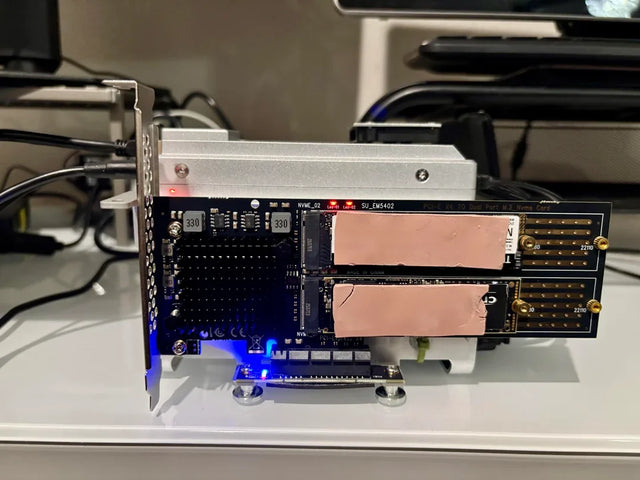
Fanless Home Server Thermal Risk Assessment
A fanless server is safe only when sustained workload and hot-room tests leave thermal margin without hidden throttling or storage heat.
Drive Bay Expansion Risk Assessment for a Value NAS
A value NAS is expansion-ready only when its pool rules, power budget, rebuild plan, and total enclosure cost pass before purchase.
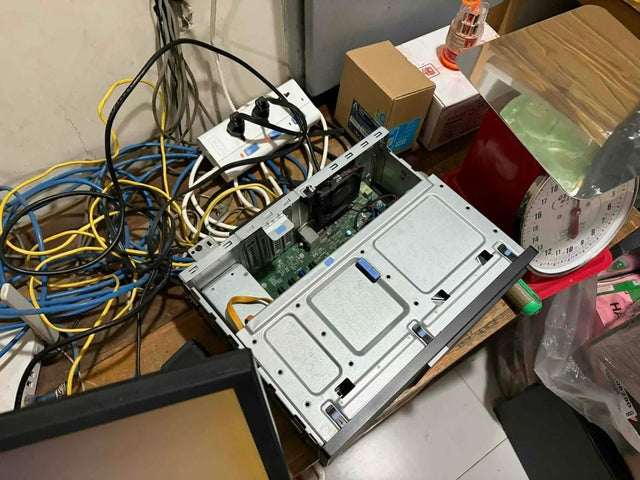
Multi-Bay NAS Checklist Before Choosing Hot-Swap Bays
Choose hot-swap bays only when the backplane, controller, software, cooling, labels, spare policy, and live-replacement procedure all pass.


