
How Much Storage Does a Growing Jellyfin Setup Need?


Buy enough usable media capacity for your current library plus measured growth and working headroom, then size Jellyfin app data and backup as separate storage needs.
Start With a Capacity Formula Instead of a Drive Count
Use a simple planning model: usable media target = current library + expected additions during the planning horizon + free working headroom. Measure the first term from storage, estimate additions from your own last six to twelve months, and choose a planning horizon that matches how often you are willing to add or replace drives.
This model is better than “X TB per user” because users do not consume storage at a predictable rate. Resolution, codec efficiency, remux versus compressed files, home-video capture, and retention behavior can change annual growth by far more than household size.
If you have no history, start conservatively and re-measure after several months. The goal is not a perfect five-year forecast; it is avoiding a purchase that is already too small while also avoiding a large premium for capacity you have no evidence you will use.
Keep Media Capacity Separate From Jellyfin App-Data Capacity
Jellyfin itself needs space for the operating system, database, metadata, cache, generated images, and temporary transcode data. These files are much smaller than a video library but have different performance requirements.
The official Jellyfin hardware guide recommends roughly 100 GB of SSD space for the OS, Jellyfin files, and transcode cache as a planning baseline, while also noting that larger source files and concurrent transcoding can increase temporary-space needs.
Do not use that SSD figure as a media-library estimate. Media capacity can be many terabytes, while app data benefits from low latency. Buying one very large SSD for everything is usually a different decision from buying a modest fast tier plus economical bulk storage.
Add Headroom for Operations, Not Just Future Movies
Free space is operational capacity. Imports, file moves, temporary copies, filesystem maintenance, parity rebuilds, snapshots, and transcode segments all become harder when the pool is nearly full. Leave a margin that fits your storage technology and your maintenance workflow instead of planning to run at 100% utilization.
Growth can also arrive in bursts. A camera archive, family-video digitization project, or one-time collection migration may add more data in a weekend than normal monthly media acquisition. If that project is known, include it explicitly rather than hiding it inside a generic percentage.
For irreplaceable personal media, ZimaSpace’s home media server guide recommends keeping family videos in clear media folders that can be backed up independently rather than relying on an app cache or import area.

Do Not Count Redundancy as Your Backup Capacity
Parity, mirroring, or RAID can improve availability after a drive failure, but it does not create an independent recovery copy against deletion, corruption, ransomware, or a failed enclosure. Size backup capacity from the data you must recover, not from the number of disks in the primary array.
You do not necessarily need a second full copy of every replaceable media file. Classify the library: irreplaceable home videos and curated personal content may justify full backup, while replaceable media may use a different policy. Jellyfin application state is small enough that frequent separate backups are usually practical.
The Jellyfin backup feature can protect the database and selected metadata-related data. Its destination still needs enough free space and should live outside the failure domain of the active app-data volume.
Upgrade Capacity When the Growth Trigger Arrives, Not Because a Larger Tier Exists
An upgrade is justified when projected usable free space falls below the amount needed to reach your next maintenance window, or when the current chassis cannot accept the next sensible drive addition. That is a capacity trigger, not a performance trigger.
If the current pool has years of measured headroom, buying a larger enclosure or replacing healthy drives early may deliver little daily benefit. Conversely, if all bays are occupied and annual growth is predictable, expansion flexibility can be more valuable than buying the absolute lowest cost per terabyte today.
A multi-bay platform such as ZimaCube 2 is relevant only when your measured growth, backup layout, or additional services need that storage form factor. It is not a substitute for calculating usable capacity and recovery copies first.
Use This Purchase Check Before You Commit
Before buying storage, record five numbers: current media size, annual net growth, planning horizon, minimum free-space reserve, and the amount of data that needs an independent backup. Then confirm how much usable capacity remains after your chosen redundancy scheme.
Also verify drive interface, bay count, filesystem or pool expansion behavior, noise, power, and replacement procedure. A drive that is cheap per terabyte but awkward to add, cool, or replace in your actual server can create a higher ownership cost.
Stop when the design covers the planning horizon with operational headroom and a realistic backup path. Beyond that point, more capacity is optional insurance rather than a Jellyfin performance upgrade.

Recommended products

Buying Guide
More to Read
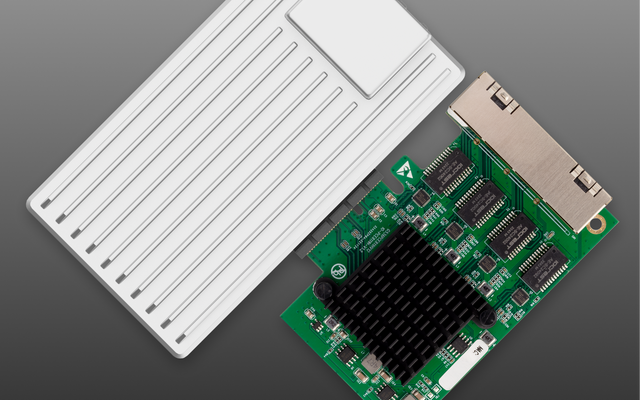
How to Choose a Home Server for Jellyfin and Kodi
Kodi can reduce Jellyfin transcode demand when clients Direct Play well, so size the server from fallback conversion, storage, network, and shared services.
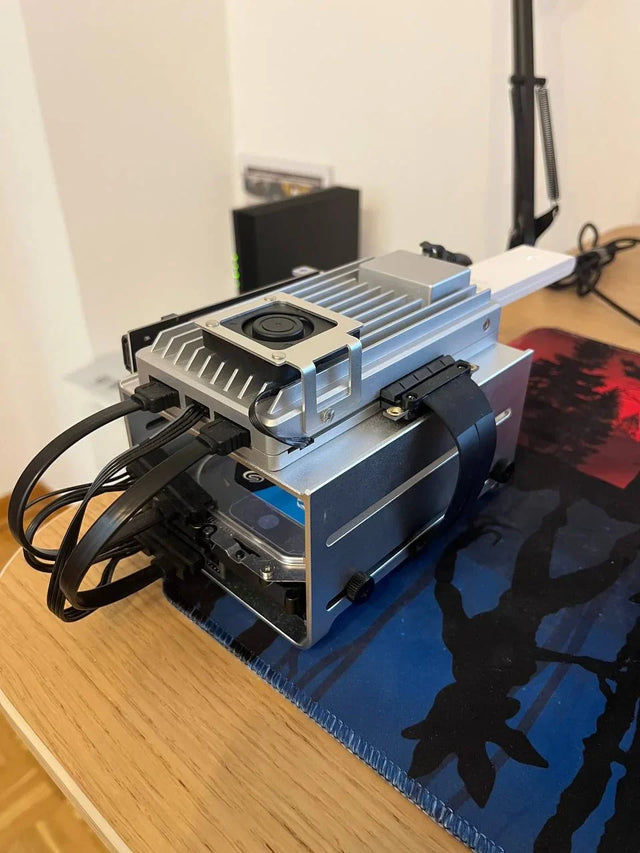
How to Choose SSD, HDD, and Backup Capacity for Jellyfin
Size Jellyfin storage by role: SSD for active app data and scratch, HDD for media capacity, and independent backup space for retained recovery points.
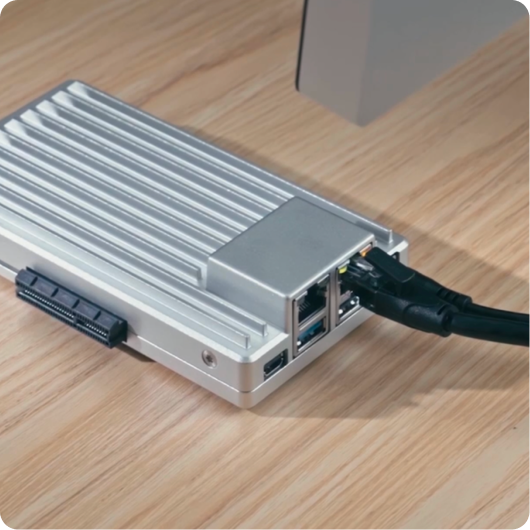
Before Buying a Jellyfin Server: Can Your Old PC Pass the Workload?
Reuse an old PC only after it passes the real Jellyfin workload, power, noise, storage, and recovery checks a new server would need to...


