
Remote Data Management: Access Your Files Anytime, Anywhere


Introduction: Ease of Access in Every Location
Have you ever found yourself on vacation wishing you could peek at your home surveillance videos or access multimedia content from your home server, but felt frustrated by the lack of easy remote access? Or have you been caught on a business trip desperately needing an important document you forgot at home?
Community member Grandil recently accessed ZimaOS remotely from a train in Norway, connected to servers back in Ireland. Despite being in a mobile roaming environment, all tests and usage went smoothly, leading Grandil to give a glowing review. Watch his experience here.
The Growing Need for Data On-the-Go
In today’s fast-paced world, our dependence on data grows daily. Whether you’re a home user or a small business, managing and accessing data efficiently has become a key part of our routines. The ability to access data remotely is crucial—it boosts productivity, ensures data security, and avoids the inconveniences of geographical limitations.
ZimaCube: Your Gateway to Remote Access
Enter ZimaCube’s Remote feature, a powerful solution that allows users to manage and access their data from anywhere in the world. Whether you’re handling urgent documents remotely or enjoying your home media library, ZimaCube ensures that your data is always within reach, efficiently and securely.
Setting Up ZimaCube Remote Access
- Open the network settings in ZimaOS and copy the Network ID.

- Download and install the Zima client from http://findzima.com.

- Launch the client, enter your Network ID and user details to log in.


Maximizing Your Remote Experience
Here are some tips to ensure a seamless remote access experience:
- Stable Connection: Always connect both your ZimaCube and remote device to reliable networks.
- Security First: Regularly update your Network ID to prevent unauthorized access.

With these steps, ZimaCube’s Remote functionality is easy to set up and optimize for secure, efficient remote data management.
Empower Your Digital Life
ZimaCube’s Remote feature is not just about accessing data; it’s about simplifying your digital life. No matter where you are—be it at home, the office, or on the move—ZimaCube offers a dependable and secure way to access your data. Activate ZimaCube Remote today and transform how you manage your digital content.
For further details on the ZimaCube Remote feature and our other offerings, please visit our website or reach out to our customer service team. We’re excited to help you take control of your data! Explore more here.


Zima Campaign Hub
More to Read
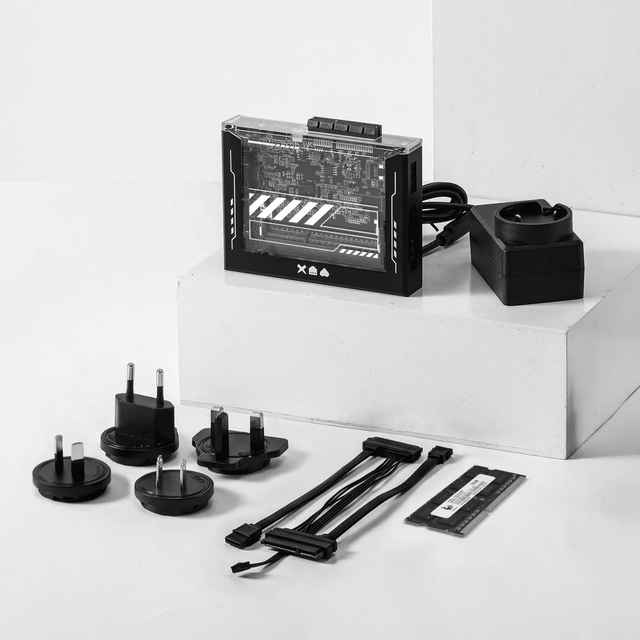
ZimaBlade Is Now ZimaBoard SE: What Changes and Which Kit to Choose
ZimaBlade becomes ZimaBoard SE with installed 8GB or 16GB RAM, 64GB eMMC and ZimaOS Plus. Compare specifications, Starter and NAS Kits, pricing and FAQs.
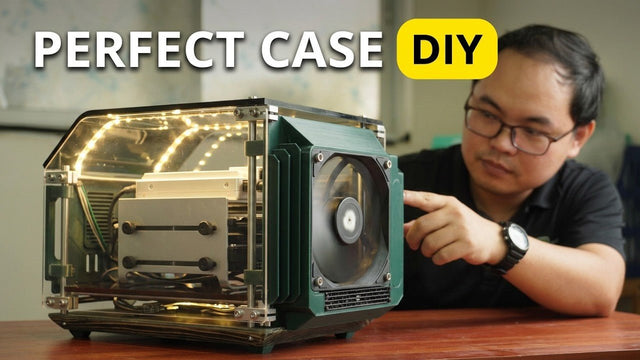
How The TKT Works Builds a Custom Acrylic Case for ZimaBoard 2
Follow The TKT Works’ custom ZimaBoard 2 case build, covering the rod frame, acrylic panels, front display, cable routing, and cooling considerations.
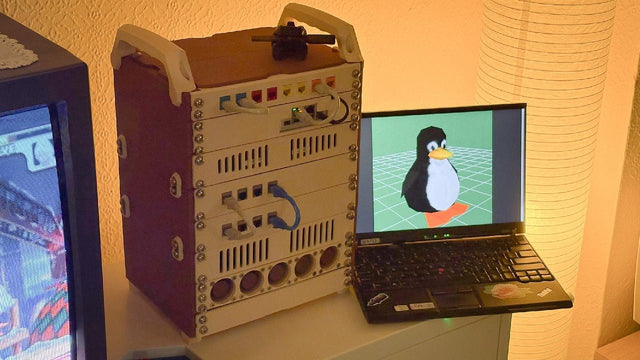
How kabuto Builds a Modular 10-Inch Homelab with ZimaBoard 2
Explore kabuto’s modular 10-inch homelab with ZimaBoard 2, printed patch panels, reused hardware, Immich, Nextcloud, and remote access through Tailscale.


