
Why Does Plex Rely on Background Automation?


Plex automation moves more library work away from explicit clicks and into scans, analysis, metadata, and scheduled background tasks.
That shift can improve discovery and reduce manual maintenance, but it also creates work that appears when nobody is actively streaming. Treat automation as a workload class with its own CPU, storage, and scheduling cost. The useful question is which background task improves the experience enough to justify its resource footprint.
Automation Moves Work Outside Playback
A server can be idle from the viewer’s perspective while still scanning, analyzing, refreshing metadata, or maintaining databases. These jobs decouple user activity from resource use and make “nobody is watching” an incomplete definition of idle.
A resource-level utilization and saturation check helps distinguish scheduled background work from a genuinely overloaded host.
Correlate CPU, disk, and logs with scheduled windows for several days. Attribute each recurring spike to a task before disabling useful automation.
Analysis Trades Upfront Work for Later Convenience
Preview generation, media analysis, and metadata processing consume resources earlier so later browsing or playback decisions can be faster or richer. The trade-off is most visible after imports and large library changes.
Plex keeps metadata and library state beside the database, so automation can touch app data even when bulk media is not being streamed.
Measure import-to-settle time for a representative batch. If analysis extends too far into peak viewing hours, move the schedule rather than assuming the feature itself is defective.
Background Jobs Compete With Other Containers
On a shared host, Plex automation can overlap with downloaders, indexers, backups, or local AI tasks. The effect comes from shared CPU and storage queues, not from Plex operating in isolation.
Several independent services can touch the same media and configuration paths when multi-service media stacks share one workflow.
Run the same Plex task once with companion writers paused and once during the normal stack. Use the difference to decide whether scheduling or resource isolation is more valuable. Schedule background work within the broader home media-server topology so scans, backups, and companion services do not all compete for the same quiet window.

Automation Needs an Operating Envelope
The safest design gives background work a window, a resource budget, and a recovery expectation. That makes automation predictable enough to keep rather than something that is disabled whenever the server feels busy.
Long-running background work should be planned beside backup capacity and churn because both can increase write activity around the same state paths.
Document which tasks may run during busy hours and which should wait for quiet periods. Revisit the limits after a large library or feature change.

Recommended products

Tech & AI HUB
More to Read
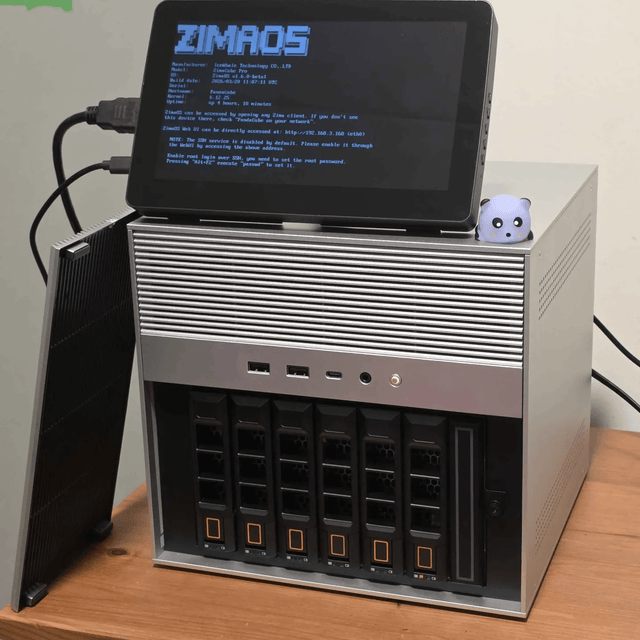
What Is Embedding Drift, and When Does a Private Search Index Need Rebuilding?
Decode model, preprocessing, corpus, and query drift; distinguish monitoring from incompatibility; and decide when a private index needs rebuilding.

What Is Tokenizer Compatibility, and Why Can It Break Model Switching?
Decode vocabulary identity, special-token semantics, chat templates, cached tokens, adapters, and compatibility checks for local model switching.
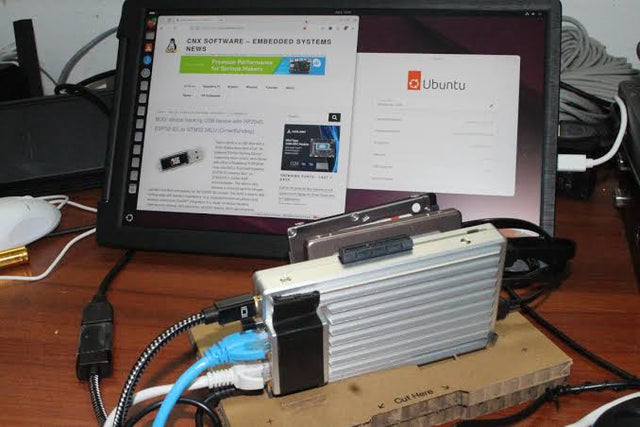
What Is Model Residency, and When Should a Local AI Service Keep Weights Loaded?
Decode weight residency, cache levels, cold starts, eviction, multiplexing, memory pressure, and when a home AI service should stay warm.


