
Which Jellyfin Components Most Strongly Affect Consistent Playback?


Consistent Jellyfin playback is controlled by the slowest active stage, usually client compatibility, conversion throughput, storage delivery, or network headroom.
A quiet home server can stream a compatible file with almost no CPU load, yet stall on another device when the same title requires conversion. Conversely, a powerful GPU cannot rescue an unstable Wi-Fi path or a remote stream above available upload. Component importance changes with playback mode, so capacity should be mapped from the client backward rather than ranked from a generic hardware checklist.
Client Capability Selects the Entire Workload
The client determines whether the container, codecs, subtitles, profile, resolution, and bitrate can be consumed directly. This compatibility decision happens before server horsepower matters because Direct Play avoids the conversion pipeline that creates most compute demand.
A clear comparison of Direct Stream and Direct Play shows how even container incompatibility can introduce remuxing without requiring a full video encode. That distinction prevents every non-direct session from being treated as equally expensive.
The practical consequence is that changing the client application can alter server load more than adding RAM. For a mostly Direct Play household, codec support and stable decoding are the highest-leverage components even though they live outside the server.
Compute Sets the Ceiling for Converted Sessions
When video must be rebuilt, decode, filters, subtitle rendering, and encode must all sustain real time. CPU matters for software stages, while a compatible video engine can accelerate specific codec paths; neither should be reduced to a single benchmark score.
Tests and operator reports describe GPU offload reducing CPU load when hardware acceleration is actually used. The benefit is largest when the whole conversion path stays supported rather than bouncing through an unsupported filter.
Compute is therefore a ceiling, not a guarantee. Enough encode capacity may support several sessions, but it will remain idle when storage cannot feed source data or upload cannot carry the outputs.
Storage and Network Control Delivery Continuity
Storage must supply source bursts and accept temporary transcode segments, while the network must deliver them before the client buffer empties. Sequential bandwidth is only part of the picture because metadata, thumbnails, other applications, and multiple streams can introduce competing I/O.
A home-server account of transcoding mistaken for network trouble demonstrates why symptoms alone do not identify the limiting component. The same buffering icon can result from conversion or delivery.
LAN playback usually gives network headroom, whereas remote playback adds upload and variable internet paths. Storage becomes most important for high-bitrate direct streams; compute becomes more important after conversion; network remains a hard limit in both cases.

A Decision Matrix for the Next Component to Inspect
Component priority stops being universal when the playback path changes. Database speed can affect browsing and startup without limiting steady video delivery, while RAM can improve caching without compensating for a video engine that cannot encode the requested format.
Start with the end-to-end model in the playback-path explanation, then isolate one session under controlled conditions. Observe the server dashboard, operating-system I/O, and client playback mode together. A separate field report also supports using playback-mode diagnostics instead of assuming the visible symptom identifies the bottleneck.
Use this rule: Direct Play plus stalls points first to storage, network, or client decoding; a transcode below real-time speed points to compute or filter support; fast transcoding plus stalls points to segment storage or network; slow browsing with stable playback points to database and metadata storage.

Recommended products

Tech & AI HUB
More to Read
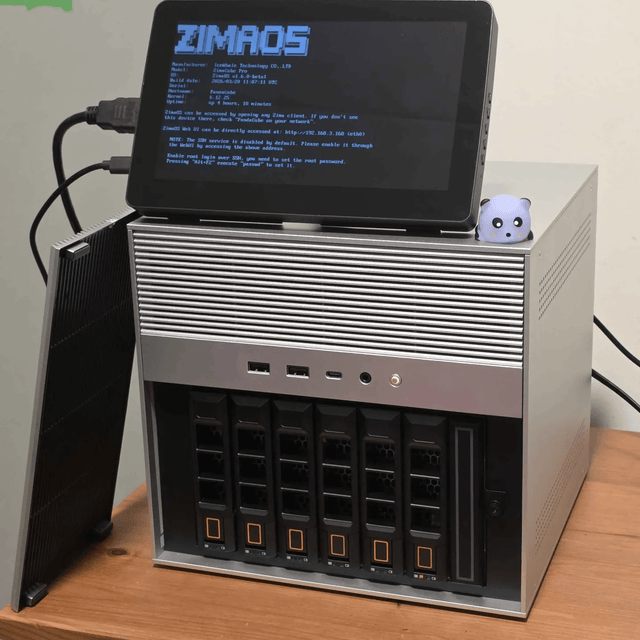
What Is Embedding Drift, and When Does a Private Search Index Need Rebuilding?
Decode model, preprocessing, corpus, and query drift; distinguish monitoring from incompatibility; and decide when a private index needs rebuilding.

What Is Tokenizer Compatibility, and Why Can It Break Model Switching?
Decode vocabulary identity, special-token semantics, chat templates, cached tokens, adapters, and compatibility checks for local model switching.
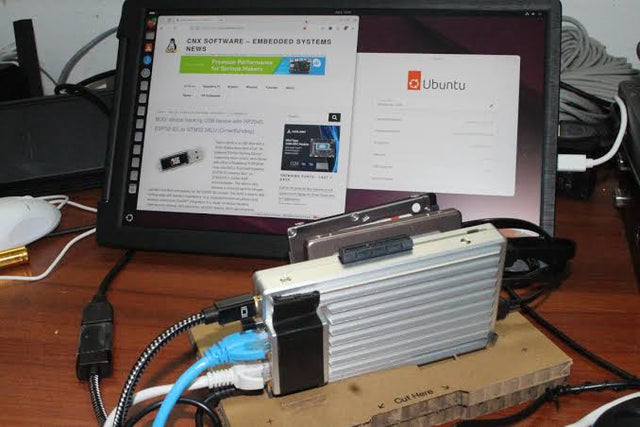
What Is Model Residency, and When Should a Local AI Service Keep Weights Loaded?
Decode weight residency, cache levels, cold starts, eviction, multiplexing, memory pressure, and when a home AI service should stay warm.


