
10 Best Container Management Platforms for Docker in 2026


The best Docker container management platform in 2026 depends on how much infrastructure you need to control. Portainer is the safest all-around choice, Dockge is simpler for Compose-heavy home servers, and Komodo becomes more useful when containers span multiple hosts and Git-driven deployments.
This ranking compares platforms across container lifecycle management, Docker Compose, images, networks, volumes, remote hosts, deployment workflows, security, and maintenance. If you are still deciding what role Docker should play on your server, start with the broader guide to choosing a home server OS for Docker.
10 Best Container Management Platforms for Docker
| Rank | Platform | Best For | Management Style |
|---|---|---|---|
| 1 | Portainer | General Docker management | Multi-environment Web platform |
| 2 | Dockge | Docker Compose home servers | File-based Compose manager |
| 3 | Komodo | Multi-host Docker and GitOps | Deployment control plane |
| 4 | Arcane | Modern Docker administration | Web management platform |
| 5 | Dockhand | Security-aware management | Multi-environment Web UI |
| 6 | lazydocker | Terminal-first Docker users | Local TUI |
| 7 | Swarmpit | Docker Swarm | Swarm management UI |
| 8 | usulnet | All-in-one Docker infrastructure | Infrastructure control plane |
| 9 | Docker Dash | Monitoring and security | Operations dashboard |
| 10 | Coolify | Deploying apps from Git | Self-hosted PaaS |
How We Ranked Docker Management Platforms
A useful container manager should do more than show which containers are running. We prioritized tools that manage several parts of the Docker environment: containers, Compose stacks, images, networks, volumes, logs, remote hosts, authentication, updates, and deployment workflows.
Popularity matters, but scope matters more. lazydocker has a large developer community but remains a terminal interface. Portainer and Komodo operate much closer to a centralized Docker control plane.
1. Portainer — Best Overall Docker Management Platform
Portainer remains the safest general recommendation for users who want one mature interface across Docker and related container environments.
Portainer manages containers, images, networks, volumes, registries, stacks, and multiple endpoints through a browser interface. It also extends beyond standalone Docker into Swarm, Podman, and Kubernetes environments.
Best for: users who want a proven general-purpose container control panel. Not ideal for: users who only need a lightweight Compose editor or want every deployment definition managed directly through Git.
2. Dockge — Best for Docker Compose Home Servers
Dockge is a better fit when ordinary Compose files should remain the source of truth.
Dockge lets users create, edit, start, stop, restart, and update Compose stacks while keeping the underlying compose.yaml files directly on disk.
That makes migrations and manual administration straightforward: the same stack can still be managed with standard docker compose commands. For users learning this workflow from scratch, a first Docker app workflow shows why ports, persistent volumes, and Compose files remain important even when a graphical interface handles deployment.
Best for: single-server homelabs dominated by Compose stacks. Not ideal for: advanced RBAC, complex CI/CD, or large multi-host environments.
3. Komodo — Best for Multi-Host Docker and GitOps
Komodo is strongest when Docker management expands from one host into a small fleet.
Komodo combines multi-host container management with Compose, Git repositories, builds, registries, secrets, terminals, automation, and Docker Swarm management.
Its Git-driven model is particularly useful when deployments should be versioned and repeatable rather than edited manually on each server.
Best for: multi-server homelabs, GitOps-style deployments, and Swarm. Not ideal for: one small Docker host where the extra control-plane layer adds more complexity than value.
4. Arcane — Best Modern Docker Management UI
Arcane is one of the strongest newer choices for users who want a modern Docker-focused control panel.
Arcane manages containers, images, volumes, networks, Compose stacks, remote environments, and authentication through a clean Web interface.
It sits between Dockge and Portainer: broader than a Compose editor, but more narrowly focused on Docker than a multi-orchestrator management suite.
Best for: users who want a modern interface for local and remote Docker environments. Not ideal for: organizations that prioritize the longest production history and established commercial support.
5. Dockhand — Best for Security-Aware Docker Management
Dockhand adds more security and image-inspection capabilities than most lightweight Docker dashboards.
Dockhand covers containers, Compose stacks, Git deployments, remote environments, terminals, networks, volumes, and image management while integrating vulnerability scanning and image inspection.
Its Business Source License 1.1 also deserves attention: internal and personal use differ from operating the software as a commercial hosted service.
Best for: users who want vulnerability scanning alongside Docker administration. Not ideal for: projects that require a conventional permissive open-source license.
6. lazydocker — Best Terminal Docker Manager
lazydocker is the strongest option when Docker administration should stay inside the terminal.
lazydocker provides keyboard-driven access to containers, services, images, volumes, logs, statistics, and common Compose operations.
Its value is speed rather than centralization. For SSH-heavy administration, it often removes more friction than launching a Web dashboard.
Best for: developers and administrators working primarily through terminals. Not ideal for: teams, browser-based access, or centralized multi-host management.
7. Swarmpit — Best Dedicated Docker Swarm Manager
Swarmpit remains useful when Docker Swarm is intentionally the orchestration layer.
Swarmpit manages Swarm services, stacks, nodes, tasks, networks, and volumes through a dedicated Web UI.
Its narrow scope is both the advantage and limitation: users are not paying for abstractions they do not need, but the platform is much less useful outside Swarm.
Best for: existing Docker Swarm clusters. Not ideal for: ordinary single-host Compose deployments.
8. usulnet — Best Emerging All-in-One Docker Infrastructure Platform
usulnet combines Docker management with more of the surrounding server infrastructure.
usulnet brings together containers, security scanning, backups, monitoring, reverse proxy configuration, firewall controls, WireGuard, terminals, and multi-node administration.
The trade-off is maturity: a broad feature list does not yet equal the deployment history of Portainer or Dockge.
Best for: users experimenting with an integrated self-hosted infrastructure control plane. Not ideal for: conservative environments where stability and long-term adoption matter more than feature breadth.
9. Docker Dash — Best for Monitoring and Security
Docker Dash is more operations-oriented than a simple container dashboard.
Docker Dash combines local and remote Docker management with security scanning, authentication, audit logging, Swarm, GitOps, and monitoring integrations.
For a growing home-server stack, container status is only one part of reliability. Broader home server monitoring should also cover storage, network access, service failures, and recovery signals outside Docker itself.
Best for: users who want Docker operations, security, and observability in one dashboard. Not ideal for: users who only need a small container or Compose interface.
10. Coolify — Best for Deploying Apps Rather Than Managing Docker Directly
Coolify belongs in this list only if the real goal is application deployment rather than low-level Docker administration.
Coolify is a self-hosted PaaS that deploys applications, databases, and services from Git repositories, Dockerfiles, Compose files, and container images.
It deliberately hides more Docker detail than Portainer or Dockge. That makes deployment easier, but gives administrators less reason to think directly in terms of containers, networks, and volumes.
Best for: developers deploying applications from Git. Not ideal for: administrators who want direct control over Docker resources.
Portainer vs Dockge vs Komodo vs Arcane
| Platform | Choose It When... | Main Trade-Off |
|---|---|---|
| Portainer | You want the most established general manager | Some advanced controls are commercial |
| Dockge | Your server is mainly Compose stacks | Less infrastructure depth |
| Komodo | You manage multiple hosts with Git-driven deployments | More setup and concepts |
| Arcane | You want a modern Docker-focused Web UI | Shorter project history |
For one home server, Dockge may be enough. As soon as multiple hosts, users, registries, automated deployments, or orchestration become part of the environment, the broader platforms become easier to justify.
Container Manager vs PaaS: Why Coolify Is Different
A container manager exposes Docker resources directly: containers, images, networks, volumes, stacks, and hosts. A PaaS such as Coolify focuses on applications, repositories, domains, and deployments.
Choose the abstraction that matches the job. Developers deploying Web applications may prefer Coolify; operators troubleshooting storage, networking, updates, and Compose stacks generally benefit more from direct Docker management.
Do You Need Multi-Host Docker Management?
Not necessarily. One server running a manageable set of Compose applications may be easier to maintain with Dockge and normal Compose files.
Centralized management becomes useful once the same operator maintains several servers, needs repeatable Git deployments, or runs Swarm. Until then, another management service can become infrastructure you maintain without removing much work.
Docker Socket Access Is a Security Boundary
Many Docker management tools interact with /var/run/docker.sock. Access to that socket is highly privileged because it gives software substantial control over the Docker host.
Keep management interfaces private where possible, apply authentication, restrict remote endpoints, and update them promptly. A growing collection of containers also increases maintenance responsibility; the broader list of self-hosted apps for a home server shows why persistent data, backups, exposure, and rollback planning matter beyond simply launching a container.
Which Docker Management Platform Should You Choose?
| If You Need... | Start With |
|---|---|
| Mature general Docker management | Portainer |
| Simple Compose stack management | Dockge |
| Multi-host Docker with GitOps | Komodo |
| A modern Docker-focused interface | Arcane |
| Security scanning and inspection | Dockhand |
| Terminal-only management | lazydocker |
| A dedicated Swarm UI | Swarmpit |
| Docker plus host infrastructure | usulnet |
| Docker plus observability | Docker Dash |
| Git-driven application deployment | Coolify |
Frequently Asked Questions
What is the best Docker container management platform?
Portainer is the strongest general-purpose starting point. Dockge is simpler for Compose-heavy servers, while Komodo is better suited to multi-host and Git-driven deployments.
What is the best Portainer alternative?
Komodo is a strong alternative for multi-host GitOps workflows. Arcane is better for users seeking a newer Docker-focused Web interface, while Dockge is simpler for Compose management.
What is the best Docker Compose management platform?
Dockge is particularly well suited to Compose because the underlying files remain ordinary files on disk. Komodo adds more value when those deployments span multiple hosts or Git repositories.
Can one interface manage multiple Docker servers?
Yes. Portainer, Komodo, Arcane, Dockhand, and several other platforms support remote or multi-environment Docker management.
Is Coolify a Docker management platform?
Coolify uses Docker but is better described as a self-hosted PaaS. Its primary job is deploying applications rather than exposing Docker resources for direct administration.
Is mounting the Docker socket safe?
Docker socket access is highly privileged. Any dashboard with that access should be treated as security-sensitive infrastructure and protected accordingly.

Recommended products

Tech & AI HUB
More to Read
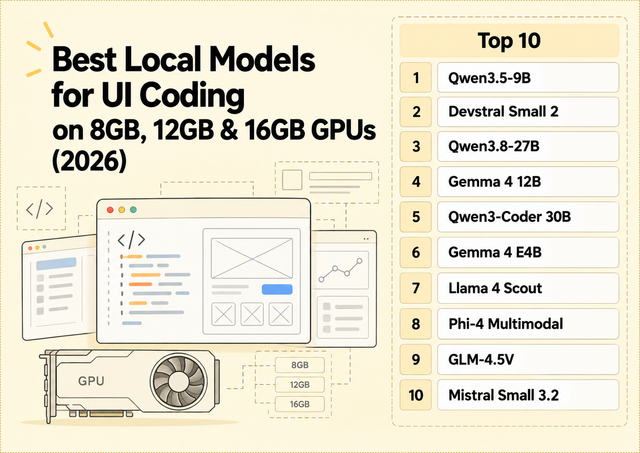
Best Local Models for UI Coding on 8GB, 12GB & 16GB GPUs (2026)
Compare local models for React, Tailwind and screenshot-to-code across 8GB, 12GB and 16GB GPUs, with practical VRAM guidance.
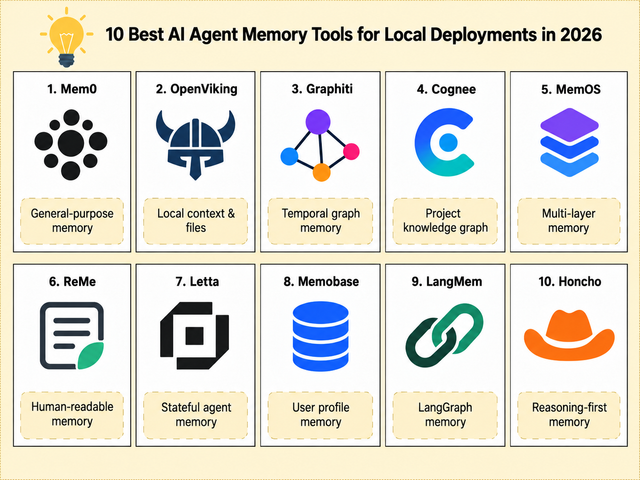
Top 10 AI Agent Memory Tools for Local Deployments in 2026
Compare 10 AI agent memory tools for local deployment, persistent context, files, graphs, user profiles, and stateful agents.
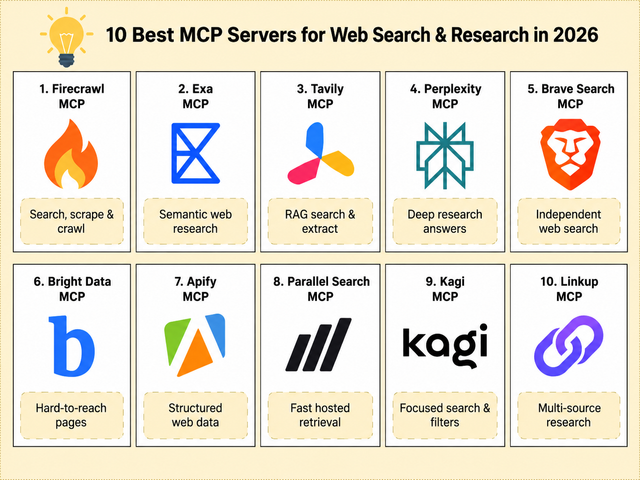
10 Best MCP Servers for Web Search and Research in 2026
Top MCP servers for web search, page retrieval, crawling, structured data, and multi-source research in AI agent workflows.


