
Public Reverse Proxy vs Private VPN for Family Services


Choose a private VPN by default for dashboards, files, administration, and services used by a small set of trusted family devices. Choose a public reverse proxy only for selected web applications when clientless browser access materially improves adoption and the app has strong authentication.
Compare who must connect and from which devices
A reverse proxy presents an HTTPS hostname to ordinary browsers and apps. Family members do not need a network client, which suits occasional users, shared devices, and links that must open naturally.
A VPN requires enrollment, keys or identity login, and a compatible client on each device. Once connected, it can reach private web apps and non-HTTP services without publishing them to the internet.
Do not turn convenience into universal exposure. Classify every service by user group, device support, sensitivity, protocol, and whether access is needed from devices you do not administer.
Compare exposure, identity, and failure impact
A public proxy needs DNS, certificates, patching, rate limits, upstream isolation, logs, and application authentication. A proxy compromise or routing mistake can expose several backends behind one gateway.
A VPN hides service listeners from unauthenticated internet clients, but a stolen enrolled device or overly broad network rule can expose many internal systems. Device revocation and least-privilege policy are essential.
Use the table to select the narrowest access model that still works for the family.
| Decision area | Assessment | Boundary |
|---|---|---|
| Trusted managed devices | Private VPN | Smaller public attack surface |
| Clientless browser access | Public reverse proxy | Publish selected hardened apps only |
| Mixed family needs | Hybrid | VPN admin path; narrow public exceptions |
Design the family experience and recovery path
For public apps, test password reset, multi-factor authentication, session expiry, upload limits, WebSockets, mobile clients, and lockout recovery. Keep the proxy admin interface private.
For VPN access, provide simple onboarding, device naming, expiry or revocation, split DNS, and a second administrator. Test cellular networks, hotel Wi-Fi, CGNAT, and a lost-phone scenario.
A related ZimaSpace family remote-access comparison expands the decision to direct WireGuard and mesh VPNs.
An independent gateway-versus-mesh analysis contrasts public application access with private network enrollment.

Choose a default and allow deliberate exceptions
Use the VPN for NAS administration, SSH, hypervisor panels, backups, Home Assistant administration, and sensitive family data. This keeps services private and makes access revocable per device or identity.
Publish a reverse-proxied app only when it is designed for internet use, receives timely updates, has strong per-user authentication, and clientless access matters. Place it on a constrained network path to only the required backend.
A hybrid design is often best: VPN for administrators and private tools, proxy for one or two family-facing apps. Avoid publishing the same management service both ways unless the duplicate exposure is documented and monitored.

Recommended products

Product Comparisons
More to Read
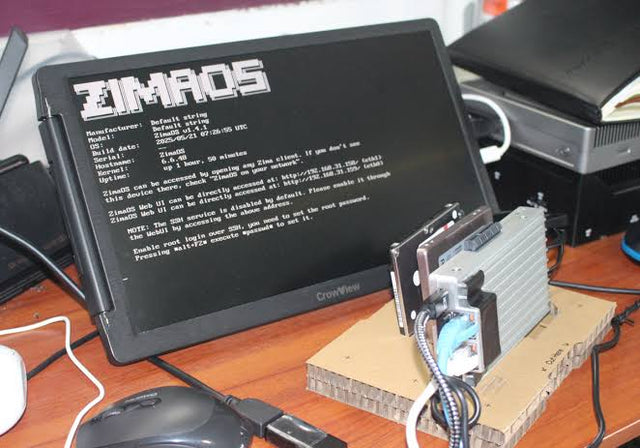
Hosted vs Self-Hosted Mesh VPN for Access Control and Logging
Hosted mesh VPNs minimize control-plane work; self-hosting improves control only when identity, upgrades, logs, backups, and recovery are operated well.
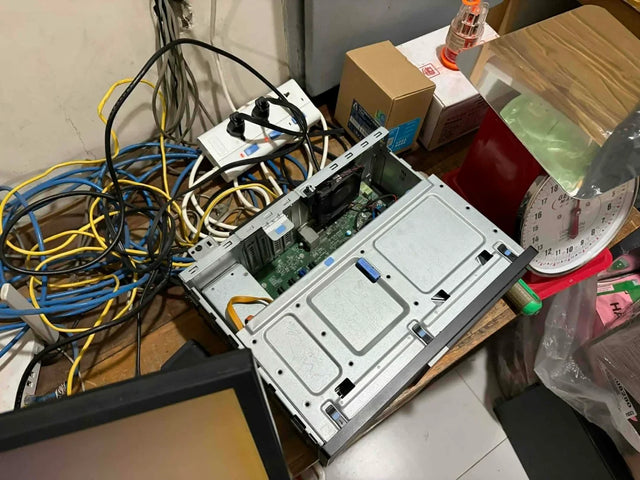
Are VLANs Worth the Operational Overhead for a First Home Lab?
VLANs are worth it when they enforce one clear isolation policy; a flat LAN is better until routing, firewalling, and recovery are understood.
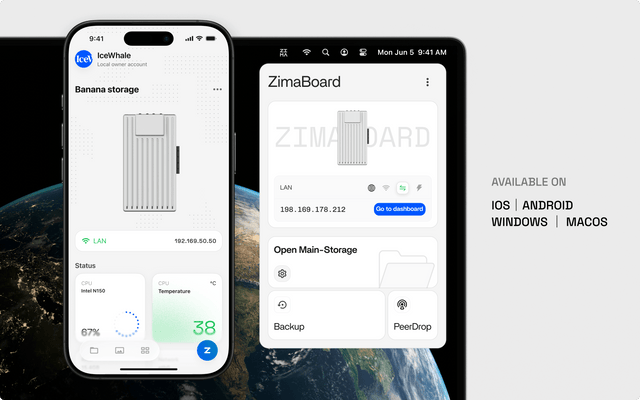
1GbE Line Rate vs Real NAS Throughput: When Is the Gap Normal?
About 110–120 MB/s can be normal for large wired transfers; a wider gap needs link, protocol, storage, CPU, or client tests before an upgrade.


