
Direct-Attached vs Switched 10GbE for Multi-Editor NAS Access


A direct 10GbE link is the leanest way to give one editing workstation a fast path to a NAS. A 10GbE switch becomes the better architecture when two or more editors need concurrent access, the NAS must serve several fast clients, or the studio needs one network that can grow without adding a private subnet for every cable.
Compare the two physical topologies
A direct link connects one NAS interface to one workstation interface. It can avoid the price, noise, and power of a 10GbE switch, but it usually needs a dedicated IP subnet and a second ordinary LAN path for internet access, discovery, administration, and other clients.
A switched design connects the NAS and editing stations to a common 10GbE segment. Editors can reach the same storage service through normal switching, while VLANs or firewall policy can still separate storage from unrelated household traffic.
Count real ports before deciding. Dual NAS interfaces do not create a clean four-editor design, and link aggregation does not generally make one ordinary file-transfer session use the combined rate of several links.
Measure streams, storage, and aggregate demand
Calculate the bitrate of each codec, multicam angle, proxy set, render destination, and background transfer. Add simultaneous editors and reserve headroom for timeline bursts, metadata, audio, conforming, and backups rather than sizing only for one ideal sequential read.
The NAS pool, CPU, protocol, and client storage must sustain the requested aggregate rate. A 10GbE link can carry roughly gigabyte-per-second-class transfers under favorable conditions, but a small HDD array may become the limit first.
Use the table to identify whether the collaboration pattern or the raw link rate drives the design.
| Scenario | Better fit | Decision boundary |
|---|---|---|
| One priority editor | Direct 10GbE | Lowest infrastructure cost |
| Two or more fast clients | Switched 10GbE | Shared, expandable topology |
| Unproven storage performance | Direct pilot | Benchmark before wider investment |
Account for workflow and failure behavior
Direct attachment can create two routes to the same NAS. Use distinct subnets, stable names or dedicated mounts, and conservative route metrics so the editing application does not switch unpredictably between the fast path and the normal LAN.
A switch creates one shared dependency, so choose sufficient backplane capacity, port speed, thermals, and management visibility. A spare switch or documented 1GbE fallback may be more useful than redundant cabling that nobody has tested.
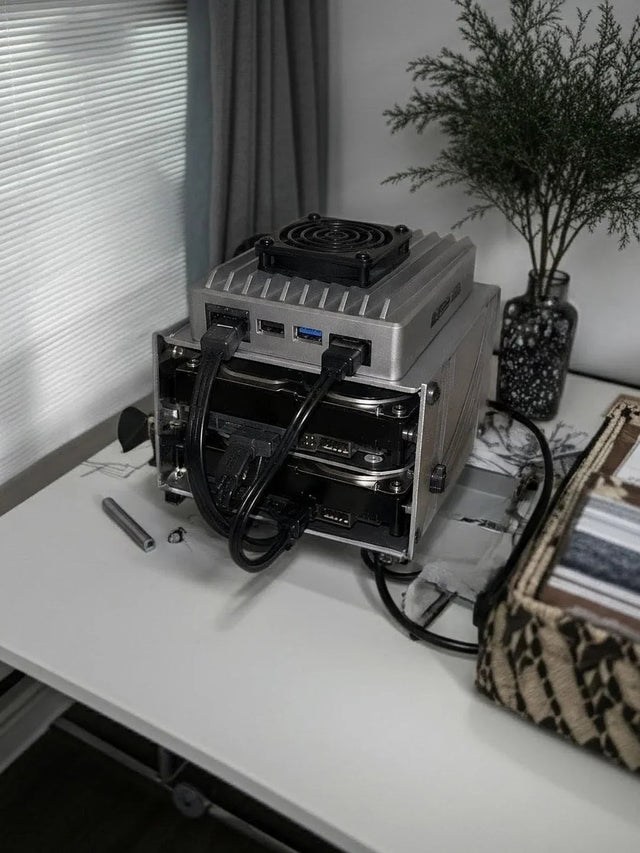
A related ZimaSpace direct 10GbE NAS example shows how a workstation path can coexist with the ordinary home network.
An independent editing-network analysis relates practical link rates to codecs, concurrent editors, adapters, and switches.

Choose by editor count and expansion path
Choose direct attachment for one priority editor, a NAS with an available high-speed port, and a workflow that tolerates a dedicated subnet. It is also a useful pilot for proving that storage and applications benefit before buying shared infrastructure.
Choose a switch when multiple editors need fast access at the same time, project handoff must be simple, or the studio expects another workstation, ingest station, backup target, or NAS. Budget for every adapter, cable, and fast switch port, not only the NAS uplink.
A hybrid can keep one direct path for a lead editor while other users connect through a switch, but operational simplicity often outweighs a small hardware saving. Standardize paths and test simultaneous playback, copy, and backup loads before declaring the shared workflow ready.

Recommended products

Product Comparisons
More to Read

1GbE vs 2.5GbE for a Home Server: Which Workloads Cross the Line?
Keep 1GbE for light services and single streams; move to 2.5GbE when recurring transfers or combined clients sustain more than about 100 MB/s.
Port-Based vs Identity-Based VLAN Assignment at Home
Use port-based VLANs for stable wired devices; use identity-based assignment only when mobility and centralized policy justify an authentication service.
Hosted vs Self-Hosted Mesh VPN for Access Control and Logging
Hosted mesh VPNs minimize control-plane work; self-hosting improves control only when identity, upgrades, logs, backups, and recovery are operated well.


