
8GB vs 16GB vs 32GB RAM for Home Assistant: Which Tier Fits Your Workload?


Choose 8GB for a focused Home Assistant system, 16GB for a moderate shared stack, and 32GB only when measured services or virtual machines cross the lower tiers.
The useful comparison is peak working memory under the same workload, not how much RAM the operating system appears to fill. Linux uses spare memory for cache, containers share a kernel, and a VM reserves an additional operating environment. Hold installation type, integrations, add-ons, history, and neighboring services constant before choosing a tier.
Use 8GB as the Default Dedicated Tier
Eight gigabytes is normally ample for Home Assistant, its database, dashboards, and a modest set of add-ons on a dedicated host. It leaves room for filesystem cache and ordinary peaks without turning unused capacity into the purchase goal. The tier becomes weak when heavy companion services, several VMs, or local AI share it.
Community hardware questions distinguish Home Assistant's modest requirement from memory consumed by add-ons. The focused-host memory baseline supports treating 8GB as a practical starting tier rather than a universal ceiling.
Choose 8GB when peak available memory remains comfortable, swap is inactive, and the system recovers cleanly during backup and restart. Do not step up merely because cached memory is high; cache is reclaimable and does not prove pressure.
Choose 16GB for a Stable Shared Application Stack
Sixteen gigabytes provides a wider coexistence margin for MQTT, Node-RED, small databases, DNS services, monitoring, and selected self-hosted applications. It is also a sensible tier for a VM host when Home Assistant needs a dedicated guest while the hypervisor and a few light services retain predictable capacity.
A 2026 smart-home mini-PC overview maps 16GB workload expansion to heavier camera or companion workloads. Treat the stated tiers as prompts for measurement, because camera count, model size, and retention vary widely.
Choose 16GB when an 8GB system shows repeatable pressure during realistic overlap or when the host will add known services. Stay at 8GB when those applications are only hypothetical.
Reserve 32GB for VMs, Cameras, or Local AI
Thirty-two gigabytes earns its cost when multiple guest operating systems, large databases, Frigate buffers, local speech or language models, or development environments must remain resident together. These workloads can use capacity productively, but their memory belongs to the shared-server plan rather than Home Assistant alone.
Proxmox owners running several VMs and containers describe multi-VM memory demand as a whole-host allocation problem. That makes 32GB relevant when virtualization is the controlling workload.
Reject 32GB when the processor, storage, accelerator, or thermal design will bottleneck first. Extra memory cannot compensate for a weak video path or slow database device.

Apply a Peak-Memory Upgrade Test
Run the busiest normal overlap for at least an hour and record Home Assistant working memory, total available memory, swap activity, memory-pressure stalls, container restarts, and high-percentile automation latency. Repeat during backup and after a cold start because those stages can produce different peaks.
The ZimaSpace guide to interpreting retained memory helps separate useful cache from genuine pressure before paying for the next tier.
Keep 8GB when all tests pass with margin; choose 16GB when pressure appears during the moderate shared stack; choose 32GB when documented VM, camera, or AI allocation requires it. If no tier fixes latency, stop comparing RAM.

Recommended products

Product Comparisons
More to Read
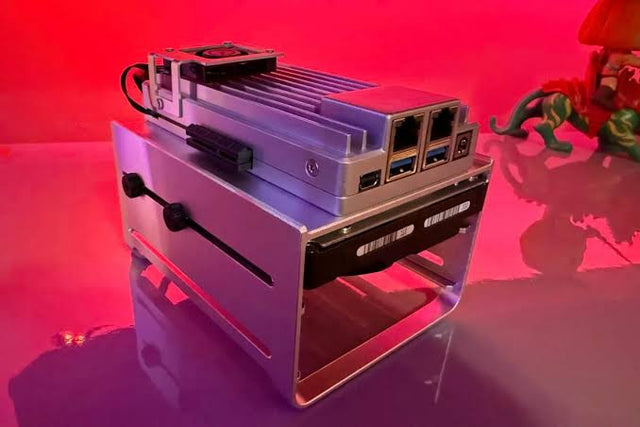
Intel vs AMD vs ARM for Home Assistant Home Servers
ARM fits supported low-power appliances; Intel and AMD fit broader x86 needs. Exact software, workload, power, I/O, and recovery determine the winner.
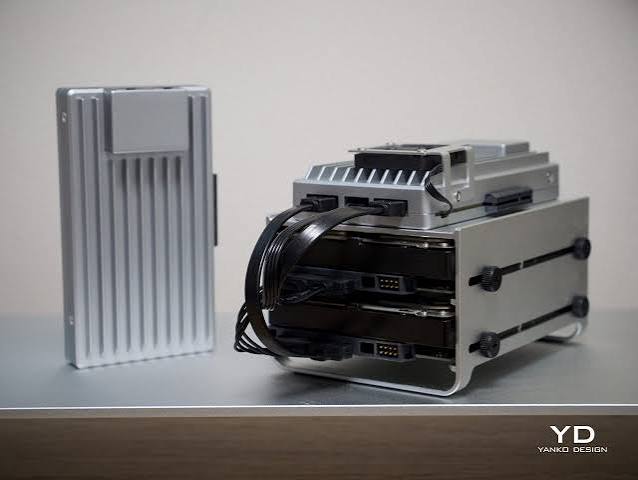
How to Choose Between One Large Home Assistant Server and Two Smaller Hosts
One host is simpler; two earn their cost for measured isolation. A cold spare may beat both when predictable manual recovery is the real...
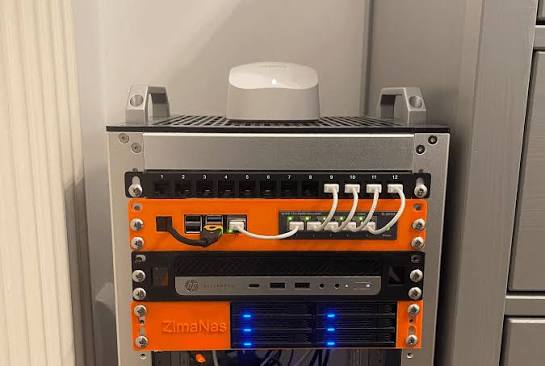
Home Assistant With Local Storage vs Network Storage: Which Is More Reliable?
Local storage usually wins for live Home Assistant data; network storage earns backups and media. A tested hybrid often provides the safest balance.


