
What Support and Upgrade Lifecycle Should a Home Assistant Server Provide?


Choose a Home Assistant server whose firmware, operating system, storage, replacement parts, and rollback path can remain supported for the full ownership period.
Set the Ownership Horizon Before Comparing Hardware
Decide how many years the household expects the server to remain in service and how much planned downtime is acceptable. A three-year experimental host and a seven-year home-control appliance need different firmware histories, spare-part plans, and migration budgets. Treat the target life as a purchase constraint rather than a prediction that every component will last unchanged.
Long-lived Home Assistant systems still depend on changing integrations and upstream services. A discussion of integration update pressure shows why freezing software does not freeze third-party APIs or device behavior.
Reject a candidate when its remaining support window is shorter than the intended ownership period and no clean migration path exists. Accept shorter support only when the hardware is inexpensive, state is portable, and replacement can occur within the household outage target.
Require a Patchable Firmware and Operating-System Path
Verify BIOS or UEFI updates, CPU architecture support, boot-media compatibility, network and storage driver availability, and the operating system's update model. A fast processor offers little lifecycle value if a proprietary installer disappears, secure boot cannot be managed, or a network adapter loses maintained drivers.
General Home Assistant hardware guidance emphasizes architecture, storage, interfaces, and serviceability rather than peak benchmark scores alone. This platform support overview helps translate platform choices into a maintainable software base.
Pass the platform only when updates can be applied headlessly, the previous working version can be retained, and the installation does not depend on an abandoned vendor utility. If firmware release history is absent or drivers come only from an unsigned archive, keep shopping.
Price Storage and Replaceable Parts Into the Lifecycle
List the boot drive, active data drive, memory, fan, power adapter, CMOS battery, network interface, and radio adapters. Record whether each is standard, soldered, proprietary, or replaceable without destroying the enclosure. A cheap server with unique caddies or an irreplaceable power supply can create a costly failure later.
Used and small-server buyers often focus on processor value while ownership depends on the complete platform. The community's whole-platform comparison connects architecture, storage, networking, power, and virtualization to the actual deployment.
Prefer standard SSDs, memory, power, and cooling parts when the server must be repaired locally. Soldered components can still qualify when the entire unit is inexpensive, backups are independent, and a compatible replacement host is kept available.

Use a Lifecycle Purchase Checklist
Before purchase, record the final supported firmware date, operating-system route, update and rollback procedure, replaceable storage format, parts availability, backup export method, power-loss restart behavior, and a target migration time. Assign each item pass, conditional, or fail rather than averaging away one serious weakness.
Use the ZimaSpace article on Home Assistant update policy to align the hardware lifecycle with maintenance risk after the purchase.
Buy when the support window covers the ownership horizon, critical parts are replaceable or the whole host is easily substituted, and a tested restore can escape the platform. Do not pay more for theoretical longevity when the vendor, software route, or data portability cannot be verified.

Recommended products

Buying Guide
More to Read

How to Choose Low-Power Hardware for Always-On Home Assistant
Compare Home Assistant systems by wall power and workload. Buy when energy, noise, reliability, or a measured service limit justifies replacement.
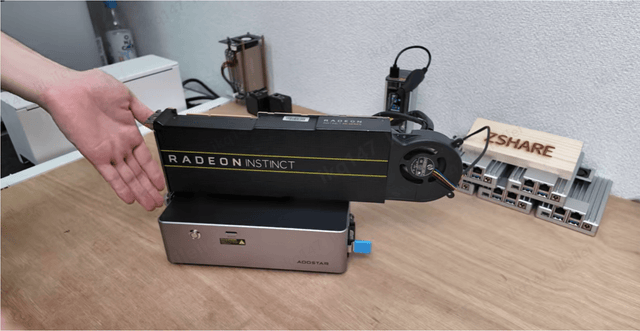
How to Choose a Home Assistant Server for a Shared Household
Size Home Assistant for household workloads, not headcount. Use measured peaks, durable storage, separate identities, and tested recovery to choose a host.
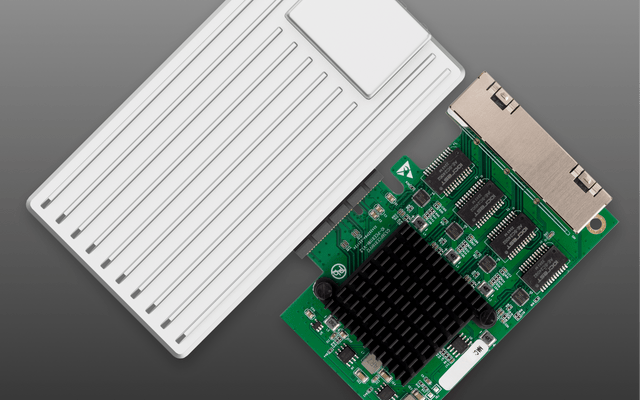
How to Choose a Home Assistant Server for Internet Outages
Outage-ready Home Assistant hardware starts with the local control path. Size power, storage, and recovery around actions that must continue without the WAN.


