
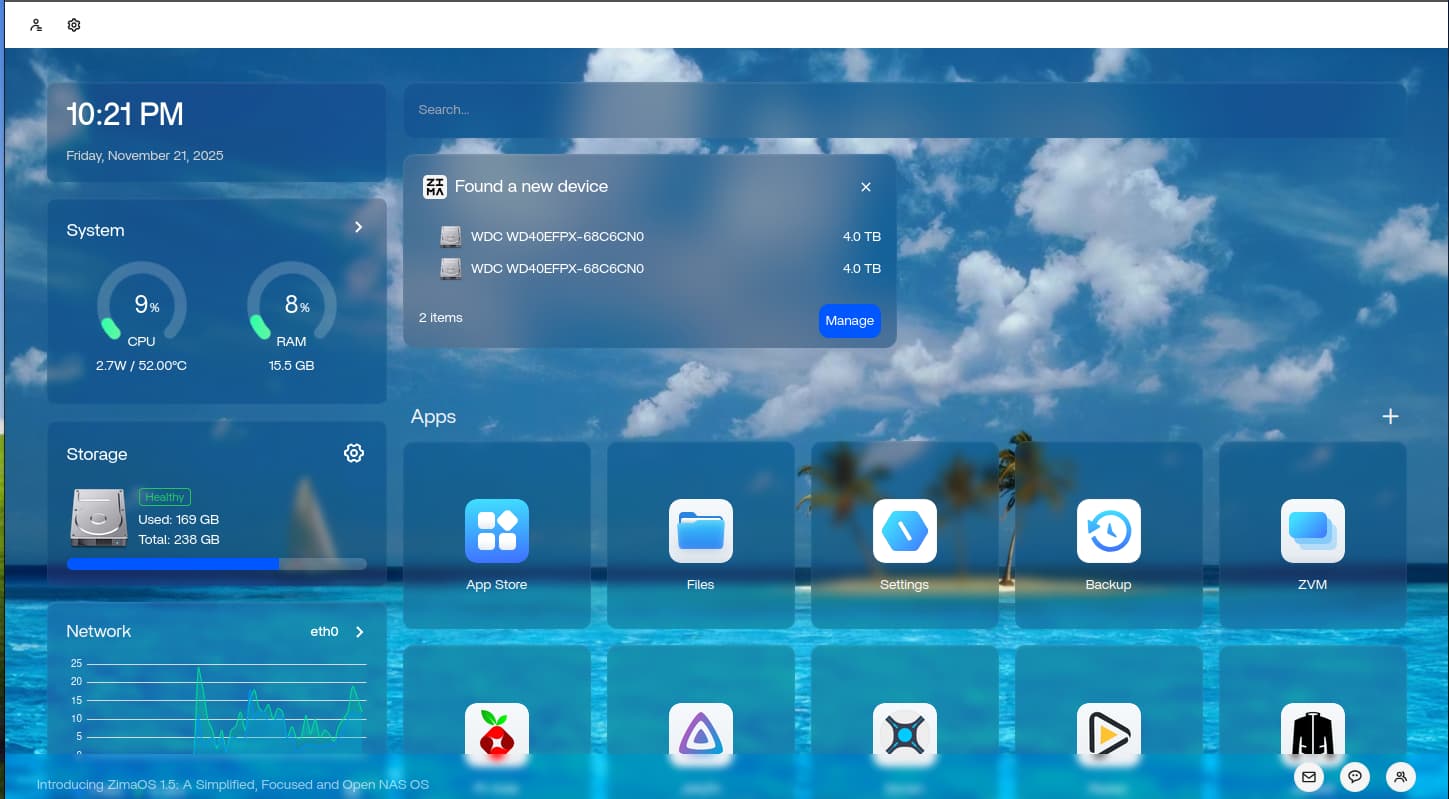
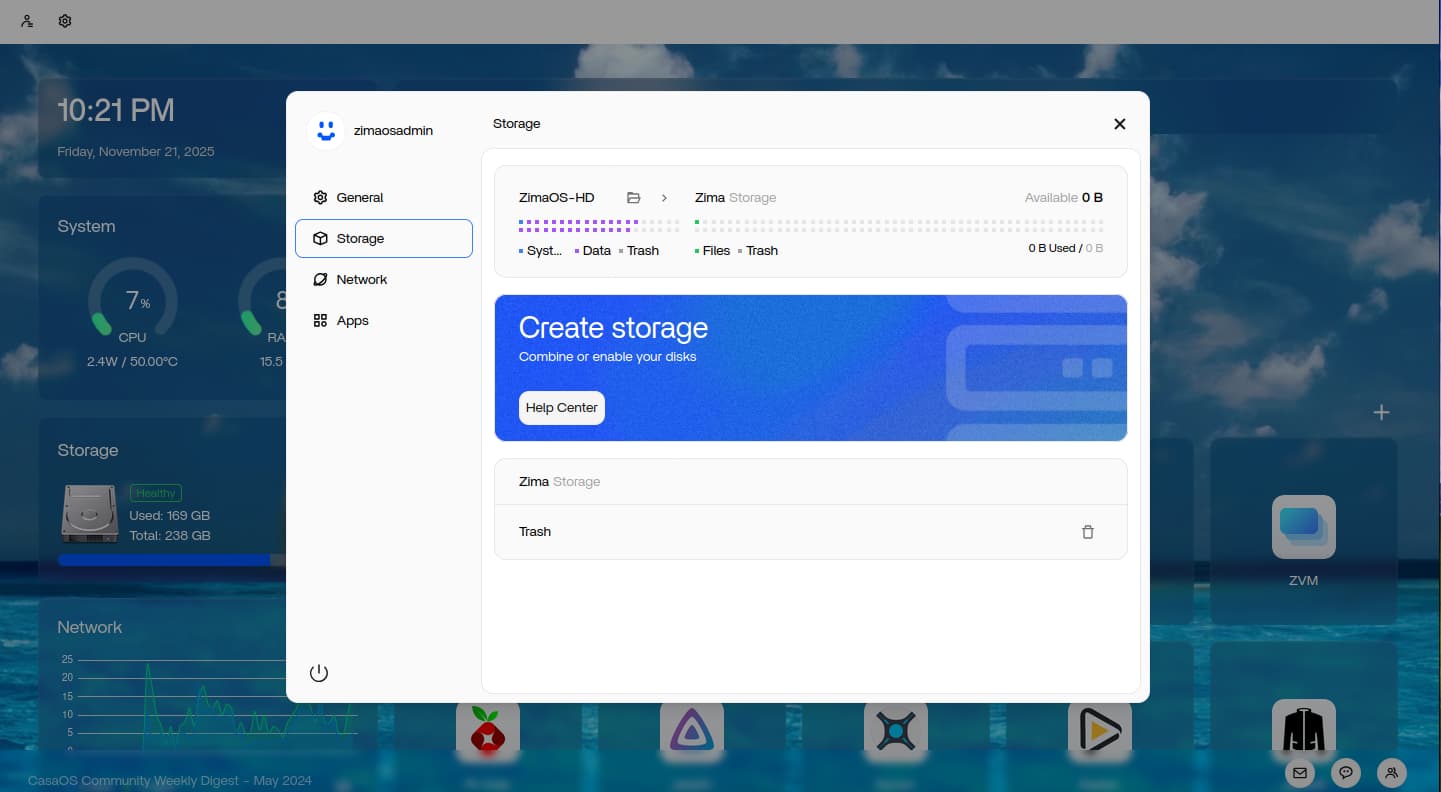
ZimaOS detected two 4 TB drives when they were inserted through a USB enclosure, but Storage > Manage showed no usable disks and Files displayed nothing. IceWhale's first diagnosis was an unsupported filesystem; a later user reported the same symptom even after trying FAT32, NTFS, exFAT, and ext4 with several powered adapters.
That later result means filesystem support is the first check, not the only possible cause. USB bridge behavior, power, partition tables, enclosure compatibility, and stale signatures also need to be separated.
Detection Does Not Mean a Usable Storage Volume Exists
The insertion event proves that the kernel noticed a USB device. ZimaOS still needs to identify each disk, read a supported partition table and filesystem, and mount it safely before it can appear in Files.
Check the Filesystem and Partition Table
IceWhale linked to the official supported disk-format list and suggested formatting on another computer or through the ZimaOS command line. Formatting erases the selected disk, so back up it first and verify the model, serial number, and capacity before making changes.
If the disk previously belonged to RAID, Windows Storage Spaces, macOS APFS, LVM, or another NAS, old metadata can remain even after a quick format. Inspect the whole device and partition layout rather than assuming the visible volume format tells the complete story.
Test the Enclosure and Each Bay Separately
- Power down the enclosure and test one disk in bay one.
- Repeat with the same disk in bay two.
- Test the other disk individually.
- Use a short known-good cable and the enclosure's external power supply.
- Connect directly to the server rather than through an unpowered hub.
- Record whether each physical disk receives a unique identity.
Some USB bridges expose two drives imperfectly or present identical identifiers, which can confuse storage management even when insertion notifications appear.
Why the Second Report Matters
A later participant tried multiple filesystems and three externally powered adapters without success. The thread contains no final diagnosis for that machine, so it would be inaccurate to claim that reformatting always solves the issue. At that point, collect hardware and storage-service logs and escalate with the enclosure chipset and disk details.
Safe Diagnostic Order
- Back up any existing data.
- Confirm each disk is detected individually and uniquely.
- Compare the filesystem with the current supported-format list.
- Inspect partitions and old RAID or volume-manager signatures.
- Test enclosure bays, power, cable, and direct USB connection.
- Reformat only a verified expendable disk.
- If the disk remains absent, send logs and hardware identifiers to support.
Missing USB Drive FAQ
Why does ZimaOS announce the drive but not show it in Files?
USB detection occurs before filesystem validation and mounting.
Will formatting always fix it?
No. A later user tried several supported formats and adapters without a confirmed solution.
Should I format from the command line immediately?
No. First identify the exact disk and back up its data; formatting is destructive.


