
This thread is a good example of diagnosis by elimination. At first, a Windows copy that failed at the last few percent looked like an SMB or RAID write problem. The community checked RAID health, SMART, kernel logs, Robocopy, and MTU. The user even rebuilt the NAS as a new RAID5 array using different disks—and the same files still failed from the same Windows PC.
The decisive test came later: the exact same files copied successfully to the same ZimaOS share from other Windows machines. That isolates the source problem to the original Ryzen Windows 11 client or its network stack/driver path, not the ZimaOS storage array. The exact client-side repair was never established.
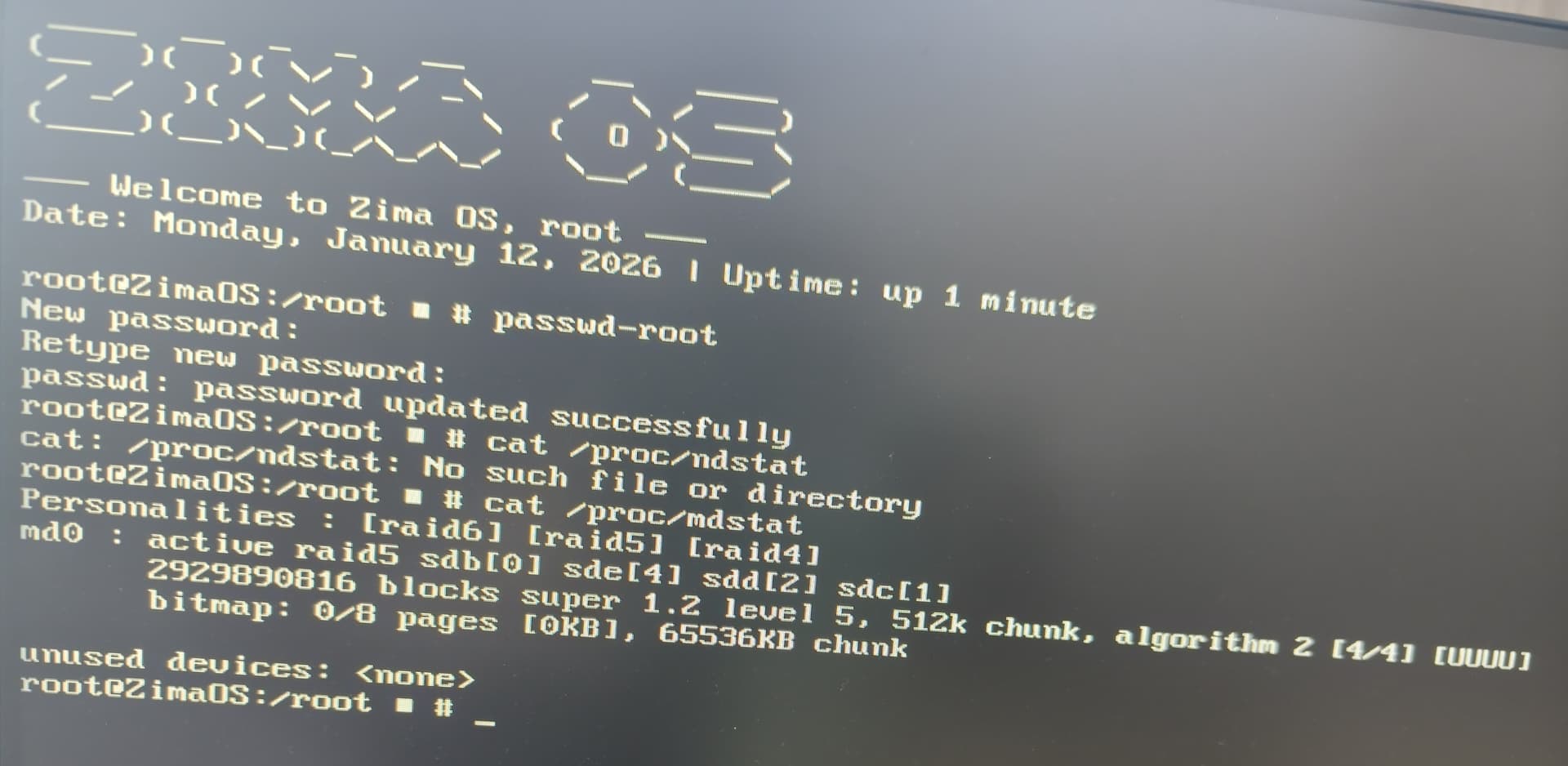
Explorer and Robocopy Failed Near 99.9%
The affected files were TV-recording .ts files. Windows Explorer failed near the end, and Robocopy reproduced the same behavior with:
ERROR 665 / 0x00000299Using a different copy tool therefore did not solve the source problem.
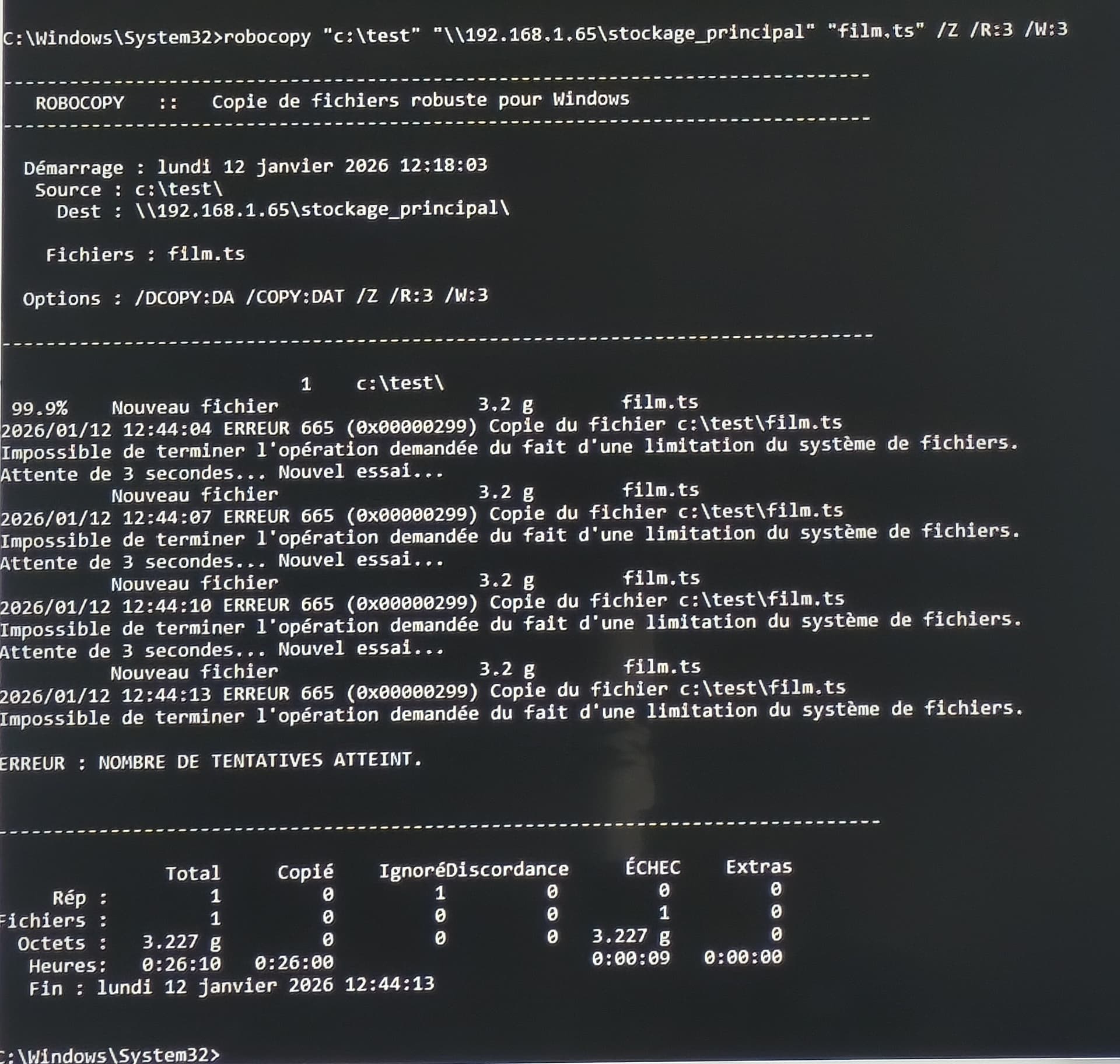
SMART and RAID Checks Did Not Show a Disk Failure
The posted SMART screenshots showed zero pending, reallocated, and uncorrectable sectors on the checked drives, and the RAID reported [UUUU].
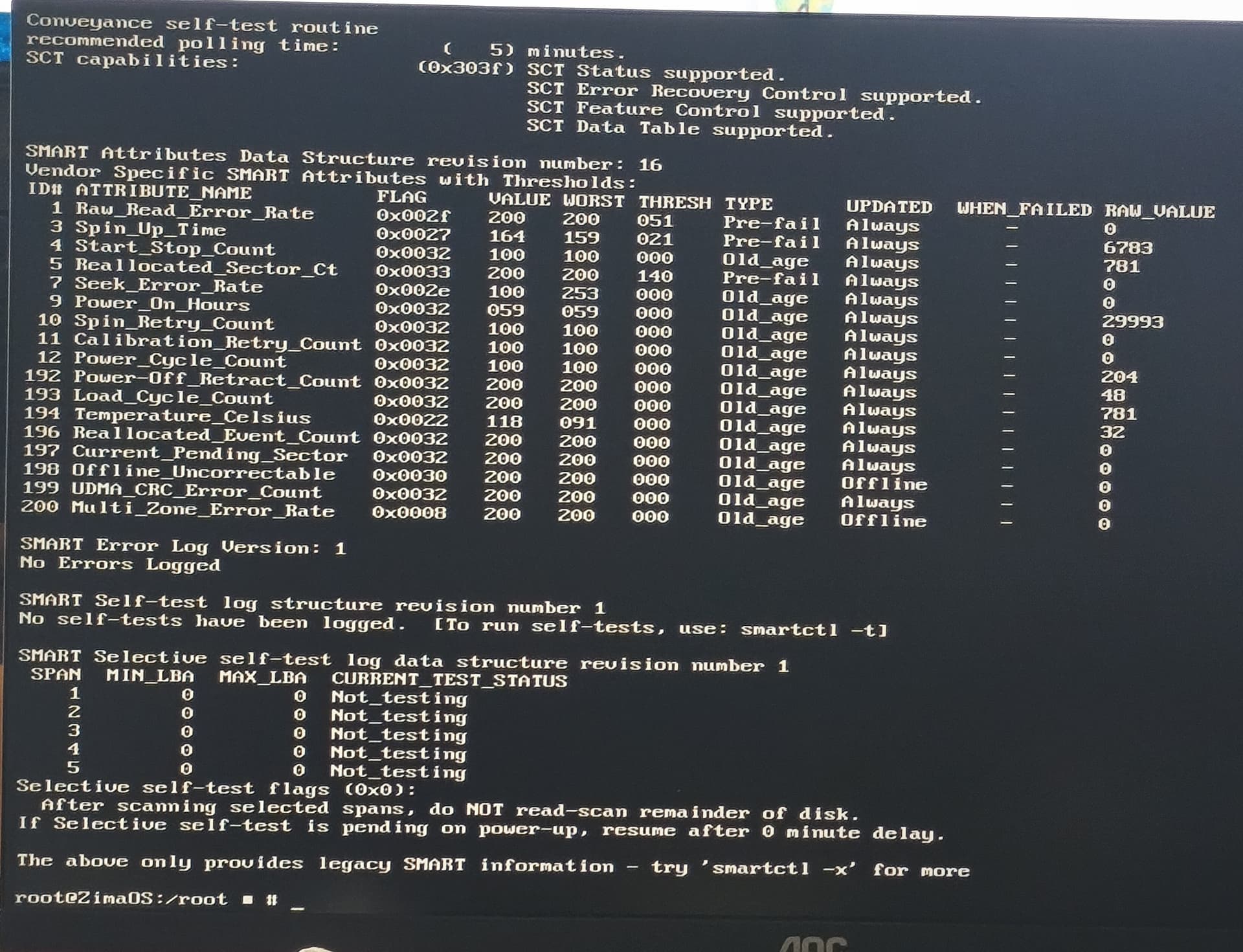
A Completely New RAID with Different Disks Still Failed from the Same PC
Didier rebuilt the system using four different 3 TB drives in RAID5. The same transfer problem remained. That is strong evidence against the original 1 TB disks or one specific array being the cause.
The Same Files Worked from Other Windows PCs
The original poster later tested the same content from other machines and said it copied normally. In March they repeated the experiment from another Windows 11 Pro PC and again succeeded.
This is the strongest isolation test in the entire thread.
MTU Was Already 1500 Everywhere
The community suggested ruling out a jumbo-frame mismatch. The user confirmed all devices were at MTU 1500, so the source case was not explained by one link using jumbo frames while another did not.
SMB1 Was Already Disabled
Another test checked whether an old SMB protocol might be involved. The user reported SMB1 was already disabled, which is appropriate for modern Windows/ZimaOS networks.
Server Logs Were Still Worth Checking, but the Cross-PC Test Was Stronger
The community asked for read-only ZimaOS logs immediately after failure:
dmesg -T | tail -200
journalctl -n 200 --no-pager
Those can reveal resets/timeouts. But once other PCs copied the same files to the same NAS successfully, the original Windows client became the highest-value place to troubleshoot.
What to Check on the Affected Windows PC
- NIC driver and firmware;
- advanced NIC offload/energy settings;
- VPN/filter/security software;
- Windows networking stack corruption;
- the specific Ethernet/Wi-Fi adapter and cable/path;
- a clean boot or different NIC as a controlled test.
A full Windows reinstall was suggested by the community as the most certain reset, but the source user did not confirm performing one or finding the exact failing driver.
The .ts File Extension Was Not the Root Cause
Only some transport-stream recordings failed from the original PC, which initially made the file type look suspicious. But the same exact files copied successfully from another Windows machine. That rules out a ZimaOS policy that simply rejects .ts files.
Try a Different Network Adapter Before Reinstalling Windows
Because the final evidence points at one PC, a low-risk next test is to use another Ethernet adapter, Wi-Fi interface, USB NIC, cable, or switch port while keeping the same Windows installation and file. If the transfer succeeds, the problem can be narrowed toward the original NIC/driver path without rebuilding the whole workstation.
Temporarily Isolate Third-Party Network Filters
VPN clients, endpoint security, traffic shapers, virtual switches, packet-capture drivers, and motherboard network suites can insert filter drivers into the Windows networking stack. A clean boot or controlled disable/uninstall test can identify this layer.
Do not permanently disable endpoint security just to make SMB work; the goal is diagnosis.
The Source's “Size on Disk” Difference Was Consistent with an Incomplete Transfer
The user later noticed the network copy occupied less space than the original. Because the failing PC repeatedly stopped at the final stage, a smaller/incomplete destination file is expected and does not by itself indicate that ZimaOS compressed or corrupted the file.
A Full Windows Reinstall Was Suggested, Not Proven
The community called a clean OS reinstall the most certain way to reset an unknown client networking problem. The original poster did not report performing a complete clean install, so that should remain a last-resort option rather than the source-confirmed solution.
SMB Copy Error FAQ
Did the source prove ZimaOS RAID was corrupt?
No. RAID/SMART were healthy, a new array with different disks behaved the same, and other PCs copied the same files successfully.
Did Robocopy solve the problem?
No. Robocopy reproduced ERROR 665 near 99.9%.
What did the final evidence isolate?
The original Windows 11 Ryzen PC or its network/client stack, while the exact client-side fix remained unresolved.


