
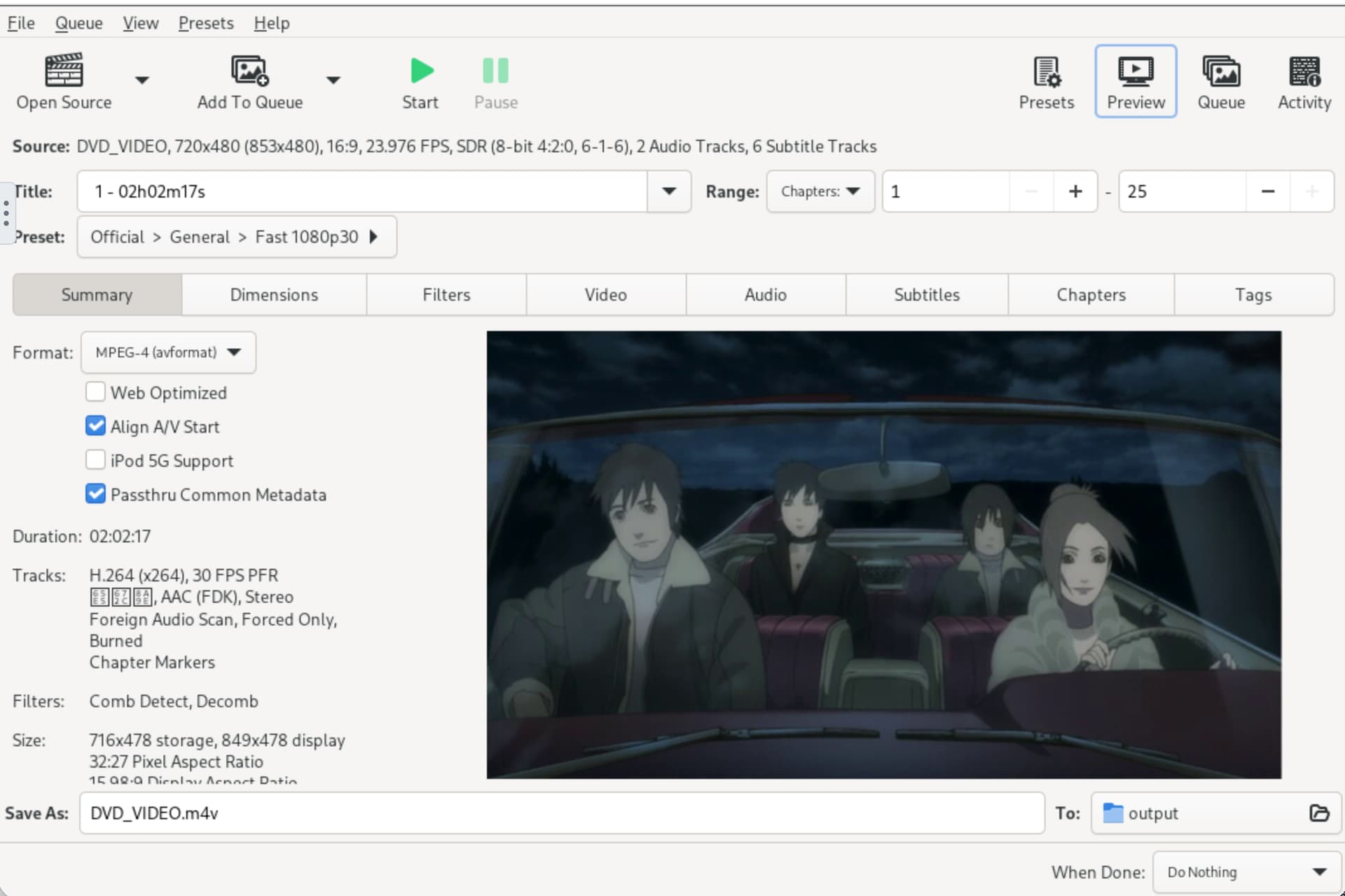
The source DVD drive was not invisible to Linux. lsscsi and lsblk both showed the optical drive as /dev/sr0. The problem was higher in the stack: ZimaOS 1.4.4 could not mount the inserted DVD filesystem, so HandBrake could not browse the disc normally.
IceWhale's final diagnosis is more important than the earlier workaround attempts. Zima-Jerry eventually reproduced the problem and said the kernel lacked support for the DVD disc filesystem. He verified the fix in a test build and said it would be updated in the next version.

The SATA DVD Writer Was Detected as /dev/sr0
The source hardware inventory showed an HL-DT-ST DVD writer at /dev/sr0. That means SATA detection itself was working.
If a current optical drive does not appear in lsscsi or lsblk, troubleshoot the SATA cable, power, BIOS/controller, and drive before changing HandBrake.
IceWhale First Recommended Device Mapping into HandBrake
Zima-Jerry said either App Store HandBrake package could be used and showed mapping:
ZimaOS:    /dev/sr0
HandBrake: /dev/cdrom
This gives the container access to the optical device, but device access alone cannot fix a missing host kernel filesystem driver.
The Manual ISO9660 Mount Was an Intermediate Troubleshooting Step
IceWhale next suggested:
mkdir -p /DATA/cdrom
mount -t iso9660 /dev/sr0 /DATA/cdrom
and then mapping /DATA/cdrom into HandBrake. The original poster tried mounting and still failed.
Zima-Jerry Confirmed the Kernel Was Missing DVD Filesystem Support
After obtaining a DVD and testing directly, Zima-Jerry wrote that the kernel lacked support for the DVD disc filesystem and that this made the mount impossible. He said the fix worked in a test build and would be included in a subsequent system update.
Current Users Should Test Before Recreating the 1.4.4 Workaround
The source is tied to ZimaOS 1.4.4. On current ZimaOS, first verify whether the disc mounts and whether HandBrake sees /dev/sr0 when mapped. Do not assume the old kernel limitation still exists.
Automatic Optical-Drive Management Was Not Planned in the Source
At that time, Zima-Jerry said ZimaOS did not automatically handle optical drives and there was no immediate plan for automatic mounting. Even if current kernels can read ISO9660/UDF, the drive may still need explicit device/volume access for a container.
DVD and Blu-ray Are Not the Same Support Test
DVD-Video, data DVD, Blu-ray, encryption/DRM, UDF versions, and HandBrake's own capabilities differ. A successful ISO9660 DVD mount does not prove every Blu-ray workflow will work.
The Source Recommended Root for the Manual Mount Test
When the user asked about ownership and permissions, Zima-Jerry said the mount should be performed as root, matching the way other managed mounts appeared on the system. That was official troubleshooting guidance for the 1.4.4 case.
It does not mean the HandBrake process should run with unrestricted host privileges. Keep the host mount operation separate from the container's device/volume permissions.
Mounted Folder Access and Raw Device Access Are Two Different HandBrake Paths
There are two possible architectures:
- map
/dev/sr0directly into the HandBrake container as/dev/cdrom; - mount the disc on the host and bind the mounted folder into HandBrake.
The first needs raw optical-device access; the second depends on the host kernel successfully mounting the disc filesystem. In the source, the second path exposed the missing kernel support.
Optical Disc Format Matters
A data DVD may use ISO9660 or UDF, while commercial DVD-Video and Blu-ray workflows add different filesystem, encryption, and application requirements. If /dev/sr0 exists but a mount fails, capture the exact filesystem/mount error before assuming the drive itself is defective.
Do Not Add a Permanent Boot-Time Optical Mount Until the Current Behavior Is Proven
Optical media may be absent at boot, changed frequently, or use different filesystem formats. First establish a working current manual/device-mapping path. A broken persistent mount can slow boot or create confusing empty paths for dependent containers.
HandBrake Access Does Not Override Media Rights or DRM Restrictions
The thread discusses personal discs and technical device access. Whether a particular commercial disc can legally or technically be decrypted/ripped depends on the media, software, and jurisdiction; the ZimaOS kernel fix only addresses filesystem/device support.
Optical Drive FAQ
Was /dev/sr0 missing in the source?
No. Linux detected the optical drive; the later failure was filesystem support.
Did manual mount solve the original 1.4.4 case?
No. The user still failed until IceWhale identified the missing kernel DVD filesystem support.
Does HandBrake need the optical device mapped into its container?
For direct device access, yes. The source maps /dev/sr0 to /dev/cdrom.


