
In December 2025, an IceWhale community tutorial published a standalone NVIDIA open-kernel extension for RTX 50XX GPUs on a specific ZimaOS kernel. A user later confirmed an RTX 5060 Ti 16 GB exposed GPU controls to containers. Other users reported that the same procedure failed on ZimaOS 1.6.1 or did not make an RTX 5090 usable.
This makes the post a version-specific historical procedure, not a timeless “latest NVIDIA driver” command.
The Exact Historical Procedure
The source post instructed users to enter SSH, switch to root, and run:
cd /var/lib/extensions/
wget https://github.com/jerrykuku/staff/releases/download/v0.1.3/nvidia-open-kernel-580.105.08-linux-6.12.25.raw -O nvidia-open-kernel-580.105.08-linux-6.12.25.raw
systemd-sysext refresh
install-nvidia-kernel-open
Do not run this block solely because the GPU is an RTX 50XX model. The filename explicitly targets Linux kernel 6.12.25, and the helper command must exist in the installed ZimaOS build. Back up app data and confirm a local-console recovery route before changing kernel extensions.
Match the ZimaOS Build Before Installing
- Record the exact ZimaOS version and kernel.
- Confirm the GPU appears in
lspci. - Check whether
install-nvidia-kernel-openexists. - Confirm the extension’s kernel number matches the running kernel.
- Read the newest replies in the source thread for regressions.
A ZimaOS 1.6.1 user reported Package not installed for a system extension and install-nvidia-kernel-open: command not found. That is a stop signal, not a reason to improvise another root-level installer.
Drivers Cannot Fix a Missing PCIe Device
If lspci does not show the NVIDIA endpoint, troubleshoot Oculink, adapter integrity, dock power, cable seating, and PCIe link training first. The related Oculink detection thread demonstrates why fans and LEDs are not proof of enumeration.
What the RTX 5060 Ti Success Confirmed
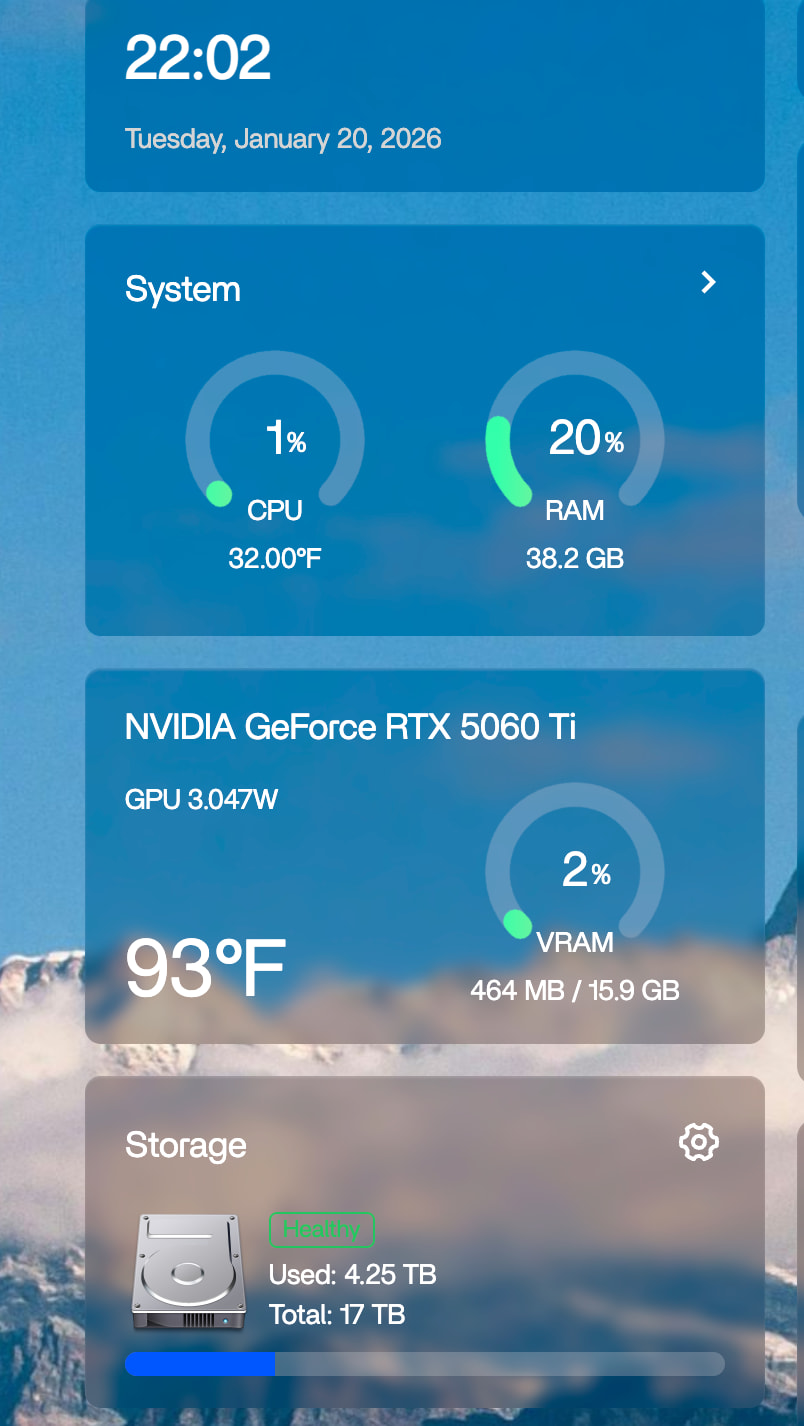
The success proved one model and software combination worked. It did not prove Stable Diffusion configuration, every RTX 50XX card, every dock, or every later ZimaOS release.
Verify All Three Layers After Reboot
-
Host:
lspcisees the GPU andnvidia-smireports it. - Container: ZimaOS app settings grant NVIDIA GPU access.
-
Application: the workload selects CUDA, NVENC, or the relevant GPU backend and shows a process in
nvidia-smi.
Do Not Use the RTX 50XX Extension on Older NVIDIA Cards
A separate GTX 1050 Ti user installed this extension and lost NVML access until an IceWhale team member advised running uninstall-nvidia-kernel-open and rebooting. Use the extension only for the hardware and system version it was built to support.
Use the Source Thread as the Update Boundary
Because IceWhale has not published a version-independent RTX 50XX command in the current general installation guide, return to the original RTX 50XX tutorial before every attempt. Include the ZimaOS version, kernel, GPU model, connection method, lspci, nvidia-smi, and full error text in a support request.
RTX 50XX on ZimaOS FAQ
Is the 6.12.25 extension valid for every ZimaOS release?
No. Its filename and later failure reports show that it is version-specific.
Does seeing “NVIDIA Corporation Device” guarantee the driver works?
No. Host enumeration succeeded, but nvidia-smi must also communicate with the driver.
Should I install the driver before the GPU appears in lspci?
No. Fix hardware enumeration first.


