
ZimaOS can be reached in three fundamentally different ways: directly from another device over a cable, through your normal local network, or remotely over the internet. The original IceWhale tutorial from August 2024 used these three categories—Direct, LAN, and WAN—to explain why a ZimaOS device can have different IP addresses and why one connection may be preferred over another.
The core networking concepts are still useful, but the remote-access workflow has evolved. The 2024 post described a ZeroTier-based Remote Login ID and the older Zima app. Current ZimaClient documentation instead presents remote access as an encrypted P2P connection that is configured automatically after the first successful ZimaClient connection. Treat the old screenshots and ZeroTier-specific UI as historical, while keeping the direct/LAN/WAN distinction as the networking model.
Direct Connection
A direct connection removes the home router from the data path. The original guide described either a standard Ethernet connection or Thunderbolt on supported ZimaCube Pro hardware.
169.254.x.xAn address in this range can be normal when two devices are connected directly and no DHCP server is assigning a normal home-network address.

LAN Connection
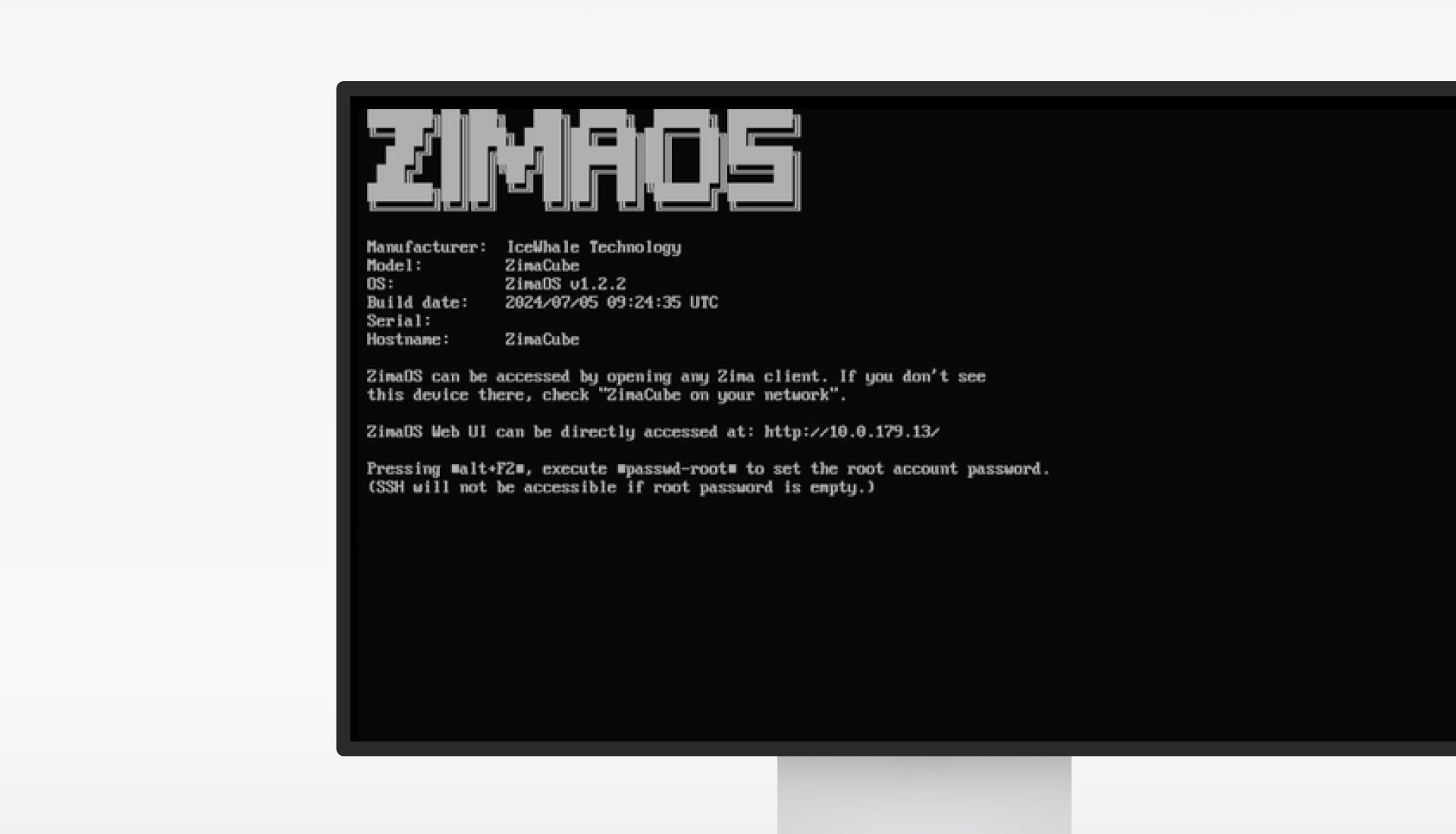
For most home-server use, LAN is the normal connection. Connect both the ZimaOS system and the client device to the same router or switch. The server will typically receive a private IP address such as 192.168.x.x or 10.x.x.x.
Which Connection Is Used When Direct and LAN Are Both Available?
The original tutorial gave two practical rules: the Zima client can prefer the faster direct path on supported hardware, and a manually entered IP address selects the interface/path you explicitly use.
Current ZimaClient documentation says the client can find the fastest available route across LAN, Thunderbolt, external networks, and hotspots.
Remote Access from Another Network
The 2024 tutorial called this the WAN connection and described a ZeroTier-based Remote Login ID. Current ZimaOS documentation describes the workflow differently: after the first successful ZimaClient connection, the remote-access channel is saved and the client can reconnect when the computer leaves the home LAN.

The current ZimaOS Remote Access guide says the connection is established automatically by ZimaClient and ZimaOS using encrypted peer-to-peer communication.
The Old ZeroTier Remote Login ID Is Historical
The original post explicitly described obtaining a Remote Login ID from the ZimaOS dashboard and said it was a ZeroTier ID. Do not build a current setup guide around that exact 2024 menu path unless your installed ZimaOS version still exposes it. Current documentation focuses on ZimaClient, Connect ID, and automatic P2P remote access.
Remote Access Does Not Require Basic Public Port Forwarding
The 2024 post mentioned public IP plus DDNS as an optional alternative. That is a separate architecture and creates different security requirements. For normal ZimaOS remote administration, use the current ZimaClient workflow rather than exposing the ZimaOS dashboard directly to the public internet.
Which Connection Should You Use?
| Connection | Best for | Typical path |
|---|---|---|
| Direct | Fast local transfer and point-to-point access | 169.254.x.x or supported direct interface |
| LAN | Normal home or office NAS access | 192.168.x.x / 10.x.x.x |
| Remote | Access while away from home | ZimaClient encrypted P2P connection |
ZimaOS Network Connection Checklist
- For a direct connection, confirm the cable and interface link are active.
- For LAN access, confirm the server and client are on compatible local subnets.
- Use the intended IP when manually choosing between direct and LAN paths.
- Use current ZimaClient for normal remote access instead of relying on the old 2024 ZeroTier screenshots.
- Confirm Remote Access is enabled if remote ZimaClient connections fail.
- Avoid exposing the ZimaOS dashboard directly to the public internet without a deliberate security architecture.
ZimaOS Network Access FAQ
Why does ZimaOS show a 169.254 address?
A 169.254.x.x address is a link-local IPv4 address. In the original tutorial it was the expected result for a direct cable connection without a DHCP server.
Do I still need to copy a ZeroTier Network ID?
The original 2024 tutorial used that workflow. Current ZimaOS documentation instead describes ZimaClient-based encrypted P2P remote access and Connect ID workflows.
Do I need port forwarding for current ZimaOS remote access?
Not for the normal ZimaClient remote-access workflow.


