
The original 2024 tutorial presented three ways to reach the ZimaOS command line: a directly attached keyboard and display, SSH, and the ttydBridge app. Current ZimaOS also exposes Developer Mode and a browser-based terminal, so the safest entry path is now clearer than the historical post suggests.
Use the command line only when the Web UI cannot perform the task or when an official procedure specifically requires it. ZimaOS protects much of its system filesystem as read-only; user and app data normally live under /DATA.
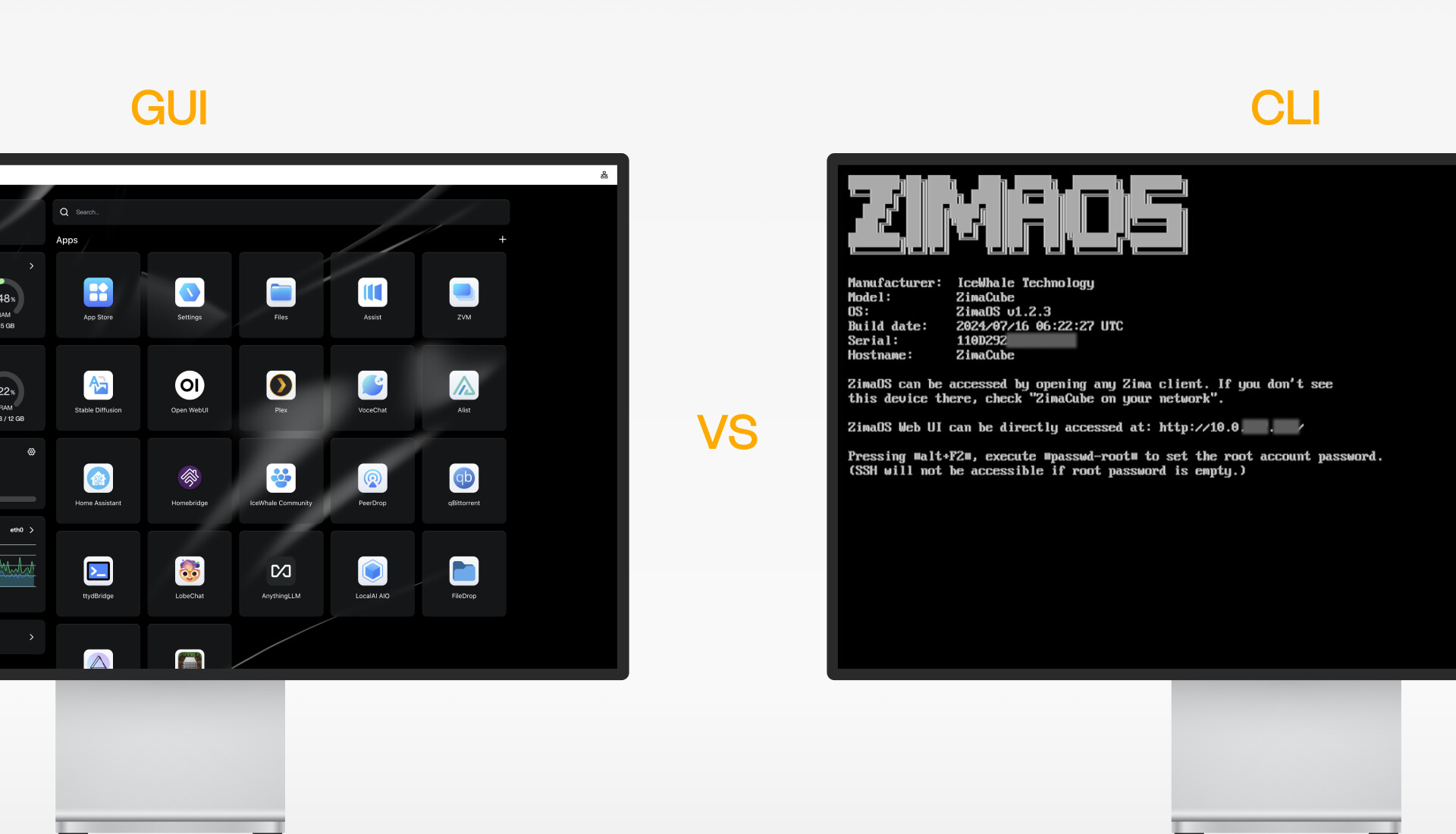
GUI and CLI Serve Different Jobs
Method 1: Use the Current Web-Based Terminal
Open Settings → General → Developer Mode, enable SSH access if needed, and open Web-based Terminal. Sign in with the ZimaOS account and password. Current ZimaOS documentation uses this account-based flow in the Developer Mode terminal instructions.
Switch to root only for a step that requires it:
sudo -iMethod 2: Use a Keyboard and Display
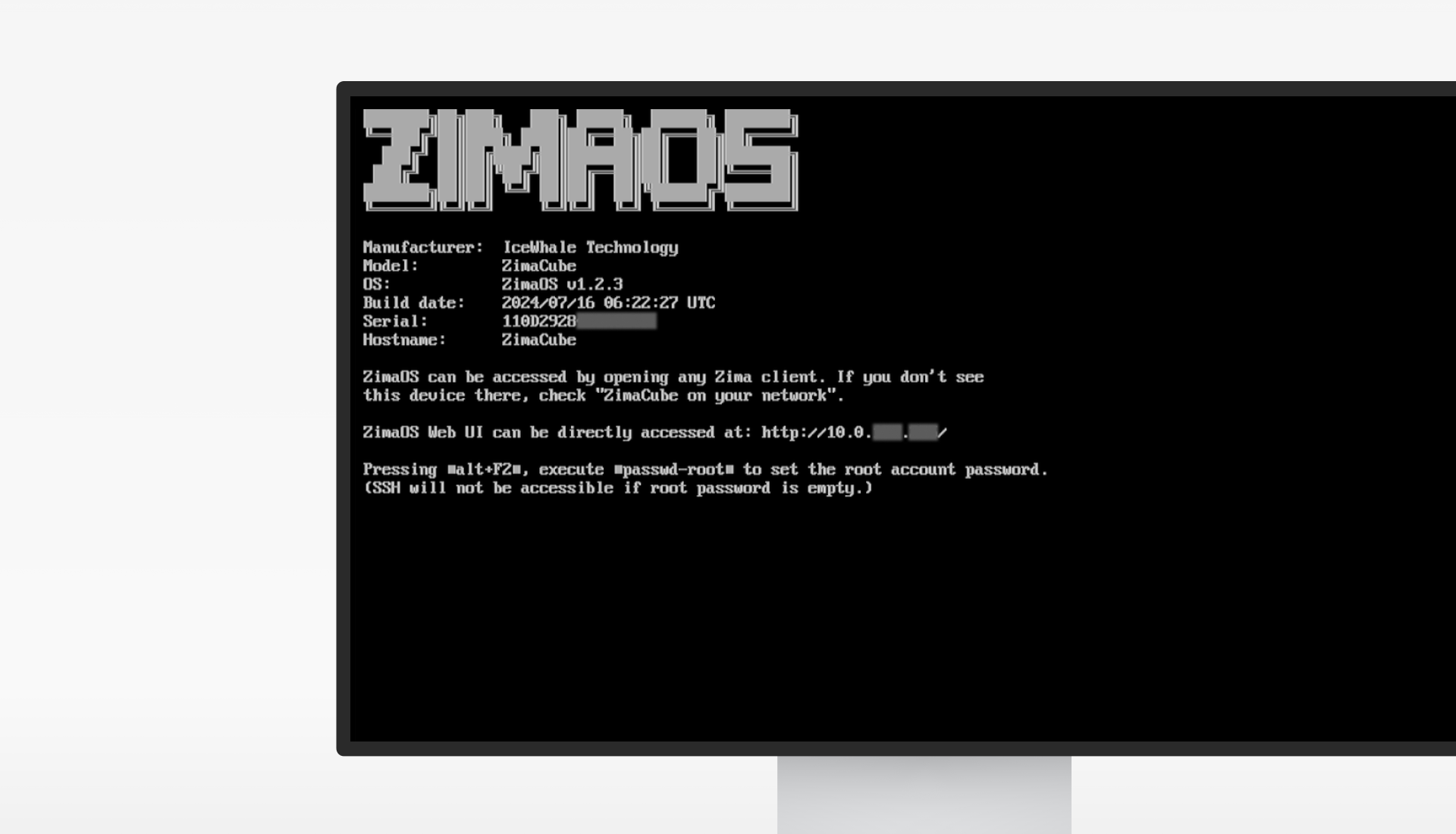
The historical tutorial used Alt+F2 and described a first-time root login without a password. Treat that as version-specific. On a current system, use the account and password model shown by the running interface and current documentation; never leave remote root access without a password.
Method 3: Connect Through SSH
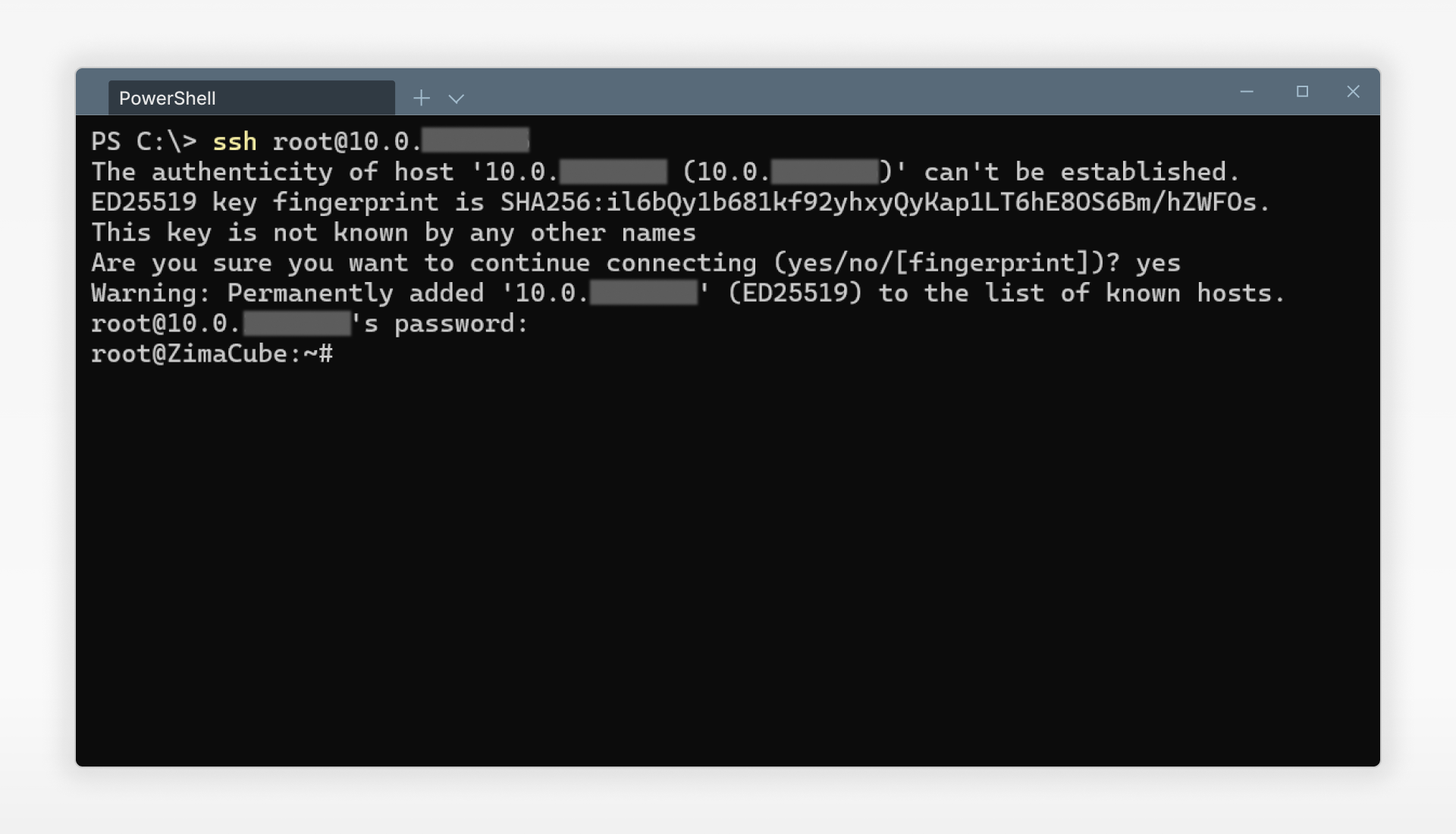
Enable SSH in Developer Mode, identify the ZimaOS LAN address, and connect from a trusted computer:
ssh <zimaos-account>@<zimaos-ip>Verify the first-connection host-key fingerprint through a trusted local channel before accepting it. The current ZimaOS CLI guide documents SSH access, while newer application guides use the normal account followed by sudo -i where root is required.
Historical Method: ttydBridge
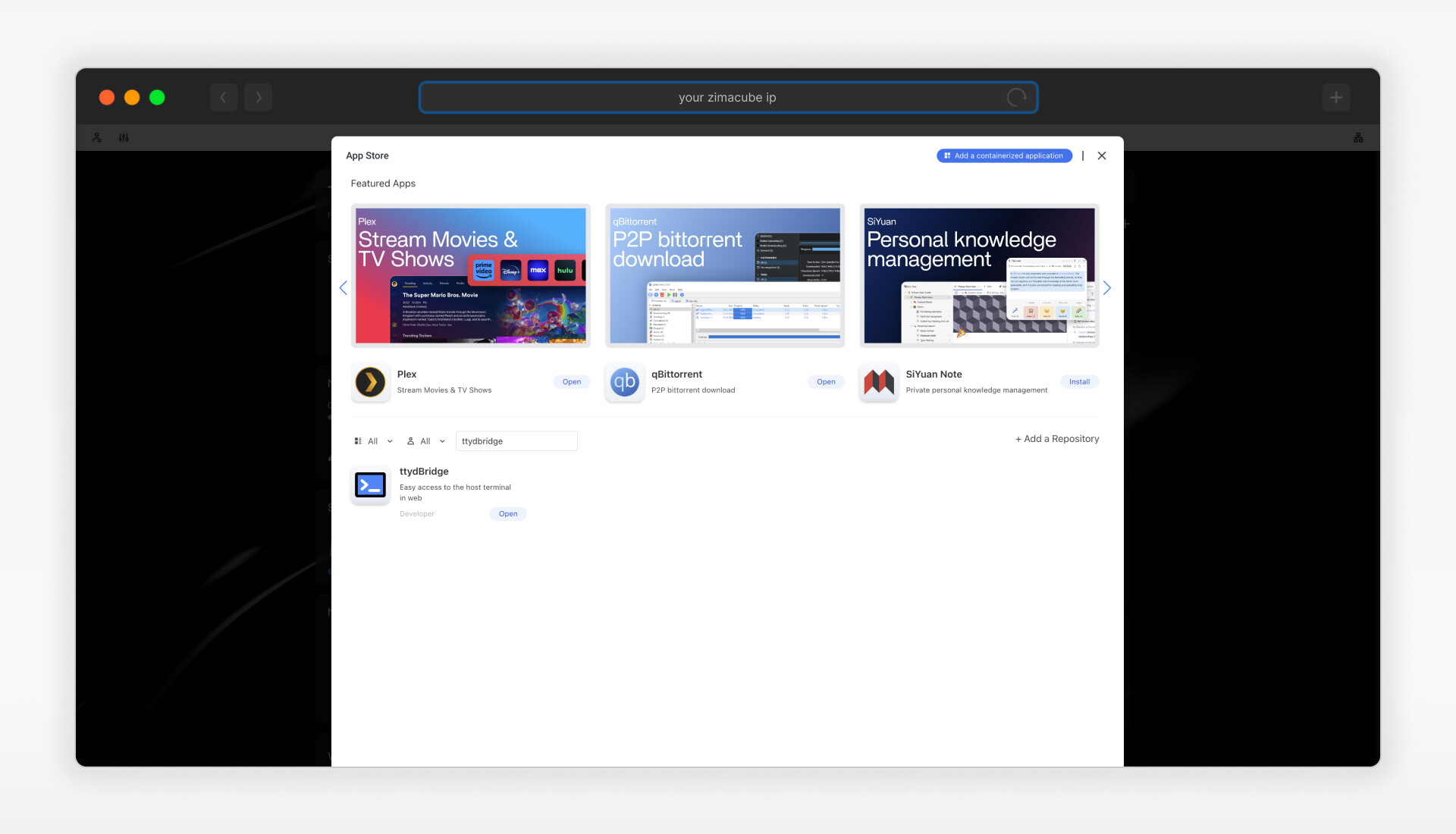
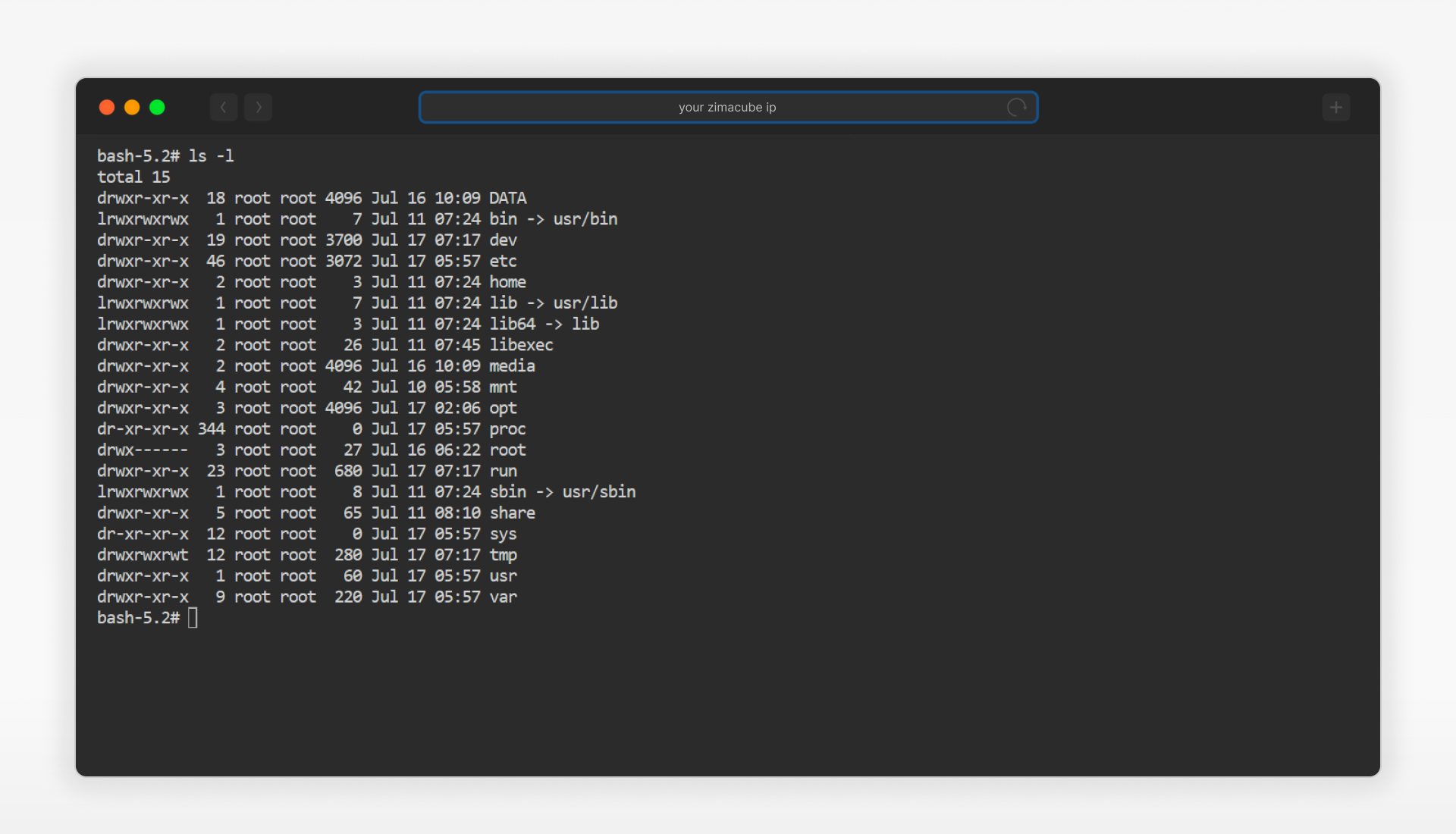
The post supplied historical default ttydBridge credentials. Do not reuse or publish defaults. If an old ttydBridge container is no longer needed, remove it only after checking whether any workflow depends on it.
Understand the Read-Only System Boundary
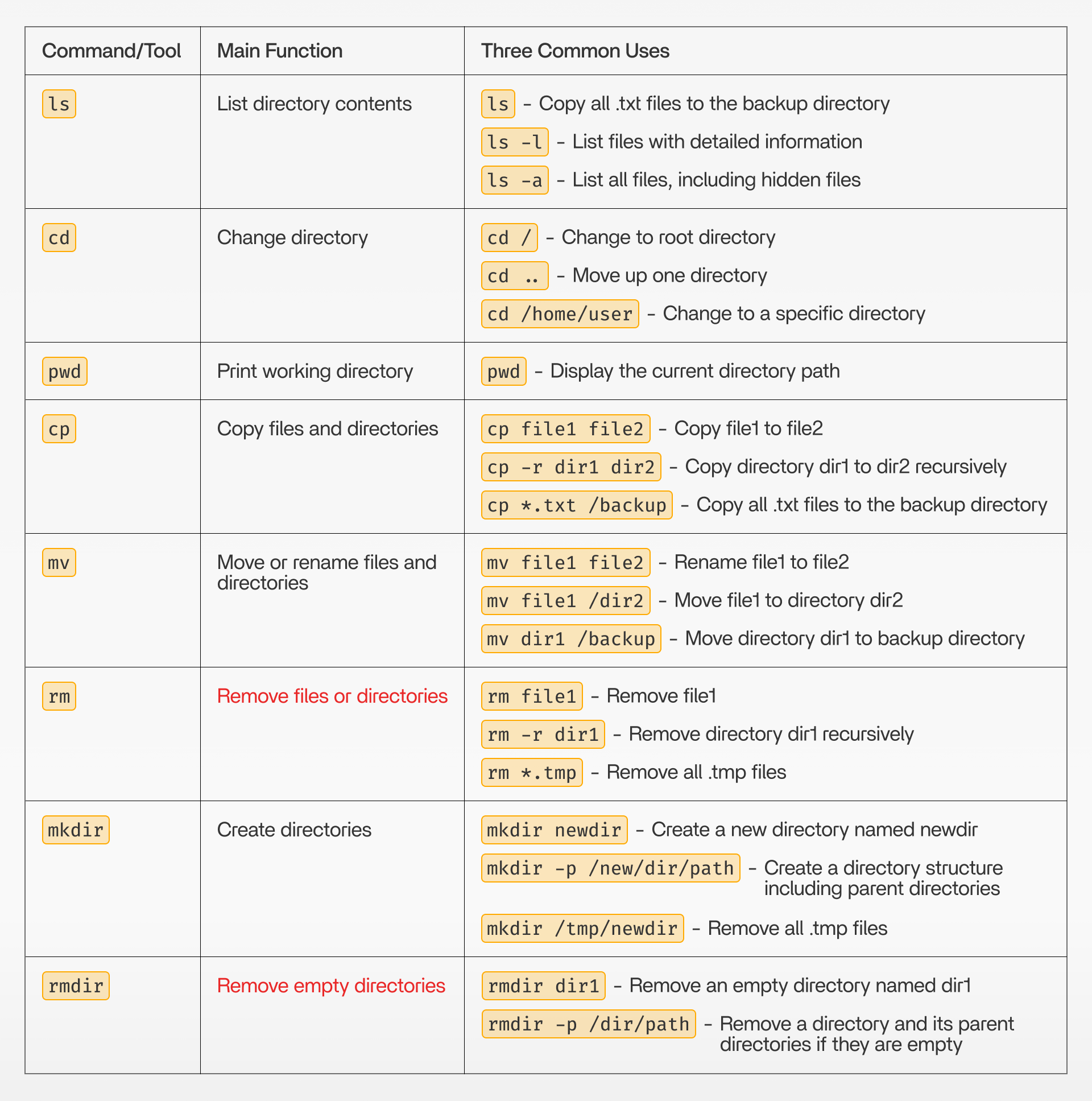
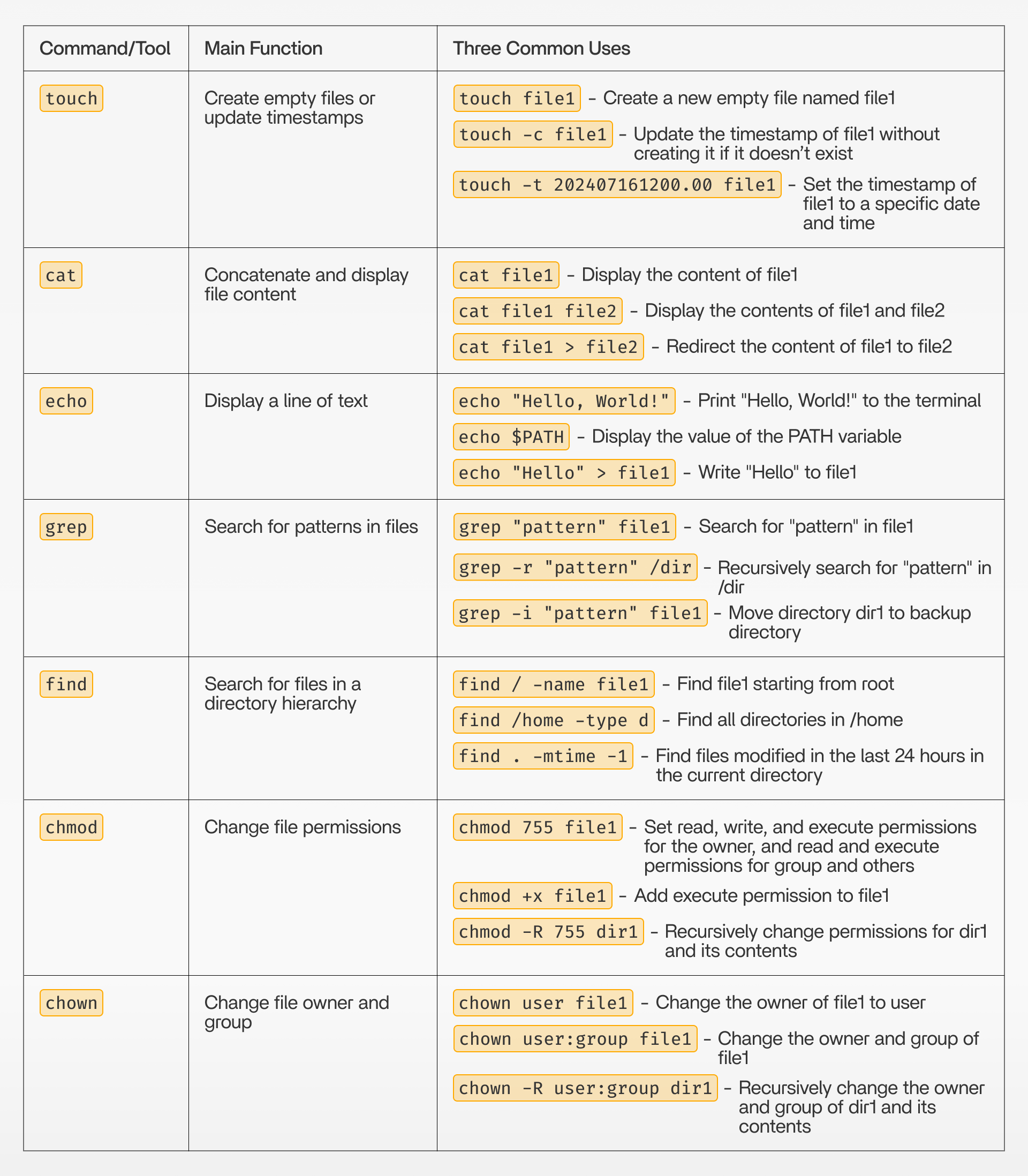
Many ZimaOS system paths are read-only by design. Store experiments in a new folder beneath /DATA, not in the operating-system image. Before deleting or recursively changing permissions, resolve the exact path and confirm it is not an app database, mounted storage root, or shared folder.
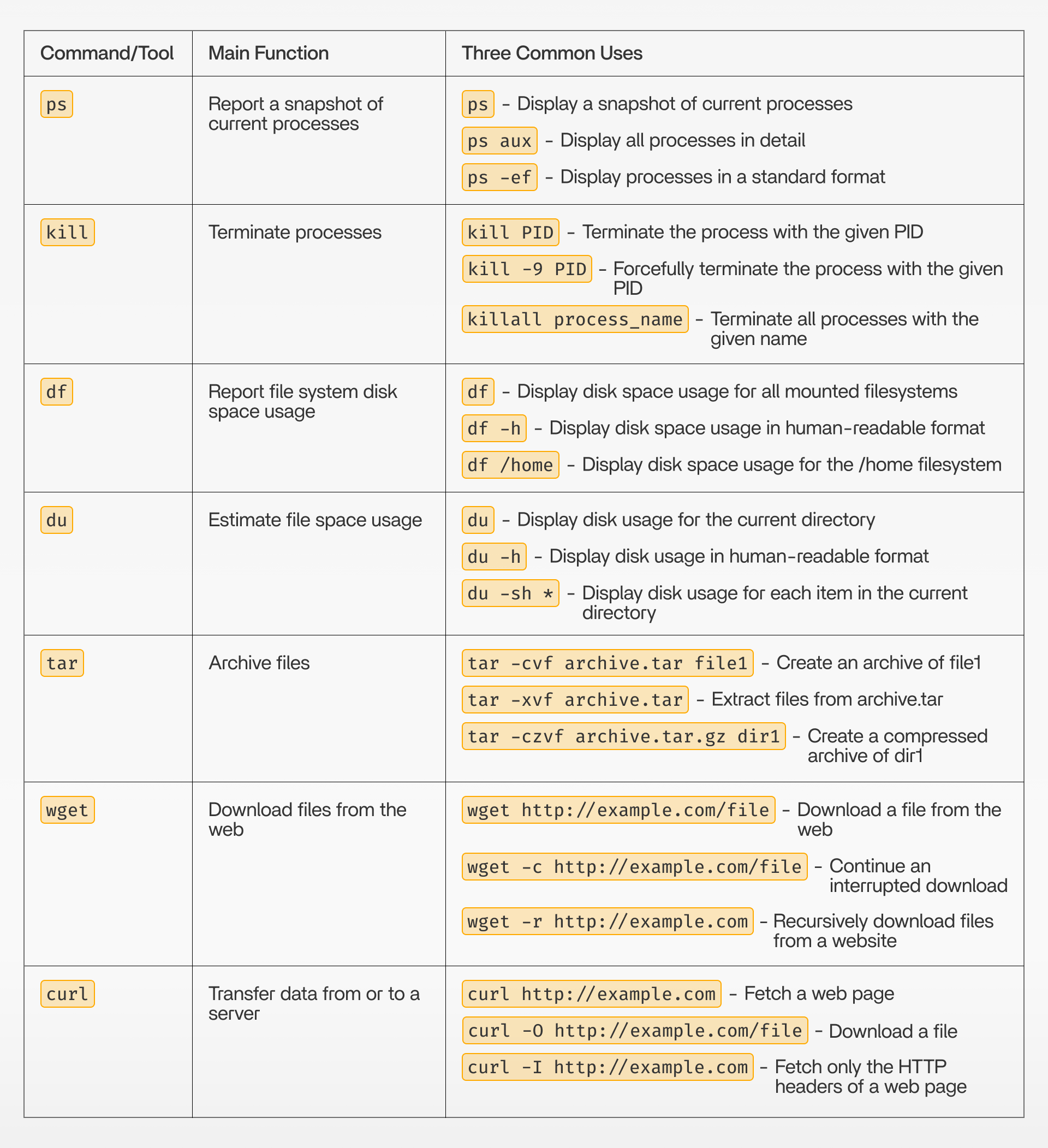
The Original Command Reference
ZimaOS CLI FAQ
What is the preferred current terminal method?
Use Developer Mode and the built-in Web-based Terminal for most administrative work.
Should I log in directly as root over SSH?
Prefer the normal ZimaOS account and elevate only for the required command.
Why can root not edit every system path?
ZimaOS protects much of its immutable operating-system image as read-only.


