
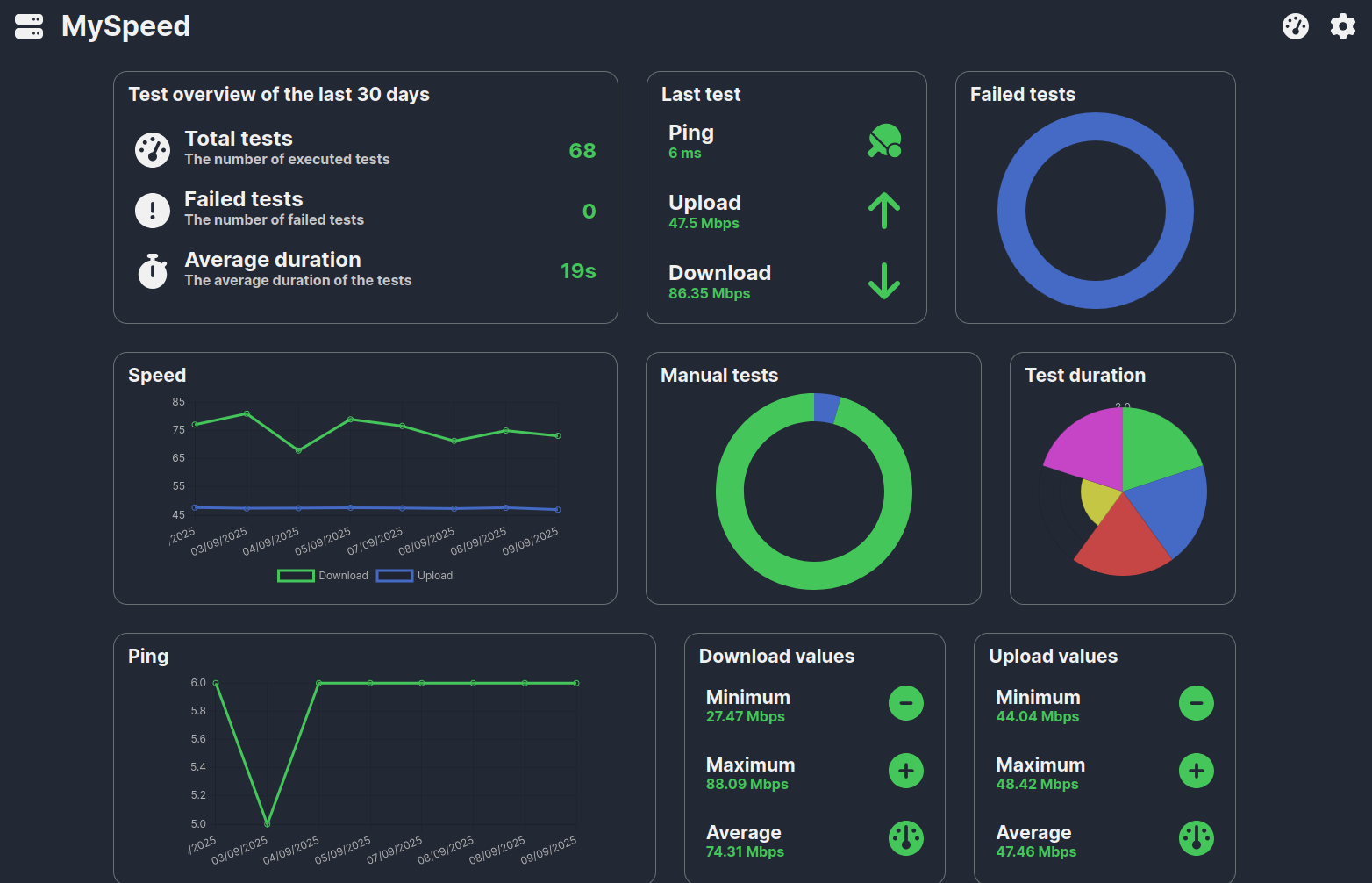
The source shows why a normal speed test is not enough to diagnose slow Docker/App Store installs. The user's ZimaBoard had a 100 Mbps fiber connection and MySpeed showed normal Internet throughput, yet application image downloads crawled at only KB/s and each install took roughly 20-30 minutes.
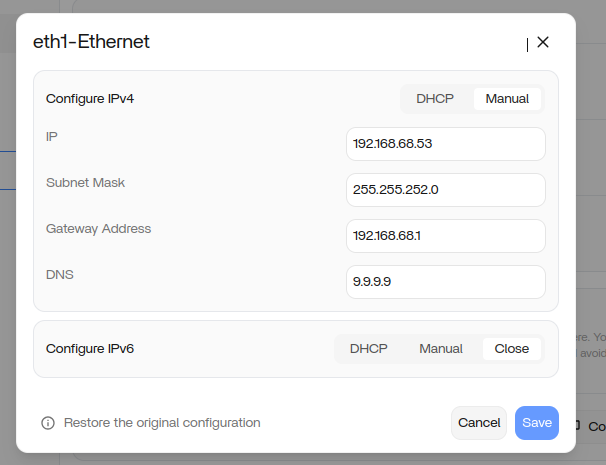
IceWhale suspected DNS, but the evidence is mixed. The user disabled AdGuard Home/Nginx and changed DNS to Google 8.8.8.8; installs were still slow. A few days later, after updating to 1.4.4.4-1, changing DNS to Cloudflare 1.1.1.1, and rebooting, installs returned to normal. Because several variables changed at once, the source does not prove that DNS alone caused or fixed the problem.
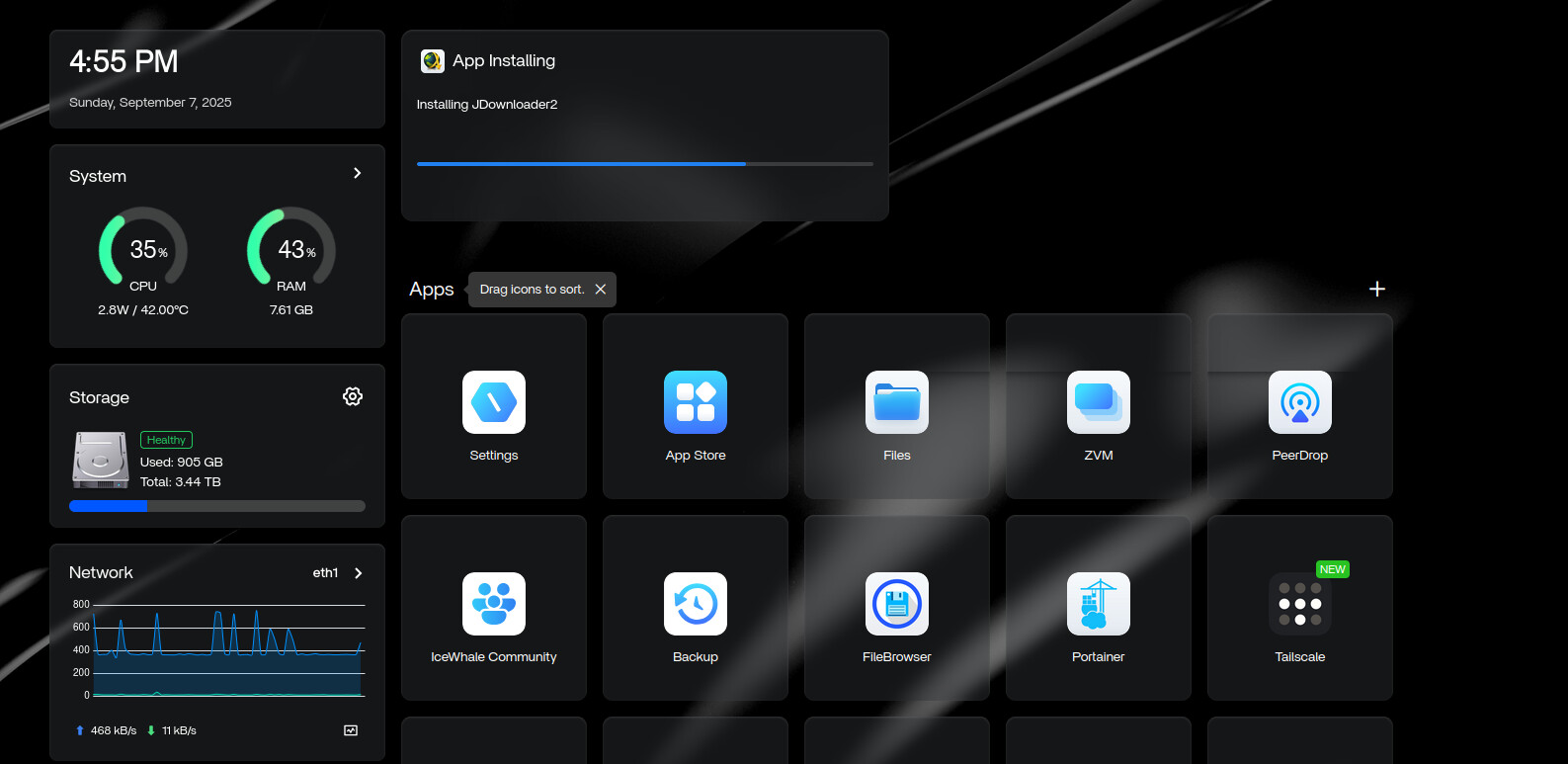
A Fast Speed Test Does Not Prove Docker Registry Downloads Are Fast
A web speed test hits a nearby test server. Docker image installation may contact DNS resolvers, registry endpoints, authentication services and CDN hosts in different regions.
Normal browsing or a fast local speed test can coexist with slow container-image pulls.
DNS Was a Reasonable Hypothesis but Not Source-Proven
The user had AdGuard Home, Quad9 and Nginx in the environment. Giorgio suggested disabling DNS-related apps and trying public DNS such as 1.1.1.1 or 8.8.8.8.
The first controlled test—disable DNS-related apps and switch to 8.8.8.8—did not fix the slow install. Therefore do not write “AdGuard caused it” or “Google DNS fixes it.”
Compare docker pull on Another Machine
IceWhale's next diagnostic question was especially useful: run a Docker pull for the same image on another machine connected to the same network.
If both devices are slow, investigate ISP/registry/CDN/DNS routing. If only ZimaOS is slow, focus on its Docker/network/system state.
Check Storage Space and Write Performance Too
Image installation also writes and extracts layers. A nearly full system disk, slow failing storage, or heavy concurrent I/O can make an install appear network-limited even when the download itself is healthy.
Current ZimaOS lets users move Docker images/AppData to larger storage and inspect app-storage usage.
The Source Recovery Changed More Than DNS
The final successful state included:
- ZimaOS updated to
1.4.4.4-1; - DNS changed to
1.1.1.1; - the server restarted.
That makes the result real but the root cause unresolved.
Current ZimaOS Is Far Newer Than 1.4.4
ZimaOS 1.7 introduced App Store 2.0 and later releases improved Docker startup, network configuration, YAML compatibility and app migration. Reproduce current slow-pull symptoms on the current stable release before applying 2025 workarounds.
Use the current ZimaOS 1.7.1 baseline.
Slow App Installation FAQ
Did the source prove the Internet connection was slow?
No. The server's normal speed tests were far faster than the App Store's KB/s image pulls.
Did switching to 8.8.8.8 fix it?
No. The user explicitly said the problem remained after that test.
What finally coincided with recovery?
An update to 1.4.4.4-1, DNS change to 1.1.1.1 and reboot; the source cannot isolate which change was decisive.


